

- Posts: 261
- Thank you received: 0
Open user_tab with external IO?
10 years 4 months ago #76247
by terkaa
Open user_tab with external IO? was created by terkaa
Hi,
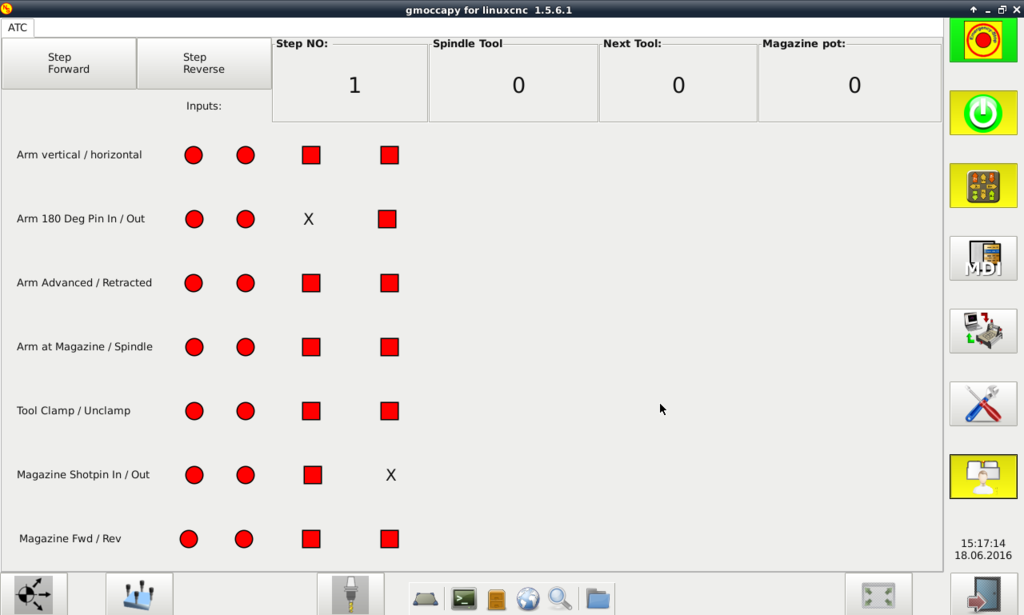
I have been building user interface for arm type atc. Is it possibly to activate usertab_0 with input on mesa io card?
Tero
I have been building user interface for arm type atc. Is it possibly to activate usertab_0 with input on mesa io card?

Tero
Please Log in to join the conversation.

10 years 4 months ago #76250
by newbynobi
Replied by newbynobi on topic Open user_tab with external IO?
Hallo Tero,
at the development state it is not possible to add a hal pin to the user tab, but...
This is gmoccapy so there is at least a work around
All buttons can be reached with the hal pins:
so a command like
will open the user tab.
to close that tab again using the hal pin, just use the same commands again.
You may ask, why use the command twice, first setting the pin true than false?
That is because the gui is designed to be used with momentary switches arround the display. So if you want to use a hardware switch, just connect the IO like:
Norbert
at the development state it is not possible to add a hal pin to the user tab, but...
This is gmoccapy so there is at least a work around
All buttons can be reached with the hal pins:
Code:
# vertical button
gmoccapy.v-button-0
gmoccapy.v-button-1
gmoccapy.v-button-2
...
gmoccapy.v-button-6
# horizontal button
gmoccapy.h-button-0
gmoccapy.h-button-1
gmoccapy.h-button-2
...
gmoccapy.h-button-9
so a command like
Code:
setp gmoccapy.v-button-6 1
setp gmoccapy.v-button-6 0
to close that tab again using the hal pin, just use the same commands again.
You may ask, why use the command twice, first setting the pin true than false?
That is because the gui is designed to be used with momentary switches arround the display. So if you want to use a hardware switch, just connect the IO like:
Code:
net V-Buuton_6 gmoccapy.v-button-6 <= MESA-CARD-IO_Of_The_Momentary_Switch
Norbert
Please Log in to join the conversation.
Time to create page: 0.074 seconds