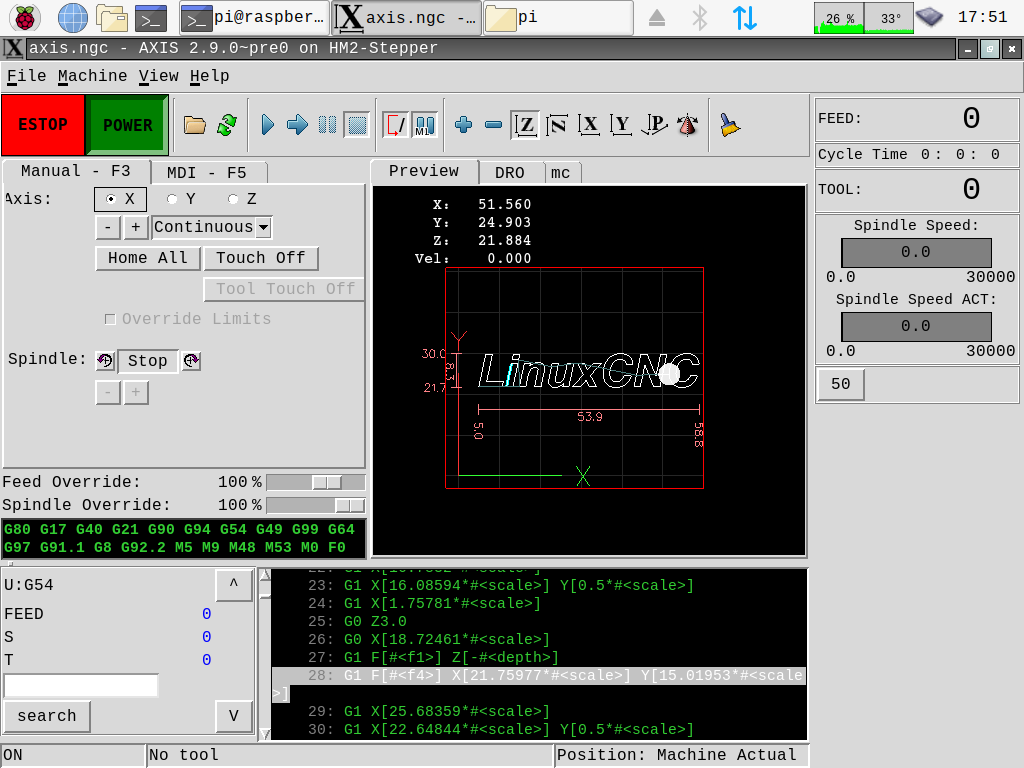
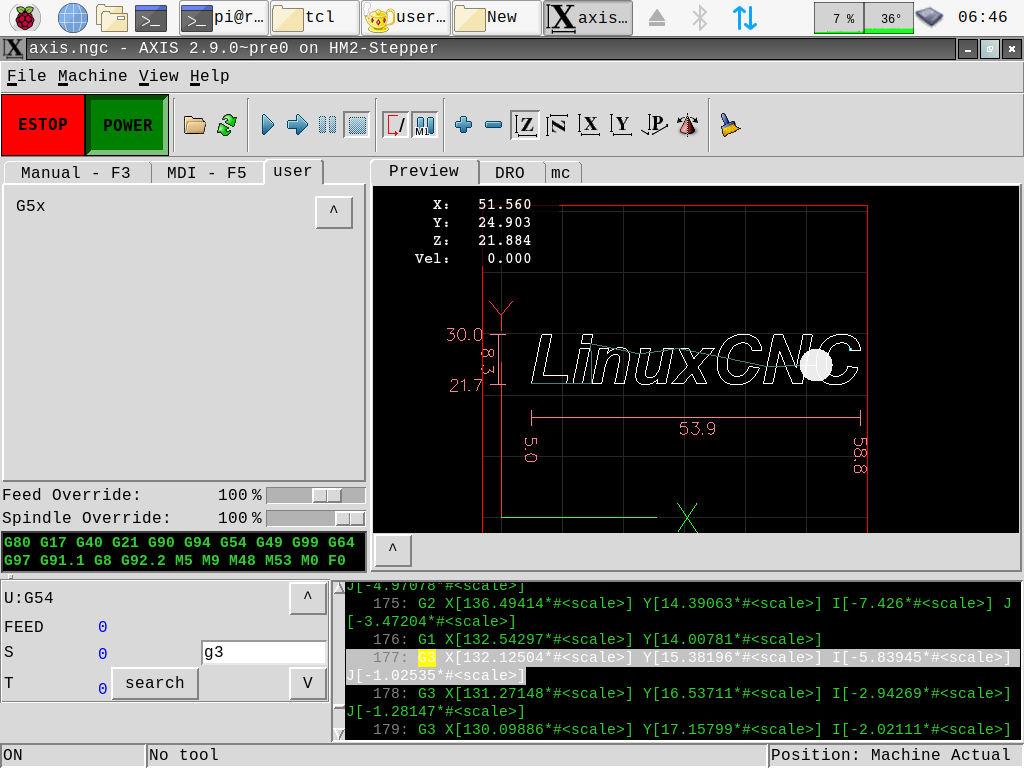
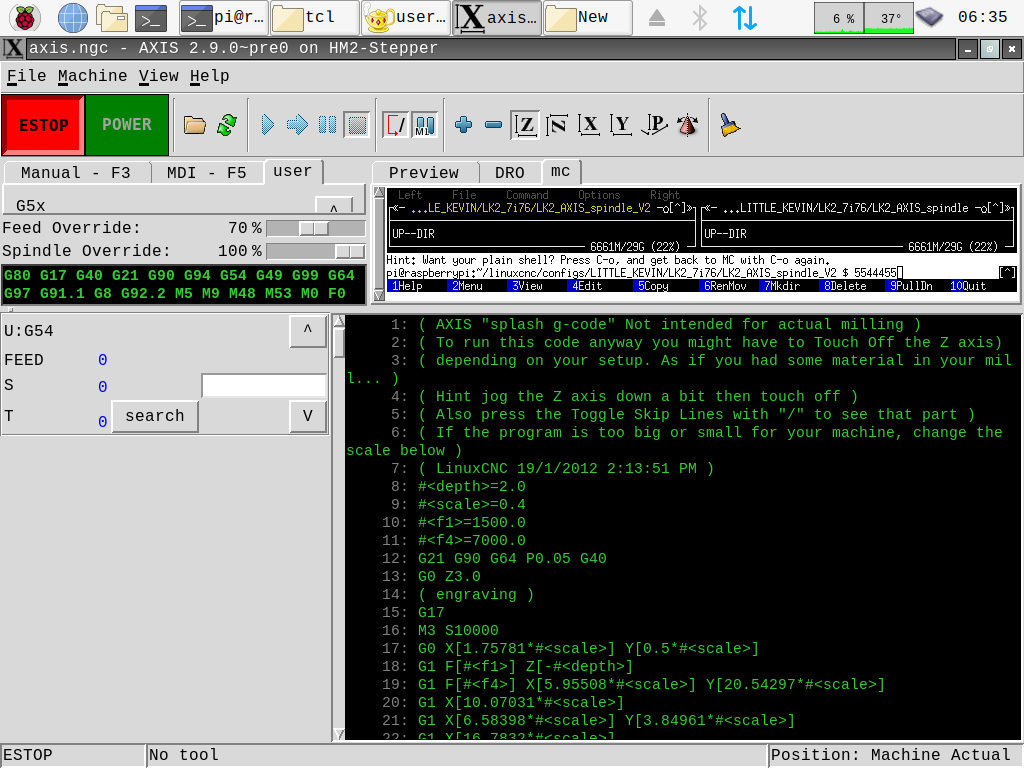
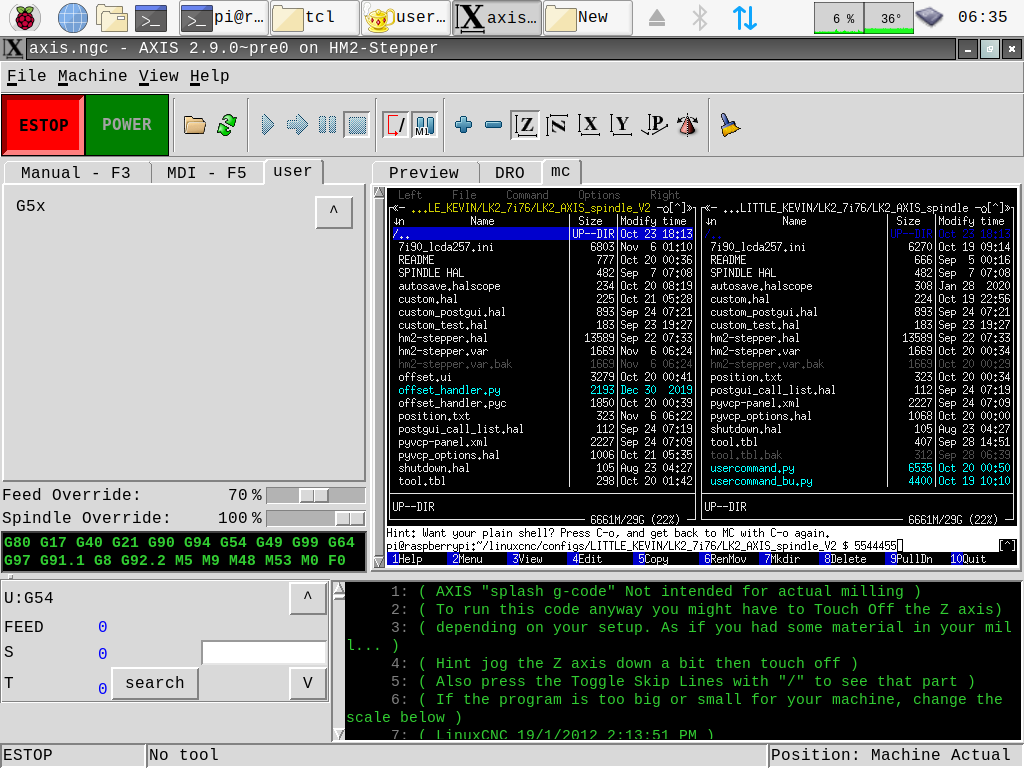
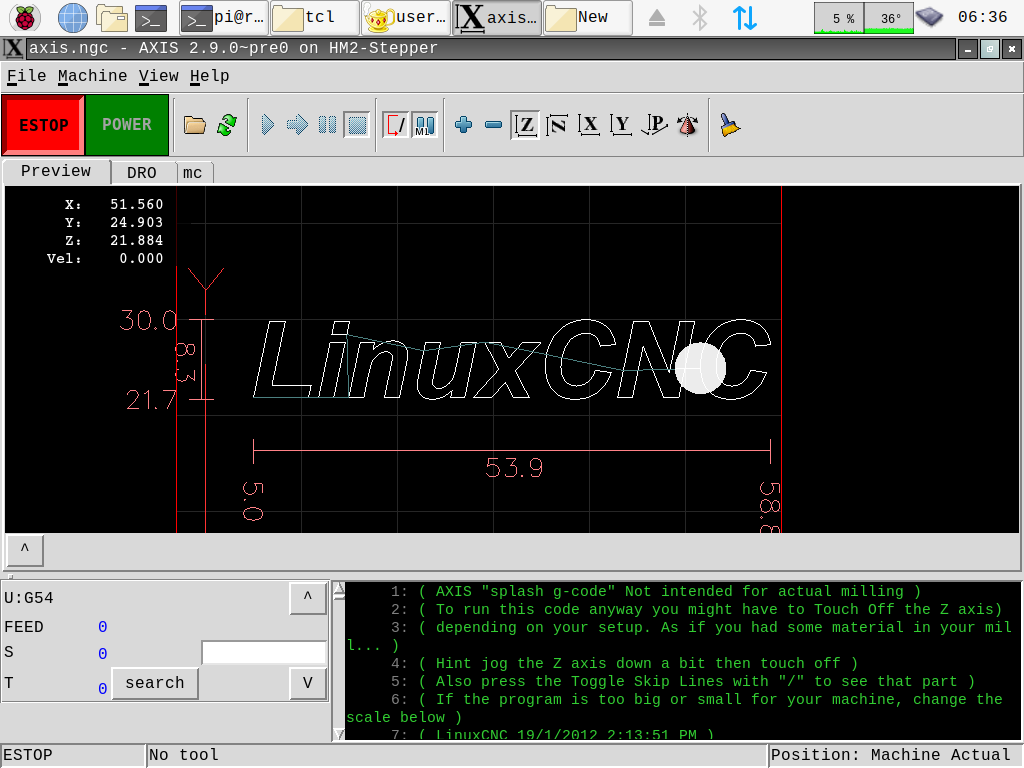
The way the fanuc controller scrolls/searches through gcode and runs from line is something to be desired in linuxcnc, you can use the arrows to go up or down in the gcode, or use the arrows and search bar to to just forward and backwards to the next instance of a gcode, like scrolling through, looking for all the m6 commands. I use this feature every work day on the fanuc, so I though I would try to implement it. I almost have it, but im a bit stuck again, and need some guidance.
Code:
##### search function #########
def select_g3(event):
# remove tag 'found' from index 1 to END
t.tag_remove('found', '1.0', END)
# returns to widget currently in focus
s = "3"
if (s):
idx = '1.0'
while 1:
# searches for desried string from index 1
idx = t.search(s, idx, nocase = 1,
forwards = 1,
stopindex = END)
if not idx: break
# last index sum of current index and
# length of text
lastidx = '% s+% dc' % (idx, len(s))
# overwrite 'Found' at idx
t.tag_add('found', idx, lastidx)
idx = lastidx
t.see(idx)
# mark located string as red
t.tag_config('found', foreground ='red')
###### gcode scroll ######
root_window.bind('<Key-1>', select_next)
root_window.bind('<Key-2>', select_prev)
root_window.bind('<Key-3>', rClicker)
root_window.bind('<Key-4>', select_g3)
here is the farthest ive got with the search function. there is no entry widget, im just using key4 to search the file for "3". it works, but it finds them all at once and jumps to the very last found line, instead of one at a time. since that was as far as i could get function wise, i started packing widgets for the other part of it
Code:
####### add search_bar #########
## add search entry widget ###
W('entry','.pane.bottom.common.srch_bar','-width','15')
W('button','.pane.bottom.common.srch_btn','-text','search')
W('button','.pane.bottom.common.scrl_up','-text','^','-command','select_next')
W('button','.pane.bottom.common.scrl_dwn','-text','V','-command','select_prev')
#W('button','.pane.bottom.common.srch_btn','-text','search','-command','search_gcode')
W('grid','.pane.bottom.common.srch_bar','-column','0','-row','4','-sticky','nw')
W('grid','.pane.bottom.common.scrl_up','-column','3','-row','0','-sticky','ne')
W('grid','.pane.bottom.common.srch_btn','-column','0','-row','5','-sticky','nw')
W('grid','.pane.bottom.common.scrl_dwn','-column','3','-row','5','-sticky','ne')
##### search function #########
search = 'Entry','.pane.bottom.common.srch_bar'
def search_gcode(event):
# remove tag 'found' from index 1 to END
t.tag_remove('found', '1.0', END)
# returns to widget currently in focus
s = search.get()
if (s):
idx = '1.0'
while 1:
# searches for desried string from index 1
idx = t.search(s, idx, nocase = 1,
stopindex = END)
if not idx: break
# last index sum of current index and
# length of text
lastidx = '% s+% dc' % (idx, len(s))
# overwrite 'Found' at idx
t.tag_add('found', idx, lastidx)
idx = lastidx
t.see(idx)
# mark located string as red
t.tag_config('found', foreground ='red')
###### gcode scroll ######
root_window.bind('<Key-1>', select_next)
root_window.bind('<Key-2>', select_prev)
root_window.bind('<Key-3>', rClicker)
#root_window.bind('<Key-4>', select_g3)
W('.pane.bottom.common.srch_btn','configure','-command','search_gcode')
TclCommands.search_gcode = search_gcode
commands = TclCommands(root_window)
#### end search stuff #########
This file is usercommand_search, it has all the layout. But once i added the entry widget I started getting a bunch of errors with the search feature, like tuple and now it says Im not presenting an argument. Im a bit stuck here. Im also having a hard time binding these to buttons. binding them to keyboard commands works fine and easy but to do buttons it made a whole thing of it being events and such. the whole thing is pretty crude, but the main functions and widgets are all there.
so, what Im trying to get it to do in the very end
-put something in search
-search arrow next button jumps/highlights the closest line with that expression
-search arrow prev jumps backwards to the closest line
-hijack the run command to do something similar to fanuc, like, if not line 1 push button again to run from line
the tkinter text widget has a log of unused features. it looks like it has the ability to edit as well, here is my progress so far