How do I correlate the movement in the simulation with a specific line of gcode? In other words, if I identify a problem through your program, how do I find that line?
I got it to "think" in inches by adding G30....It does seem to fight every step by defaulting back to mm. I don't think adding a G30 should be considered the long term fix. Only a workaround. By selecting inches in the program, it should always start assuming everything is in inches. IE, selecting "inches" in OpenSCAM should be the equivalent of issuing a G30. Not all post processors add in a G30. Mine doesn't. LinuxCNC already knows my mills operate in inches, so the G30 is redundant.
A user interface suggestion: change the color of the playback, speed, and direction buttons. They are light gray on a background of darker gray. I can barely see them.
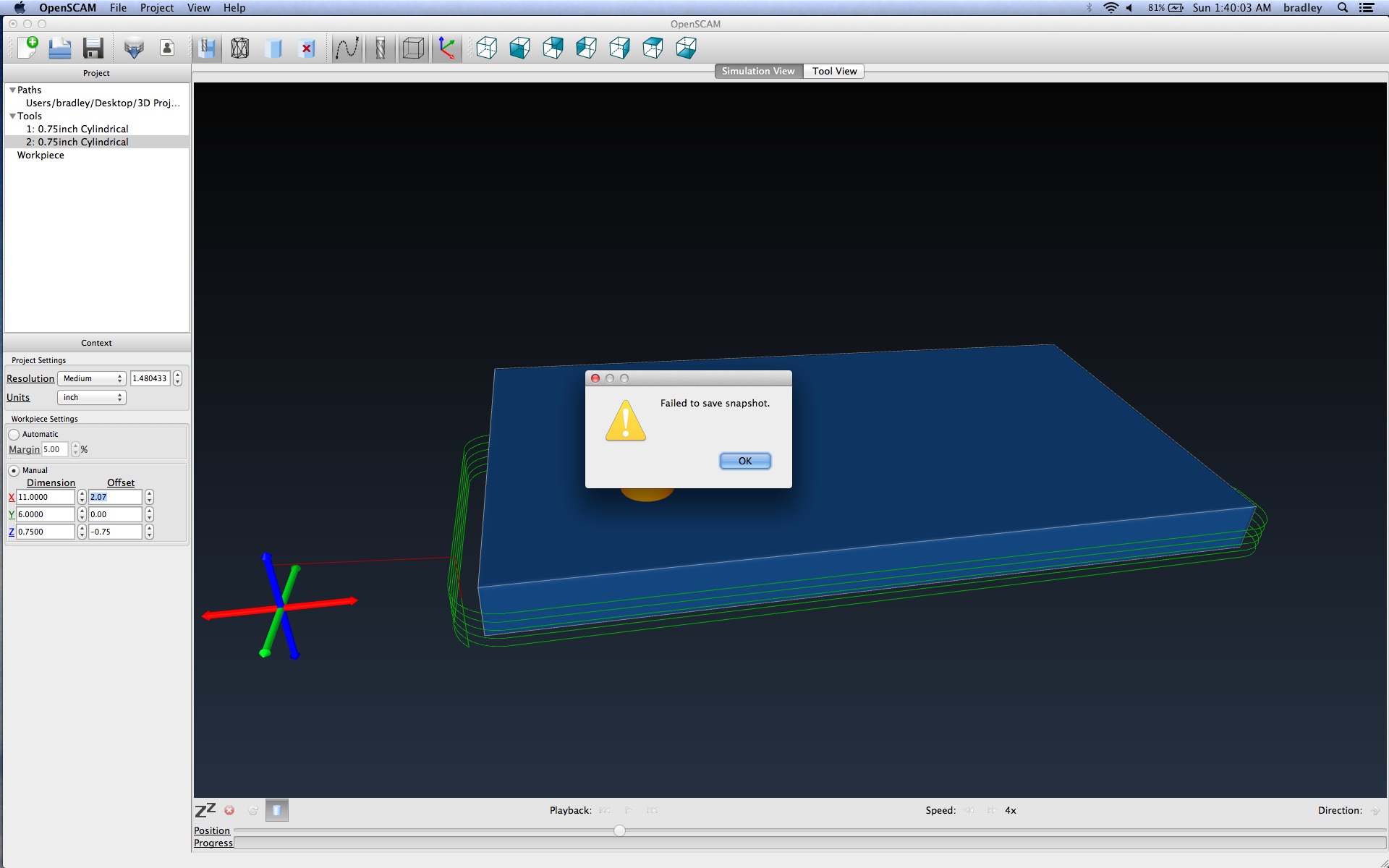
Things to note: the built in snapshot isn't working on OS X. The simulation doesn't actually cut through the material...The tool just goes through it like a ghost. I've attached a screen shot.
I'm glad to see an OS X version and I look forward to how it progresses. It looks promising.