Mecanumeric MF2040 LI retrofit (Pantograph)

More
1 year 5 months ago #329402 by jackj120
Yes, that could definitely be the case. It's a very old machine—27 years old—but I decided I want to give her a new life. The structure is really solid, plus it has vacuum and lubrication for aluminum, which is great.
So, I want to do this retrofit, and I think the setup I posted here should get the job done. The only thing I have to do is adapt the old motor frames (they have a small gearbox), because the old motor is 89x89mm and the Leadshine is 80x80mm. I hope it won’t be too difficult.
Once the machine is up and running and I’ve done some work with it, I can swap the spindle and install an automatic tool changer. That would be so cool!

Do you have any general advice? Does the setup look good to you guys?
By the way, I’ve installed the LinuxCNC ISO on an old PC with an Intel i5. Now I’m just waiting to buy the Mesa board and start configuring everything.

Please Log in or Create an account to join the conversation.

More
1 year 5 months ago #329407 by tommylight

Please Log in or Create an account to join the conversation.

More
1 year 4 months ago #330177 by jackj120
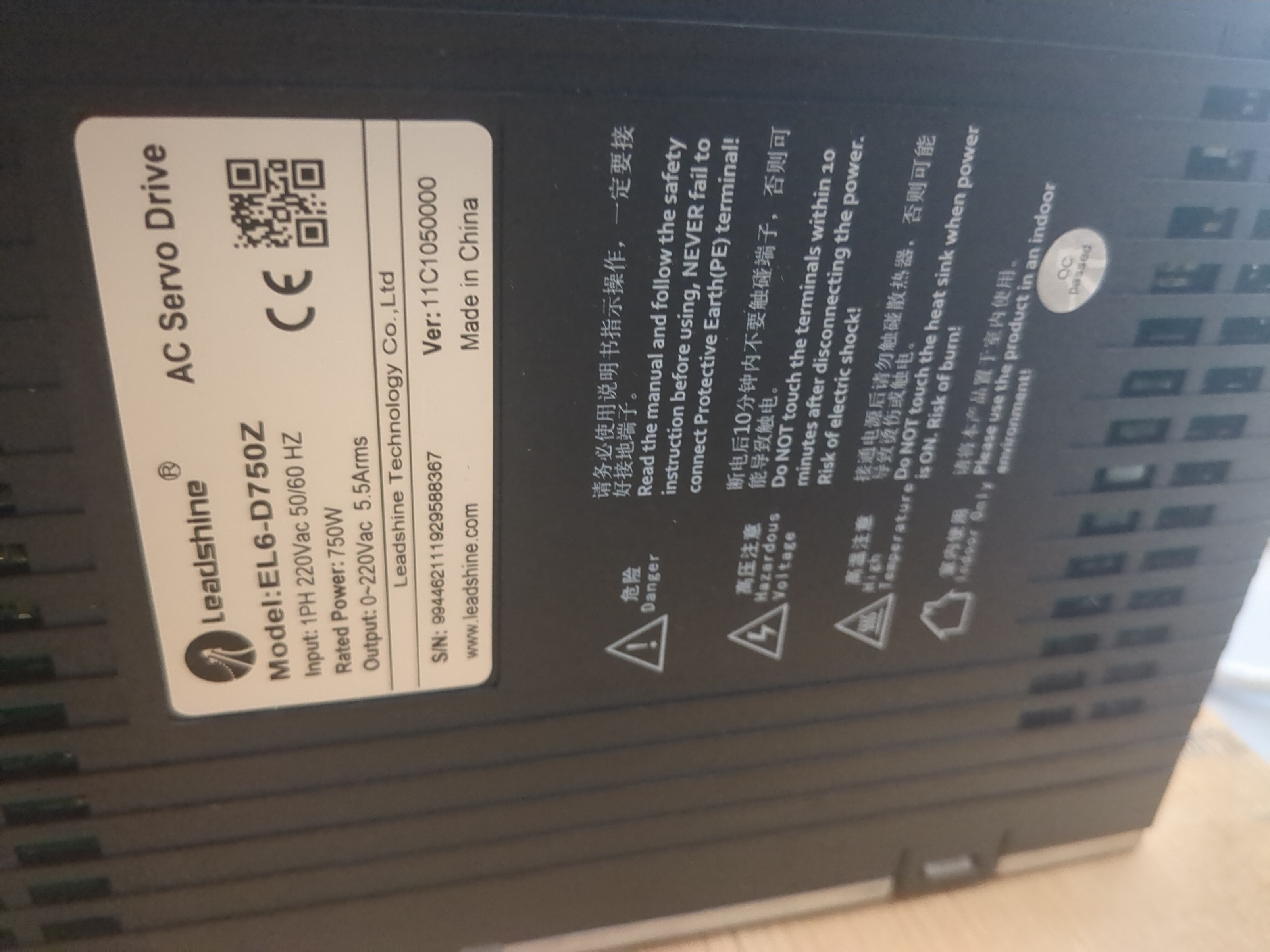
 So, just arrived the order for my retrofit .  I bought Mesa 7i76EU (i've done the configuration of Linuxcnc in a hold pc), than  Leadshine ELM1  , 3 of them 750w and one small 400w  and the drivers  EL6 for all the motors with different power supply. Im bit struggling because i can't connect the Motion Studio software to my driver for some tests idk if its the cable or other. I need to do a bit of wiring, and discover where to plug the brake of the motors , becausa i mounted all but i don't understand if i have to wire it with a another circuit with relays and a powersupply or if i can control it from the driver , didn't discovered it yet i need to check the schematics a few more times. If someone has any advices , or any experience with Leadshine motors and driver it's appreciated.
 

Please Log in or Create an account to join the conversation.
More
1 year 4 months ago #330213 by jackj120
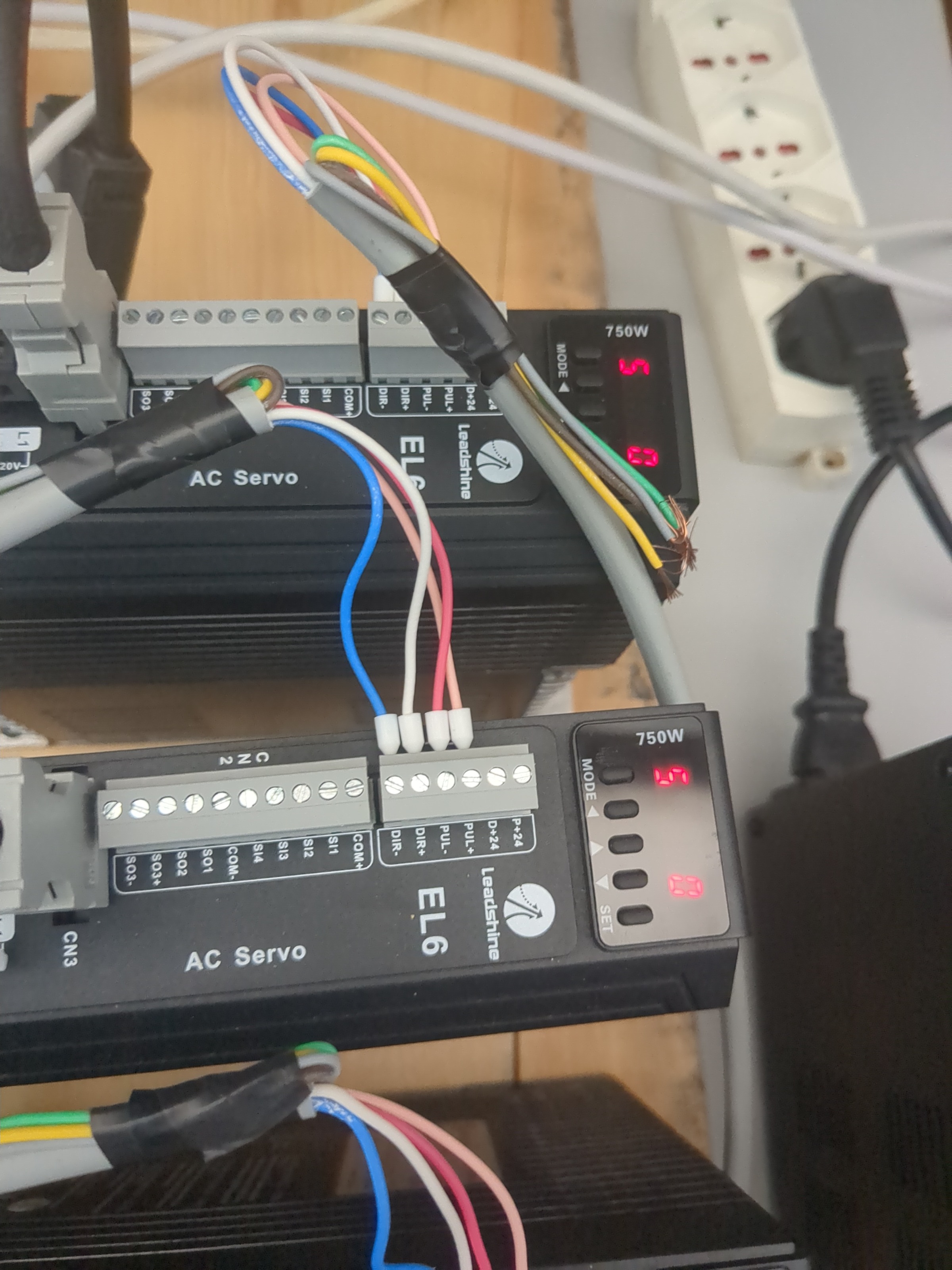
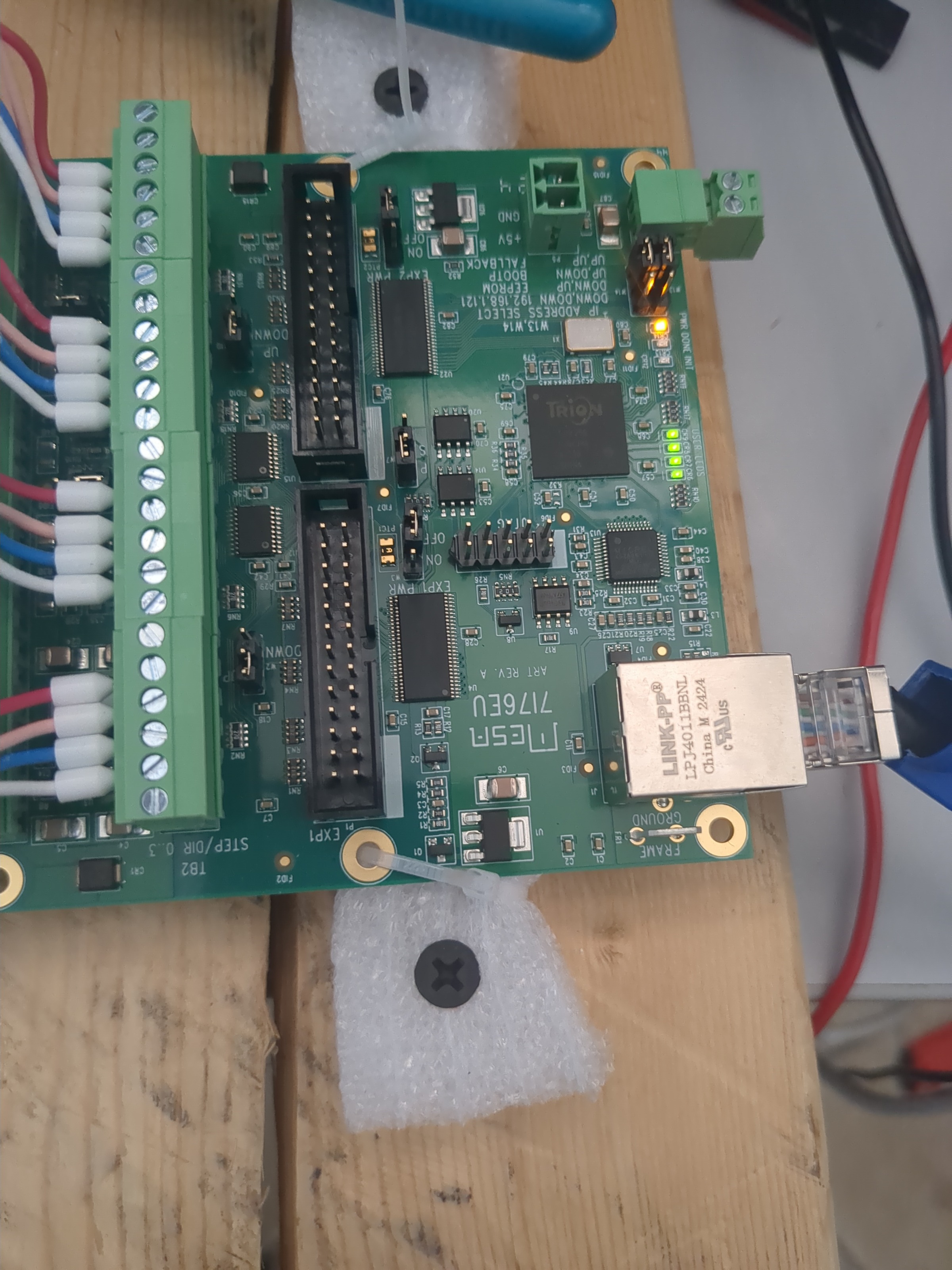
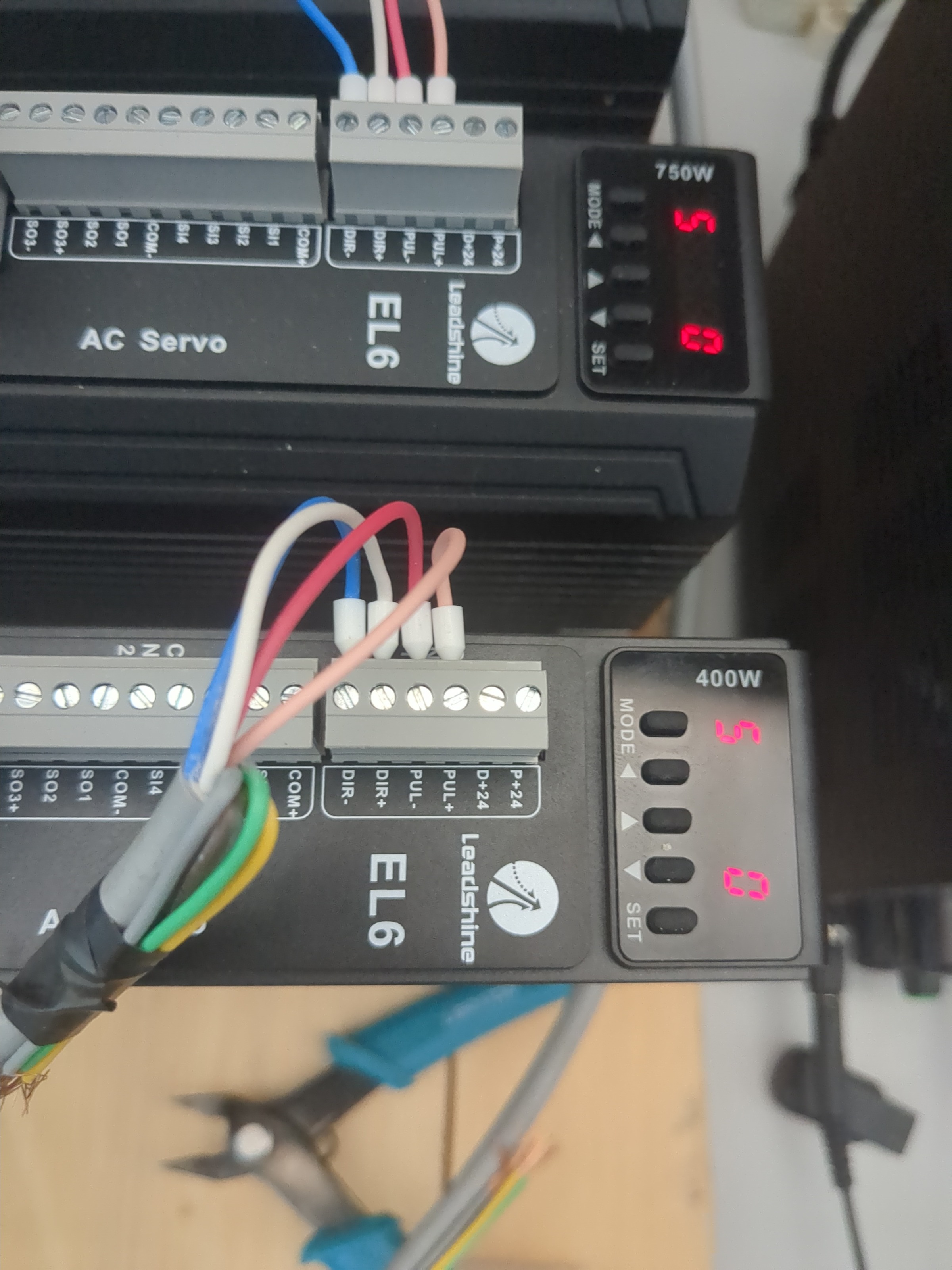
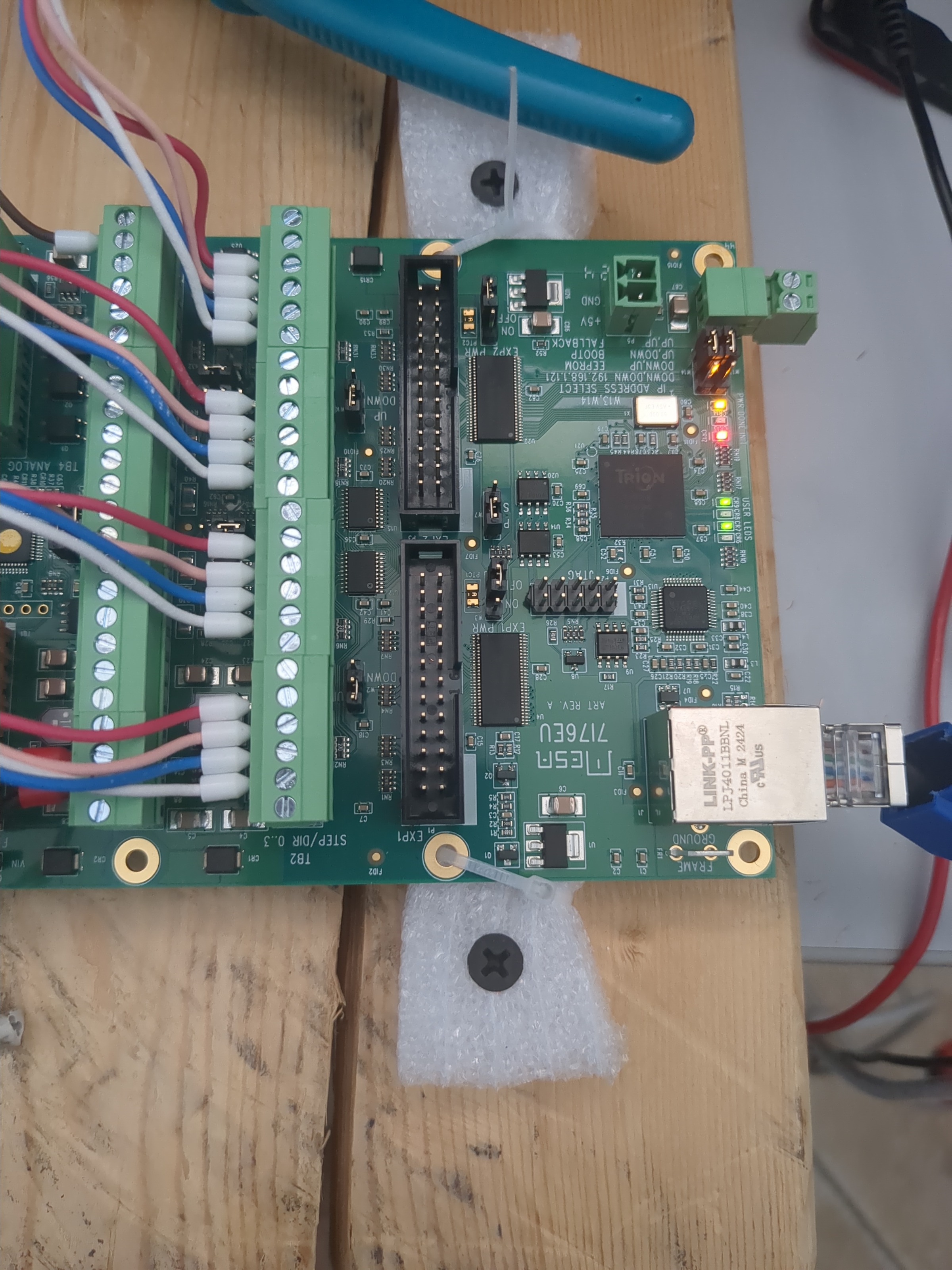
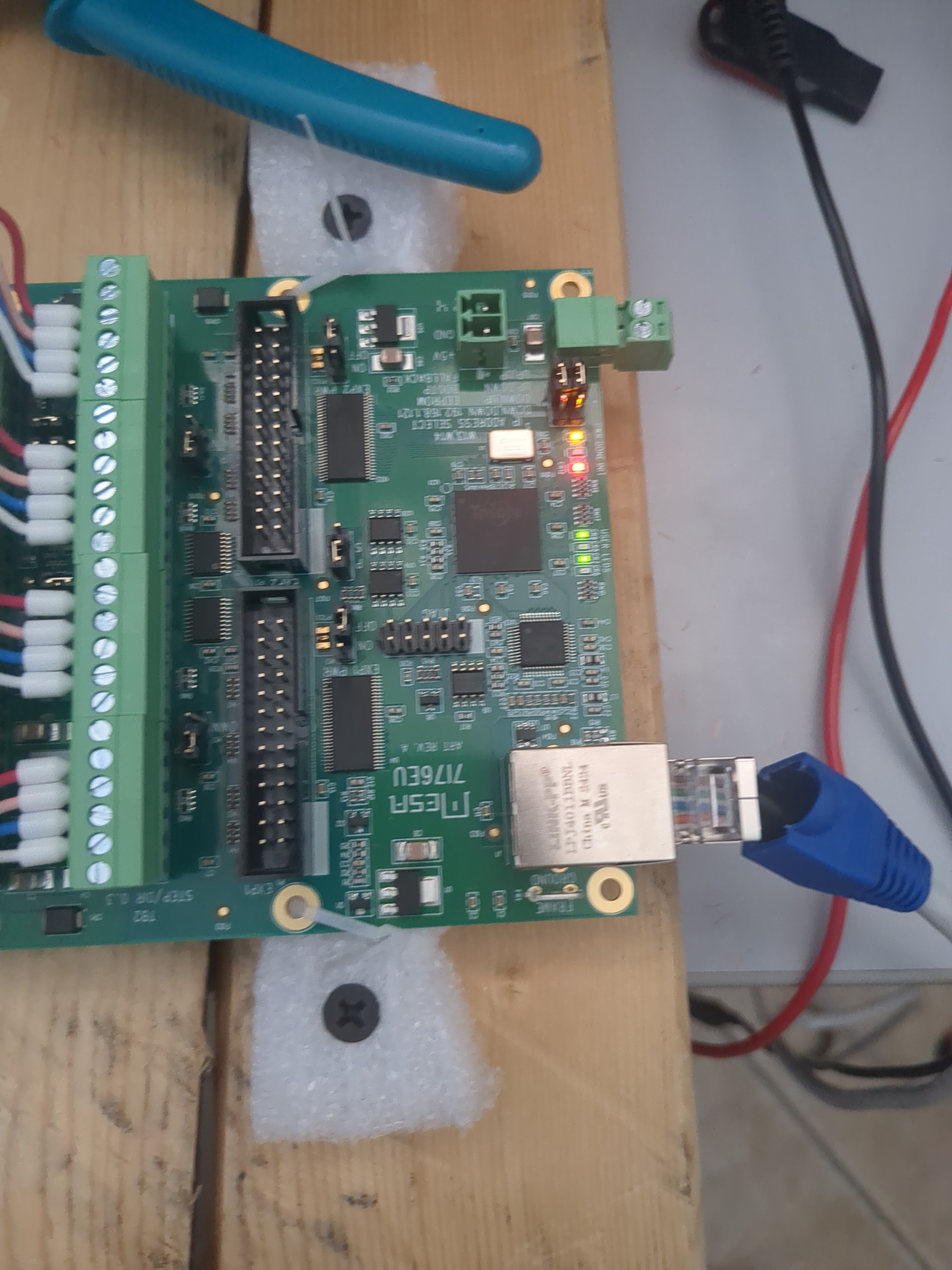
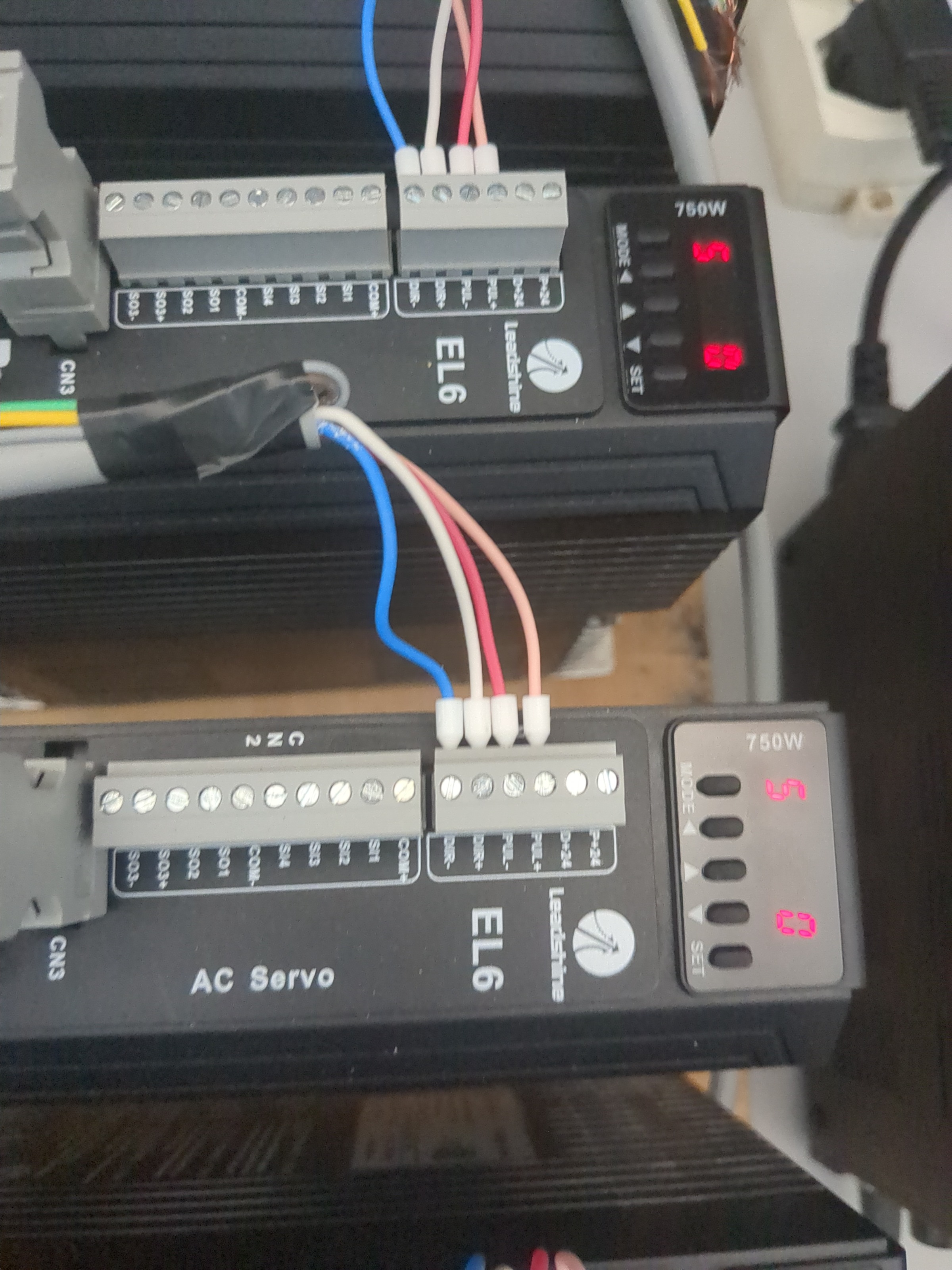
I wired all the the motors, but i can't move with linuxcnc and the mesa board , i've done the basic configuration and followed the this post  because the configurator couldn't find the mesa but after following the instruction the mesa is recognised. My issue now is that i can't command the motors from mesa and motion control of leadshine can't find the driver(i've contacted the even  the techsupport of leadshine , and no solution finded). For the wiring i followed this  and the official pdf. The wiring should be good, i don't think i've done something wrong . A the moment i've some doubts if linuxcnc can communicate with the mesa, but if i unplug the ethernet cable in linuxcnc it's reported an error so i think they are talking. I share the photo's of my wiring. 
Has anyone experienced a similar problem? Is there a way to further test the Mesa board’s output, or any diagnostics I can run in LinuxCNC? Any advice would be greatly appreciated!

Please Log in or Create an account to join the conversation.
More
1 year 4 months ago #330214 by tommylight
Try wiring both - together and to the - on the Mesa side, leave drives as is.

Please Log in or Create an account to join the conversation.
More
1 year 4 months ago - 1 year 4 months ago #330221 by PCW
Also are the drives enabled?

Typically servo drives would have an enable input that must be connected to operate
(with default setup parameters)

Note that if LinuxCNC cannot communicate with the 7I76EU, LinuxCNC will not start.
Last edit: 1 year 4 months ago by PCW.

Please Log in or Create an account to join the conversation.
Time to create page: 0.087 seconds
Powered by Kunena Forum