Arduino based USB Pendant for Linuxcnc

More
10 years 1 month ago #80972 by Tchefter

The 'pins' you are linking do not exist, the MDI commands are already being activated by specific setp inside serialcon.

Thats what i have tried, but no Response in LinuxCNC, only my Text on the LCD changes.

For my Understanding:

The Key i press sends the Arduino ie. "1" to serialcon2
serialcon2 sends i.e. MDI-Command-01 with 1 to postgui.hal
postguihal. Looks what "01" is and fire up the Command that stands in the [Halui] Section...

Is that correct on the whole?

Please Log in or Create an account to join the conversation.
More
10 years 1 month ago #80975 by ArcEye

The Key i press sends the Arduino ie. "1" to serialcon2


Correct

serialcon2 sends i.e. MDI-Command-01 with 1 to postgui.hal


Wrong, postgui.hal is just a file that is processed after the GUI is built, because pyvcp pins will not have been created
until then.

serialcon executes the command which changes the state of a halui pin

postguihal. Looks what "01" is and fire up the Command that stands in the [Halui] Section...


halui looks up the MDI command which relates to the number and executes that.
The following user(s) said Thank You: Tchefter

Please Log in or Create an account to join the conversation.
More
9 years 8 months ago #87869 by anda
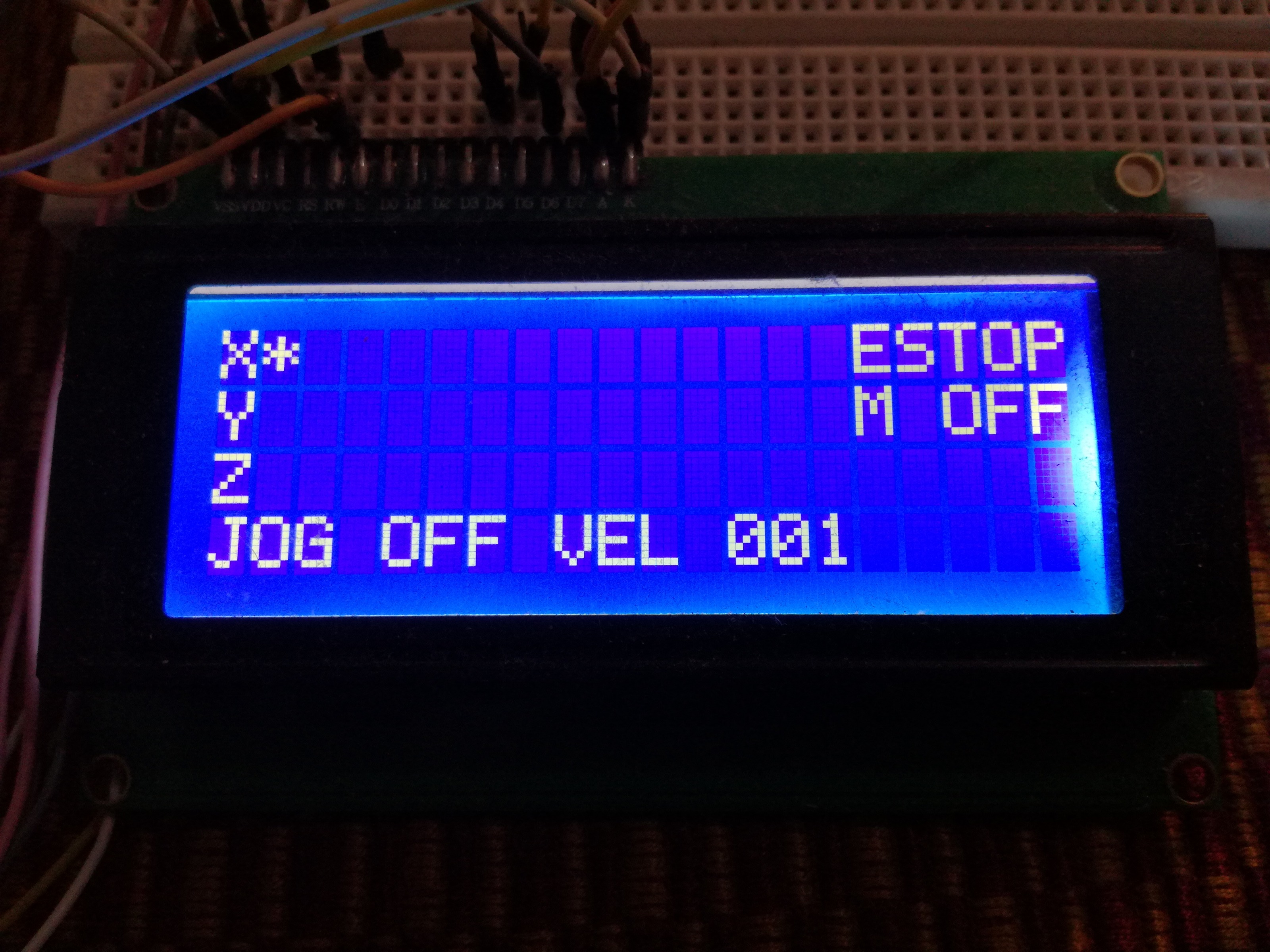
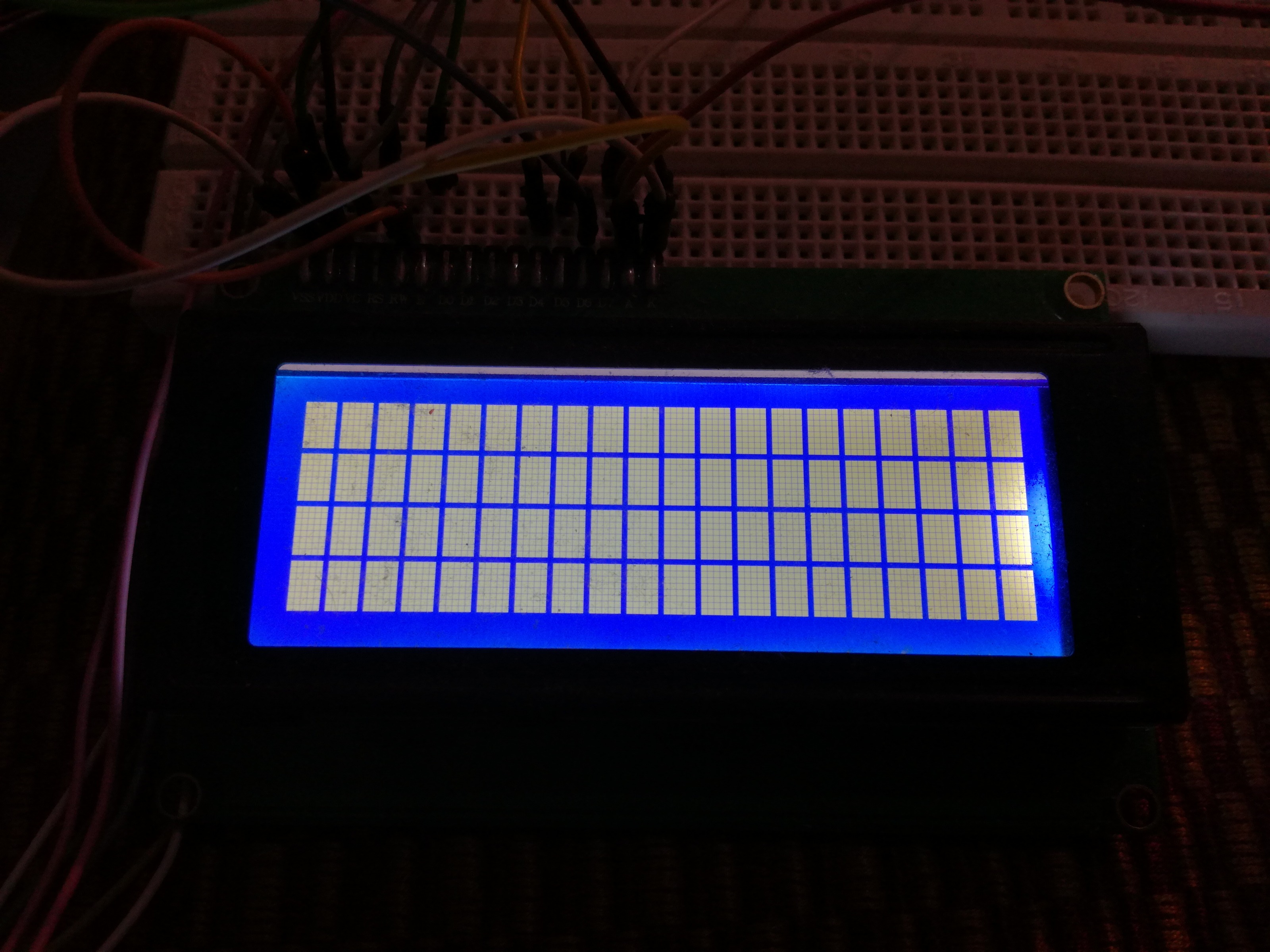
Hello, I am new to Linuxcnc, and i need some help. I tried to make the arduino pendant but I have a problem. You can see in picture 1(Linuxcnc is not started)

and in picture 2( that's what appear on the lcd when I start linuxcnc). I think it's a connection problem. Any advice? Thank you

Arduino pendant when I start linuxcnc

Please Log in or Create an account to join the conversation.

More
9 years 8 months ago #87875 by ArcEye
Without a lot more information I can only guess.

At the most basic level, make sure that the #define DEVICE= definition in serialcon2.comp is correct for your board, it needs to be whatever port you used to upload the arduino script arduinopendant.ino

Failing that, you need to attach all your config files (ini and hal), run with DEBUG=7 in your ini file and attach the debug output from stderr and linuxcnc.log

Please Log in or Create an account to join the conversation.

More
9 years 8 months ago #87916 by ArcEye

Hello Mr ArcEye. I tried a fresh install for arduino pendant, and I got: " Pin 'halui.axis.0-pos-relative' does not exist" .

In custom_postgui.hal I have to put only
"loadusr -W serialcon2
net Xposition halui.axis.0.pos-relative serialcon2.xposition
net Yposition halui.axis.1.pos-relative serialcon2.yposition
net Zposition halui.axis.2.pos-relative serialcon2.zposition" ? Thank you


Please don't send me personal emails, I am not going to answer them

halui.axis.0-pos-relative is a valid pin, but without your config files I am not going to guess whether you have even enabled HALUI
www.linuxcnc.org/docs/devel/html/gui/halui.html

Please Log in or Create an account to join the conversation.

More
9 years 8 months ago #88005 by anda
Hello. I'm sorry for the personal email. Here are the config files

File Attachment:

File Name: anda.hal
File Size:3.83 KB

File Attachment:

File Name: anda.ini
File Size:1.94 KB

File Attachment:

File Name: custom_postgui.hal
File Size:358 B

File Attachment:

File Name: custom.hal
File Size:103 B

File Attachment:

File Name: custompanel.xml
File Size:176 B

Please Log in or Create an account to join the conversation.

Time to create page: 0.119 seconds
Powered by Kunena Forum
