
Tool Lengths Offsets and Touch off
- NT4Boy
- Offline
- Premium Member
-

Less
More
- Posts: 147
- Thank you received: 13
12 Jan 2026 17:40 - 12 Jan 2026 17:46 #341317
by NT4Boy
Tool Lengths Offsets and Touch off was created by NT4Boy
Getting myself in a mess wrt to a machining job on a three axis mill and three tools that get manually changed.
Spindle has a quick change system that accepts ISO type holders. Each tool has its own backend.
I have been setting the three tools by calling T1M06, T2M06 etc in the MDI, putting the appropiate tool into the spindle and then touching it down on a setting gauge, until it registers zero, clicking the Tool touch off button. Repeat for the other two tools after calling for the tool change.
Then I take one of these tools, and use the Z touch off button to touch off onto the work piece datum.
Can then check the tools individually, by changing to the tool, running G43 in the MDI, and Issuing G0 Z0.
The Z figure in the DRO, is zero and the tool is at the workpiece daum height. So far so understandable.
At this point things get a bit shakey if say I want to pull T1 tool out of its holder another 10mm because I've not allowed enough clearance between the collet nut and the workpiece.
If I adjust the tool, and put it back over the setting gauge, which is at the same fixed point on the machine it was at the start, and re tool touch it off and call G43, the z height reading on the DRO is zero again, but the actual z position wrt to the workpiece is around 12mm off from being where I expected it to be.
I think I am missing a bit of the puzzle somewhere, as I cannot see mistake I am making.
Thanks
Spindle has a quick change system that accepts ISO type holders. Each tool has its own backend.
I have been setting the three tools by calling T1M06, T2M06 etc in the MDI, putting the appropiate tool into the spindle and then touching it down on a setting gauge, until it registers zero, clicking the Tool touch off button. Repeat for the other two tools after calling for the tool change.
Then I take one of these tools, and use the Z touch off button to touch off onto the work piece datum.
Can then check the tools individually, by changing to the tool, running G43 in the MDI, and Issuing G0 Z0.
The Z figure in the DRO, is zero and the tool is at the workpiece daum height. So far so understandable.
At this point things get a bit shakey if say I want to pull T1 tool out of its holder another 10mm because I've not allowed enough clearance between the collet nut and the workpiece.
If I adjust the tool, and put it back over the setting gauge, which is at the same fixed point on the machine it was at the start, and re tool touch it off and call G43, the z height reading on the DRO is zero again, but the actual z position wrt to the workpiece is around 12mm off from being where I expected it to be.
I think I am missing a bit of the puzzle somewhere, as I cannot see mistake I am making.
Thanks
Last edit: 12 Jan 2026 17:46 by NT4Boy.
Please Log in or Create an account to join the conversation.
- djdelorie
- Offline
- Premium Member
-
Less
More
- Posts: 86
- Thank you received: 17
13 Jan 2026 04:38 #341337
by djdelorie
Replied by djdelorie on topic Tool Lengths Offsets and Touch off
I don't know if this is needed or not (my M6 macro does it for me) but are you calling G43 after each tool change where you don't touch off, to load that tool's offsets?
Please Log in or Create an account to join the conversation.
- MaHa
- Offline
- Platinum Member
-

Less
More
- Posts: 540
- Thank you received: 240
13 Jan 2026 19:55 #341352
by MaHa
Replied by MaHa on topic Tool Lengths Offsets and Touch off
When touch off tool to workpiece in axis, the z-value is related to the current active coordinatesystem. If you touch off tool again, after modify z-offset, make shure g49 tollength is canceled, touch off as usual and dial in the displayed z-value from dro. Thats what i would try carefully
Please Log in or Create an account to join the conversation.
- NT4Boy
- Offline
- Premium Member
-
Less
More
- Posts: 147
- Thank you received: 13
13 Jan 2026 23:01 - 13 Jan 2026 23:03 #341355
by NT4Boy
Replied by NT4Boy on topic Tool Lengths Offsets and Touch off
I understand what is happening here now. When I set all the tools together, using a depth gauge on the machine table the tool table is filled out with a set of z heights. When I then touch of one tool to the work piece, I get the desired effect of a set of tools all set to the work piece and if nothing needs changing, all is well. The piece can be machined
However when the workpiece is touched off in fact the tool table is shifted by what ever the difference in height is between the work piece datum and the depth gauge, and if just one tool needs adjusting, you need to know what this difference is. I didn’t.
So to set the tools and also know what this offset is in case of breakage etc, I think this can be achieved by taking one tool, touching off the z axis to the workpiece datum, then moving this same tool to the tool depth gauge and recording the z offset to trigger it. Then when triggered touch the tool off and enter the recorded offset, which is the z offset of the workpiece datum. Then change to the next tool using MDI TX M6 and again move the tool on to the depth gauge and when triggered, touch that tool off, entering this same z offset just recorded before and again with all the tools.
Should you then need to make a tool adjustment or change this can be done by touching off on the same gauge on the machine table, entering our established z offset from the gauge to the work piece datum.
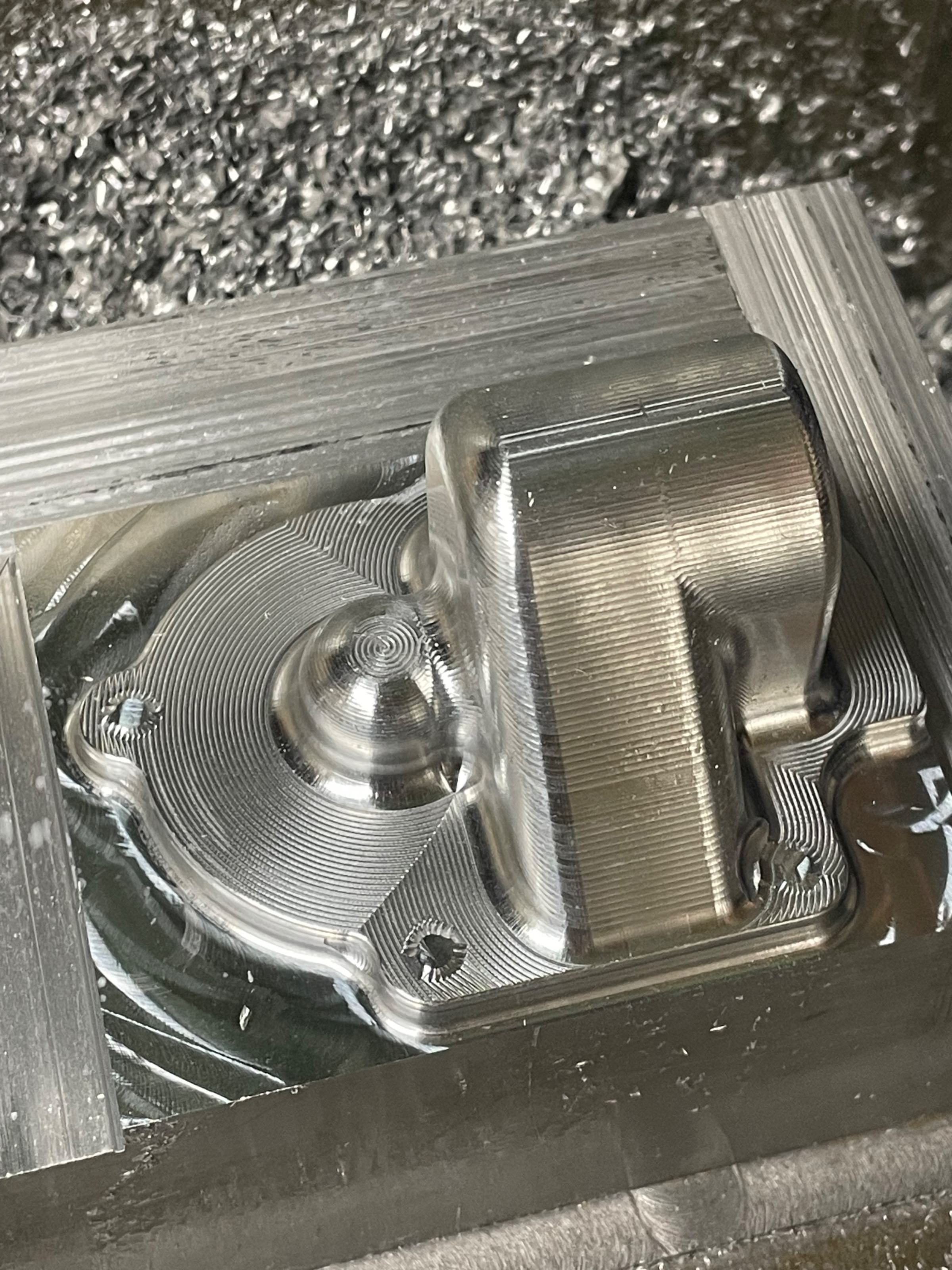
must work as just made this on my Hurco KMB-I
However when the workpiece is touched off in fact the tool table is shifted by what ever the difference in height is between the work piece datum and the depth gauge, and if just one tool needs adjusting, you need to know what this difference is. I didn’t.
So to set the tools and also know what this offset is in case of breakage etc, I think this can be achieved by taking one tool, touching off the z axis to the workpiece datum, then moving this same tool to the tool depth gauge and recording the z offset to trigger it. Then when triggered touch the tool off and enter the recorded offset, which is the z offset of the workpiece datum. Then change to the next tool using MDI TX M6 and again move the tool on to the depth gauge and when triggered, touch that tool off, entering this same z offset just recorded before and again with all the tools.
Should you then need to make a tool adjustment or change this can be done by touching off on the same gauge on the machine table, entering our established z offset from the gauge to the work piece datum.
must work as just made this on my Hurco KMB-I
Attachments:
Last edit: 13 Jan 2026 23:03 by NT4Boy.
Please Log in or Create an account to join the conversation.
- djdelorie
- Offline
- Premium Member
-
Less
More
- Posts: 86
- Thank you received: 17
14 Jan 2026 00:36 #341356
by djdelorie
I think you've figured out the right way to do it, though.
I've not used "tool touchoff" yet but from what I've read, it works relative to the WCS. Thus, you have to start with a tool that the WCS is zero'd to (regular touchoff), and you can set the rest relative to that (with tool touchoff). With TT you first put the end of the tool at a known location relative to the WCS, then tell the system "this tool is at XYZ regardless of what you think, to adjust your idea of the tool's location[2]" but it only works if you know what the XYZ is.
So what you're doing with your depth gauge is measuring it's Z with a "known good" tool, then setting all the rest of the tools to "that Z" because "the tool is at that Z, adjust for it". You have to re-measure it each time you change the WCS, with another "known good" tool, because when you change the WCS you change the location of the depth gauge *relative to the WCS*.
What my system does is use a separate WCS just for the toolsetter (depth gauge in your case) which is always the same offset from the machine origin (G59.3, set from the INI file by my M6 code). That way I never have to measure the toolsetter, because it's always at the same XYZ relative to the machine. It does mean, though, that the tool "lengths" are relative to some arbitrary datum.
[*] although maybe we're not understanding each other, because the odds of English being the problem are just as good
[2] I just realized I set up my camera and laser offsets the hard way...
Replied by djdelorie on topic Tool Lengths Offsets and Touch off
I don't think that's how it works[*]. The only time my tool table changes is when I measure a tool with my toolsetter, it never changes because I've touched off the workpiece. Touching off the workpiece should change the WCS's offsets, accounting for tool length, not the tool lengths themselves.when the workpiece is touched off in fact the tool table is shifted
I think you've figured out the right way to do it, though.
I've not used "tool touchoff" yet but from what I've read, it works relative to the WCS. Thus, you have to start with a tool that the WCS is zero'd to (regular touchoff), and you can set the rest relative to that (with tool touchoff). With TT you first put the end of the tool at a known location relative to the WCS, then tell the system "this tool is at XYZ regardless of what you think, to adjust your idea of the tool's location[2]" but it only works if you know what the XYZ is.
So what you're doing with your depth gauge is measuring it's Z with a "known good" tool, then setting all the rest of the tools to "that Z" because "the tool is at that Z, adjust for it". You have to re-measure it each time you change the WCS, with another "known good" tool, because when you change the WCS you change the location of the depth gauge *relative to the WCS*.
What my system does is use a separate WCS just for the toolsetter (depth gauge in your case) which is always the same offset from the machine origin (G59.3, set from the INI file by my M6 code). That way I never have to measure the toolsetter, because it's always at the same XYZ relative to the machine. It does mean, though, that the tool "lengths" are relative to some arbitrary datum.
[*] although maybe we're not understanding each other, because the odds of English being the problem are just as good
[2] I just realized I set up my camera and laser offsets the hard way...
Please Log in or Create an account to join the conversation.
- NT4Boy
- Offline
- Premium Member
-
Less
More
- Posts: 147
- Thank you received: 13
14 Jan 2026 09:15 - 14 Jan 2026 09:16 #341361
by NT4Boy
Replied by NT4Boy on topic Tool Lengths Offsets and Touch off
I think you have it correctly stated and just went to check precisely on the machine, but Linuxcnc won't start due to some mesa hardware issue. The lights are on, but looks like I have a day of diagnostics ahead.
Since the mill is a knee mill, the distance between the z quill and the table is not fixed so I don't think your system would work for me, if I am following your method correctly.
(Your English appears excellent to me)
Since the mill is a knee mill, the distance between the z quill and the table is not fixed so I don't think your system would work for me, if I am following your method correctly.
(Your English appears excellent to me)
Last edit: 14 Jan 2026 09:16 by NT4Boy.
Please Log in or Create an account to join the conversation.
- djdelorie
- Offline
- Premium Member
-
Less
More
- Posts: 86
- Thank you received: 17
14 Jan 2026 17:11 #341381
by djdelorie
Replied by djdelorie on topic Tool Lengths Offsets and Touch off
For a knee mill, right, you'd need a reference measurement each time you move the non-cnc-controlled part. If both the quill and knee are controlled by linuxcnc, you should be able to combine their locations into a single "virtual" fixed table measurement.
Or, don't put your toolsetter on the moving part of the mill
The important thing to remember is that tool lengths are relative to *each other* so as long as your technique knows that, it should work. You can't just measure a tool against something random and expect it to work.
In big shops, tools are measured outside the machine, relative to the seating plane of the tool holder - which means every tool is measured relative to (essentially) a fixed point on the spindle itself. Win! You could do this too, if you have a way to accurately measure the stick-out of the bit relative to a fixed point on the quill.
Or, don't put your toolsetter on the moving part of the mill
The important thing to remember is that tool lengths are relative to *each other* so as long as your technique knows that, it should work. You can't just measure a tool against something random and expect it to work.
In big shops, tools are measured outside the machine, relative to the seating plane of the tool holder - which means every tool is measured relative to (essentially) a fixed point on the spindle itself. Win! You could do this too, if you have a way to accurately measure the stick-out of the bit relative to a fixed point on the quill.
Please Log in or Create an account to join the conversation.
- NT4Boy
- Offline
- Premium Member
-
Less
More
- Posts: 147
- Thank you received: 13
14 Jan 2026 21:34 #341386
by NT4Boy
Replied by NT4Boy on topic Tool Lengths Offsets and Touch off
Yes, very familiar withTool length setting and setters, including those with RFID chips in a production facility, but my machine for sure has no way to straight forwardly attach a gauge to a non moveable part,
In fact that's an interesting question, if say I had an iso30 tool length setter, that measured the tool tip to taper gauge point, where exactly would you store that number in Linuxcnc?
Anyway, All the bits I'll ever make are more or less one offs, and every tool set will be unique, so for now I'll use the method I have worked out until it bites back.
In fact that's an interesting question, if say I had an iso30 tool length setter, that measured the tool tip to taper gauge point, where exactly would you store that number in Linuxcnc?
Anyway, All the bits I'll ever make are more or less one offs, and every tool set will be unique, so for now I'll use the method I have worked out until it bites back.
Please Log in or Create an account to join the conversation.
- djdelorie
- Offline
- Premium Member
-
Less
More
- Posts: 86
- Thank you received: 17
14 Jan 2026 21:43 #341387
by djdelorie
Replied by djdelorie on topic Tool Lengths Offsets and Touch off
File -> Edit Tool Table
You can manually enter the offsets of any tool.
(don't forget to reload it after editing)
The part that confused me is that the tool offset is not the offset of the *tool*, but how much you have to move the *spindle* to make the tool tip be in the right place.
That's why when you measure a longer tool, you get a bigger number, so people think it's "tool length" but internally it's not. My laser has X and Y offsets too, so when I switch to the laser the whole machine moves to put the laser in the right spot.
You can manually enter the offsets of any tool.
(don't forget to reload it after editing)
The part that confused me is that the tool offset is not the offset of the *tool*, but how much you have to move the *spindle* to make the tool tip be in the right place.
That's why when you measure a longer tool, you get a bigger number, so people think it's "tool length" but internally it's not. My laser has X and Y offsets too, so when I switch to the laser the whole machine moves to put the laser in the right spot.
Please Log in or Create an account to join the conversation.
- dbtayl
- Offline
- Senior Member
-

Less
More
- Posts: 48
- Thank you received: 46
15 Jan 2026 00:21 #341393
by dbtayl
Replied by dbtayl on topic Tool Lengths Offsets and Touch off
I'm sure you've got a reason for constantly swapping around your tools in a few holders, but my experience is that the less I move tools around in holders, the happier I am. It's a huge quality of life improvement IMO- reduced tedium, reduced chance of human error, reduced mental load of trying to fit all the operations into a couple tools (and/or making compromised toolpaths because you really don't want to have to change to that n'th tool)
My procedure for setting up tools uses the spindle nose as a reference and a 1-2-3 block:
1. With no tool offset applied (G49), jog spindle down to close to some reference- mill table, vise, whatever works.
2. Slowly jog spindle up until 1-2-3 block barely fits under it. Zero the work coordinate system
3. Insert a tool into the spindle, but do NOT run M6Tn- just physically insert the tool. Jog the spindle up until the 1-2-3 block (in the same orientation) just slides under the tool. Enter the Z value shown in LinuxCNC into the tool table.
4. Repeat #3 for any other tools
5. To use tools, call a toolchange with M6 Tn, for tool n. Then call G43. You can then use any tool (once you've loaded the offset) to set up the WCS for the current job and the others will follow.
The nice thing about this is you don't need a fixed reference point- probably most repeatable if you always use exactly the same place every time, but so long as you can reference the fixed spindle nose and the tool without shifting other stuff in between, nominally it all comes out correct.
The above also applies to touch probes- they get set up like any other tool (also a huge QoL improvement- even the cheap one I have has been great)
My procedure for setting up tools uses the spindle nose as a reference and a 1-2-3 block:
1. With no tool offset applied (G49), jog spindle down to close to some reference- mill table, vise, whatever works.
2. Slowly jog spindle up until 1-2-3 block barely fits under it. Zero the work coordinate system
3. Insert a tool into the spindle, but do NOT run M6Tn- just physically insert the tool. Jog the spindle up until the 1-2-3 block (in the same orientation) just slides under the tool. Enter the Z value shown in LinuxCNC into the tool table.
4. Repeat #3 for any other tools
5. To use tools, call a toolchange with M6 Tn, for tool n. Then call G43. You can then use any tool (once you've loaded the offset) to set up the WCS for the current job and the others will follow.
The nice thing about this is you don't need a fixed reference point- probably most repeatable if you always use exactly the same place every time, but so long as you can reference the fixed spindle nose and the tool without shifting other stuff in between, nominally it all comes out correct.
The above also applies to touch probes- they get set up like any other tool (also a huge QoL improvement- even the cheap one I have has been great)
Please Log in or Create an account to join the conversation.
Time to create page: 0.198 seconds