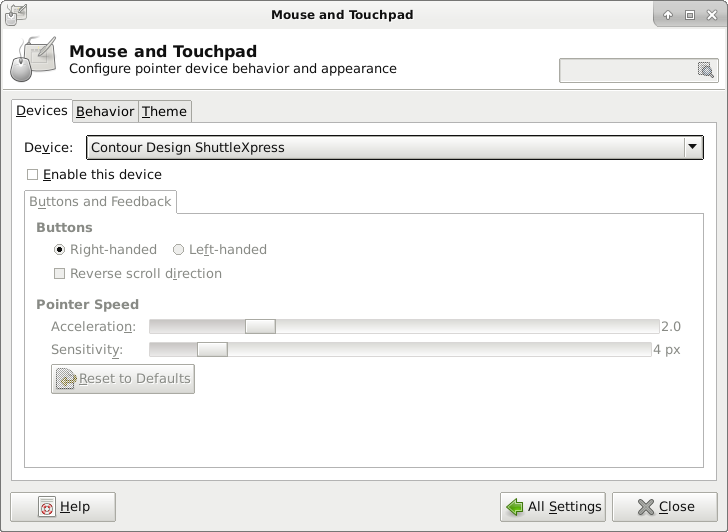
Ah, I found it! The command is xinput. I had to install it (sudo apt install xinput). With that you can see that the ShuttleXpress is a “slave pointer” “slave keyboard,” and you can “float” those so they no longer affect the UI.
Code:
rmann@router:~ $ xinput list
⎡ Virtual core pointer id=2 [master pointer (3)]
⎜ ↳ Virtual core XTEST pointer id=4 [slave pointer (2)]
⎜ ↳ Contour Design ShuttleXpress id=9 [slave pointer (2)]
⎜ ↳ Logitech USB Optical Mouse id=10 [slave pointer (2)]
⎣ Virtual core keyboard id=3 [master keyboard (2)]
↳ Virtual core XTEST keyboard id=5 [slave keyboard (3)]
↳ Power Button id=6 [slave keyboard (3)]
↳ Power Button id=7 [slave keyboard (3)]
↳ Sleep Button id=8 [slave keyboard (3)]
↳ Logitech USB Keyboard id=11 [slave keyboard (3)]
↳ Logitech USB Keyboard id=12 [slave keyboard (3)]
↳ Contour Design ShuttleXpress id=13 [slave keyboard (3)]
rmann@router:~ $ xinput float 9
rmann@router:~ $ xinput float 13
Unfortunately this doesn't stick around. This
page
talks about calling xinput in the ~/.xsessionrc file, but I wasn't sure the IDs would persist. I did some quick tests, and they seem to, at least if you don't move the ShuttleXpress from one USB port to another. It even survived this, but I don’t know if it will with a reboot mixed in. That page has a script for searching the list more robustly. For now I'm hoping the IDs stay the same.