dennis.lewis5 wrote: if it comes down to it the second parport
If it is about inputs, I use a cheap Arcade Joystick usb board that gives me a lot of inputs for very low cost. I changed the buttons for arcade buttons with an LED in them, better quality and it looks very nice. I use the Joystick for x-y movement, but if you leave out the joystick you have another 4 inputs.
Btw, using the Toggle component in your hal files for these inputs will make efficient use of the inputs. You only need one input to signal an on or off signal.
Snippet from my postgui.hal (I am using gmoccapy):
Code:
############### joystick, usb, bob
loadusr -W hal_input -KRAL DragonRise
net Pgm-run <= halui.program.run <= input.0.btn-joystick
net Pgm-stop <= halui.program.stop <= input.0.btn-thumb
net Pgm-pause <= halui.program.pause <= input.0.btn-thumb2
net Pgm-resume <= halui.program.resume <= input.0.btn-top
net Pgm-step <= halui.program.step <= input.0.btn-top2
A Toggle example from my postgui.hal:
Code:
#***** Toggle
loadrt toggle2nist names=toggle.0,toggle.1
addf toggle.0 servo-thread
addf toggle.1 servo-thread
#***** /Toggle
setp hm2_7i96.0.gpio.036.is_output true ## mist
# Mist Button ########
net mist_toggle_debounced debounce.0.0.in <= input.0.btn-pinkie
net mist-toggle toggle.0.in <= debounce.0.0.out
net mist-on toggle.0.on => halui.mist.on
net mist-off toggle.0.off => halui.mist.off
net mist-control halui.mist.is-on => toggle.0.is-on => hm2_7i96.0.gpio.036.out
Ask Jerry did a nice couple of videos on Youtube about this solution, he has many more nice videos btw.
part 1
part 2
JoyStick kit:
www.aliexpress.com/item/4001291138332.ht...02_,searchweb201603_
Just the USB boards:
www.aliexpress.com/item/4000160124825.ht...02_,searchweb201603_
Better buttons with LED:
www.aliexpress.com/item/4001316815891.ht...02_,searchweb201603_
www.aliexpress.com/item/32840724833.html...02_,searchweb201603_


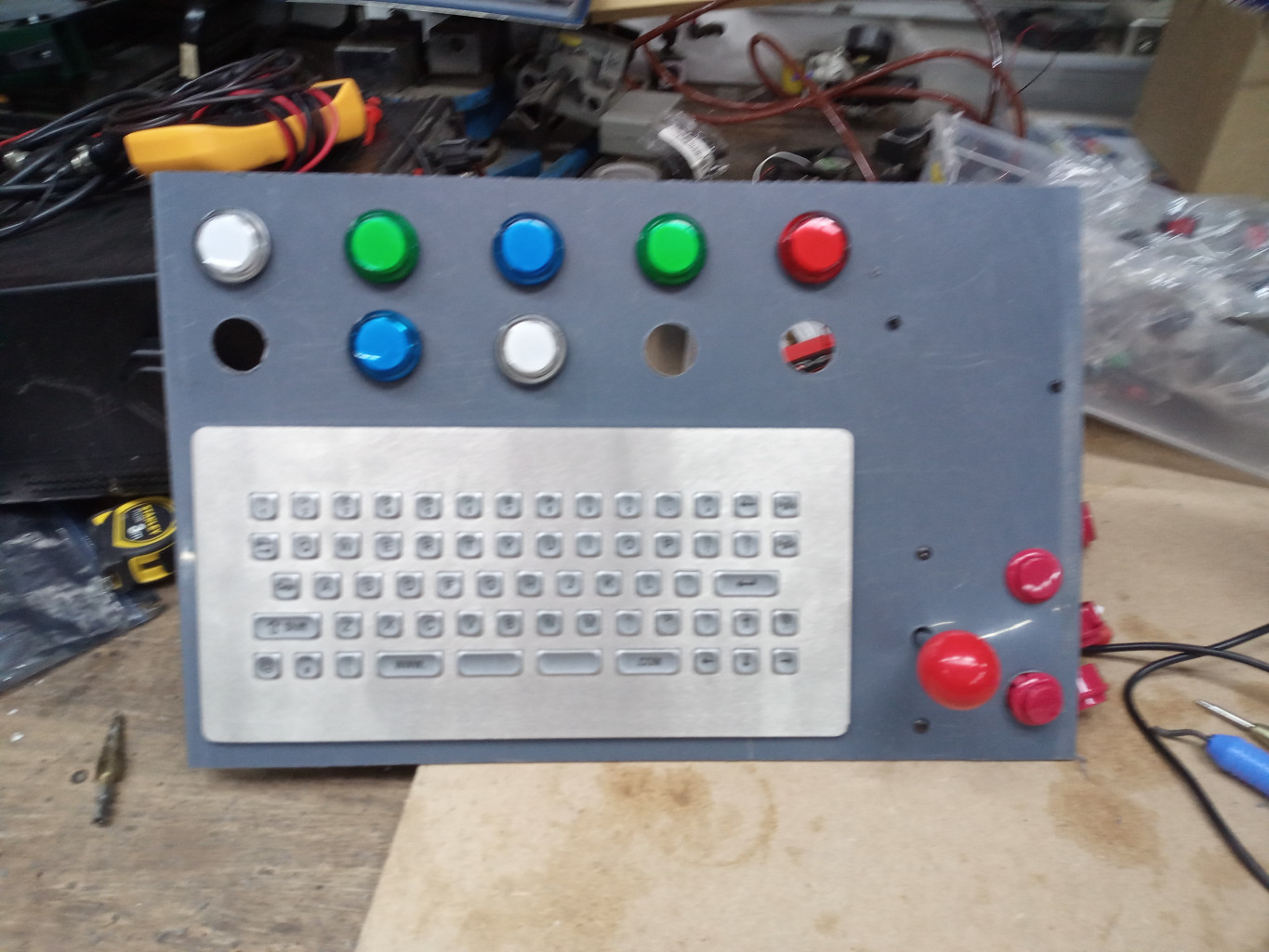

 .
 .


