Datron M9 to LCNC Conversion

More
5 years 4 months ago - 5 years 4 months ago #212469 by Ritterchen
Hi together!
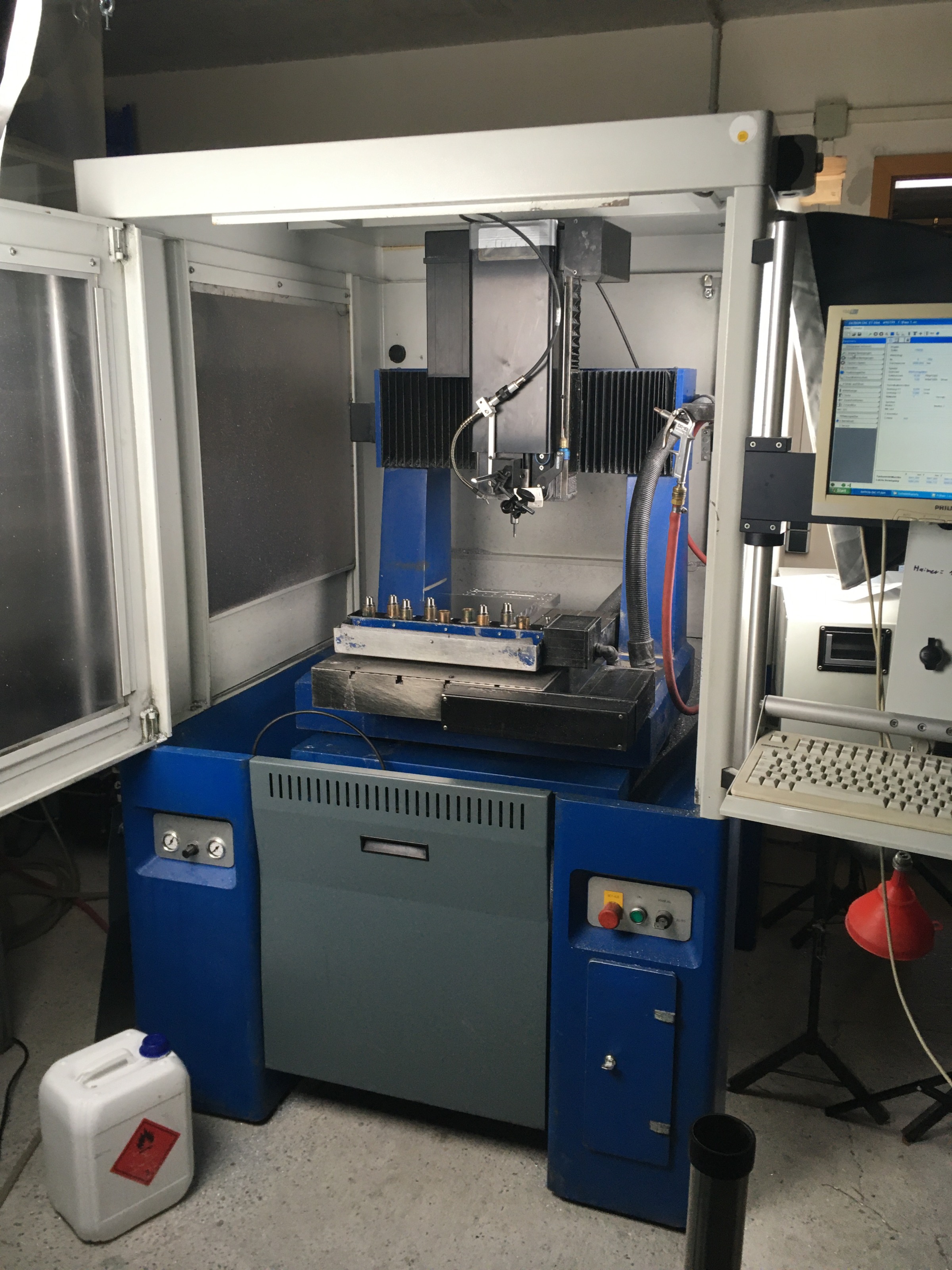
Wanted to show the process of converting a Datron M9 machine to Delta A3 Drives controlled by a Mesa 7i67E.


Intentions
I got the machine around a year ago and plan to use it as a production machine. It served me well over this year, and now I want to get it to the level of a Datron Neo in manner of speed, reliability and add some features.
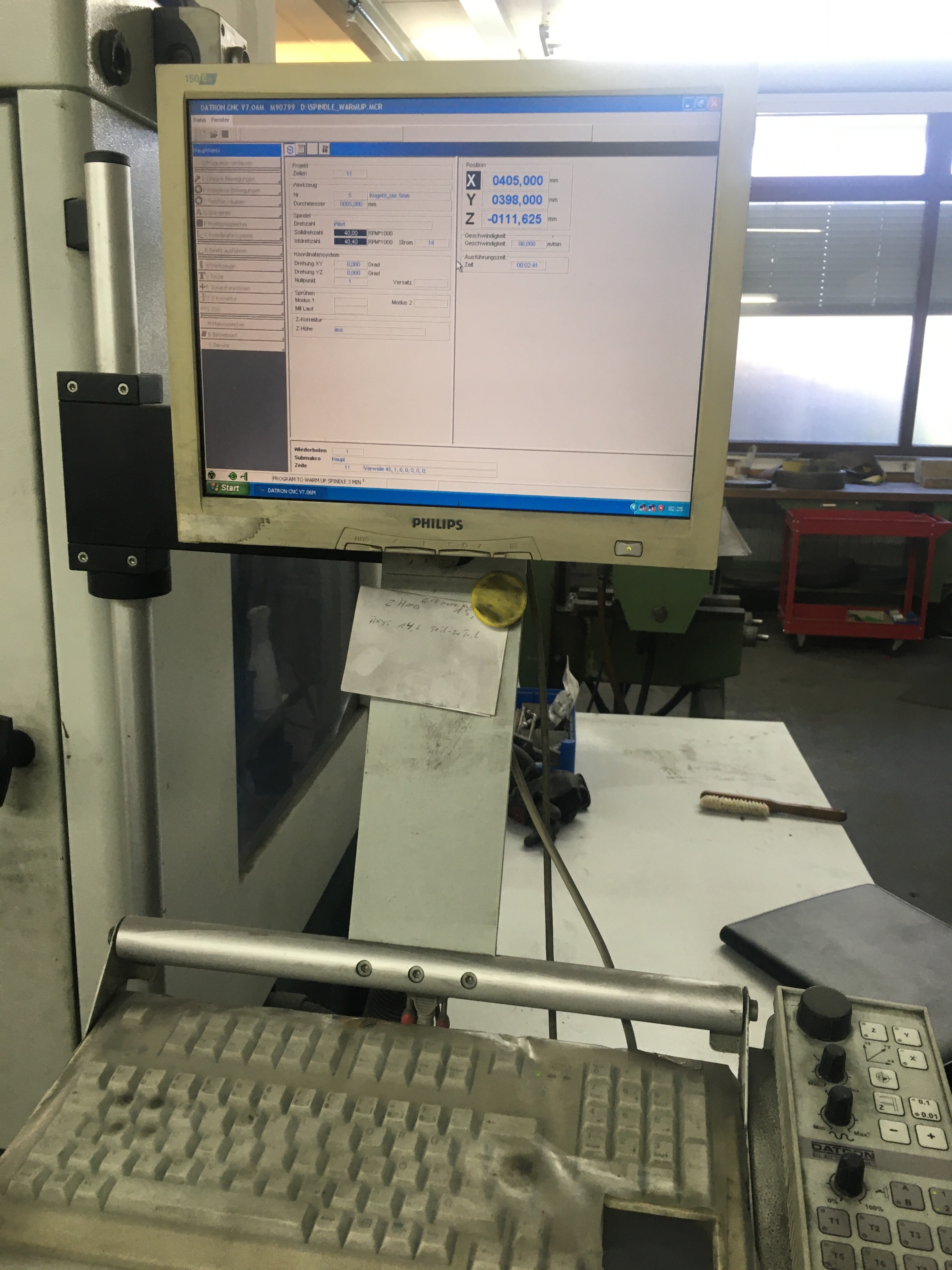
  • Increased reliability -> The previous controller worked fine but crashed programs every 2-3 weeks and became annoying not to rely on it.
  • Larger tool changer -> Has currently a 9 pocket tool changer, not enough for some advanced parts. The goal is to get min. 30-60 tools (chain based) or even a 2,5/3 Axis ATC like its used on the side of Kern machines or the Datron MX
  • Relocating tool changer -> The current tool pockets are placed within the work envelope and use up some space. On a 400x400 X/Y Travel that is quite a lot.
  • 3D Preview -> The previous controller had no preview whatsoever, so kind of hard to get used to if you came from a LinuxCNC machine already. Some risk in crashes due the unpredictable toolpath location.

  • Acceleration -> I hope for a bit better acceleration from the new drives. Also the DC drives were run on a CAN-Bus which made it hard for a non-expert in Bus Systems like me to operate them reliable.


  • Lets start- Hardware Modifications
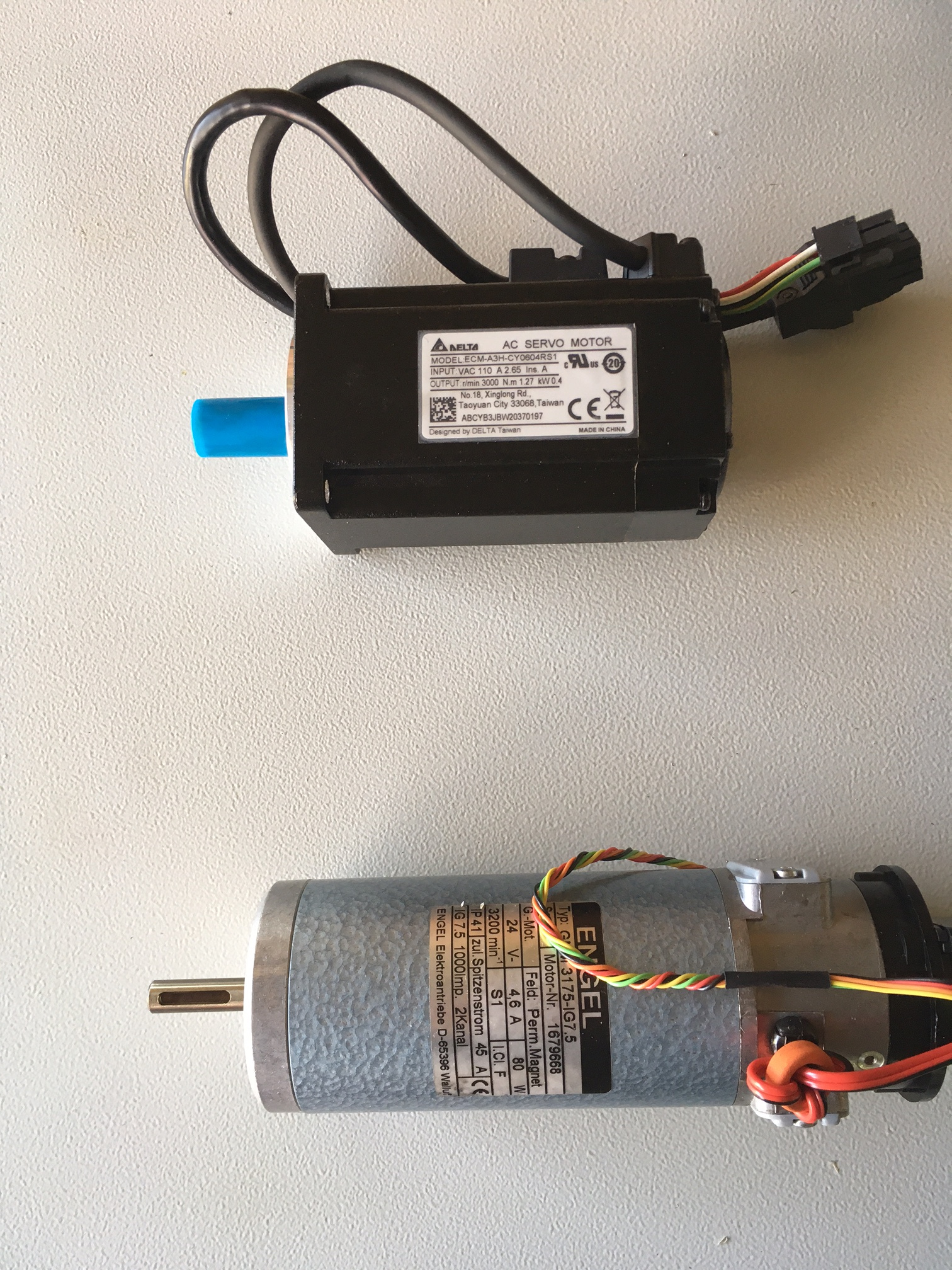
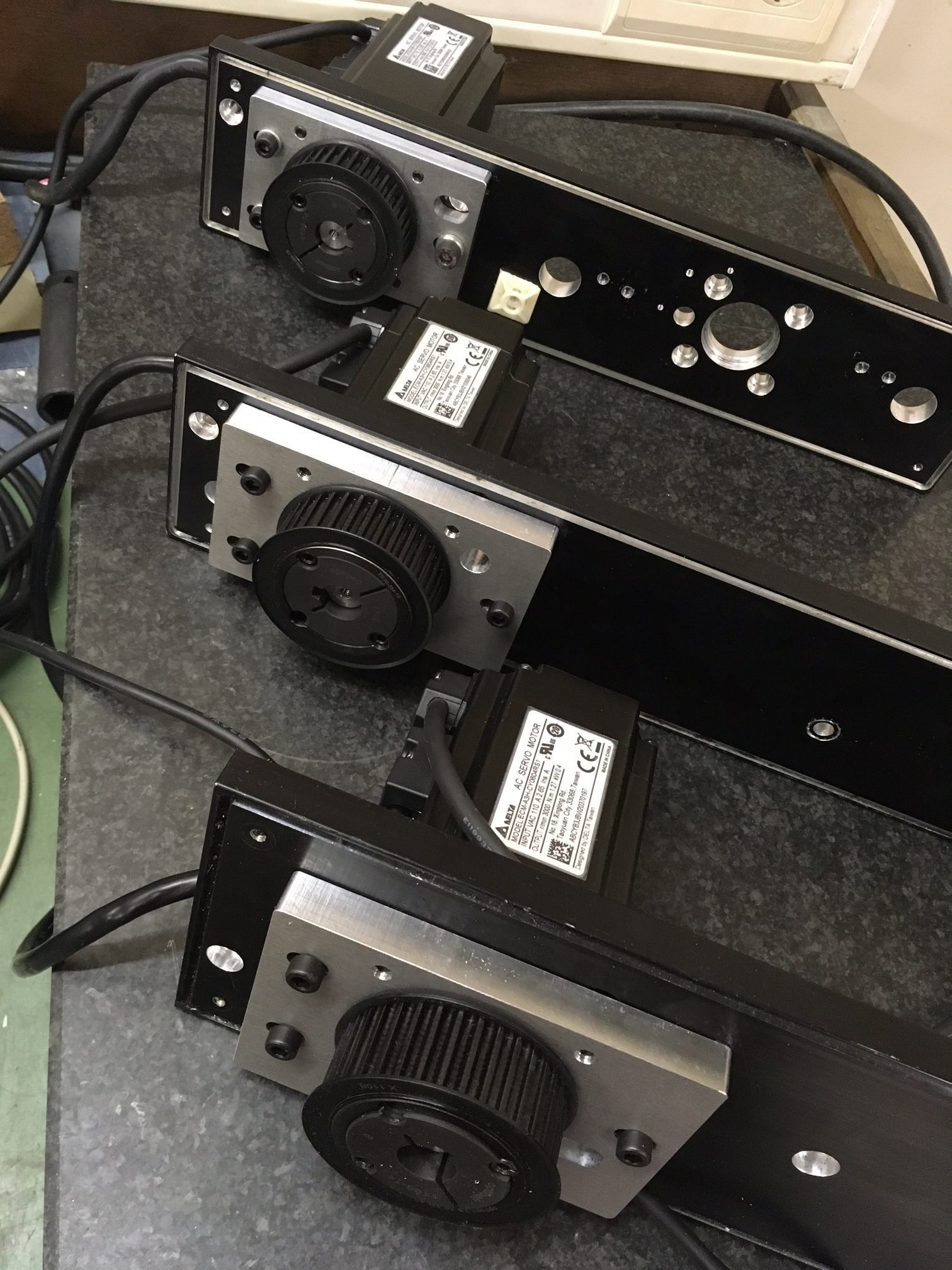
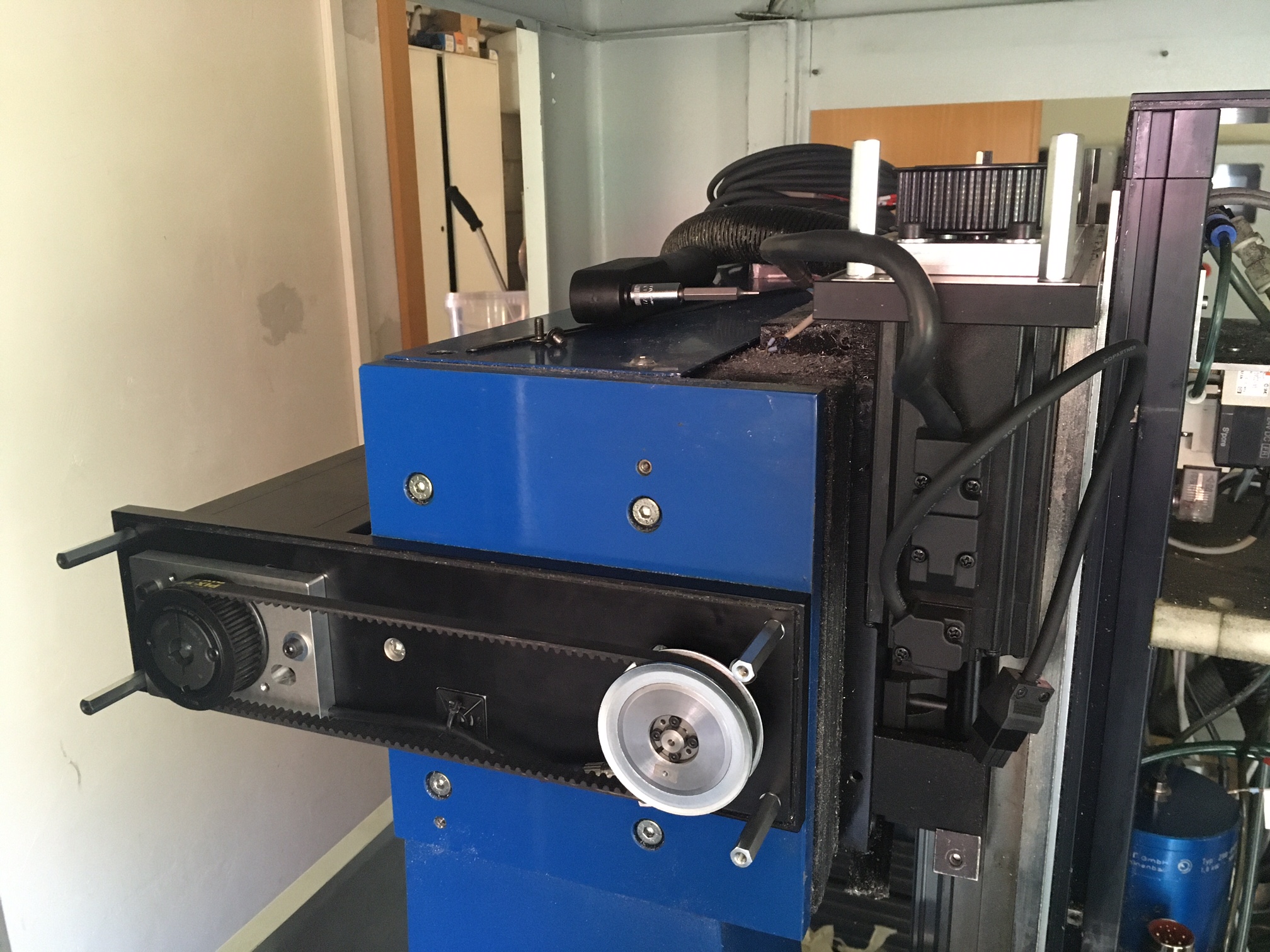
    The first part was to swap out the existing 80W DC motors to 400W Delta drives. The motor fixture plates had to be modified and new tension plates were requried. The modifications were pretty straight forward and even the cases for the motors I was able to reuse.

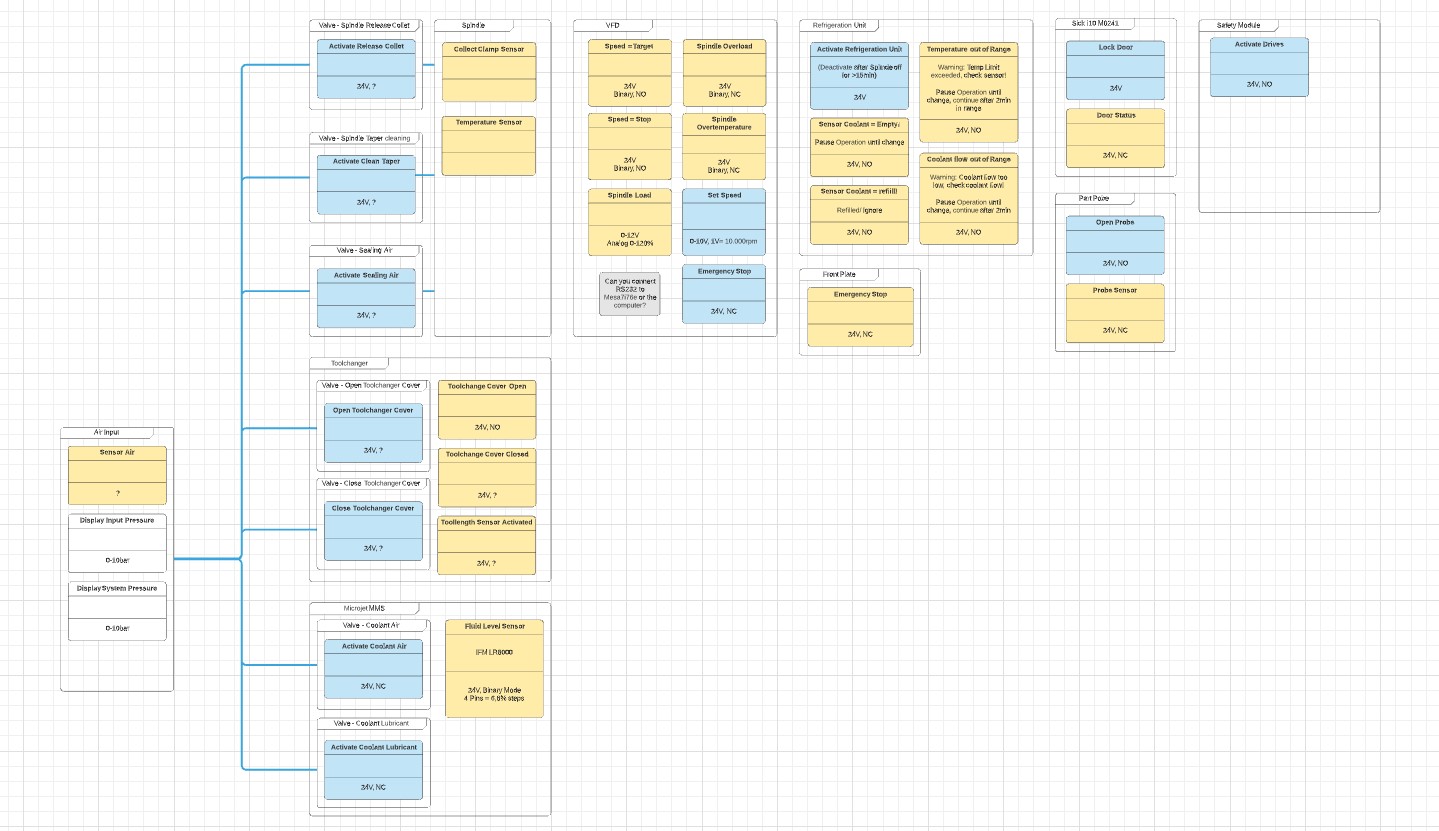
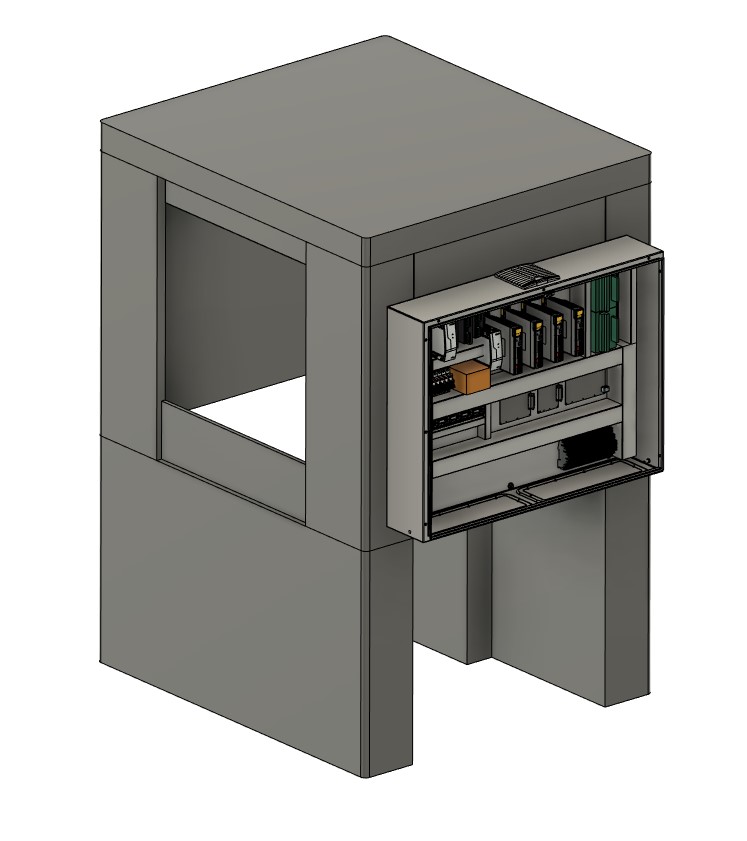
    To plan the conversion a diagram software was used, to get an idea about the functions of the previous controller. It helped a lot to get an idea of what was implemented by default already and which parts would be required to implement manually in the configuration and user interface.


    Electroncis
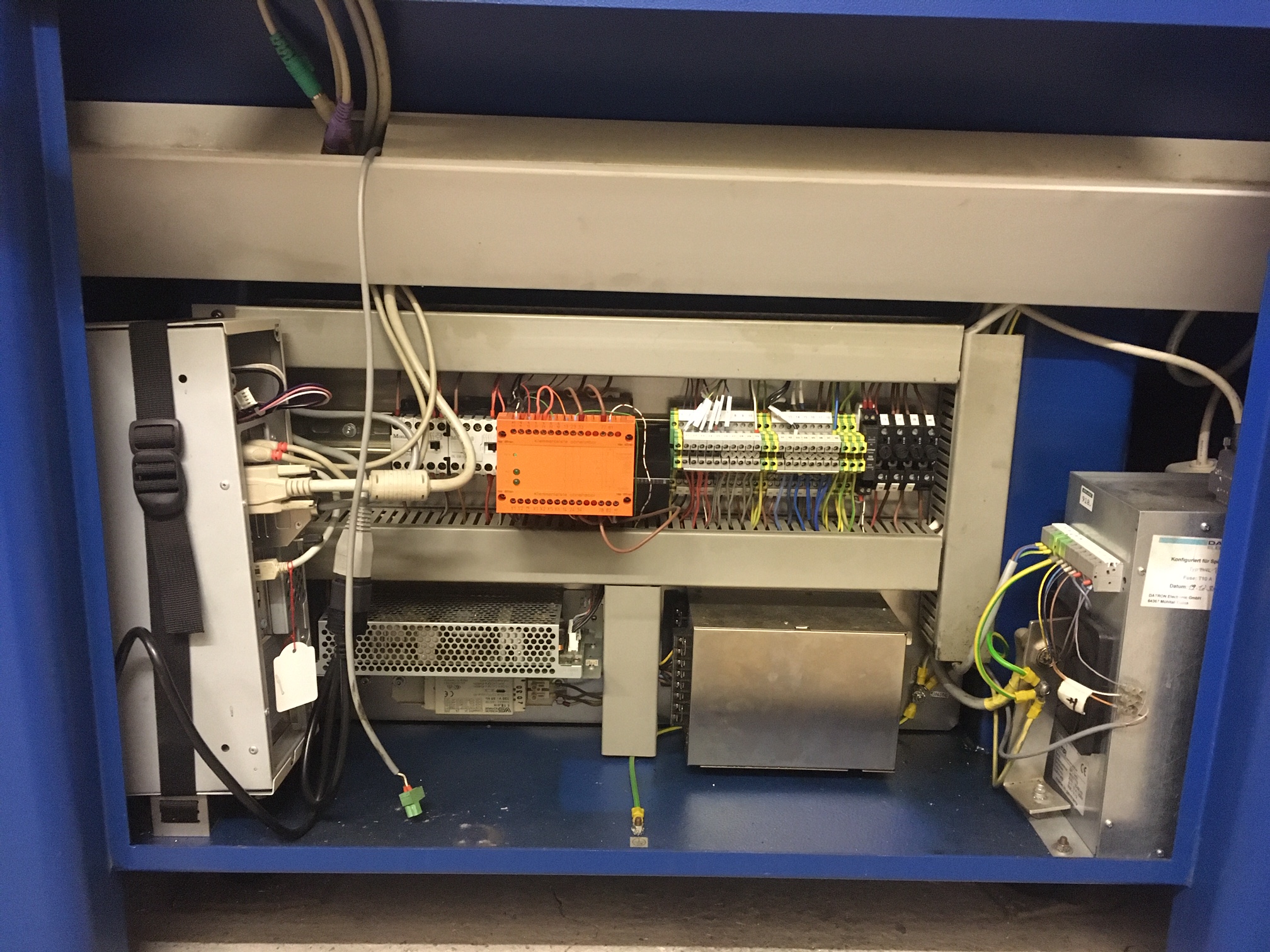
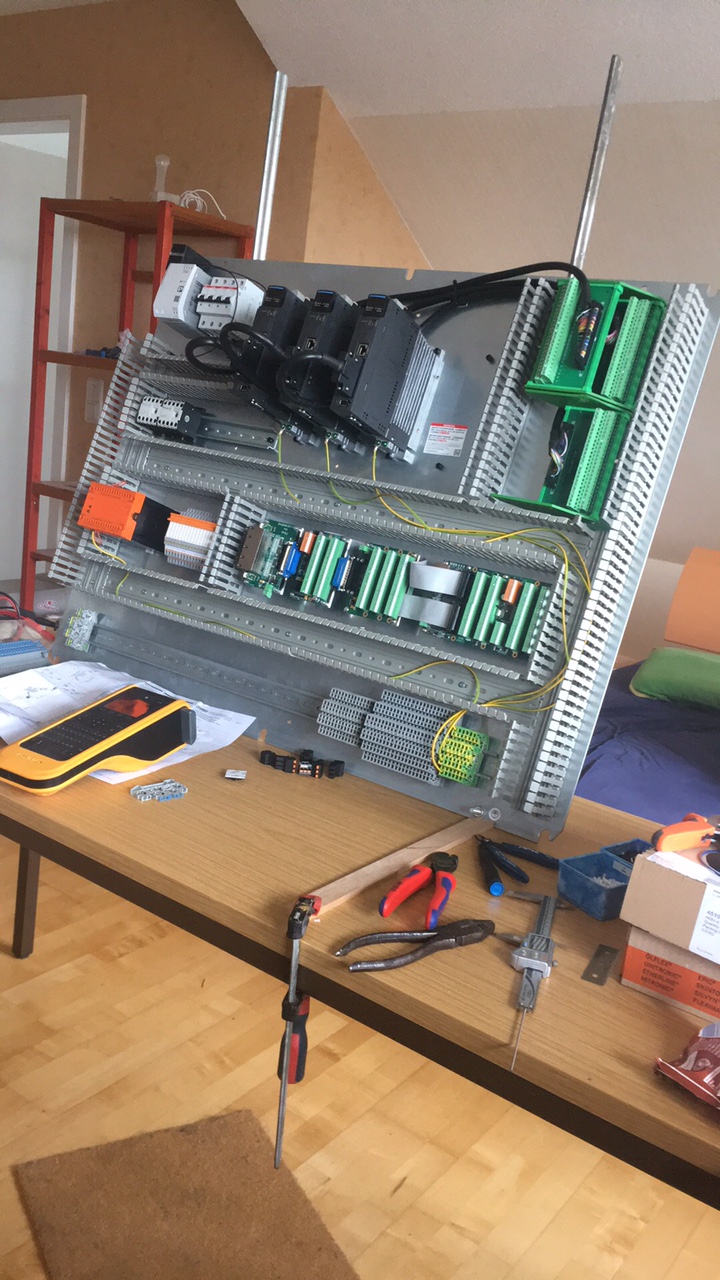
    All the electronics were stripped and a easy to access switching cabinet was planned to be placed outside of the machine cabinet. Only the VFD will stay in place there.


    Next up is installing the drives and setting the parameters. Never done before for a CNC, may the auto tune be with me^^

    For the interface I will start with probe basic. I plan to design a new UI due the grouping of the functions can be a bit improved and optimized.

    Last edit: 5 years 4 months ago by Ritterchen.
    The following user(s) said Thank You: arvidb, jtc, tommylight, besriworld

    Please Log in or Create an account to join the conversation.

    More
    5 years 4 months ago #212506 by jtc
    Replied by jtc on topic Datron M9 to LCNC Conversion
    I'm a big fan of Datron cncs. That is a very interesting retrofit :)

    Please Log in or Create an account to join the conversation.

    More
    5 years 4 months ago #213011 by Ritterchen
    The motor brackets are done and mounted - I just used the original ones and made new tension plates for them.


    All the 400W Servo motors fitted perfectly into the existing motor housings.


    Let the fun of wiring it begin now, hopefully to finish within the next days to go into building the software for it.


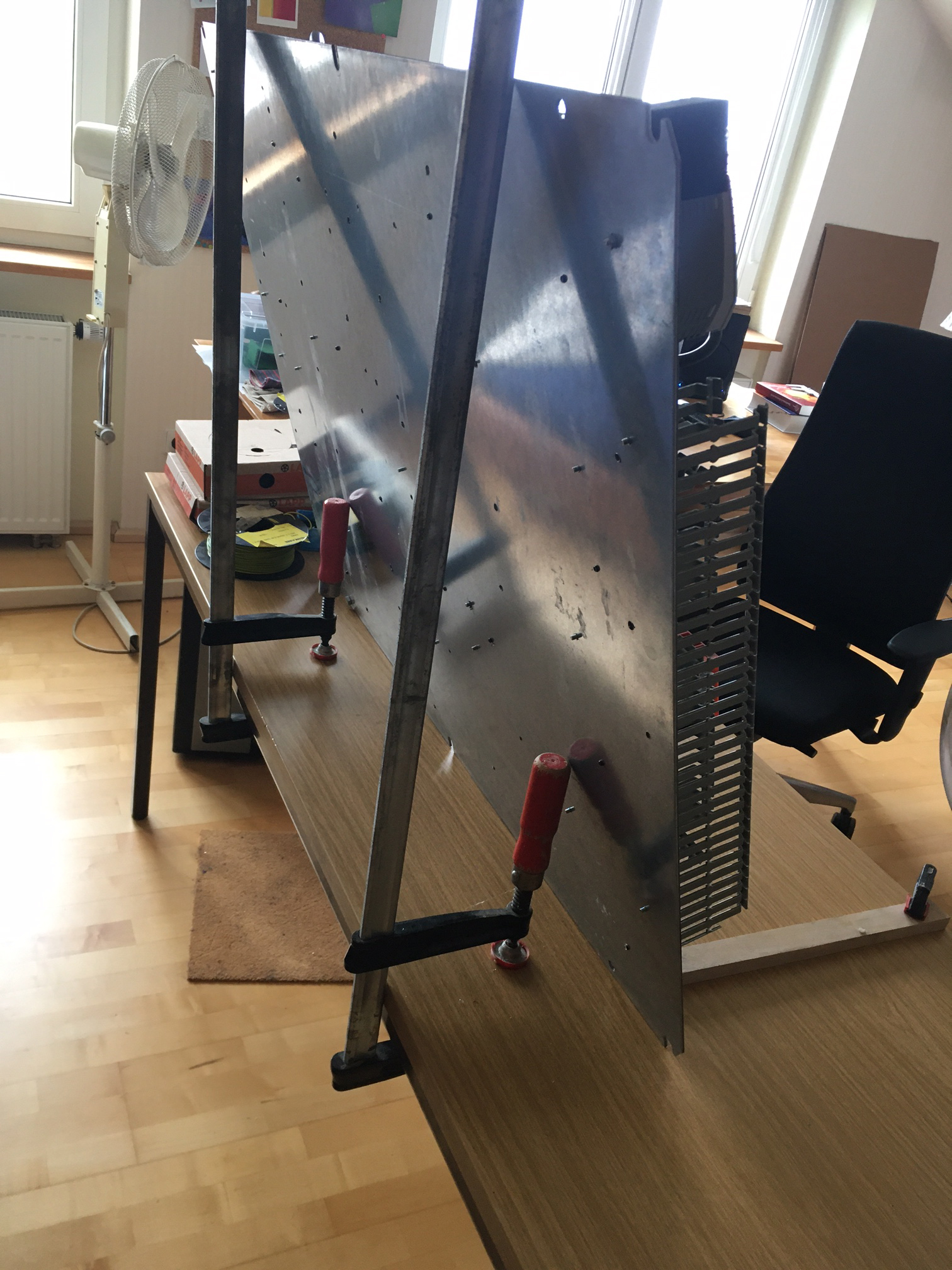
    Excellent temporary wiring stand for your desktop, highly recommend it! :D


    Have a good weekend!
    Fritz

    Please Log in or Create an account to join the conversation.

    More
    5 years 4 months ago - 5 years 3 months ago #213013 by Ritterchen
    - Double Post -
    Last edit: 5 years 3 months ago by Ritterchen.
    The following user(s) said Thank You: arvidb, tommylight, eduard

    Please Log in or Create an account to join the conversation.

    More
    1 year 8 months ago - 1 year 8 months ago #322586 by Ritterchen
    Just wanted to share a small update on the configuration.
    I used the MB2Hal Module in order to talk to a Delata MS300 VFD.
    In the pdf file I highlighted all the relevant functions/parameters for most applications.
    Here is the .ini file with all the relevant parameters and the .hal that makes use out of them.
    Use at your own risk/ go ahead and configure them!

    These commands can be used for testing in the HalShow execution window:
    #    setp mb2hal.00.command_input.int 010010
    #    setp mb2hal.01.frequency_input.int 400

    Hope it saves some time to someone!
    Fritz
    Last edit: 1 year 8 months ago by Ritterchen.
    The following user(s) said Thank You: jtrantow, Saggy_headliner

    Please Log in or Create an account to join the conversation.

    More
    1 year 8 months ago #322590 by RotarySMP
    Your retrofit is progressing nicely.

    Please Log in or Create an account to join the conversation.

    Time to create page: 0.079 seconds
    Powered by Kunena Forum