How to create profile for path that is not closed loop

More
1 year 1 week ago #336839 by Routerworks
Thanks a lot. Been using the same old things for too long. I'll have to look into this.
Thanks again
The following user(s) said Thank You: tommylight

Please Log in or Create an account to join the conversation.

More
1 year 1 week ago #336883 by Routerworks
For what it is worth, I have been working with Inkscape and find it is excellent for creating engraving paths and generating g code. Much easier than using Freecad. However Blender still seems the best for bas reliefs and generating their g code. Freecad has is best for CAD drawings and generating milling g code. Image2gcode may be on option however I use a windows computer for developing my g code and linuxcnc strictly for operating my router.

Your seggestion of using inkscape for carvings or engraving makes life much much easier than the other routes. These softwares seem to be the big three for coverng 2D to 3D g code with free software.
Thanks again for your advise as it is saving me tons of time generating engraving paths from curved drawings or text.

Thanks again
The following user(s) said Thank You: tommylight

Please Log in or Create an account to join the conversation.

More
1 year 1 week ago #336887 by tommylight
Do give dmap2gcode a try, it is free, it is python so can be edited, but it does generate perfect gcode for my "scratcher" machines, i just modified it to output M67 values instead of Z depth:
forum.linuxcnc.org/show-your-stuff/46752...ver-etcher-scratcher
-
Another tip for Inkscape to save time, lots of time, when exporting in the "path to gcode" window, click on "sort paths to reduce rapid distance", a huge time saver.

Please Log in or Create an account to join the conversation.
More
1 year 1 week ago #336900 by Routerworks
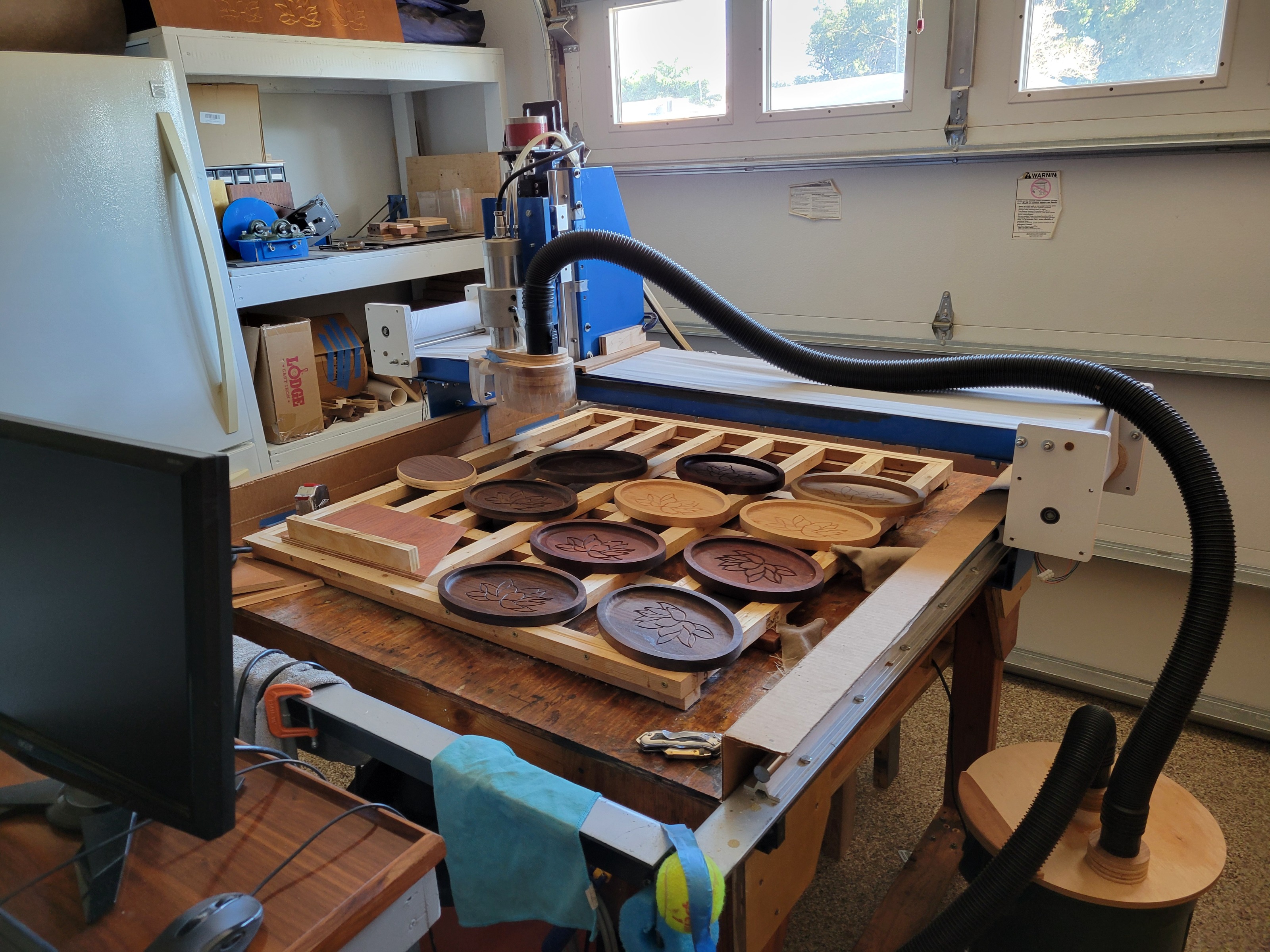
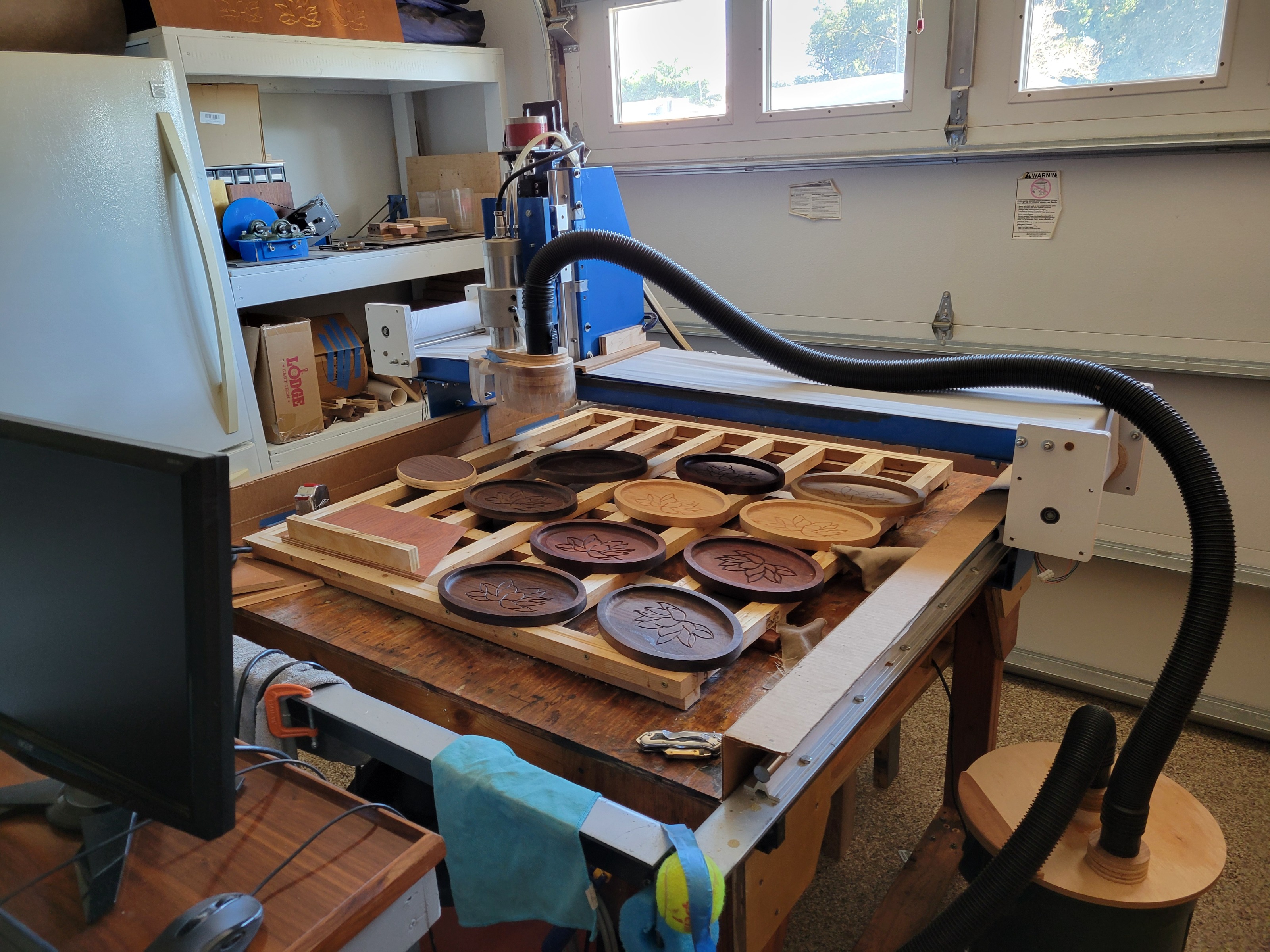
Interesting conversion synching to an analog signal have never done that. Very nice build. I've attached a picture of my monster build 4' x 4' 6 inch Z.
The following user(s) said Thank You: tommylight

Please Log in or Create an account to join the conversation.
More
1 year 1 week ago #337010 by Routerworks
I have to ask one last question. I have been working with Inkscape to develop g codes from and svg drawing. Works great and would like to use for this however I can't get the g code size to match the size in the page. I have looked all over and don't seem to get a clear answer that really works. About ready to give this up, shouldn't be this hard. Must be missing something.
Any comments greatly appreciated.

Please Log in or Create an account to join the conversation.

More
1 year 1 week ago #337013 by tommylight
In the upper bar where the dimensions are, set it to whatever you are using, mm or inch, before working on the drawing.
You can open a new empty file, set the mm or inch, and save that as a template, so you open that file first then paste whatever you are working on.
Reminds me of another tip you wont find on the net, when opening any other file type, like PDF, CDR, DXF, HPGL etc, always, always select the drawing with select all (CTRL+A) and open a new Inkscape (CTRL+N) then paste on the new instance with (CTRL+V).
Most of those file types do not contain dimensional info, so makes a mess when exporting them to gcode, the above will save you a lot of headache.

Please Log in or Create an account to join the conversation.

Time to create page: 0.073 seconds
Powered by Kunena Forum
