Highlighted gcode doesn't follow current position.

More
3 months 2 days ago #348219 by TheTinkeringMechanic1
The is a minor thing that I hope is a simple fix.

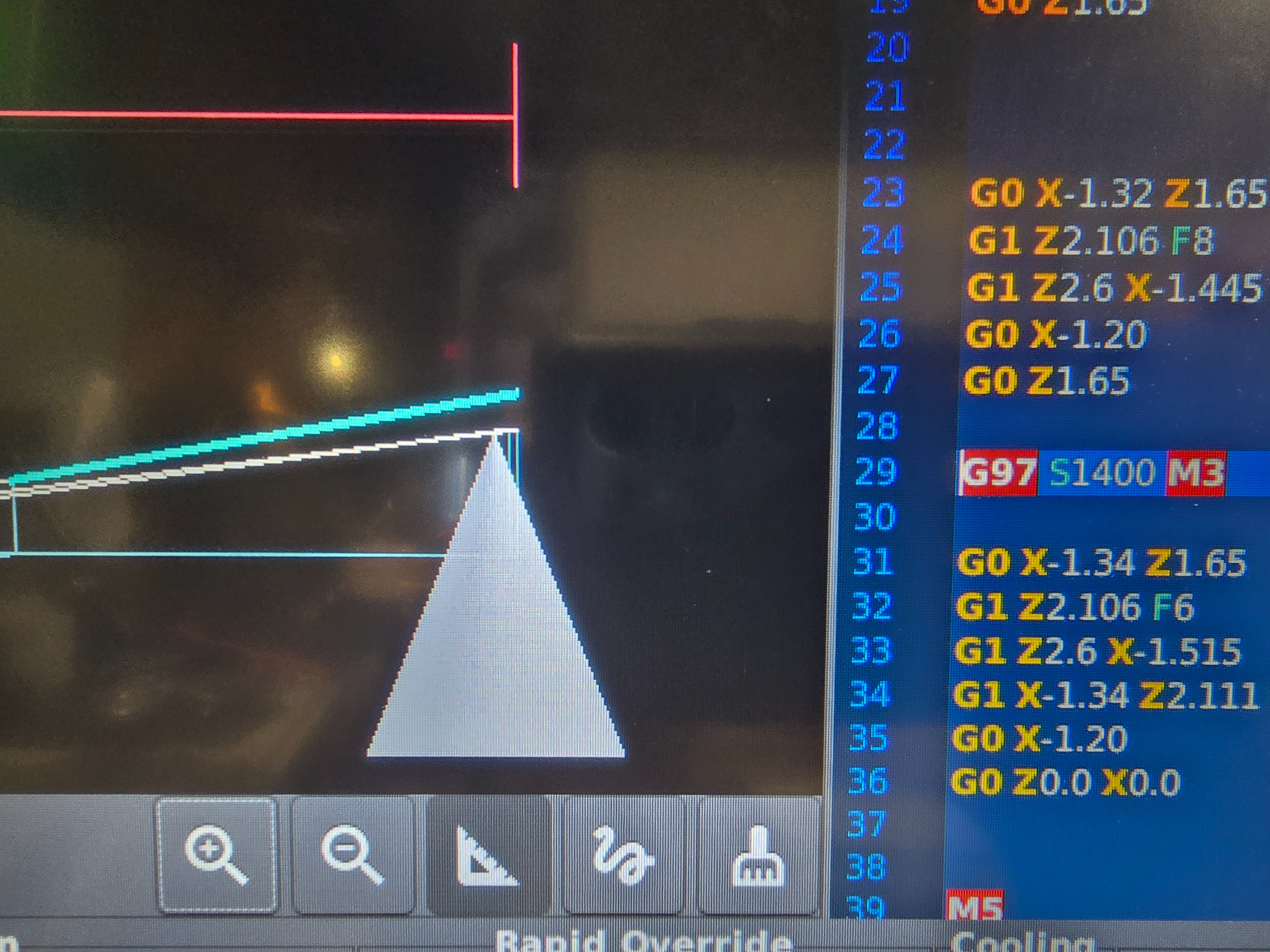
The graphical display that follows the tool path is spot on with what the tool is doing. That's not a problem. What I noticed is the highlighted gcode shown isn't following the same position.
So if I tap a tool path line to highlight it in the grid of the graphic window it doesn't highlight that tool path in the gcode.
As you can see in the image I have the angled tool path highlighted which is supposed to be line 33, but in the gcode it's highlighting 29 which is the change in speed 5 lines prior.


A cursory search of the internet didn't reveal much other than recommendations to change g61,g64, but don't believe that has anything to do with this.

How do I correct this?

Thanks in advance.

Please Log in or Create an account to join the conversation.

More
3 months 2 days ago #348220 by tommylight

Please Log in or Create an account to join the conversation.
More
3 months 2 days ago #348222 by TheTinkeringMechanic1

Please Log in or Create an account to join the conversation.
More
3 months 2 days ago #348223 by tommylight

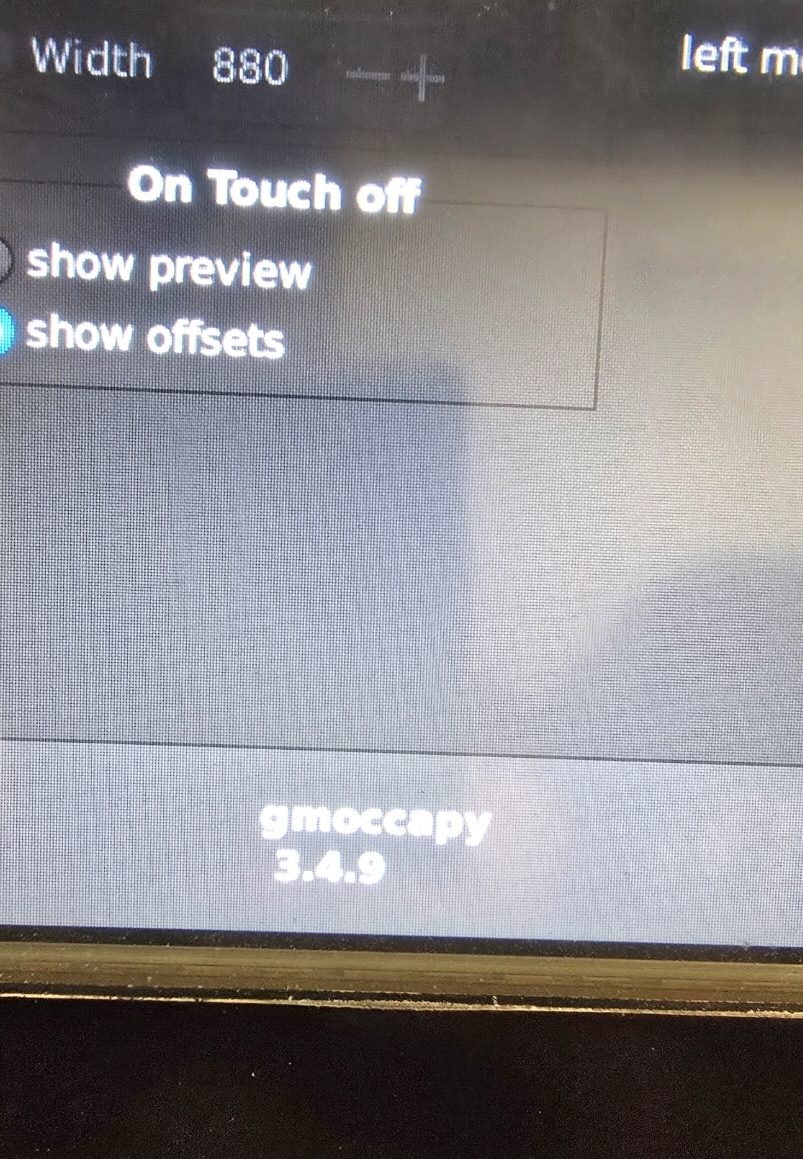
3.4.9
That is most probably the kernel version, not the GUI.
What user interface on screen?
It seems like GmoccaPy.
Upload a picture of the whole screen.

Please Log in or Create an account to join the conversation.

More
3 months 2 days ago #348224 by Aciera
Also, please post the gcode

Please Log in or Create an account to join the conversation.

More
3 months 2 days ago - 3 months 2 days ago #348227 by TheTinkeringMechanic1
If this isn't the version,  I don't know where it would be.
Last edit: 3 months 2 days ago by TheTinkeringMechanic1.

Please Log in or Create an account to join the conversation.

Moderators: newbynobi, HansU
Time to create page: 0.323 seconds
Powered by Kunena Forum
