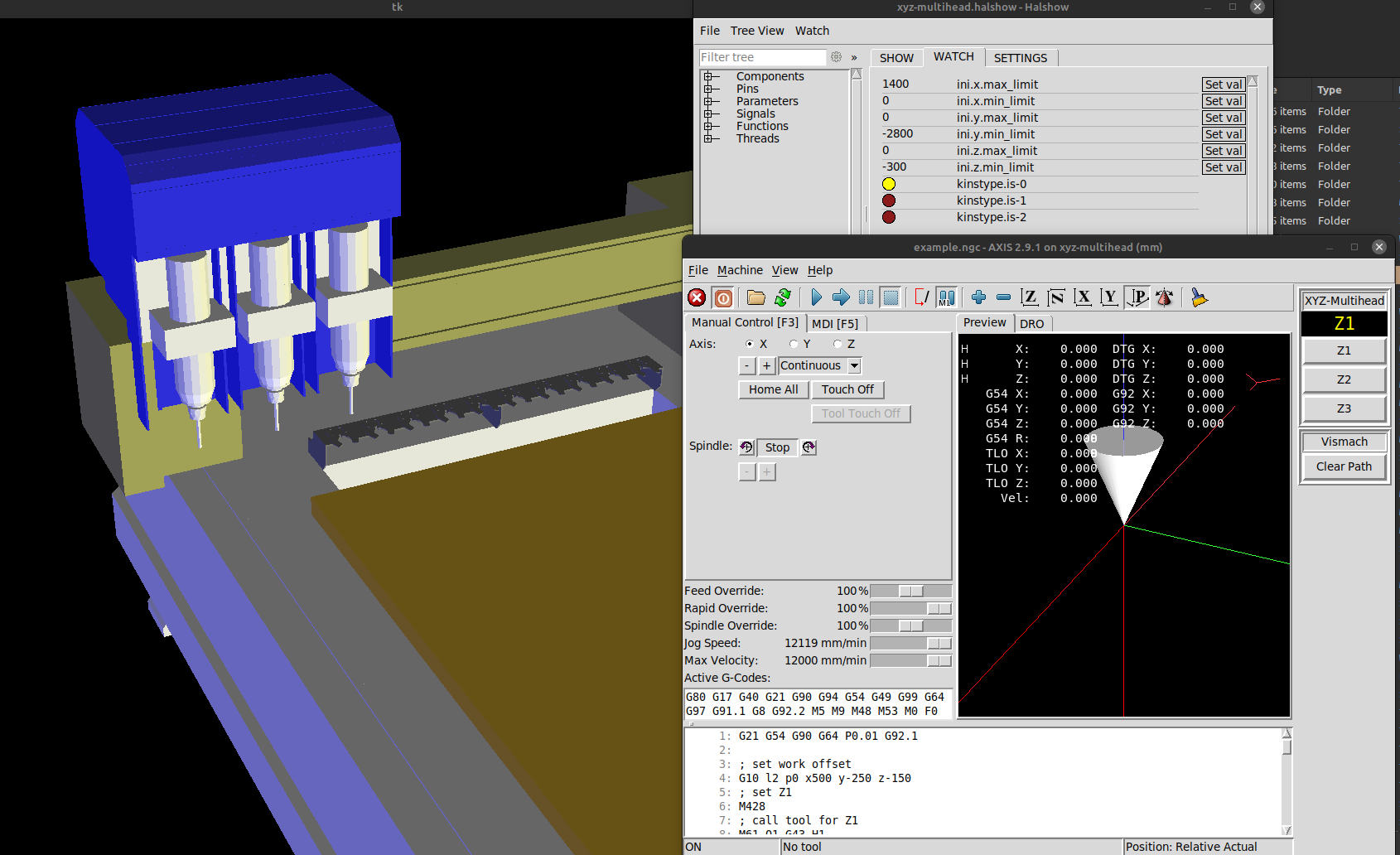
How can I set up 3 x Z axis' in LinuxCNC?
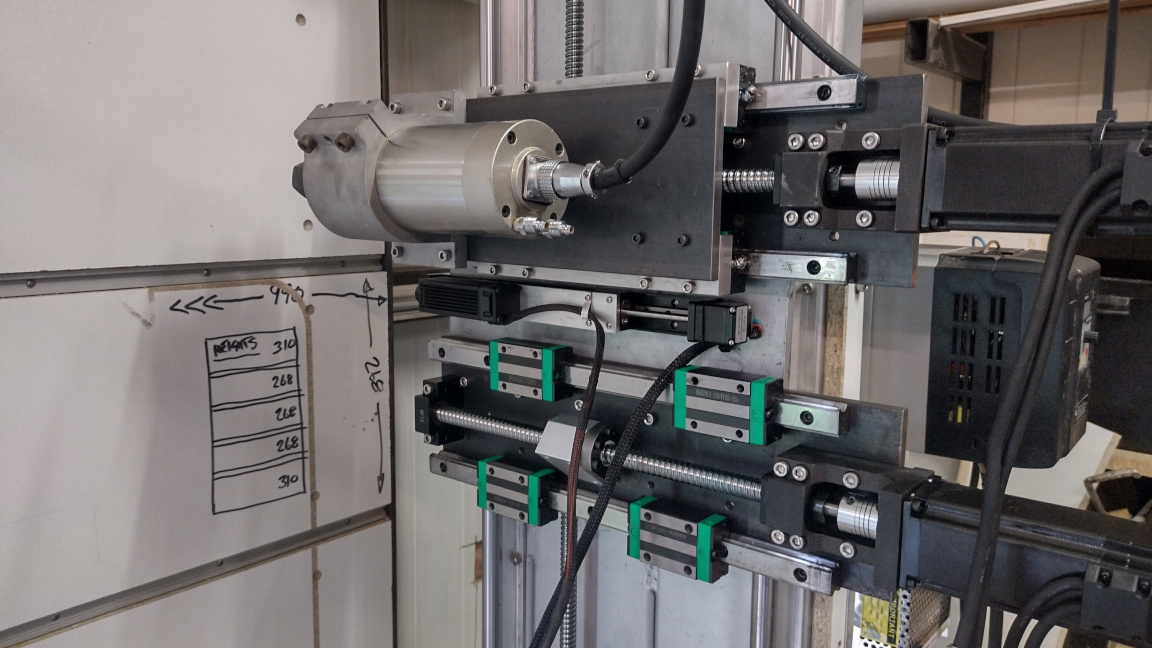
I'm in the process of upgrading from one spindle to two spindles plus a laser all on separate Z axis' (3 x Z axis' in total: X, V and W) attached to the common Y axis fixed gantry. The workpiece moves along the X axis. I intend to use the primary X axis spindle for routing, the V axis laser for engraving and marking with a 5500mW laser and the W axis spindle for drilling.
I've got LinuxCNC configured and working with the 3 x Z axis' (ZVW). Initially the gremlin (I think it's called) preview in the Axis GUI moved the Y position when I moved the V axis and the Z axis when I moved the W axis. I found I can disable the movements for V and W by using the following in the INI file (although it does give the following on startup: "Warning: duplicate chars in geometry: ZZZYX"):
Code:
[DISPLAY]
GEOMETRY = XYZZZ
So, here are some questions:
1. Can I have Axis Gremlin GUI move Z axis when V moves?
2. Is it possible to have the Axis GUI preview show me the position of the separate spindles and laser? ie. Can I have 3 cones on the display?
3. Is it possible to use canned drilling cycles (eg. G83) that operate on the W axis instead of the Z axis?
4. Can I use the tooltable offsets to define the offsets between my 3 x Z axis'?
5. Am I completely off track - is there a better way to configure this machine than to use XYZVW?
Askjerry has an interesting video on using custom M codes to change between spindle and laser (
) but I'm hoping the tooltable offsets will achieve the same result for me.
Any ideas welcome!
Thanks, David