- Posts: 95
- Thank you received: 36


Please Log in or Create an account to join the conversation.

 It's kind of how I got my start into the LinuxCNC project. Phill probably still has nightmares haha but maybe I made up for it in the later years.
Please Log in or Create an account to join the conversation.
Please Log in or Create an account to join the conversation.
Thanks for the long reply. I've been doing this long enough to know that that a good bug hunter is worth their weight in gold.
> I am not sure when you'd actually want to use cutter comp, I've always just relied on the CAM to offset the paths for me
I don't fully understand what you mean there since in this scenario MetalHeadCAM is the CAM. Do you mean that you normally offset it in CAD? Or that you use G40/41/42 in gcode? FYI, support for LinuxCNC's native offsetting via G40/41/42 will probably come in the next release.
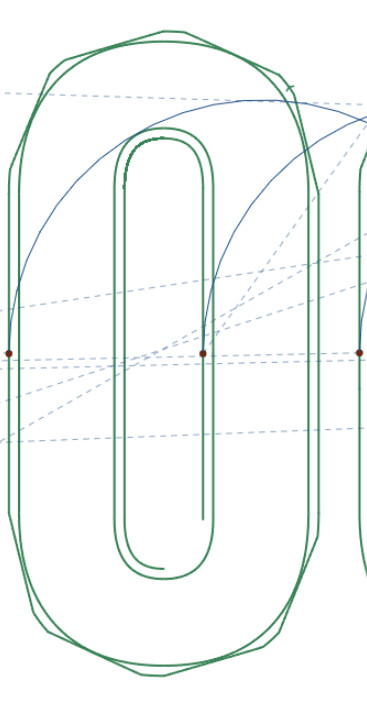
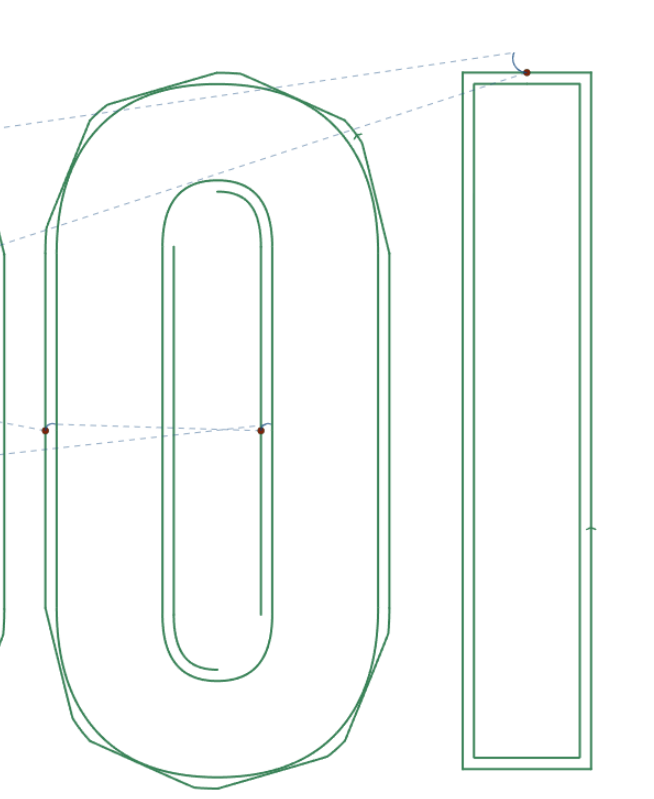
I added offsets for a few reasons. 1) visualize the actual cut path 2) possible future support for controllers that don't have G40/41/42 3) eventually support true arc and NURBS offset paths since LinuxCNC G40... only does lines.
> I am unsure what all of your goals are for the project, but if you need inspiration, SheetCAM is a pretty good software to try and emulate. I cant think of much I would want to do that it does not. It's nice to have free options for sure!
I currently use SheetCAM. It's great, but I don't love the interface. I also think that $279 is too much for most hobbyists. I'm also an open source maximalist so it will forever bother me that I have a closed program in my workflow.
The rest I'll reply to in order:
1. I'm going to add some sort of documentation to the landing page on this. You're not actually uploading anything. MetalHeadCAM runs as a Javascript app in your browser. There's literally no backend to upload to; it's just HTML and Javascript delivered via a CDN. At some point I'm going to make it available for download as a fat HTML page so that you can run the whole thing offline.
2. I've just deployed a new version that has first-class Imperial support. At first I wasn't sure if I should stop with the Norman conquest, or add cubits too. Go to the hamburger menu > Settings > Reset Application before trying it again because you'll need to wipe out the old metric-only state.
3. I need to scale zoom factor based on size. That's on the TODO list.
4. Edit and Prepare stages are gone now.
5. Tools are in hamburger menu > Tools. I need to get rid of the hamburger menu as that is really a mobile thing.
6. Rapid speed is in Simulation now.
7. There's now a Select All button.
8. Fit is gone. That was an experiment.
9. Should be fixed. Normals calculation needed improvement.
10. Should be fixed. There was a bug in spline tesselation.
11. This one is admittedly confusing. Default is Part because it implements "the kerf always be toward the scrap (or away from the part)?". Allowing the user to set Inside and Outside is just my way of avoiding making a hasty assumption.
12. Not sure what was up with that. I can't reproduce it.
Please Log in or Create an account to join the conversation.
Please Log in or Create an account to join the conversation.

Please Log in or Create an account to join the conversation.