Sheetcam

More
3 years 10 months ago - 3 years 10 months ago #260262 by OttoDidact
Replied by OttoDidact on topic Sheetcam
The THC communicates with the Mesa controller. The Mesa control uses the info from the THC to maintain a Z torch height.

The torch height is determined by a value you pass to the Mesa through Sheetcam. Then LinuxCNC passes that value to the Mesa which handles the Z axis torch height.


I'm not sure how you set the value in SheetCam because i use a stand alone THC where you set the height with a knob.

I do use SheetCam on a router, a mini mill and my plasma and it's an excellent program. 

Hope this helps..


How you do that I do not know
Last edit: 3 years 10 months ago by OttoDidact.

Please Log in or Create an account to join the conversation.

More
3 years 10 months ago #260263 by rodw
Replied by rodw on topic Sheetcam
the THCAD is a voltage to frequency converter. This resulting frequency read by an encoder input is scaled in linuxcnc to represent a voltage
Sheetcam has a materials library for plasma that lets you define the cut charts for the mateials you cut. this library included all of the setting parameters required.

QTplasmac also has a materials library. You can save your .tools in sheetcam and import them into QTplasmac. Entering data is probably easier in Sheetcam.

At the top of the sheetcam provided post processor, there are some variables that can be chnaged to deterimine where the cut parameters are taken from  (from Sheetcam or QTplasmac) If QTplasmac is chosen as the master,  all Sheetcam sends is the tool number and the rest of the data is retrived from the QTplasmac for that tool.

If Sheetcam is chosen as the master, all the cut parameters are passed to QTplasmac in a "magic comment" and saved to a temporary material.

Regardless of the method sheetcam uses, QTplasmac should have a copy of the tools so you canuse the conversational settings.

 
The following user(s) said Thank You: CarterKraft

Please Log in or Create an account to join the conversation.

More
3 years 10 months ago #260265 by Aldenflorio
Replied by Aldenflorio on topic Sheetcam
Okay. I would like it to use the toolset I have in sheetcam. I think there’s a place that has a bunch of tools already set for the hypertherm45xp and I’ll download that. So I should copy that to qtplasmac? I haven’t downloaded qtplasmac yet, do I have to do that? Along with that what sort of configuration do I need to do for qtplasmac

Please Log in or Create an account to join the conversation.

More
3 years 10 months ago #260266 by rodw
Replied by rodw on topic Sheetcam
Time to read the QTP manual.
Download and install your tools into Sheetcam first. Then follow the steps I stated.

Please Log in or Create an account to join the conversation.

More
3 years 10 months ago #260267 by Aldenflorio
Replied by Aldenflorio on topic Sheetcam
Okay, I’ll read it. Thank you. 

Please Log in or Create an account to join the conversation.

More
3 years 1 month ago #280222 by Aldenflorio
Replied by Aldenflorio on topic Sheetcam

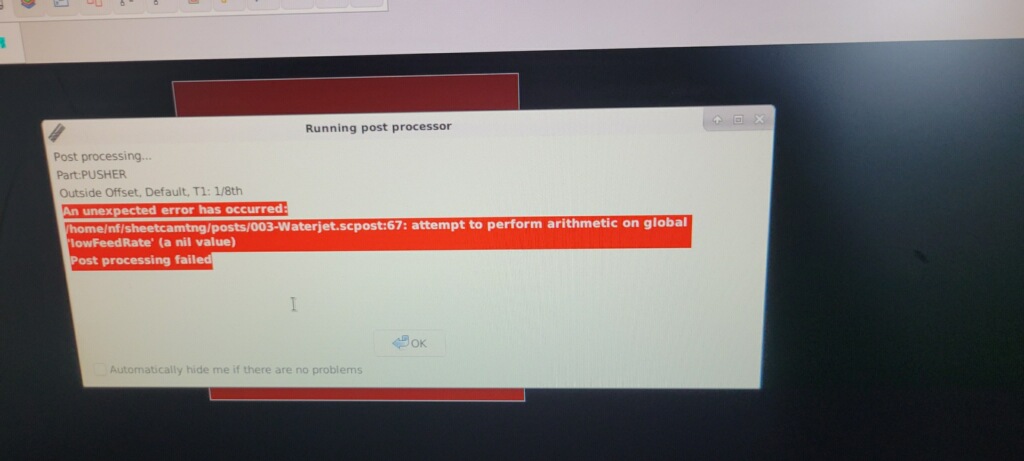
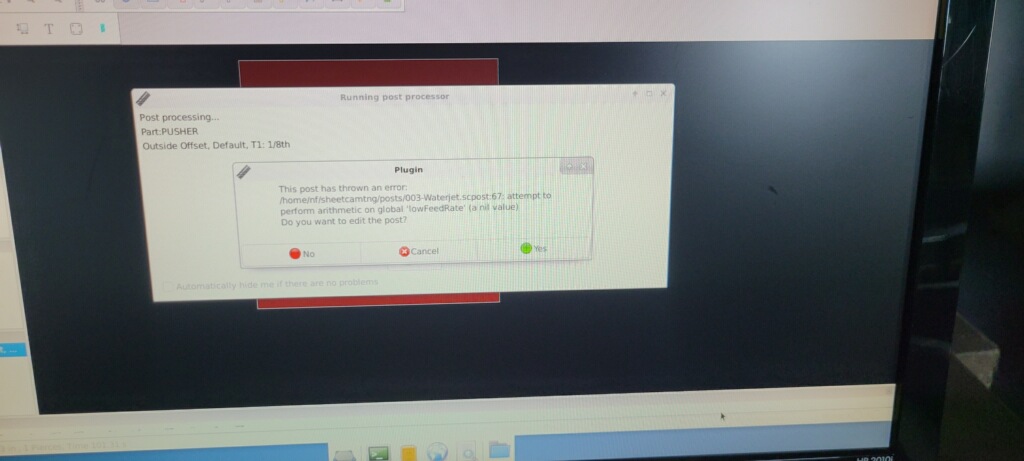
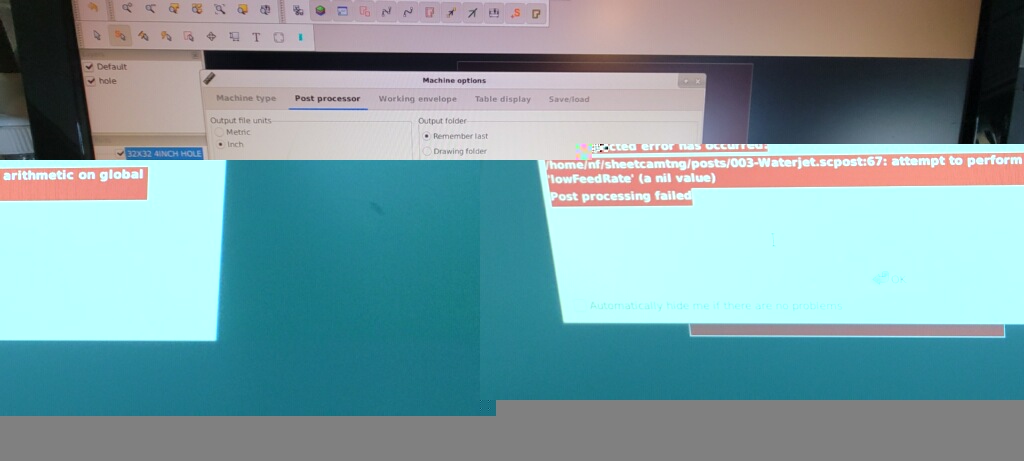
Please Log in or Create an account to join the conversation.

Time to create page: 0.182 seconds
Powered by Kunena Forum