probe basic - toolpath/file preview loading error

More
2 years 3 weeks ago - 2 years 3 weeks ago #311483 by Lcvette
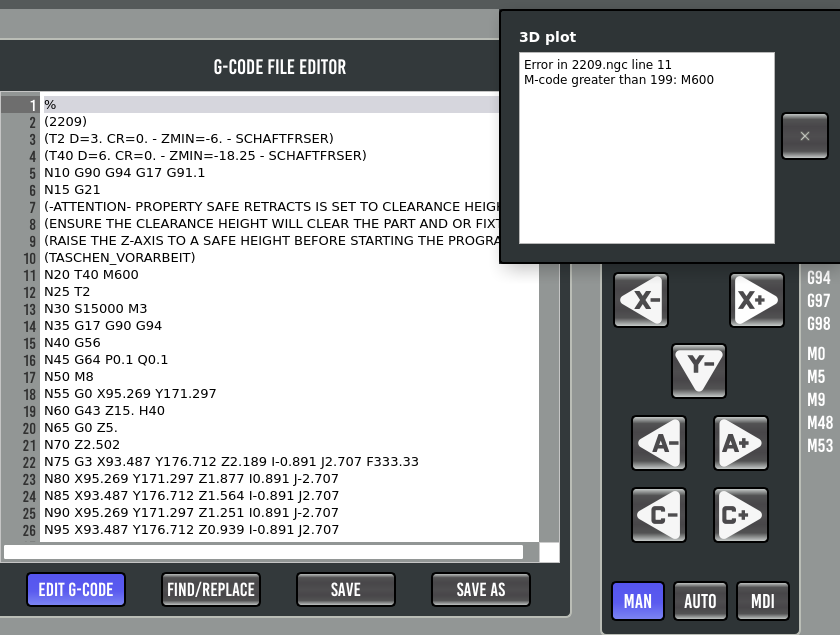
Error in 2209.ngc line 11
M-code greater than 199: M600

this is the error i get and i have seen this before, @Joco was experiencing this error popping up for some reason, but im not certain why this occurs, i thought he had found a work around for it in the linuxcnc source. as a test i changed the M600 code to M5 and it loaded fine with preview, I will ask him if he recalls how to resolve that issue and see about a fix for it.

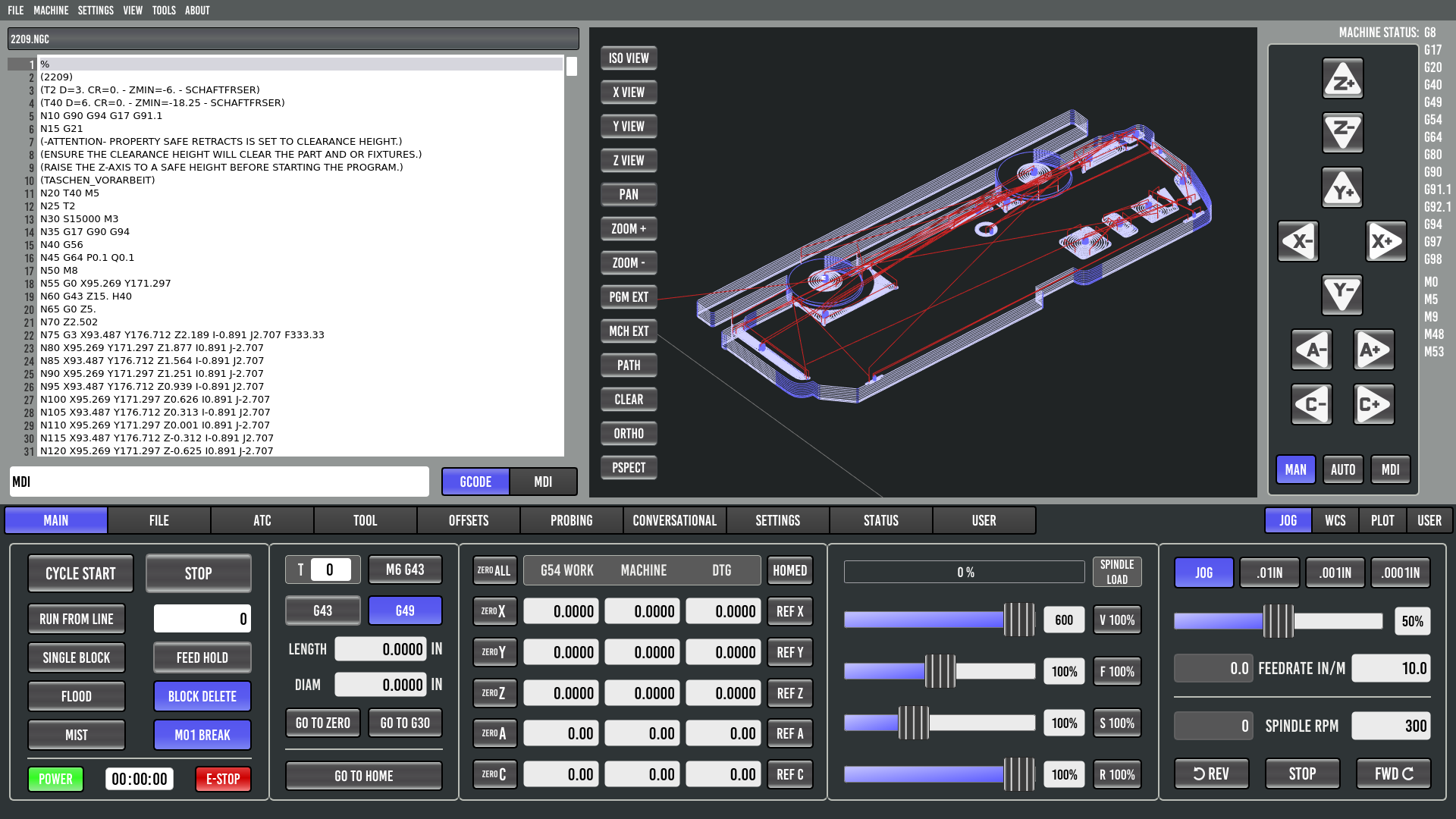
I only received the M errror as seen in the image below and not the one you posted so not certain if its the same or if there is something else going on there.  the result with error was the same symptom which was no display of the tool path in the gcode plotter.

Thanks for the heads up!

Chris


Last edit: 2 years 3 weeks ago by Lcvette.
The following user(s) said Thank You: jc2ktr, Unlogic

Please Log in or Create an account to join the conversation.

More
2 years 3 weeks ago #311517 by jc2ktr
Thanks Lcvette,

yes the M600 error is a followup from my toolchange remap. I´ve deleted all Comments from Fusion360 in the file, and test ist tomorrow. Maybe there is a problem. 

Thanks for your help and patience image missing /media/kunena/emoticons/laughing.png

Please Log in or Create an account to join the conversation.

More
2 years 3 weeks ago #311527 by Lcvette
I had to change the M600 to M5 and it loaded without complaint, so there is something i think requiring a fix for M600, you could assign a different M### between 100-199 and it would not complain, unless you've added M600 yo linuxcnc and it sees it and doesnt complain

Please Log in or Create an account to join the conversation.
More
1 year 11 months ago #314108 by spumco
Adding my two cents here...

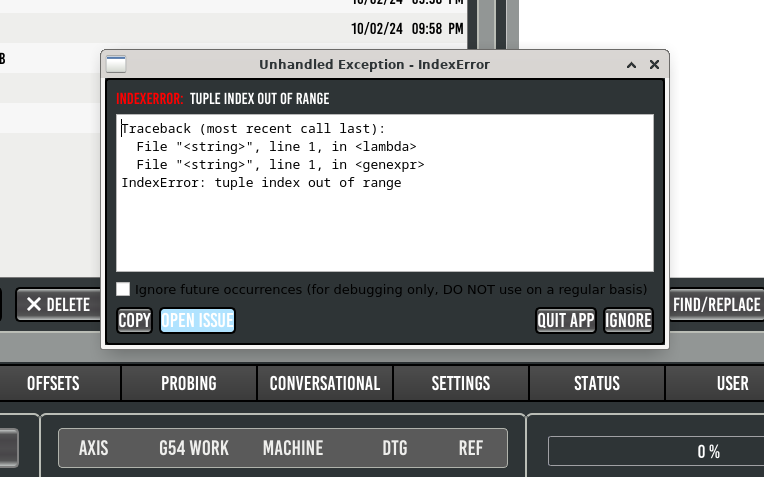
I get a similar error message when trying to load a g-code file in PB.  No issues with the backplot but the attached error message pops up when I load the file.

I think I narrowed it down to the tool number being >199.

When I commented out the T407, T823, and T642 it loaded with no complaints.  And when I edited the file it would load fine at T199 (other two commented out) but puked when changed to T200.

I can load the tools in/out of my ATC using the PB interface, and call them up via MDI with no errors.

I can work around this for a short time by renumbering tools, but this is going to be annoying since I imported my F360 library to LCNC and I've got tools up to the 1100-range in the table.

Please Log in or Create an account to join the conversation.

More
1 year 11 months ago #314122 by Lcvette
i am getting it with tool 199, this is a wierd bug, I am digging into it but im having trouble finding where its coming from. I am not finding any of the error information in the debug or any of the src files, I will report back when i find something more on it! thanks for bringing this to my attention!
The following user(s) said Thank You: spumco

Please Log in or Create an account to join the conversation.

More
1 year 11 months ago #314125 by Lcvette
found something, a clue but not the reason why, i suspect its a remnant edit from working on the tool table database mode, running a comparison to see where we broke it, looks like its not reading newly added tools at startup which triggers the error message because the tool isn't read into linuxcnc at start up. will update when a fix is up.
The following user(s) said Thank You: spumco, Unlogic

Please Log in or Create an account to join the conversation.

Moderators: KCJ, Lcvette
Time to create page: 0.211 seconds
Powered by Kunena Forum