How to open QT ui file in LinuxCNC

More
1 year 7 months ago #323144 by hakinen2255
Hi Chris,

yes that worked and it loaded the screen, thanks.
 

Please Log in or Create an account to join the conversation.

More
1 year 7 months ago #323215 by cmorley
Excellent let me know of any bugs please.
The following user(s) said Thank You: tommylight, hakinen2255

Please Log in or Create an account to join the conversation.

More
1 year 6 months ago #327056 by hakinen2255
Hi Chris,

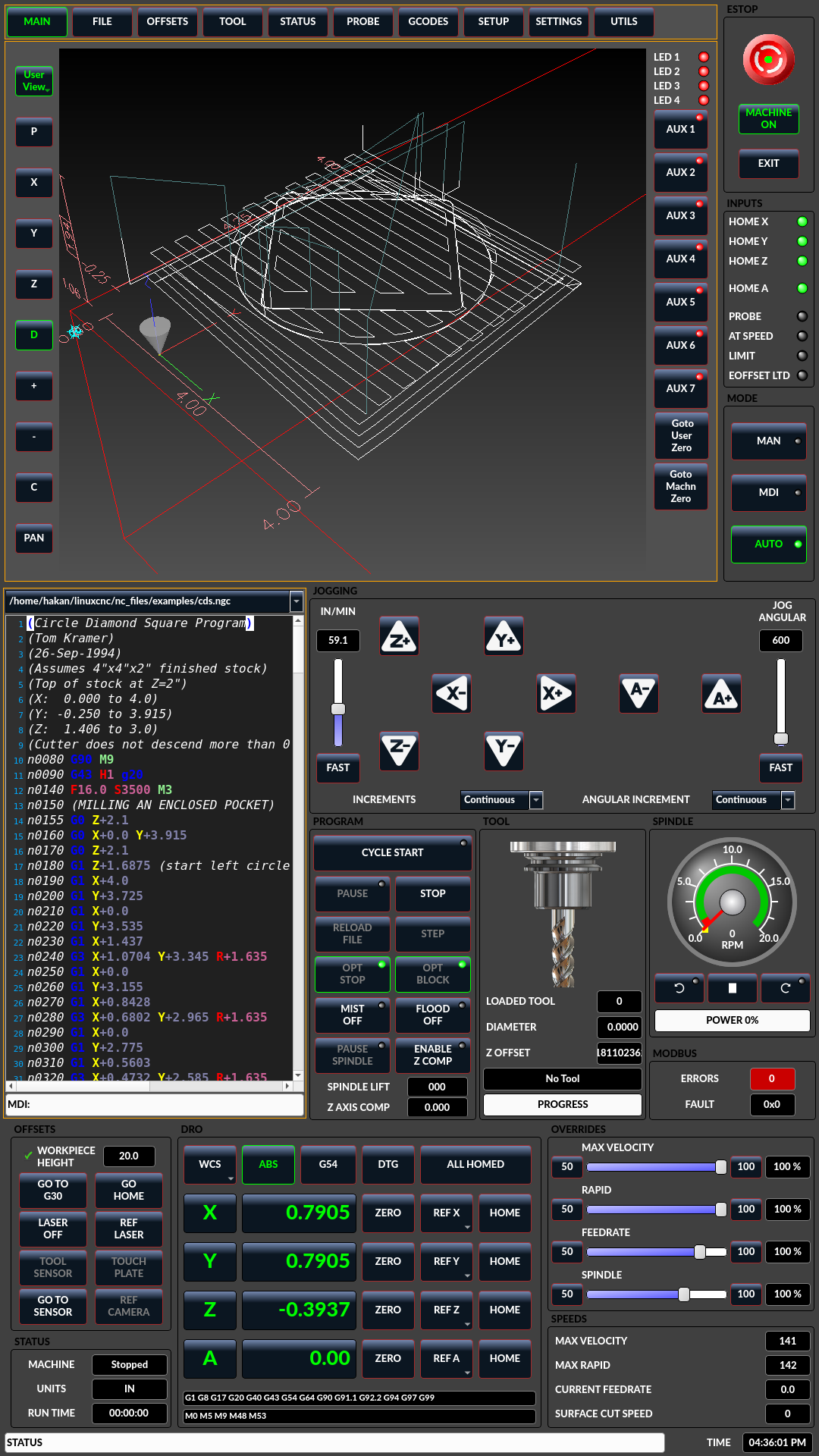
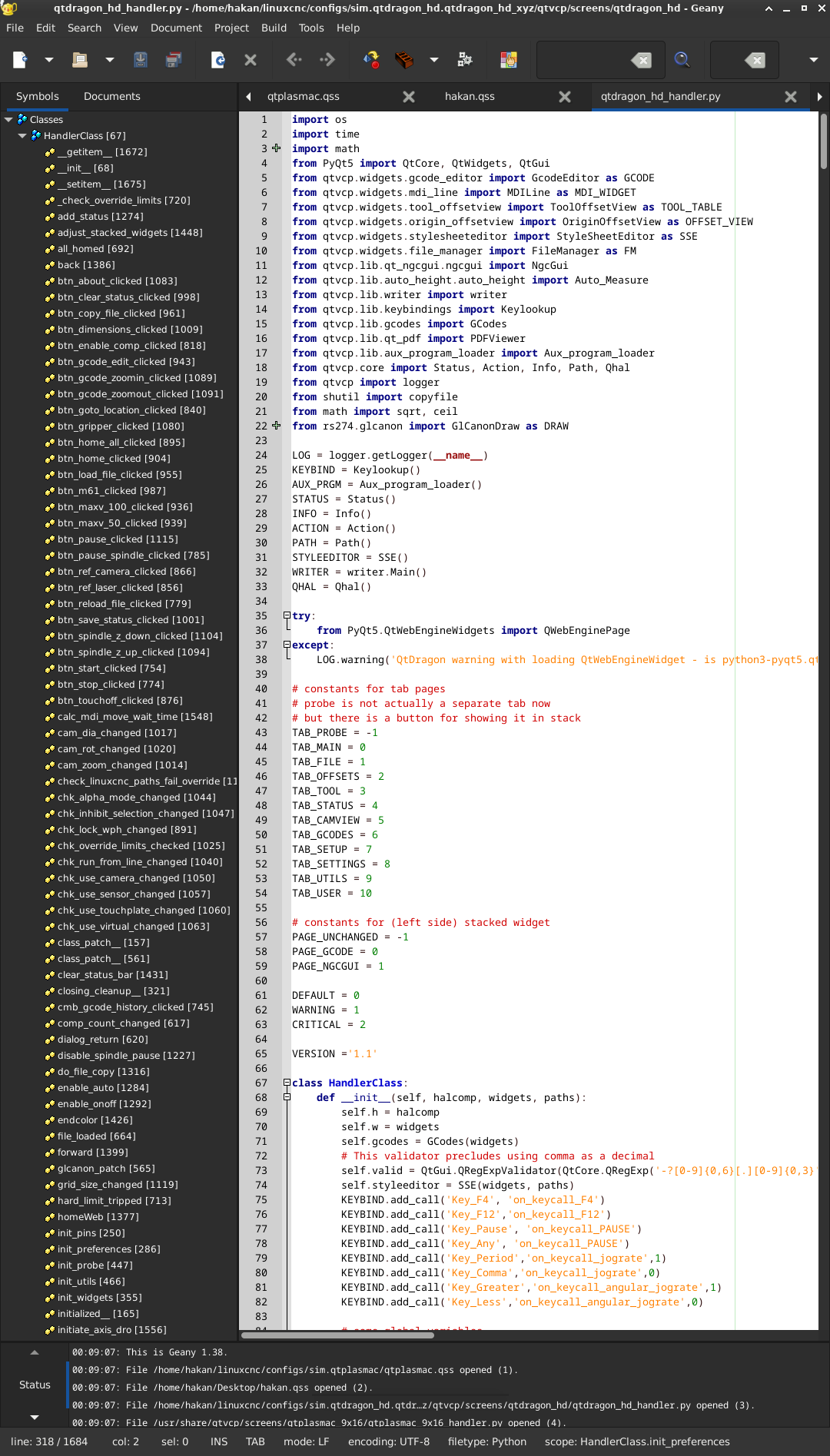
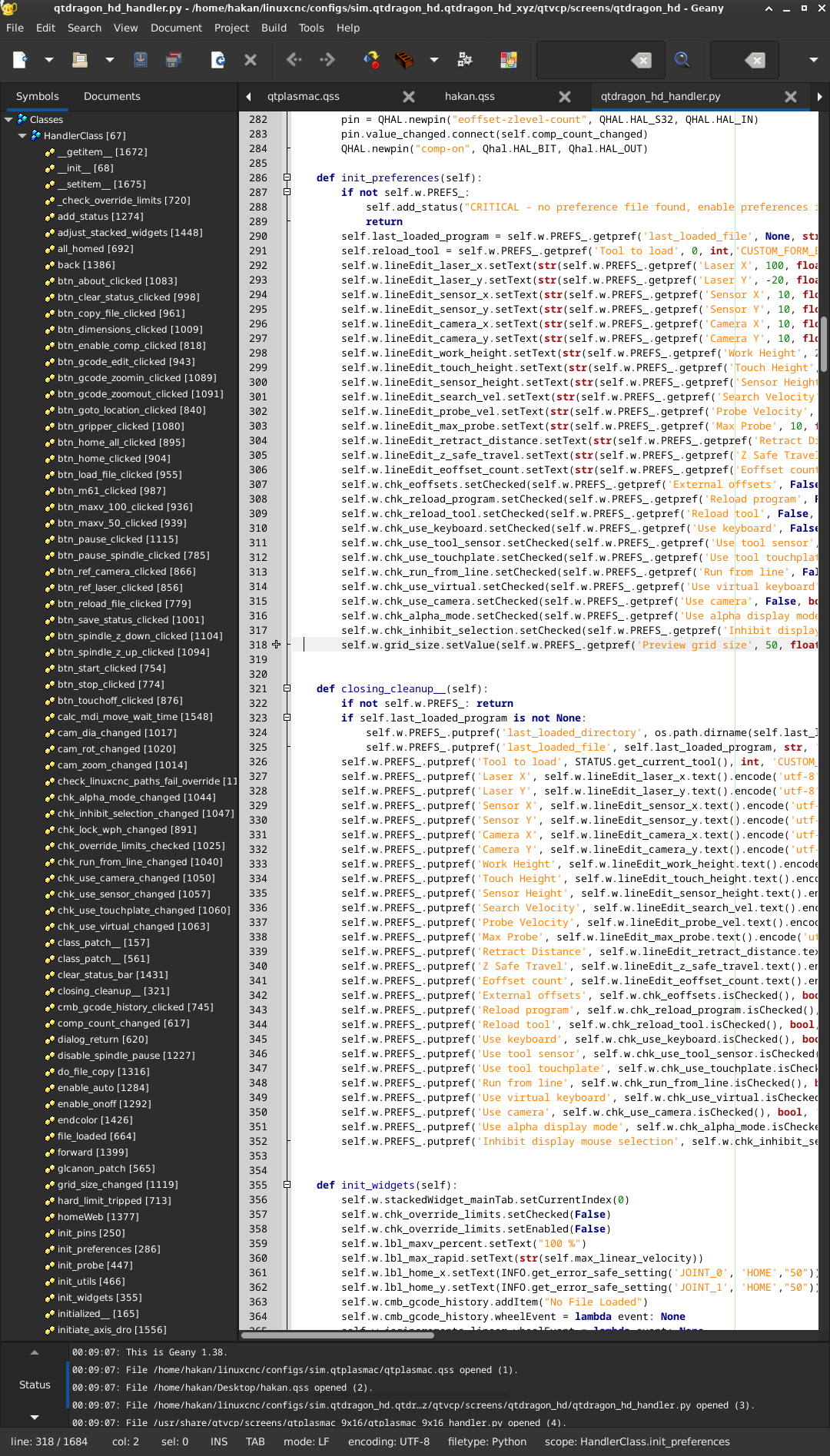
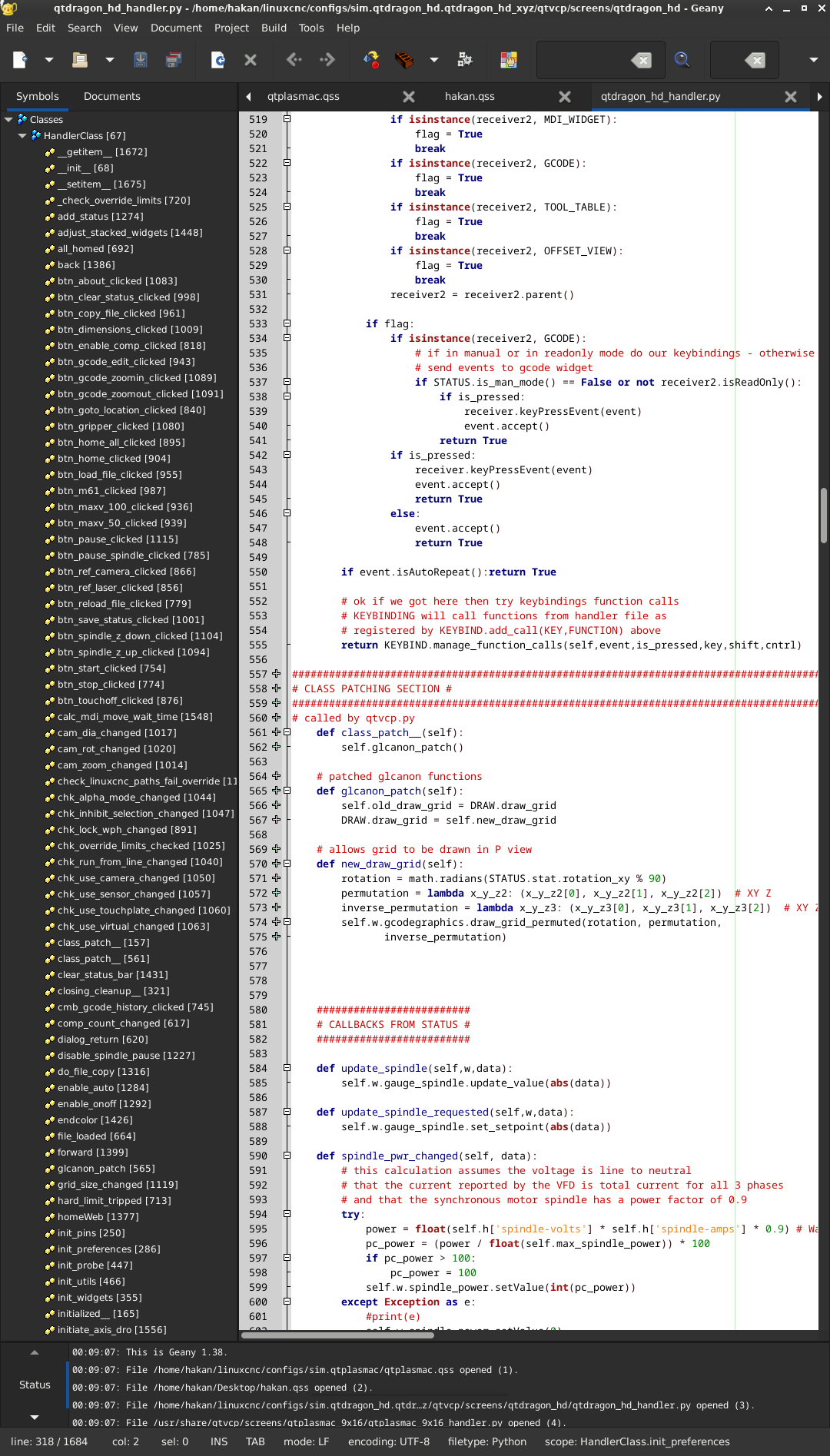
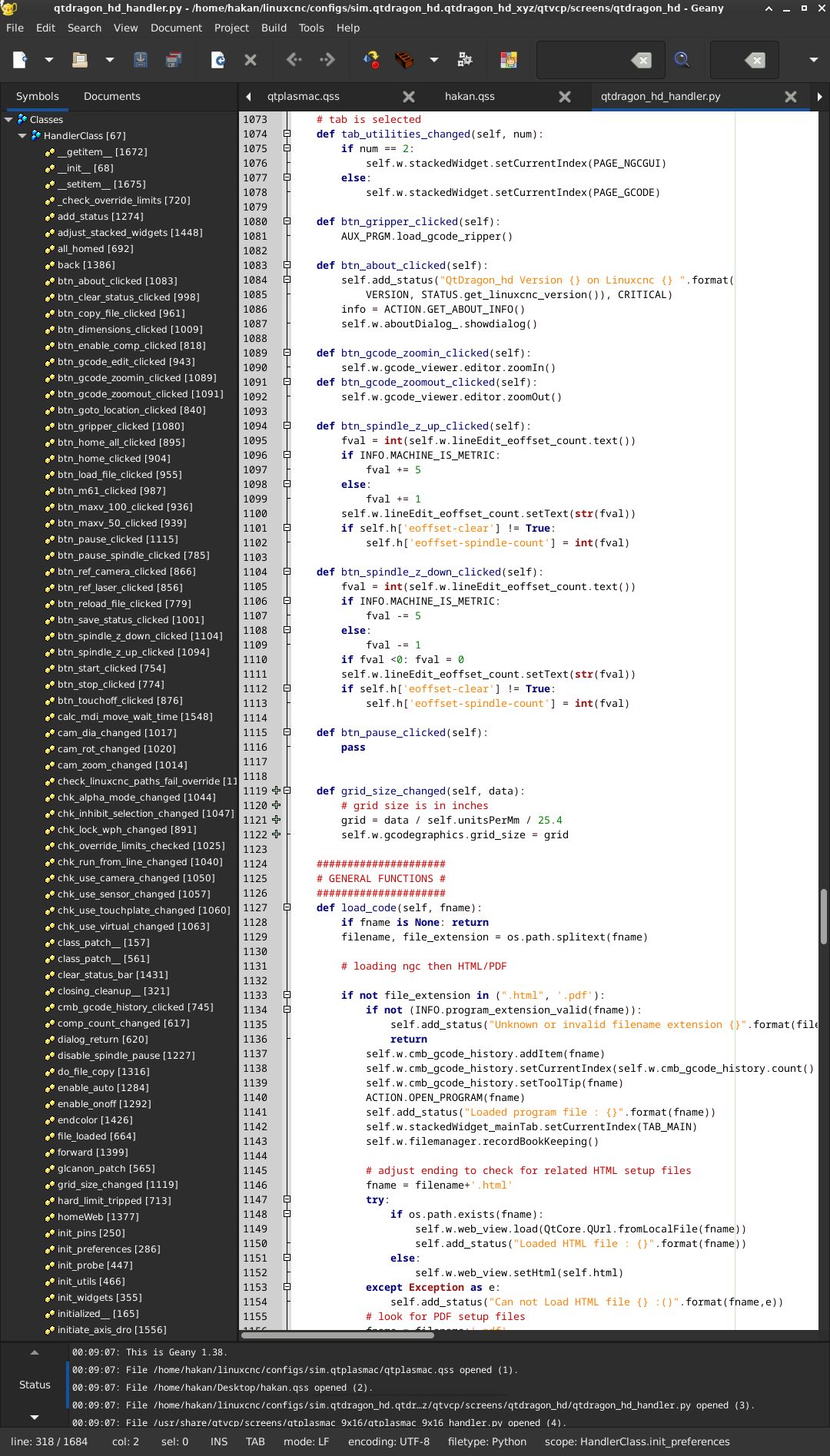
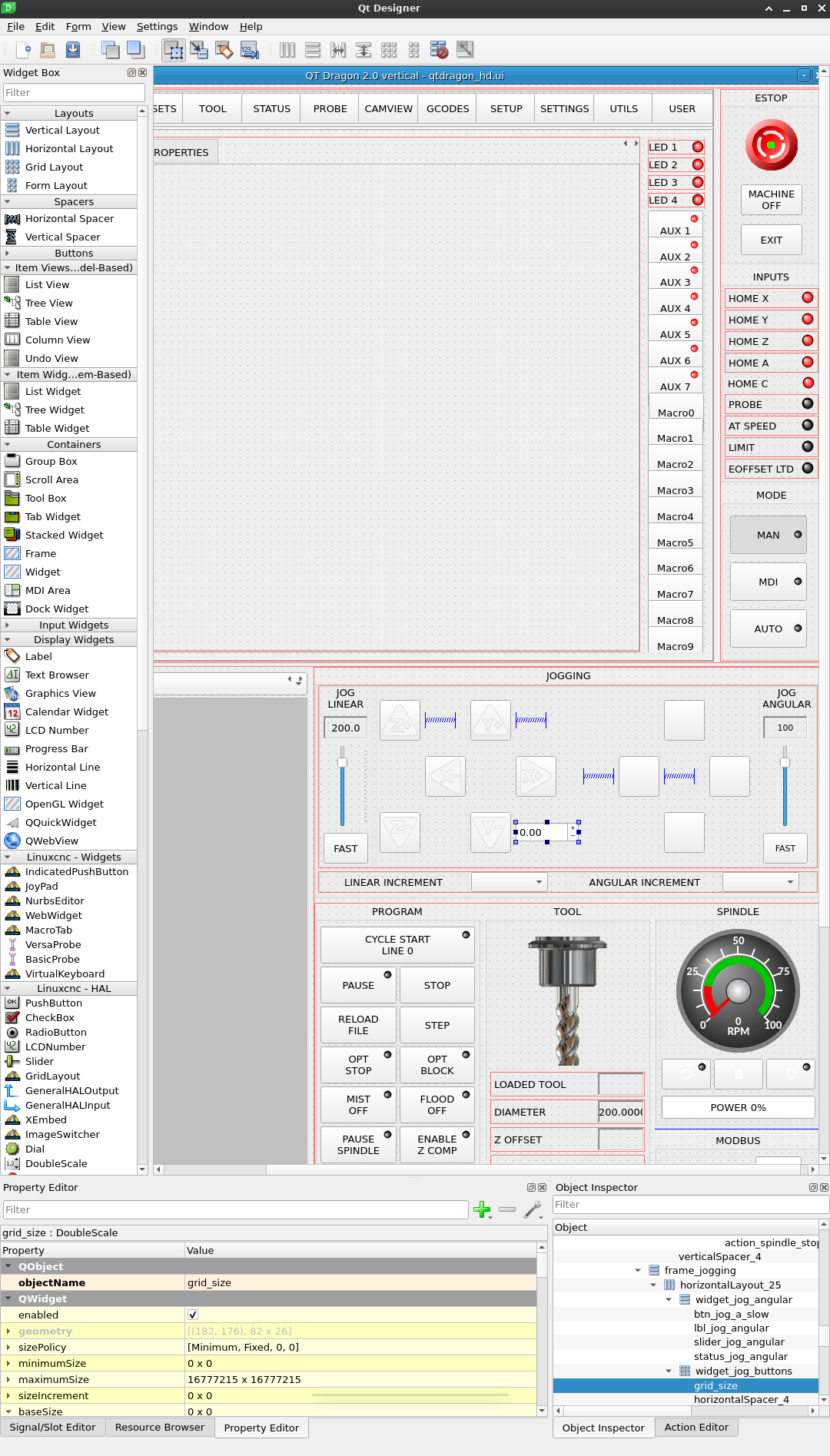
I am trying to add a grid to the 3d graphics before i start with adding a 3d model of the machine, same grid with the qtplasmac, i checked its code and added the lines(i think that its related with drawing a grid in the viewport) to the qtdragon_hd_handler.py(lines with the + signs next to line numbers in the attached screenshots) but i can not see a grid in the viewport. as u know i dont know the programming language i am just copying and pasting, i also added a doublescale box in qt designer, i can see the grid size as 50 in startup as i entered in the code but there is no grid still in 3d graphics.

have u tried adding a grid to 3d graphics before or do u know how to do it? Thanks in advance.

Hakan


Please Log in or Create an account to join the conversation.

More
1 year 6 months ago #327072 by cmorley
I believe the grip only shows in z view. It should work without coding. Might have ro set grid bit it did work.

Please Log in or Create an account to join the conversation.

More
1 year 6 months ago #327081 by hakinen2255
in qtplasmac it shows in z view and perspective view,

what u mean by it should work without coding, is there a way to turn it on or set in qtdragon_hd?

Please Log in or Create an account to join the conversation.

More
1 year 6 months ago #327102 by cmorley
Sorry for cryptic message - I am away from home for work.
I did not know that QtPlasmac was patched to show a grid in P view - those plasma guys are very crafty!
I also didn't realize QtDragon had no builtin way to show grids

(I assume your gcode graphics widget is called gcodegraphics in designer)

To get XYZ grids to show you must set a grid size:
self.w.gcodegraphics.grid_size = 1
setting the grid color is possible (Red,green,blue):
self.w.gcodegraphics.colors = (1.0, 1.0, 1.0)
add those to bottom of  init_widgets() function.

to get grid in perspective too require patching.
Code:
    def new_draw_grid(self):         if self.w.gcodegraphics.get_view() == 3:             rotation = math.radians(STATUS.stat.rotation_xy % 90)             # permutation = lambda x_y_z2: (x_y_z2[0], x_y_z2[1], x_y_z2[2])  # XY Z             def permutation(x_y_z2):                 return x_y_z2[0], x_y_z2[1], x_y_z2[2]  # XY Z             # inverse_permutation = lambda x_y_z3: (x_y_z3[0], x_y_z3[1], x_y_z3[2])  # XY Z             def inverse_permutation(x_y_z3):                 return x_y_z3[0], x_y_z3[1], x_y_z3[2]  # XY Z             self.w.gcodegraphics.draw_grid_permuted(rotation, permutation, inverse_permutation)         else:             self.old_draw_grid()

add to bottom of  init_widgets() function:
Code:
        # patched gcodegraphics functions         self.old_draw_grid = self.w.gcodegraphics.draw_grid         self.w.gcodegraphics.draw_grid = self.new_draw_grid
I think I should modify the underlaying code so the patching is not necessary - on the todo list.

The following user(s) said Thank You: tommylight, snowgoer540

Please Log in or Create an account to join the conversation.

Moderators: cmorley
Time to create page: 0.081 seconds
Powered by Kunena Forum