How to open QT ui file in LinuxCNC

More
1 year 6 months ago #327107 by hakinen2255
Thanks for the detailed reply Chris,

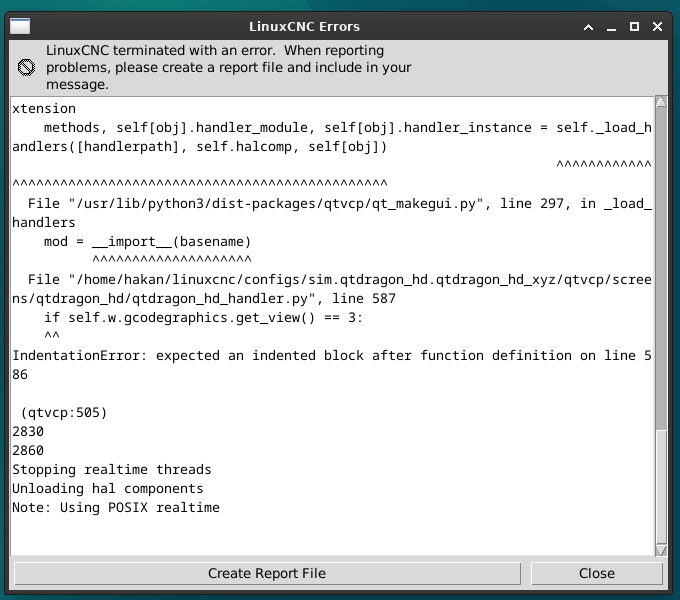
I disabled all the lines i added to the code and added some of your code under init_widgets() function and put the rest where other functions or patches are defined, when i run the linuxCNC i got the attached error, did i miss something?

Please Log in or Create an account to join the conversation.

More
1 year 6 months ago #327108 by hakinen2255
Hi again,

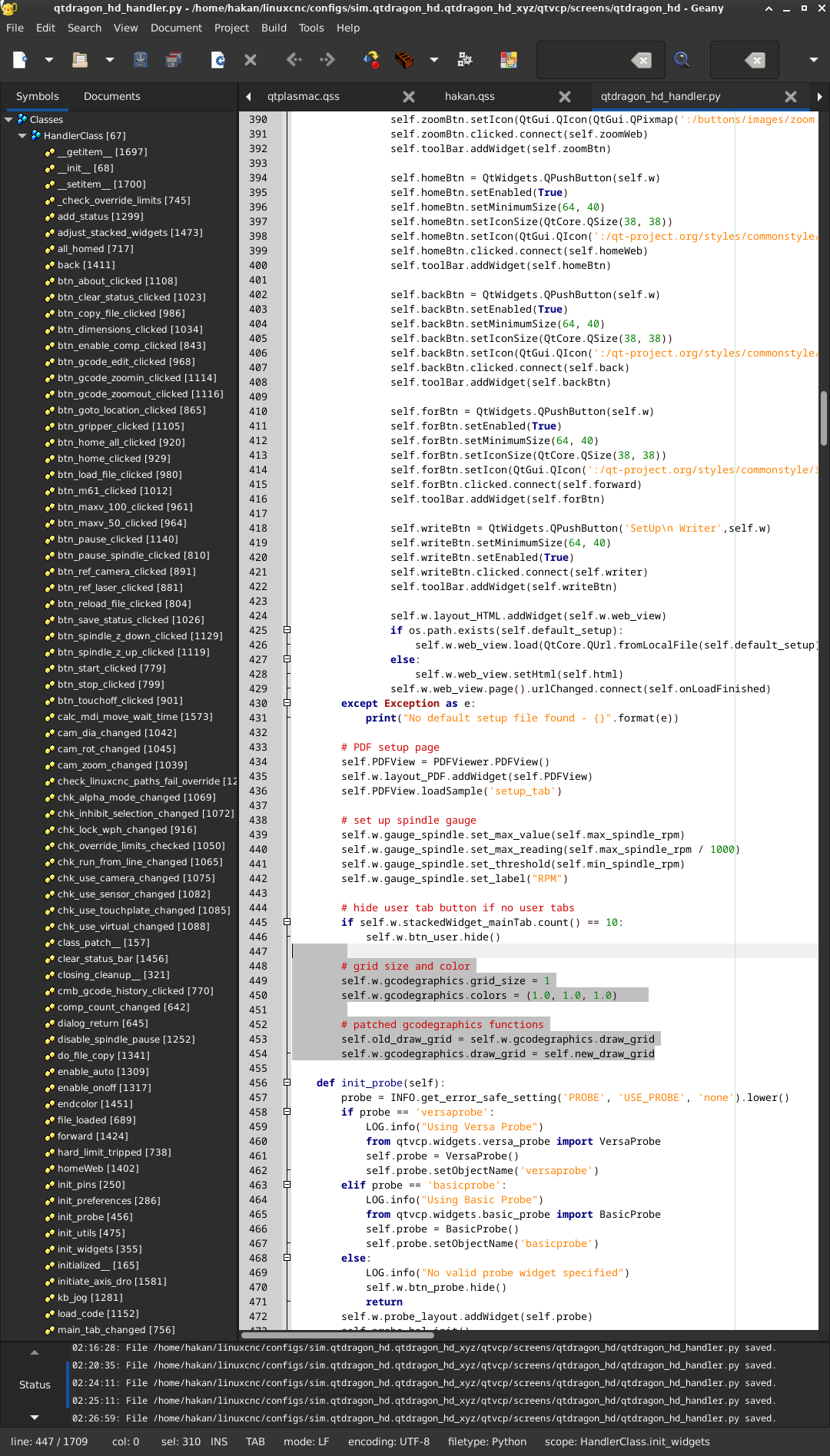
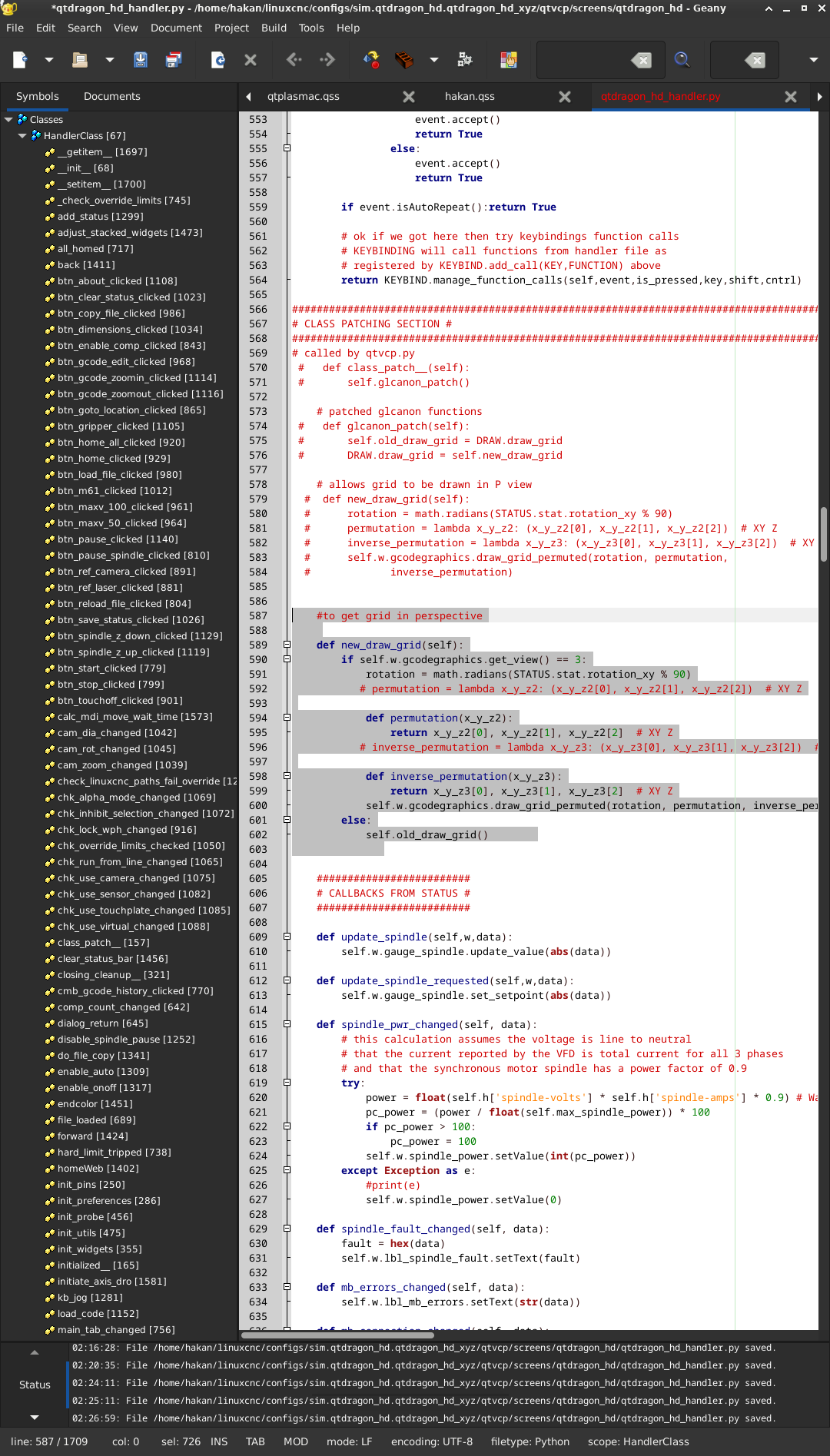
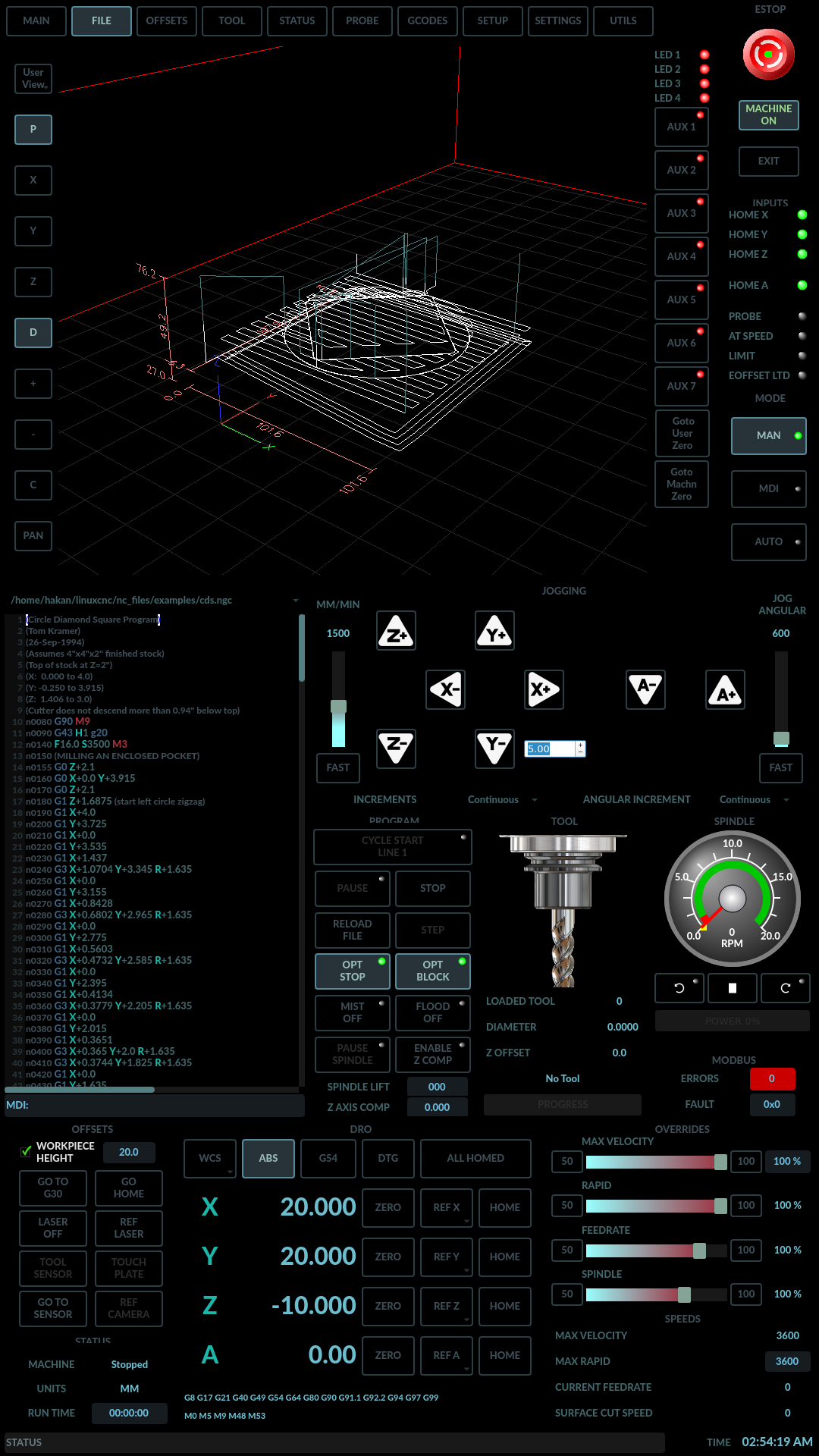
i got it, there was an indentation error, fixed it also changed self.w.gcodegraphics.colors = (1.0, 1.0, 1.0) to self.w.gcodegraphics.color = (100, 100, 100) so i have a grid on perspective view now image missing /media/kunena/emoticons/smile.png

Thanks Chris

Please Log in or Create an account to join the conversation.

More
1 year 6 months ago #327110 by cmorley
Excellent!
Cool colors too by the way!

Please Log in or Create an account to join the conversation.
More
1 year 6 months ago #327111 by tommylight

Excellent!
Cool colors too by the way!
I was just about to say the same thing.

Please Log in or Create an account to join the conversation.
More
1 year 5 months ago #327778 by hakinen2255
Thanks,

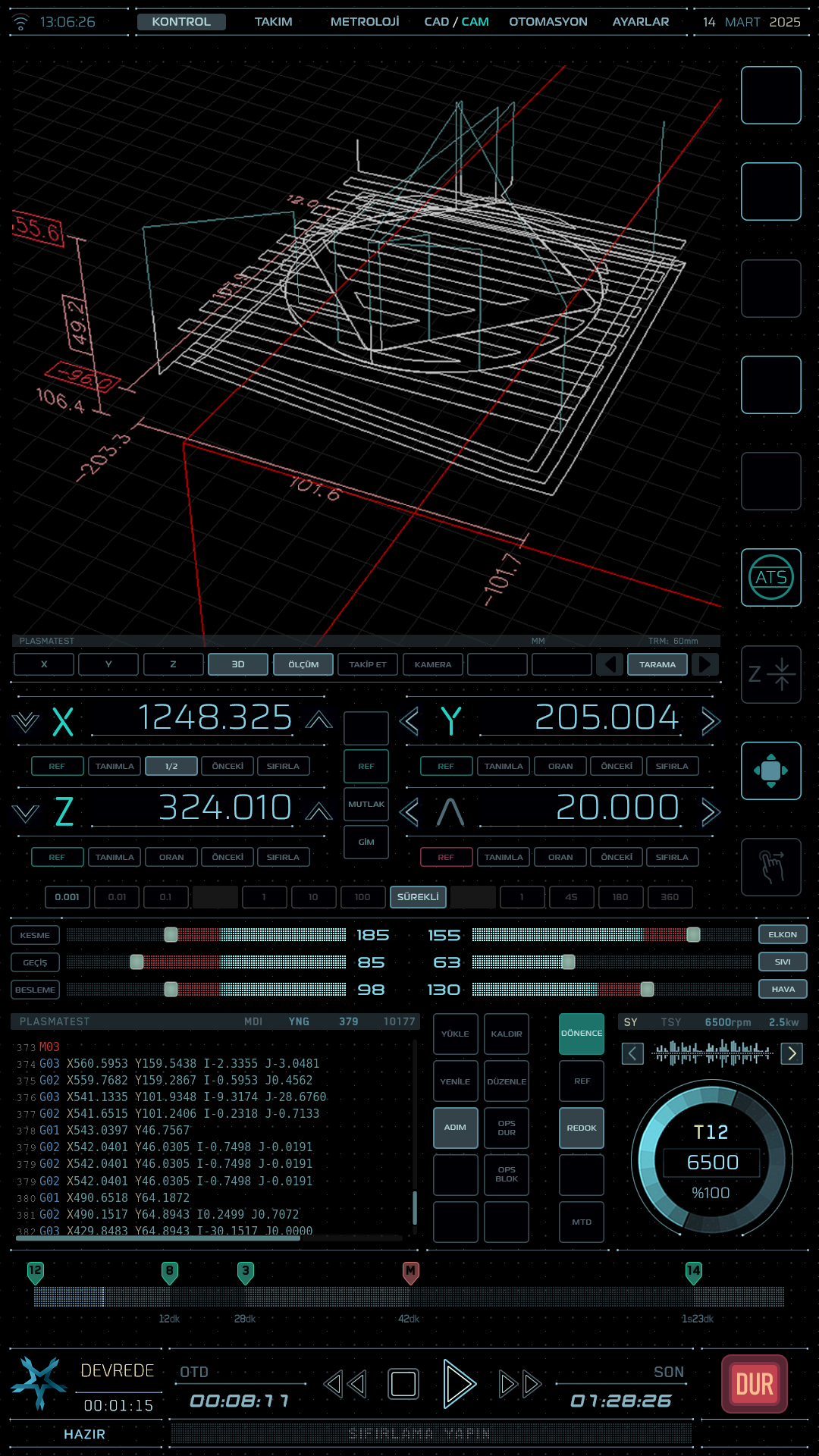
I just played around with colors, didnt start to move around things, at the end it will look like the attached image, i hope image missing /media/kunena/emoticons/silly.png
The following user(s) said Thank You: tommylight

Please Log in or Create an account to join the conversation.
More
1 year 5 months ago #327785 by cmorley
In the latest master version of linuxcnc, the grid will show in perspective (without patch).
Also there is an action tool button to set grid size from the INI entry. See an example of the 'optn' button in any of the qtdragon screens.
The following user(s) said Thank You: hakinen2255

Please Log in or Create an account to join the conversation.
Moderators: cmorley
Time to create page: 0.076 seconds
Powered by Kunena Forum