Help : Layman configuration for Raspberry Pi 5, Linuxcnc 2.9. and Mesa 7i96

More
1 year 3 months ago #332485 by sk_linuxcnc

Once you have networking setup you can configure your Mesa card as you would for a normal PC, there are plenty of threadson the forum regarding this subject, there is nothing particular to the RPi platform in this respect.
 
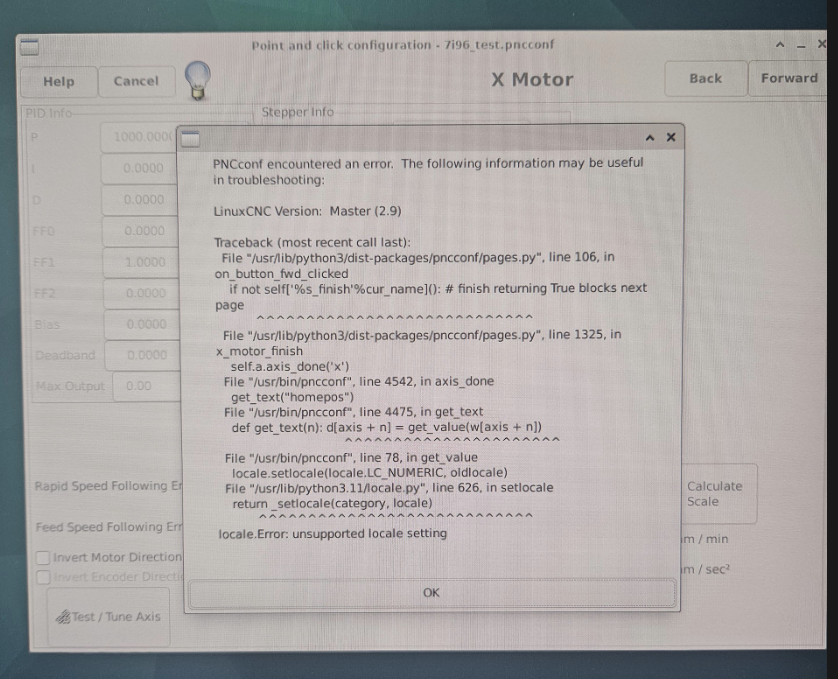
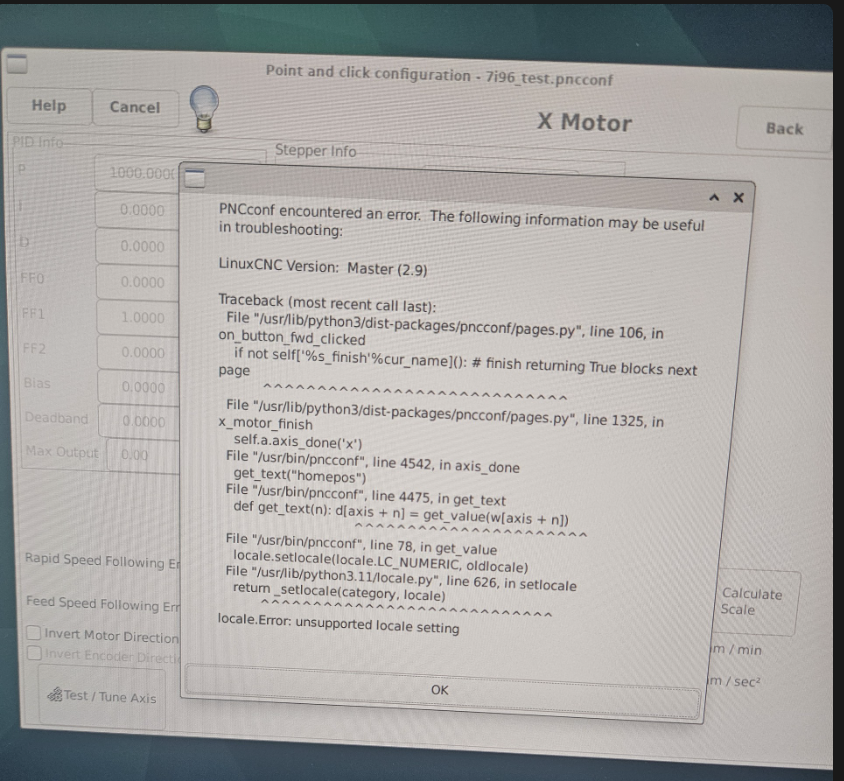
i have run into a locale issue. what should be my locale set to? i am based in Germany. 
from Locales by Behai, i set up my locale as en US.UTF-8 UTF8
but the issue persists. 

Please Log in or Create an account to join the conversation.
More
1 year 3 months ago #332487 by sk_linuxcnc
for the locale issue? something needs to be manually set here or? 

Please Log in or Create an account to join the conversation.
More
1 year 3 months ago #332488 by sk_linuxcnc
forum.linuxcnc.org/39-pncconf/50843-loca...ng-on-raspberry-pi-4

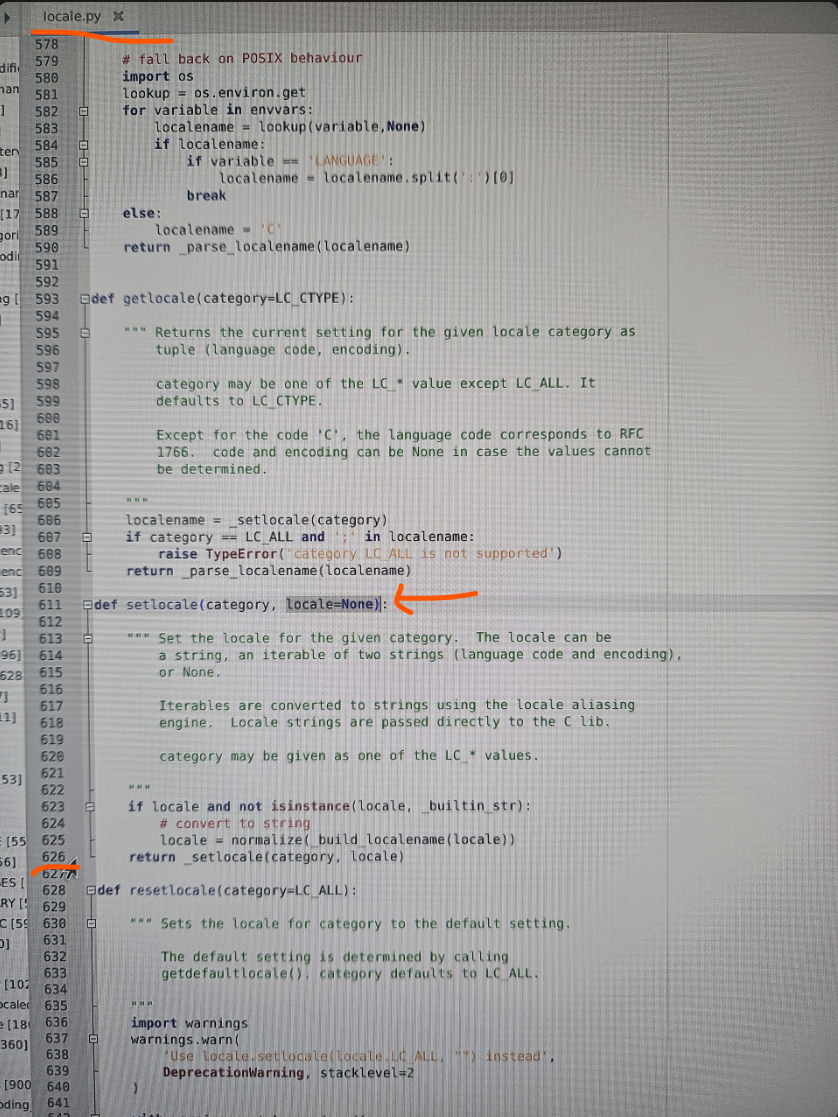
ahh.. as explained in this thread, you have to press spacebar to actually select the locale in the sudo menu-config (ha ha) :dry:

by typing locale in the terminale, the newly set locale can be confirmed. I have fixed the locale issue now.

so back to the interface settings and network manager.. i still need help there. Thanks again to all!

Please Log in or Create an account to join the conversation.
More
1 year 3 months ago #332500 by unknown
Ok once again.

For the interfaces you want to configure via Network Manager make sure the interface does not have an entry in the network file.

It is quite simple.

Please Log in or Create an account to join the conversation.

More
1 year 3 months ago #332514 by sk_linuxcnc
you are right, it was quite simple indeed.

i opened the file interfaces file with
$ sudo open /etc/network/interfaces

commented out every line under #wireless

(managed to save the file this time since i was with sudo previlages.. unlike previously where i opened the file manually through the file manager)

$ sudo reboot

now wifi shows up under network manager gui, and it can be turned on and off easy.

thank you!

Please Log in or Create an account to join the conversation.

Time to create page: 0.260 seconds
Powered by Kunena Forum
