Interfaces & linear scale for LinuxCNC

More
1 year 2 months ago #332766 by tommylight


Would a LPT port have enough inputs and outputs to read linear encoders for 3 axis?
Yes and no:
-Yes it can read 3 axis be it A/B or A/B/Z, so 6 or 9 inputs, but only in "IN" or "X" mode that most built in parallel ports can do but not all, and you might need more than one parallel port for everything to work.
-No as parallel port is really slow for reading encoders, especially high resolution ones.
You can use a parallel port or two to do some testing and maybe very slow work, but i would not think you can use it for a production machine.
As a reference, you can do 5000-20000 encoder pulse readings per second on a parallel port with a good latency PC, might even go to 50000 with a really good latency PC, but this is to far fetched.
And for reference Mesa can do up to 10000000 pulse readings per second. Yes, that is 10 million.

Please Log in or Create an account to join the conversation.

More
1 year 2 months ago - 1 year 2 months ago #332772 by Cysign
I see. So is there something like GRBL for output, but used for encoder-inputs?
Like an Arduino or Teensy based encoder-decoder?

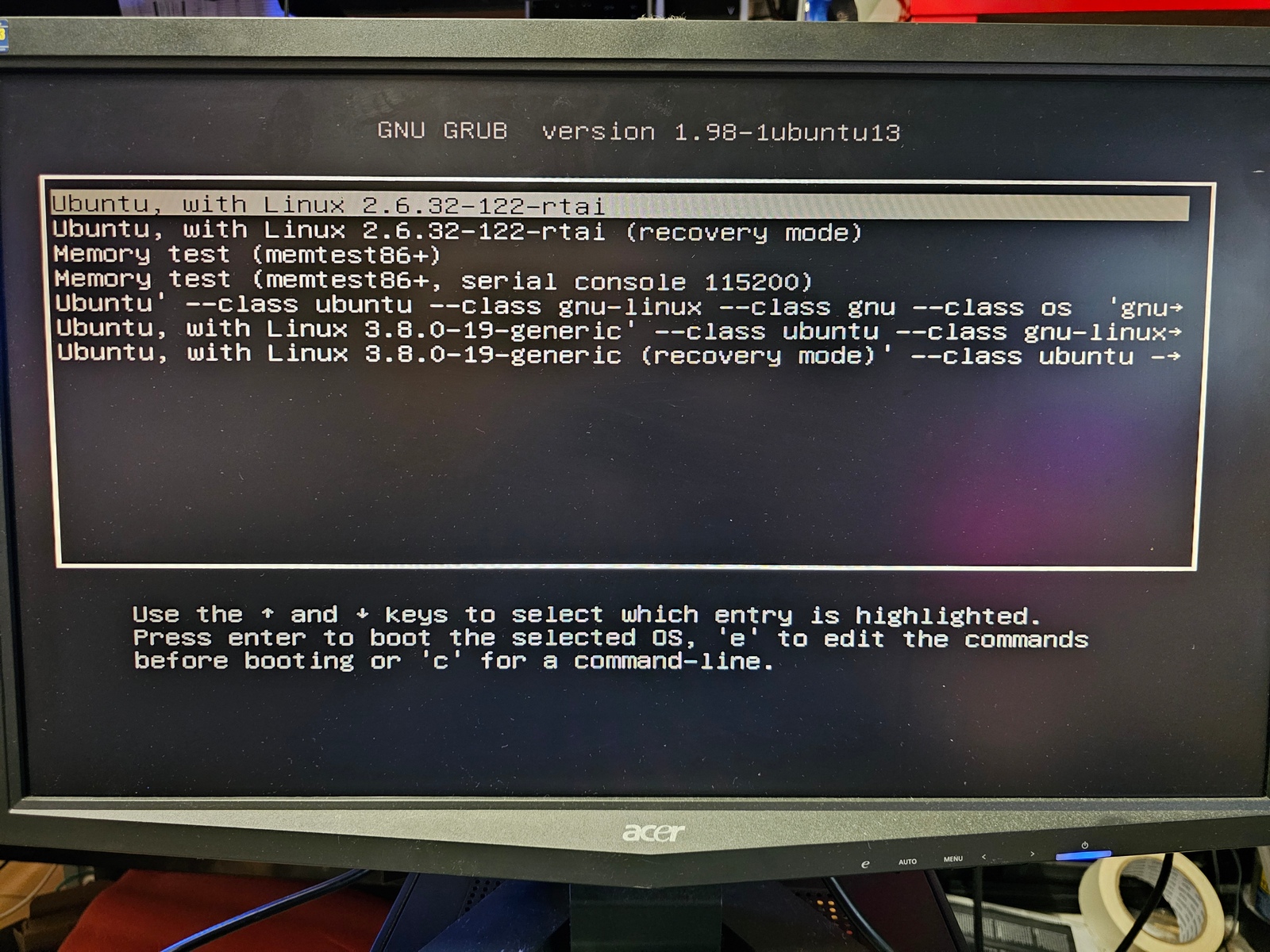
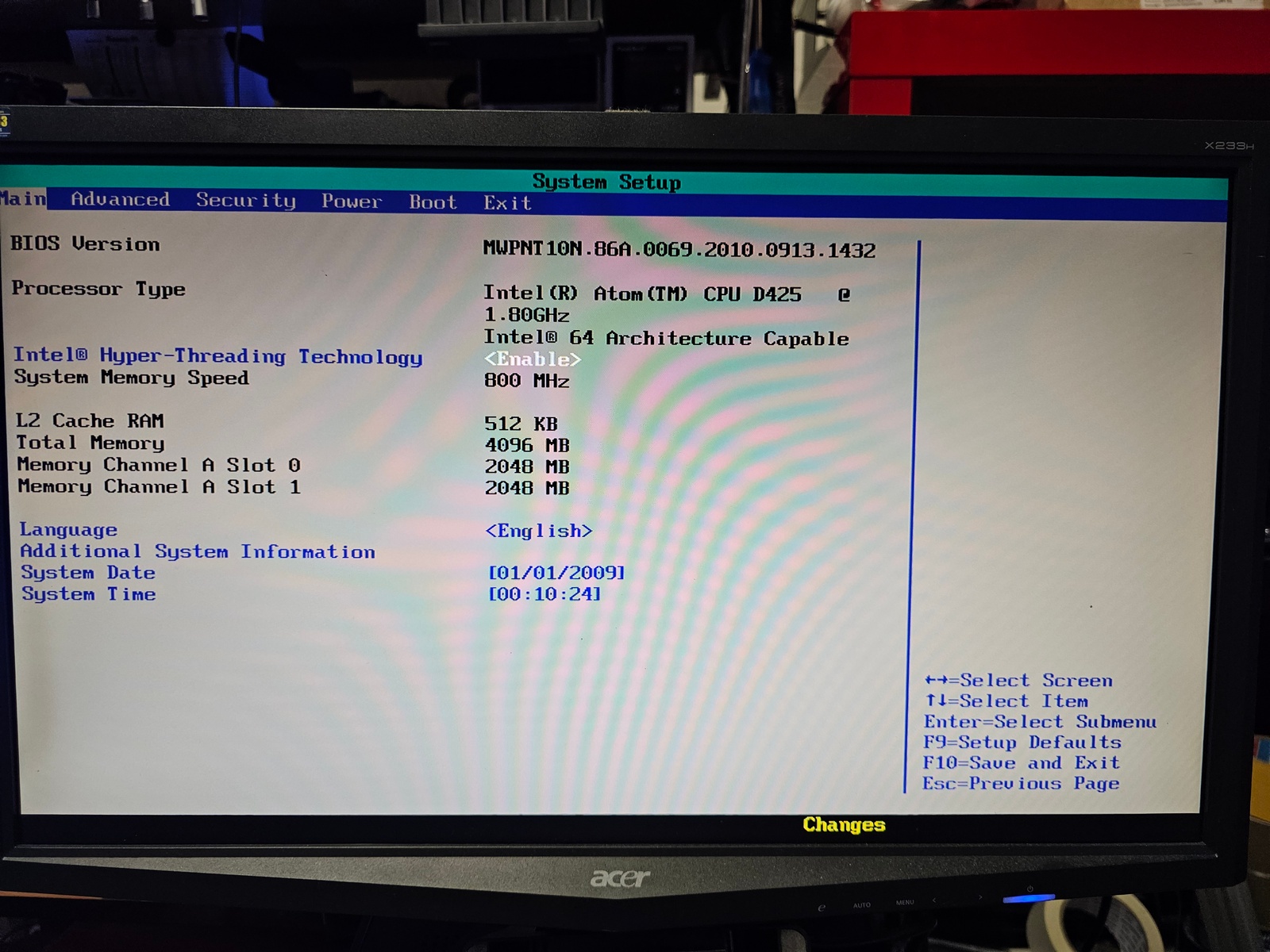
I just started um this old computer. There's an old Grub 1.98 with Ubuntu 13 installes. Linux 2.6.32-122-rtai (I probably installed this about 10 years ago :D)
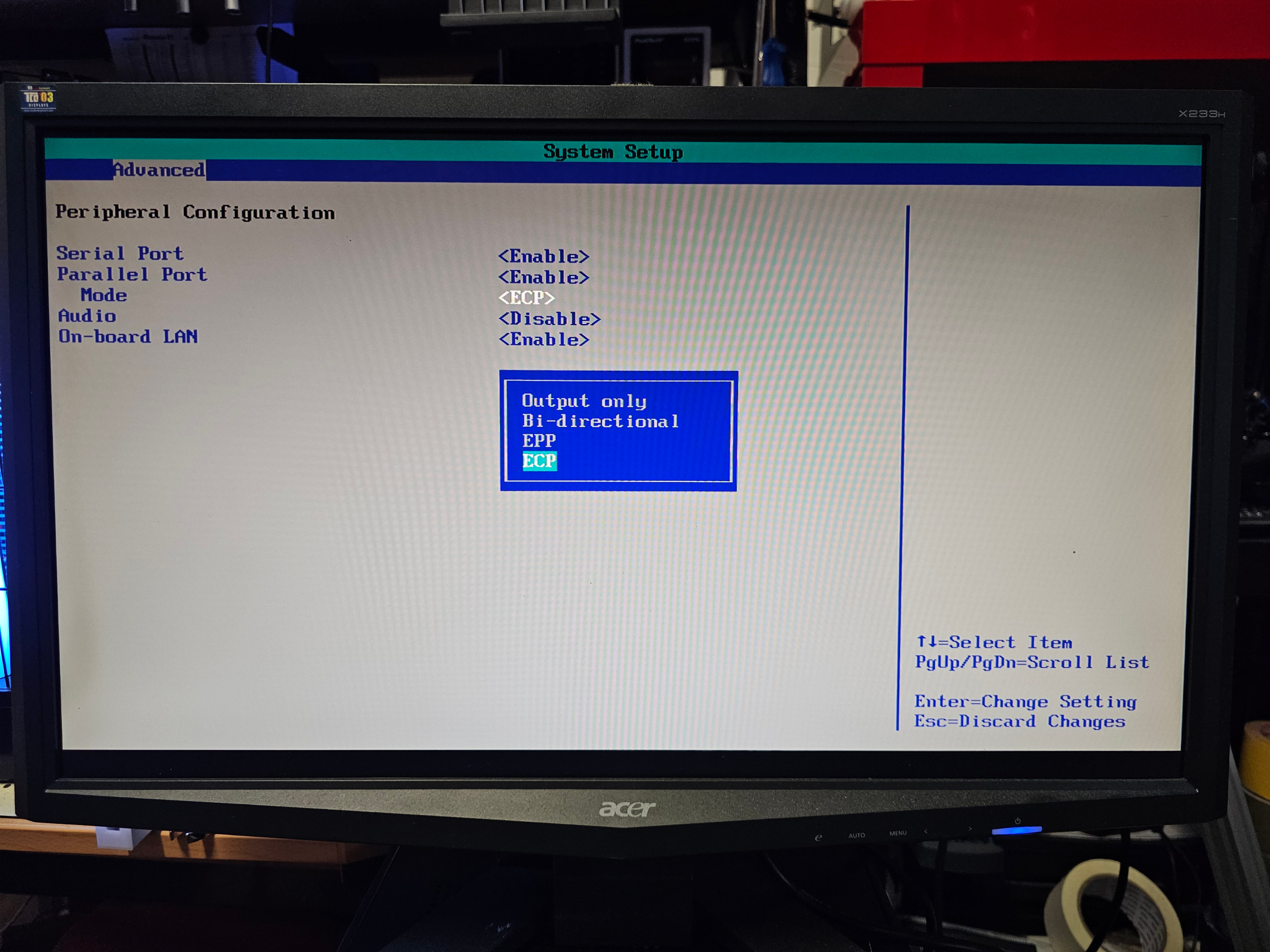
Also I have to change the bios battery, since it is empty.
It has an Intel D425 installed and 4GB memory.


//Edit:  github.com/AlexmagToast/LinuxCNC_ArduinoConnector
That might to the trick. I'm sure there's at least one Arduino Mega2560 within the range of two meters around me. Also I can see at least 5 Arduino Uno in front of me :D
Last edit: 1 year 2 months ago by Cysign.

Please Log in or Create an account to join the conversation.

More
1 year 2 months ago #332775 by Cysign
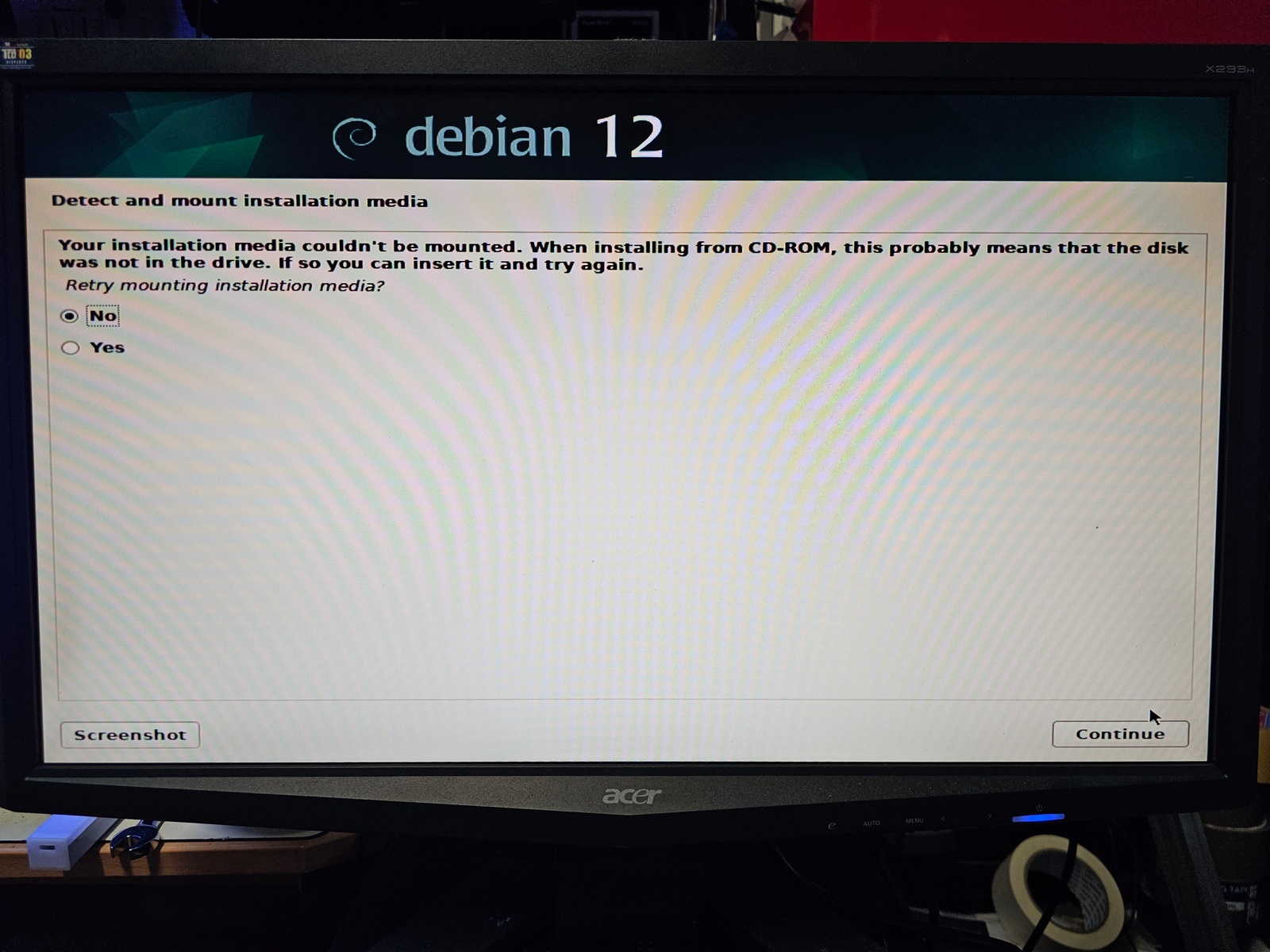
Looks like installing LinuxCNC isn't as easy as installing a casual linux.I remember I had to burn DVD when I first installed it and I borrower a DVD drive to install it properly.I flashed the image using Rufus 4.7 and booted from the USB flash drive - but  then the setup mentions "your installation media coultn't be mounted". Is this a known bug? What's the workaround?Also I was unable to set the BIOS to UEFI mode only. There's no option to disable the compatibility mode - so setup outputs warnings when using USB flash drive in EFI mode.

Please Log in or Create an account to join the conversation.

More
1 year 2 months ago #332778 by tommylight
At the error, remove the USB device and wait 5 seconds, insert again the USB and wait 15 seconds, click on YES and next.
Usually that works for this, well almost always.
In case it does not work for you:
Download and install Linux Mint Debian Edition, update and upgrade, then
sudo apt install linuxcnc-uspace
-
Warning, this might not be the best option for parallel port use as it might end up with quite high latency.
The following user(s) said Thank You: Cysign

Please Log in or Create an account to join the conversation.
More
1 year 2 months ago #332779 by Cysign
Works, thanks :)

Please Log in or Create an account to join the conversation.
More
1 year 2 months ago #332848 by Cysign
I just ordered a SSD for this old computer. Now that I know it's working, I would like to speed it up :D
Will this also improve latency for linuxCNC or doesn't it matter, since everything is stored in RAM?

Please Log in or Create an account to join the conversation.
Time to create page: 0.282 seconds
Powered by Kunena Forum