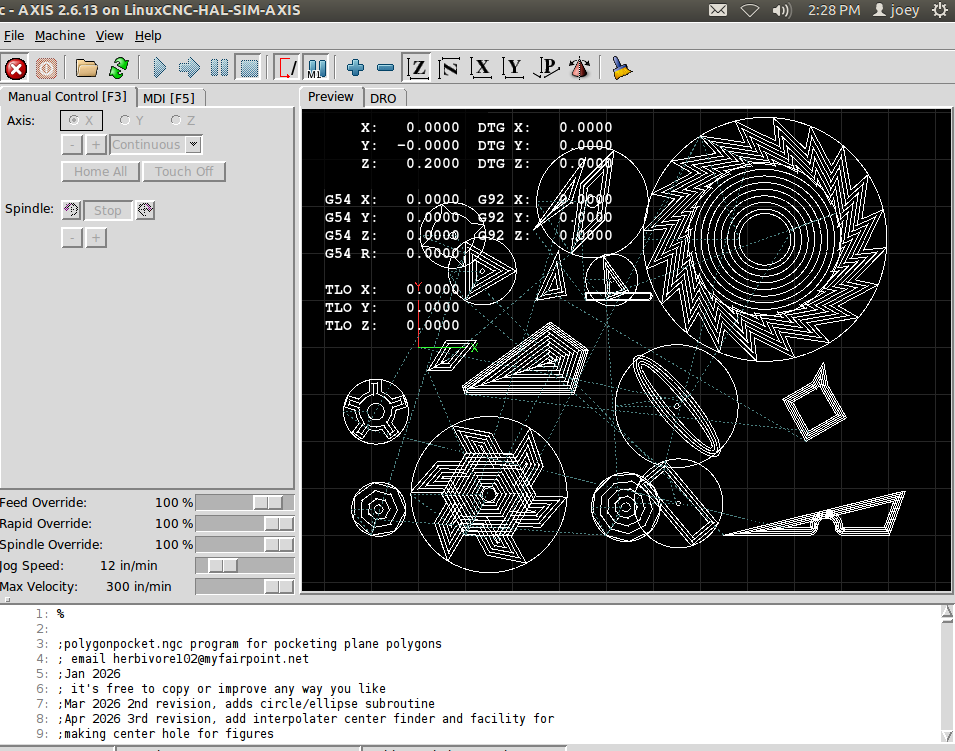
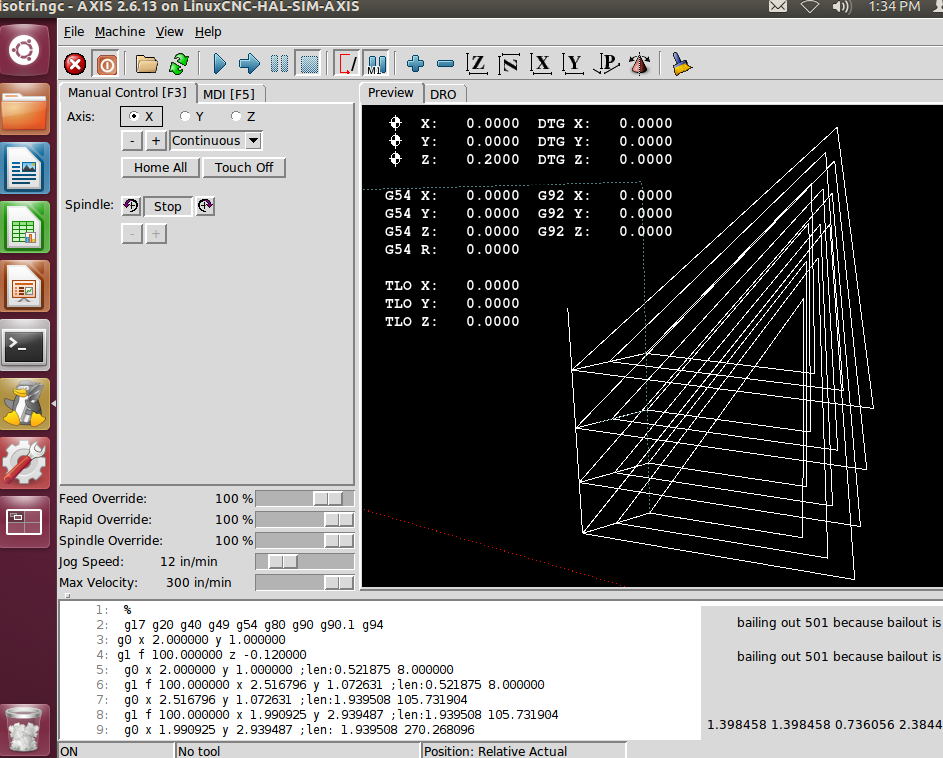
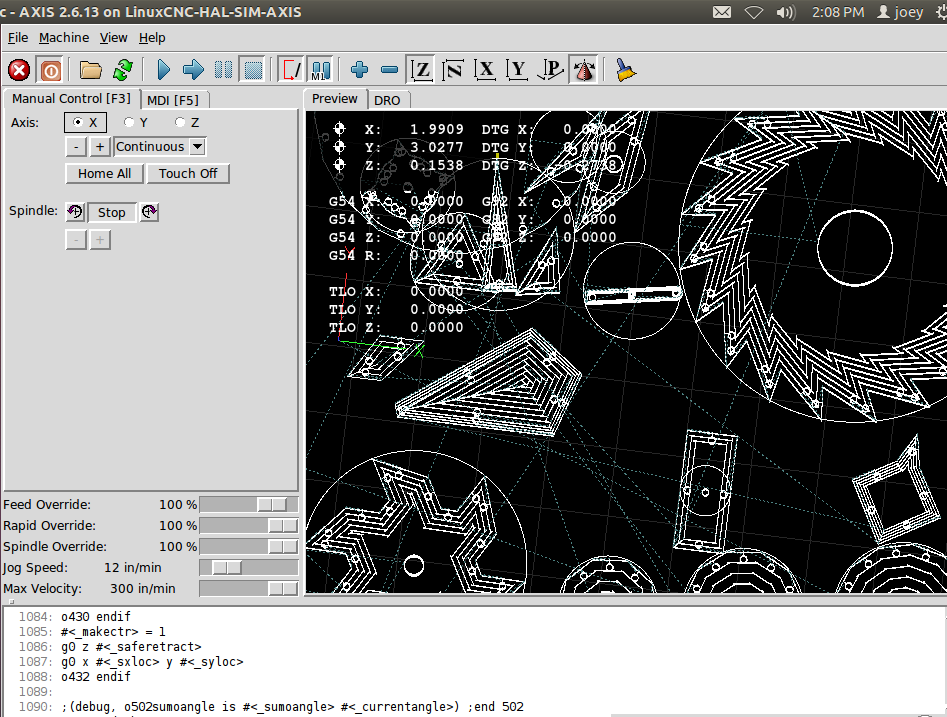
This version makes a log file in the /tmp directory (which gets erased upon reboot). Note the logfile entries look somewhat like g-code linear move with line length and tilt appended to its end. the line origin and endpoint are listed for each line in the figure. Copy just the g-code entry into the system clipboard (after displaying or editing the log file in a linux window). Mouseover the MDI execution rectangle and depress cntrl shift and h keys together, the clipboard will be deposited into the MDI history window just above. The g-code can be executed by mouseing it into the execution rectangle and then mousing its go box. This let you re-visit any line in the figure (perhaps to check for interference problems, I use this method to measure saw tooth rake angle) Edit the ngc file to make a logfile in another directory or for another part. (
Manually select the layer you wish to view in MDI by setting depth)
portion of log file:
g1 f 100.000000 z -0.120000
g0 x 2.000000 y 1.000000 len:0.521875 8.000000
g1 f 100.000000 x 2.516796 y 1.072631 len:0.521875 8.000000
g0 x 2.516796 y 1.072631 len:1.939508 105.731904
g1 f 100.000000 x 1.990925 y 2.939487 len:1.939508 105.731904
g0 x 1.990925 y 2.939487 len: 1.939508 270.268096 ....