Mesa 7i76e No Board Found

More
6 years 11 months ago #150605 by little_sparky

pl7i92 wrote: hi
under synaptic
TOP bar
settings
Source
you need to get this in
deb buildbot.linuxcnc.org/ stretch master-rtpreempt
deb-src buildbot.linuxcnc.org/ stretch master-rtpreempt


HI pl7i92

Thanks very much for your response.

Are you talking about
>Synaptic Package Manager
>Settings
>Respositories?

And when you say get them in, do you mean click the tick nex to them or enter them manually by typing that address? Because they are not there, as you can see in the image in my previous post only 2.7 uspce and 2.7 rtpreempt are there.

Thanks

Please Log in or Create an account to join the conversation.

More
6 years 11 months ago #150614 by tommylight
That is all OK, except you added repos for the 2.7 version, you need to add the master version or 2.8 as i think PlasmaC is same on both.
After adding those repositories, you have to do an update by refreshing the synaptic or by typing:
sudo apt-get update
then you can:
sudo apt-get install linuxcnc
or might be
sudo apt-get install linuxcnc-userspace

Please Log in or Create an account to join the conversation.
More
6 years 11 months ago #150617 by little_sparky

tommylight wrote: need to add the master version or 2.8 as i think PlasmaC is same on both.
After adding those repositories


My main problem is that 2.8 or master are not in the “>synaptic package manager >settings >repositories” tab. I thought that the
Code:
sudo apt-key adv --keyserver hkp://keys.gnupg.net --recv-key E0EE663E

Would put the master or 2.8 into that repositories listbox for me to then check and add into package manager.

I’m extremely sorry for my ignorance but is this correct or am I missing something?

Please Log in or Create an account to join the conversation.

More
6 years 11 months ago #150624 by tommylight
In the synaptics, where you are lookig at those repositories, select the 2.7 one, click edit, change to 2.8, save, close, reload and install.

Please Log in or Create an account to join the conversation.

More
6 years 11 months ago - 6 years 11 months ago #150900 by little_sparky
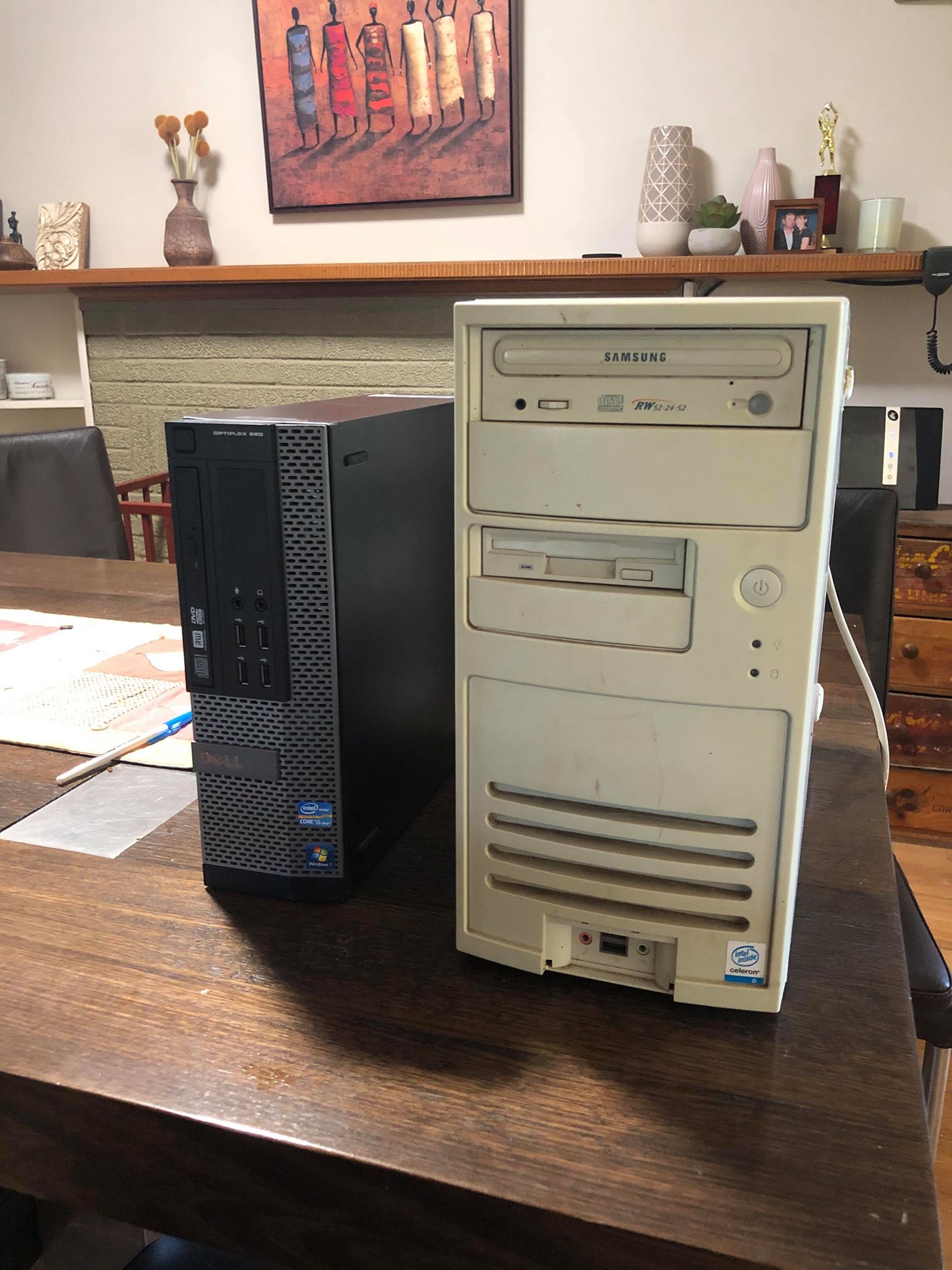
I thought it may have been my old 32 bit computer however I just purchased a new dell optiplex 990 but I am still getting the exact same errors. I really am not sure what I am doing wrong.

(Funny looking at the old vs new computer where the one with 8x better specs is half the size)


With this I was able to download v2.8
Last edit: 6 years 11 months ago by little_sparky.

Please Log in or Create an account to join the conversation.

More
6 years 11 months ago #151165 by andypugh
Replied by andypugh on topic Mesa 7i76e No Board Found
I don't know if this was ever made clear, and I may have missed something. But the kernel you showed was definitely an RTAI kernel and that definitely won't work with an Ethernet Mesa card.

Please Log in or Create an account to join the conversation.

Moderators: cmorley
Time to create page: 0.444 seconds
Powered by Kunena Forum
