Mesa 7i76e No Board Found

More
6 years 11 months ago #150341 by little_sparky
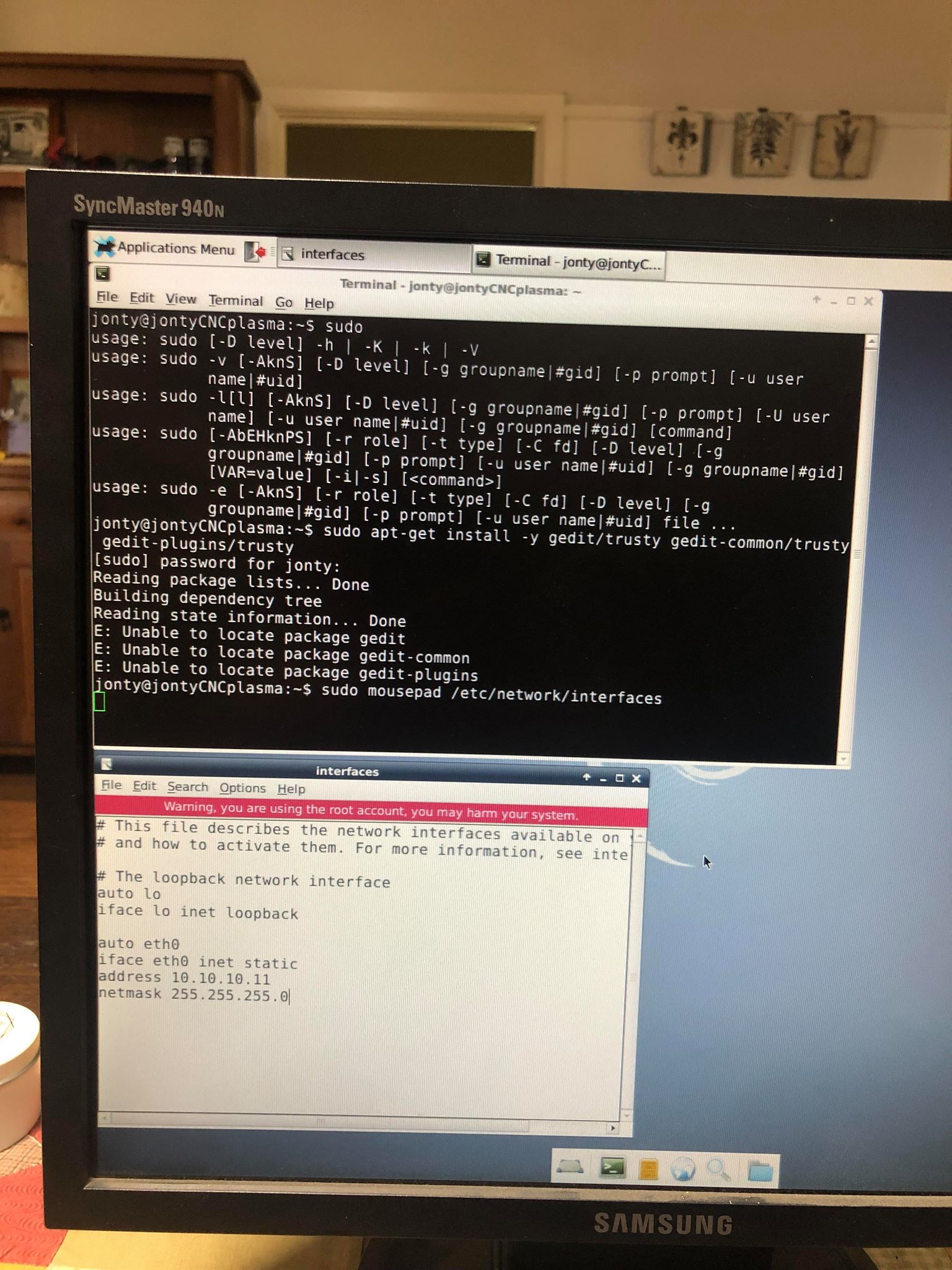
Legend! Thank you. I was able to add myself as a root user to change the network address. I will test this with the board to see if it works now.

Please Log in or Create an account to join the conversation.
More
6 years 11 months ago #150343 by little_sparky
It worked!

I can now get an “ip a”

I can “ping 10.10.10.10”

And I can do “mesaflash - -device 7i76e - -addr 10.10.10.10 - -readhmi”

However when I go to test/tune motors in pncconf nothing happens. any ideas?

Please Log in or Create an account to join the conversation.

More
6 years 11 months ago - 6 years 11 months ago #150344 by little_sparky
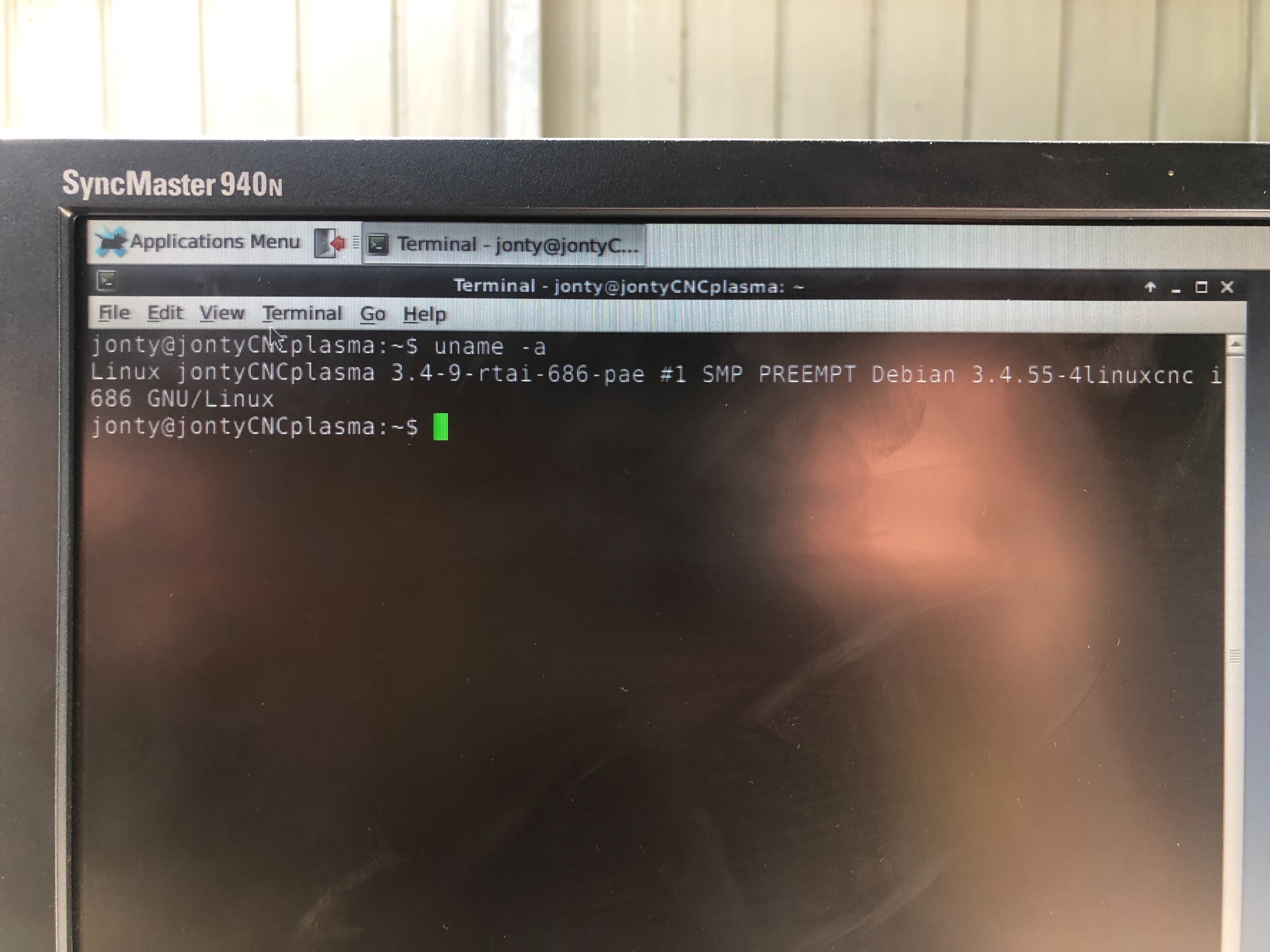
Also attached is what “uname -a” brings up, does this suggest anything? Should I install the uspace even though I got a mesaflash by just changing the address?


EDIT: Also noticed that is says3.4.9-rtai however this is followed by #1 SMP PREEMPT

hence I am not sure whether its RTAI or RTPREEMPT however I am sure that I downloaded the preempt.

Last edit: 6 years 11 months ago by little_sparky.

Please Log in or Create an account to join the conversation.

More
6 years 11 months ago #150356 by tommylight
You need the preempt-RT version for ethernet cards, as PCW suggested above and gave the link.
Download the Stretch version, while installing, when it asks for ROOT password DO NOT enter anything, just click next, then you will be asked for a user name and a password for that user.
Everything else is the same.

Please Log in or Create an account to join the conversation.

More
6 years 11 months ago #150553 by little_sparky

tommylight wrote: You need the preempt-RT version for ethernet cards, as PCW suggested above and gave the link.
Thank you tommy for your reply. I didnt mean to disrespect PCW with his response, I just wanted to double check that I definitely needed to install it after I changed the address as I had major difficulty installing it, infact ive had to have an IT technition frined of mine look over it for a few hours to finally get it installed.

Now that I have, ive run into a problem when trying to run the LinuxCNC PlasmaC buildbot installation through a terminal.

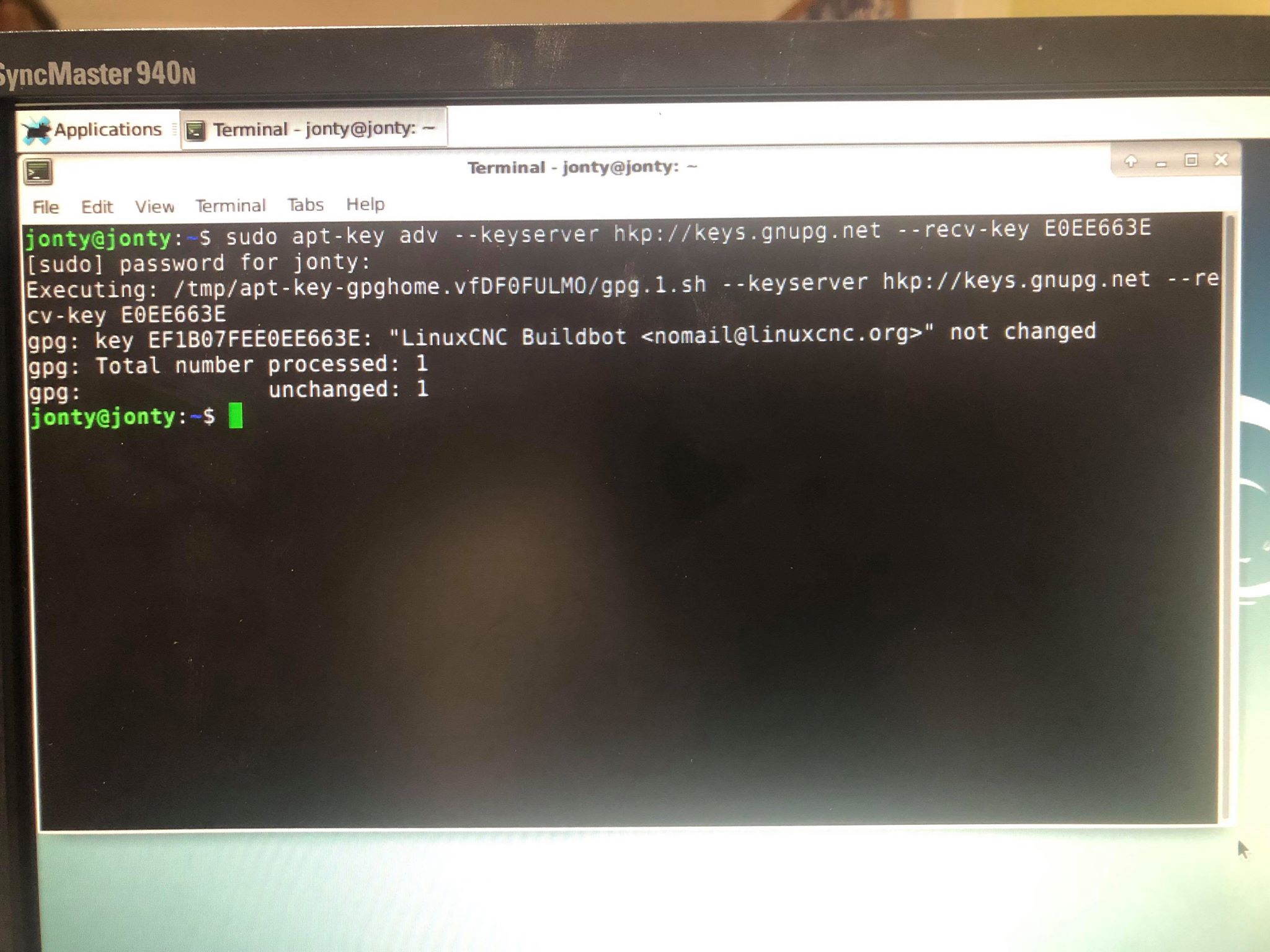
When i enter "sudo apt-key adv --keyserver hkp://keys.gnup.net --recv-key E0EE663E" for the first time I got an error but then i installed "sudo apt-get install dirmngr" and got the following response when i re entered the first command.


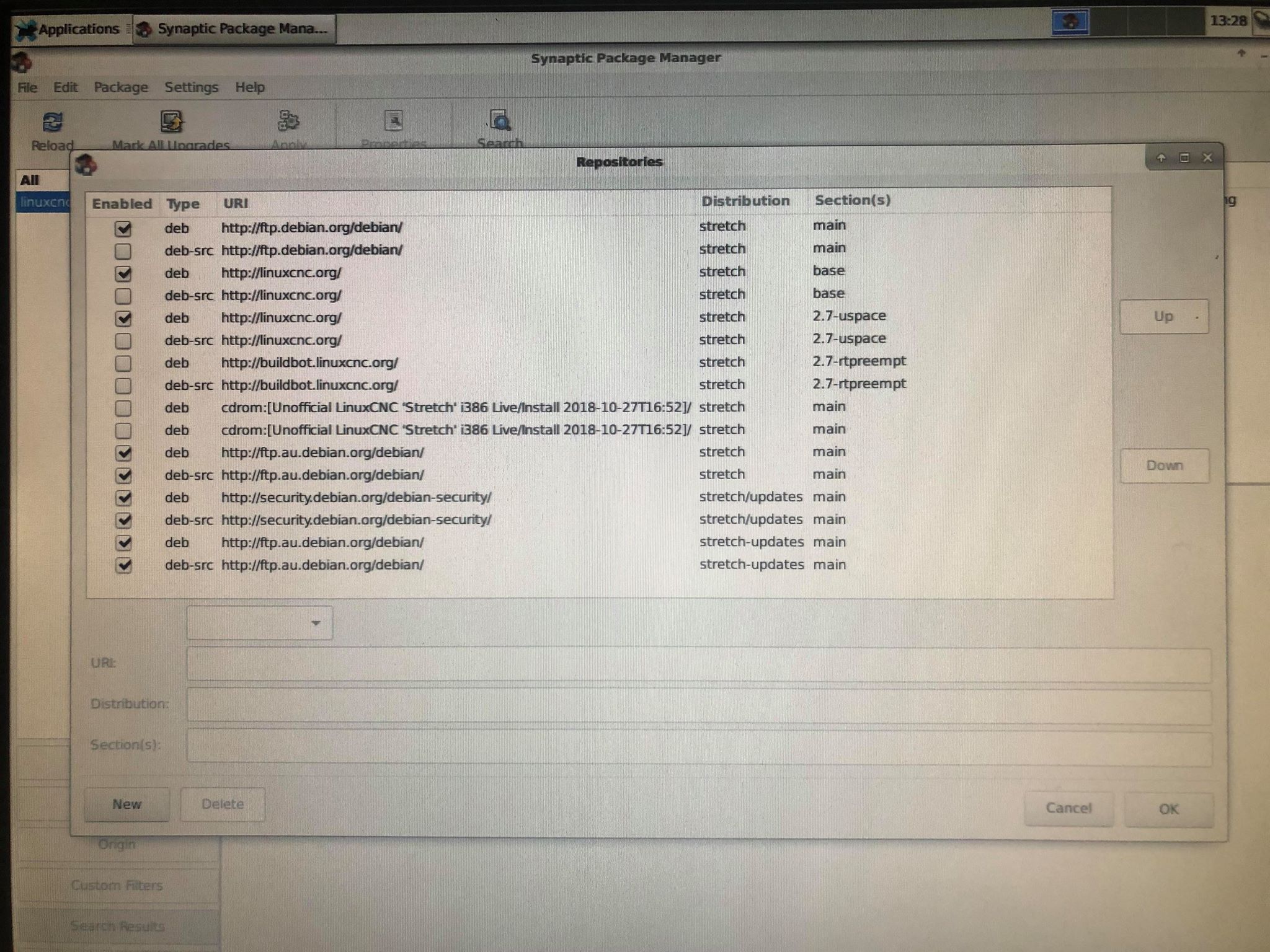
now when I followed the next set of steps and got to searching the respositories for.

deb buildbot.linuxcnc.org/ stretch master-rtpreempt
deb-src buildbot.linuxcnc.org/ stretch master-rtpreempt

it only displayed the following.


any ideas?

thanks in advance

Please Log in or Create an account to join the conversation.

More
6 years 11 months ago #150573 by pl7i92
Replied by pl7i92 on topic Mesa 7i76e No Board Found
hi
under synaptic
TOP bar
settings
Source
you need to get this in
deb buildbot.linuxcnc.org/ stretch master-rtpreempt
deb-src buildbot.linuxcnc.org/ stretch master-rtpreempt

this are 2 entries
then unhook linuxcnc source

UPDATE by closing synaptics
reopen it press the rewind again
type linuxcnc
you shoudt see 2.8 or 2.9 behind linuxcnc

then install it dont forget DEV packet

if you are on a frech install it is recomended to use a iso STRETCH with all onboard
mutch easyer to do running cnc within 45min 7i76e

Please Log in or Create an account to join the conversation.

Moderators: cmorley
Time to create page: 0.070 seconds
Powered by Kunena Forum