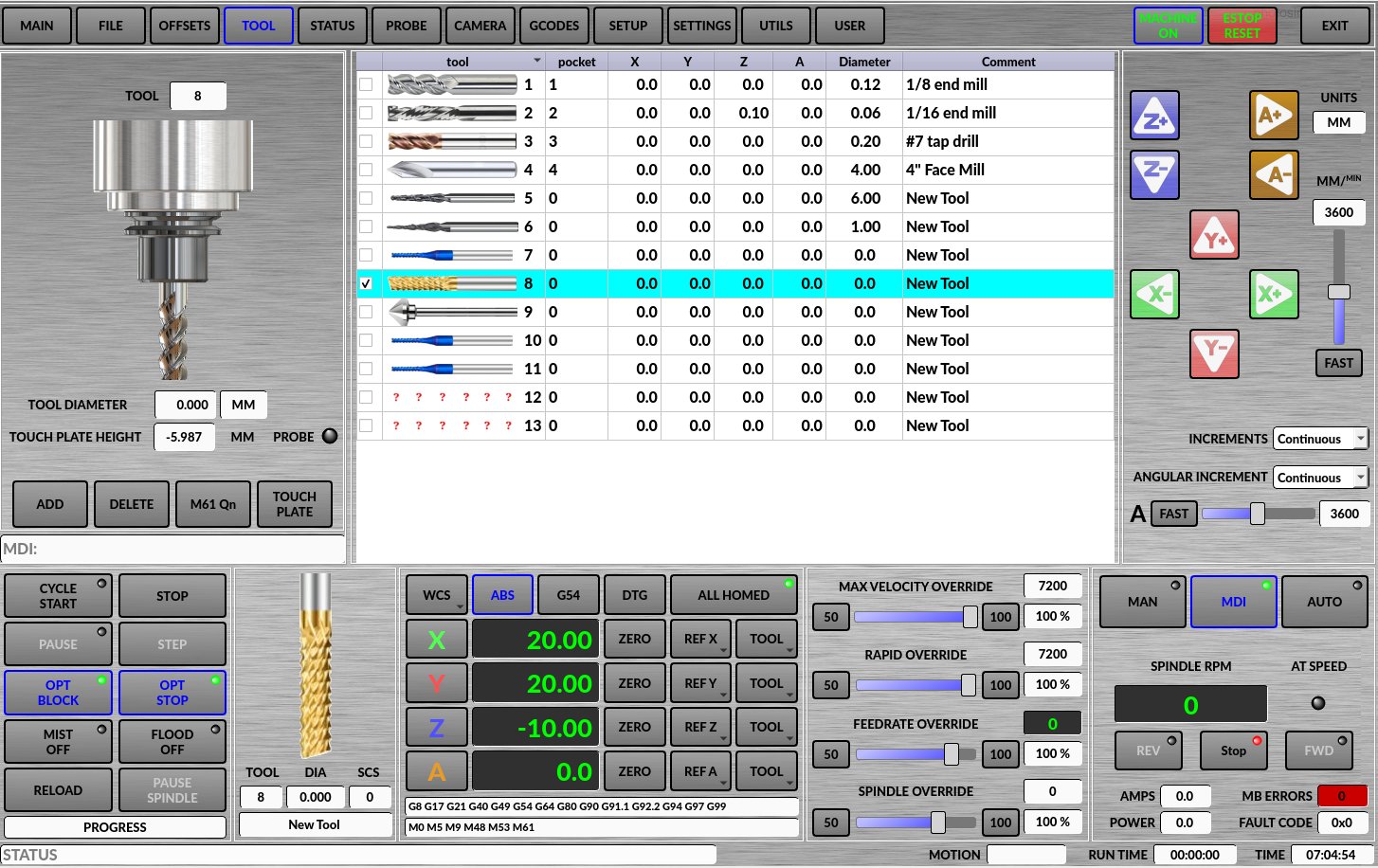
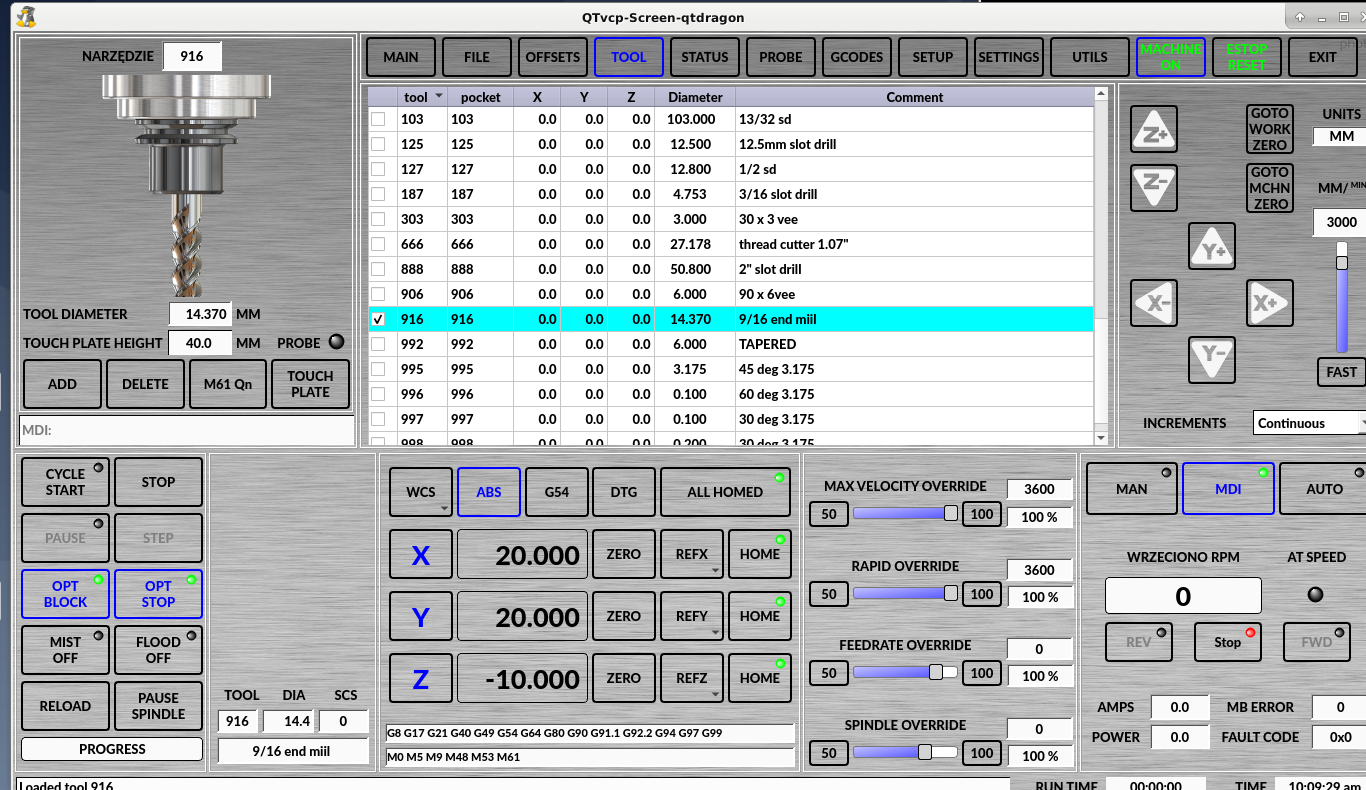
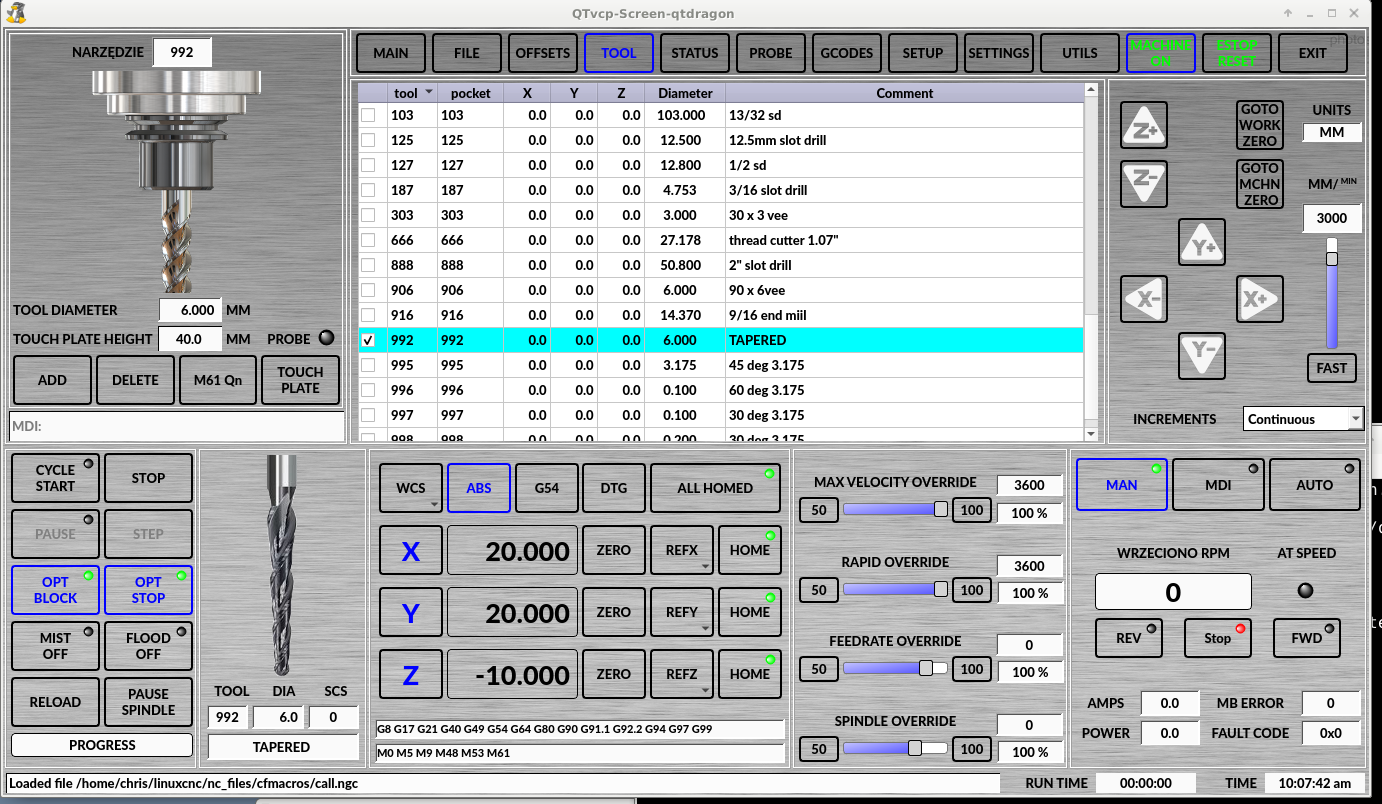
I modified the file, try if it works for you. This is not the latest support file, this is a modified file from page 20 of this thread, but if you add these few lines to the latest qtdragon support file, it will work too.
self.path_images = os.path.join(PATH.CONFIGPATH, "images/")
command1 = "[{}]".format(self.reload_tool)
self.w.lbl_tool_image.setPixmap(QtGui.QPixmap(self.path_images + str(command1) + ".png"))
self.w.lbl_tool_image.setPixmap(QtGui.QPixmap(self.path_images + str(checked) + ".png"))
You will easily find where to insert these lines.
There is also a change of file location.
The tool image files should now be located in the root of the machine under the images directory.
So create an images directory and copy the png files there
e.g. /home/marko/linuxcnc/configs/sim.qtvcp_screens.qtdragon-5/images