

Auto login

More
7 years 3 weeks ago #147697 by tommylight
Replied by tommylight on topic Auto login
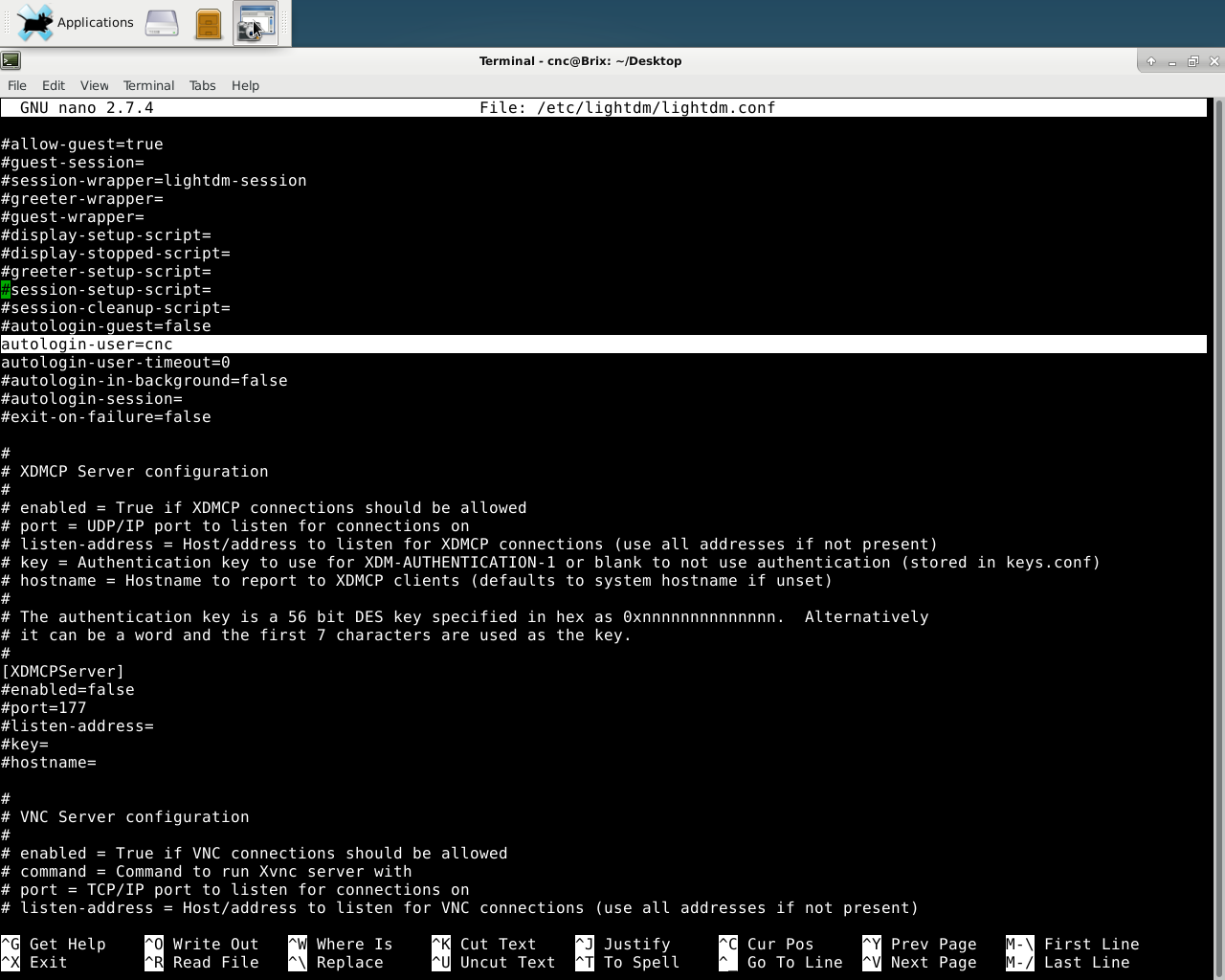
The above has to be changed somewhere below the "seat".
Long time, just recall that it has to be there.
The following user(s) said Thank You: macsddau

Please Log in or Create an account to join the conversation.
More
7 years 3 weeks ago #147700 by Clive S
Replied by Clive S on topic Auto login

tommylight wrote: The above has to be changed somewhere below the "seat".
Long time, just recall that it has to be there.


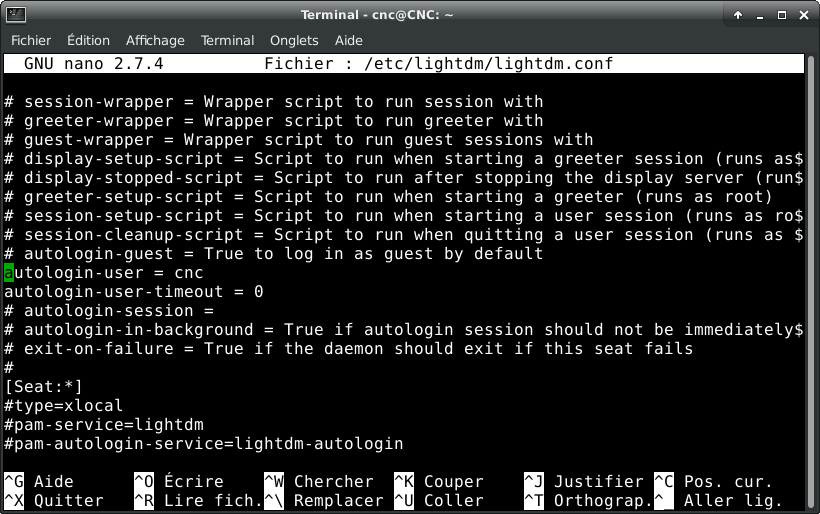
Yes Tommy for the avoidance of doubt:
The following user(s) said Thank You: tommylight

Please Log in or Create an account to join the conversation.
More
7 years 3 weeks ago #147704 by tommylight
Replied by tommylight on topic Auto login
Yup, that should do it. Also the delay has to be active, set to 0.

Please Log in or Create an account to join the conversation.
More
7 years 2 weeks ago #147793 by macsddau
Replied by macsddau on topic Auto login
Hi
It doesn't works

something is strange
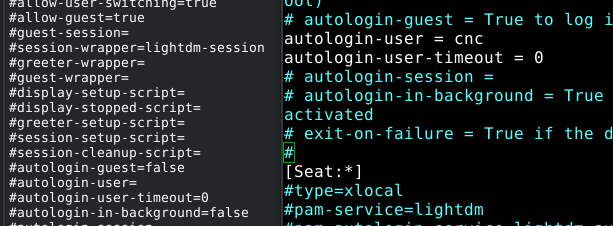
/etc/lightdm.conf seen with Mousepad on the left , with vi (or similar) on the right:

the 2 editors don't display the same thing.

Please Log in or Create an account to join the conversation.

More
7 years 2 weeks ago #147797 by Clive S
Replied by Clive S on topic Auto login
I would suggest that you give more information.

This is the path you have shown /etc/lightdm.conf
this is the path you should have used from the desktop /etc/lightdm/lightdm.conf

Start by showing the full path you have used to get to lightddm.conf

Please Log in or Create an account to join the conversation.

More
7 years 2 weeks ago #147799 by macsddau
Replied by macsddau on topic Auto login
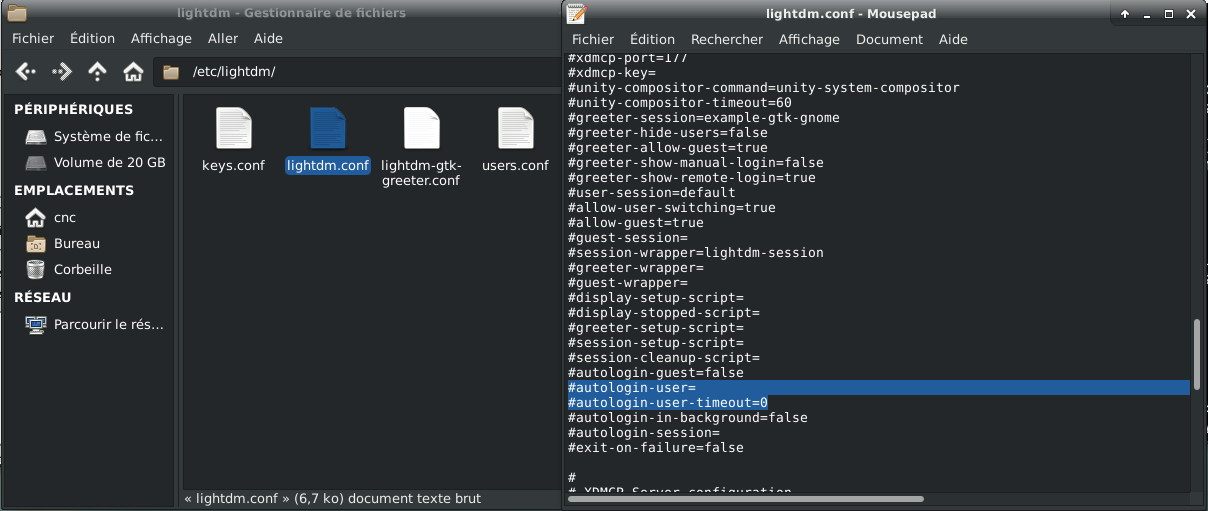
Screen shots :
nano :


file manager + Mousepad

Please Log in or Create an account to join the conversation.

Time to create page: 0.107 seconds
Powered by Kunena Forum