Lathe path preview looking strange

More
3 years 4 months ago #273492 by alex_sar
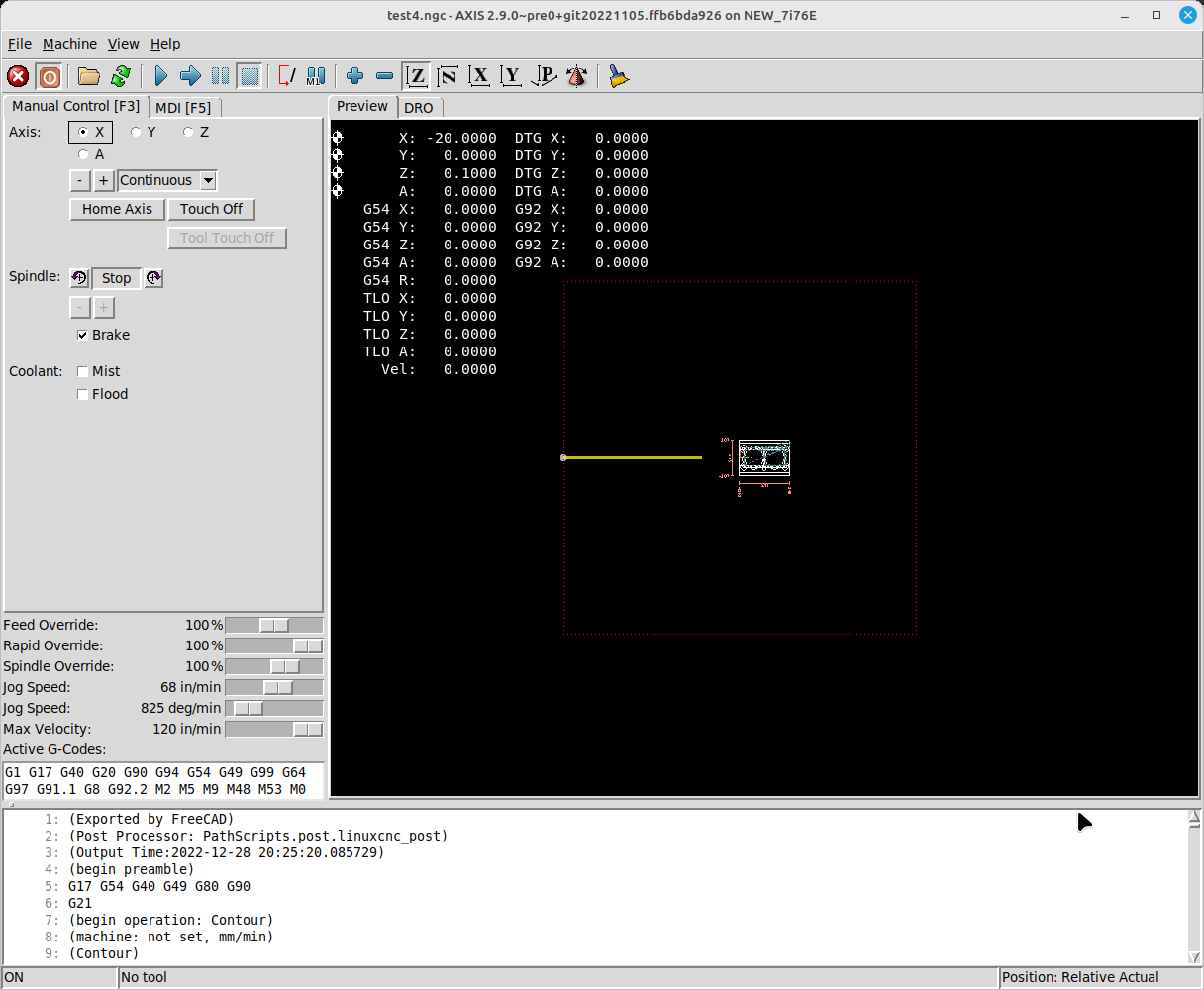
Yes, red line is probably work area and that is not a problem.

Problem is diagonal line going left down corner. There is nothing like this in the g-code and it breaks preview, and also invalid numbers displayed because of this.

Please Log in or Create an account to join the conversation.
More
3 years 4 months ago #273494 by scotth
 In Axis, I can't go outside the box.


Please Log in or Create an account to join the conversation.

More
3 years 4 months ago #273497 by Aciera
The light blue symbol would be your machine absolute zero and I think the preview can be made to display a light blue line with a label showing the current work offset.
But why it would show a gcode move from machine zero to the current work offset I really don't know.

Please Log in or Create an account to join the conversation.

More
3 years 4 months ago - 3 years 4 months ago #273505 by alex_sar
Thanks all!

I checked offsets, there is no any besides G54 and it definitely displays G54 offset. I've tried with AXIS and it displays similar picture but with G54 label on point. 
The question is how to disable it in gremlin? I am a programmer, if someone point me where to look, I will be happy to submit a patch to linuxcnc github for this.

This makes preview partially useless, because I do not see clear minimal Z and X on preview, which is very important for safety before start turning program.
 
Last edit: 3 years 4 months ago by alex_sar.

Please Log in or Create an account to join the conversation.

More
3 years 4 months ago #273540 by Aciera
There was some discussion about that here:
forum.linuxcnc.org/26-turning/46048-can-...reen?start=10#244381

Not sure if it relates only to the label or also to the line though or if that was only regarding Plasmac and Qt.

Please Log in or Create an account to join the conversation.

Moderators: newbynobi, HansU
Time to create page: 0.079 seconds
Powered by Kunena Forum
