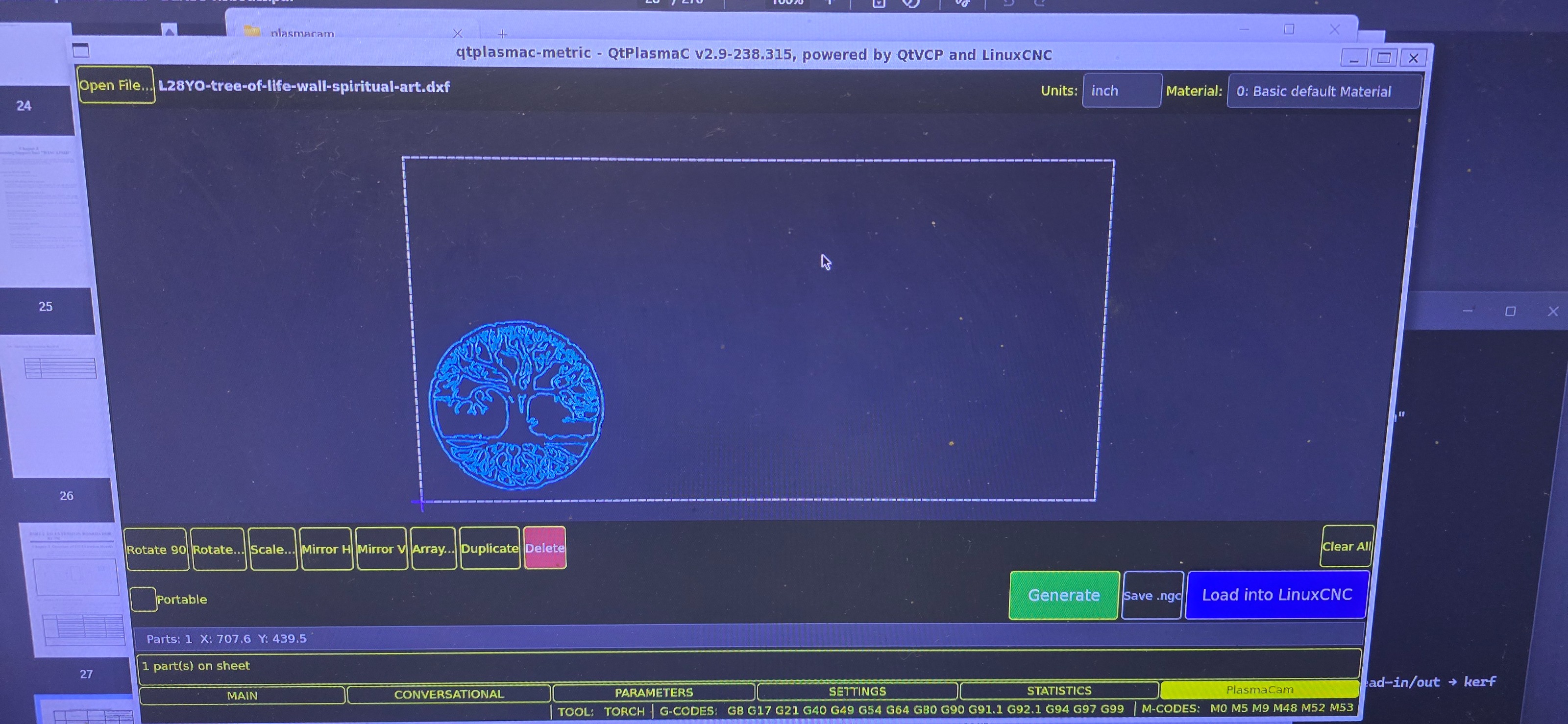
Good start!
Materials, there are two ways (at least). One is to set all options in Sheetcam and that overrides the settings from the Materials tab.
Sheetcam is then the master of everything. That's what you have seen.
An other way is to set material
index from sheetcam, it uses then the material index from the Materials tab.
Still, you need to select that when you sit with Sheetcam.
For that you need to go in the post processor code and change to false line 24
Code:
useTool = false -- Set to true to use SheetCam's tool table to generate a temporary material file entry
An other way, that I use, is to set material myself when I am at the machine.
Sheetcam only makes the cutting movements, not the material selection.
For that, insert comments in the printouts on line 171 in the post processor
Code:
else
post.Text ('; M190 P' , tool,' (',string.lower(toolName), ' material)\n')
post.Text ('; M66 P3 L3 Q2 (wait for valid change)\n')
end
Note the initial ";" comment in the printout. Plus useTool=false.
Automatic nesting isn't needed, at least to start with.
Being able to read in several G-code objects and interactively
place them on a sheet would be golden.
I like your start and hope you continue.