Advanced Search

Search Results (Searched for: )

  • PCW
  • PCW's Avatar
06 Jan 2025 21:31
Replied by PCW on topic Resolution and speed with servo motor

Resolution and speed with servo motor

Category: General LinuxCNC Questions

Direction setup and hold timing should have no effect on maximum speed
as the direction is only changed at zero velocity. Step length and Step space
do affect the maximum step rate.
  • ihavenofish
  • ihavenofish
06 Jan 2025 21:13
Replied by ihavenofish on topic Resolution and speed with servo motor

Resolution and speed with servo motor

Category: General LinuxCNC Questions

dirhold and dirsetup are the restrictions i think

I have the same issue on mine. I had to increase them to 20000 which in turn restricted my top speed to 12m/m (with my screw and steps per turn of course)

I need to refine this. 5000 drops steps, but 20k is overkill.

60000 seems very extreme. is there a reason you have it set that high?
  • Martin.L
  • Martin.L
06 Jan 2025 21:12

Exercise: Turn on output led on EL2809 when machine is turned on

Category: EtherCAT

I have spent a lot of time reading the manual but unfortunately I could not put togheter all the pieces to come up with a solution, I'm pretty new to LCNC and I would like to learn by doing, had the idea to turn on an output led on EL2809 when machine is turned on. (have succesfully installed following Rodw guide)

In HalShow I can turn on and off the led my hand with SET CLR buttons, so it works manually.

I found this info : motion.motion-enabled - (bit, out) TRUE when in machine on state.

Also from the manual: 5.2.1.4 net
The command net creates a connection between a signal and one or more pins. If the signal does not
exist net creates the new signal. This replaces the need to use the command newsig. The optional
direction arrows <=, => and <=> make it easier to follow the logic when reading a net command line
and are not used by the net command. The direction arrows must be separated by a space from the
pin names.
Syntax and Examples of net
net signal-name pin-name <optional arrow> <optional second pin-name>
net home-x joint.0.home-sw-in <= parport.0.pin-11-in

So I guess I have to combine these two, but I have no Idea how to do it.
Please Help!
  • Aciera
  • Aciera's Avatar
06 Jan 2025 20:53
Replied by Aciera on topic 2.9.3 INI_VARS issue

2.9.3 INI_VARS issue

Category: General LinuxCNC Questions

Just went back to current master and I can confirm that the problem is the lowercase variable (or key) name 'z_tool'.

1. A lowercase variable (key) name in the ini file is ignored (eg 'z_tool = 1').
2. If you then want to read the lowercase variable (eg #<_ini[TOOLSETTER]z_tool>) the value is not found because it was never created
3. if you assign a value (eg: #<_ini[TOOLSETTER]z_tool> = 1.2) you actually create a global named parameter

So the key is to ALWAYS use uppercase variables (keys) in the ini file (which should probably be noted somewhere in the documentation)
  • Masiwood123
  • Masiwood123's Avatar
06 Jan 2025 20:35
Replied by Masiwood123 on topic Fehlmann Picomax 100 Retrofit

Fehlmann Picomax 100 Retrofit

Category: Milling Machines
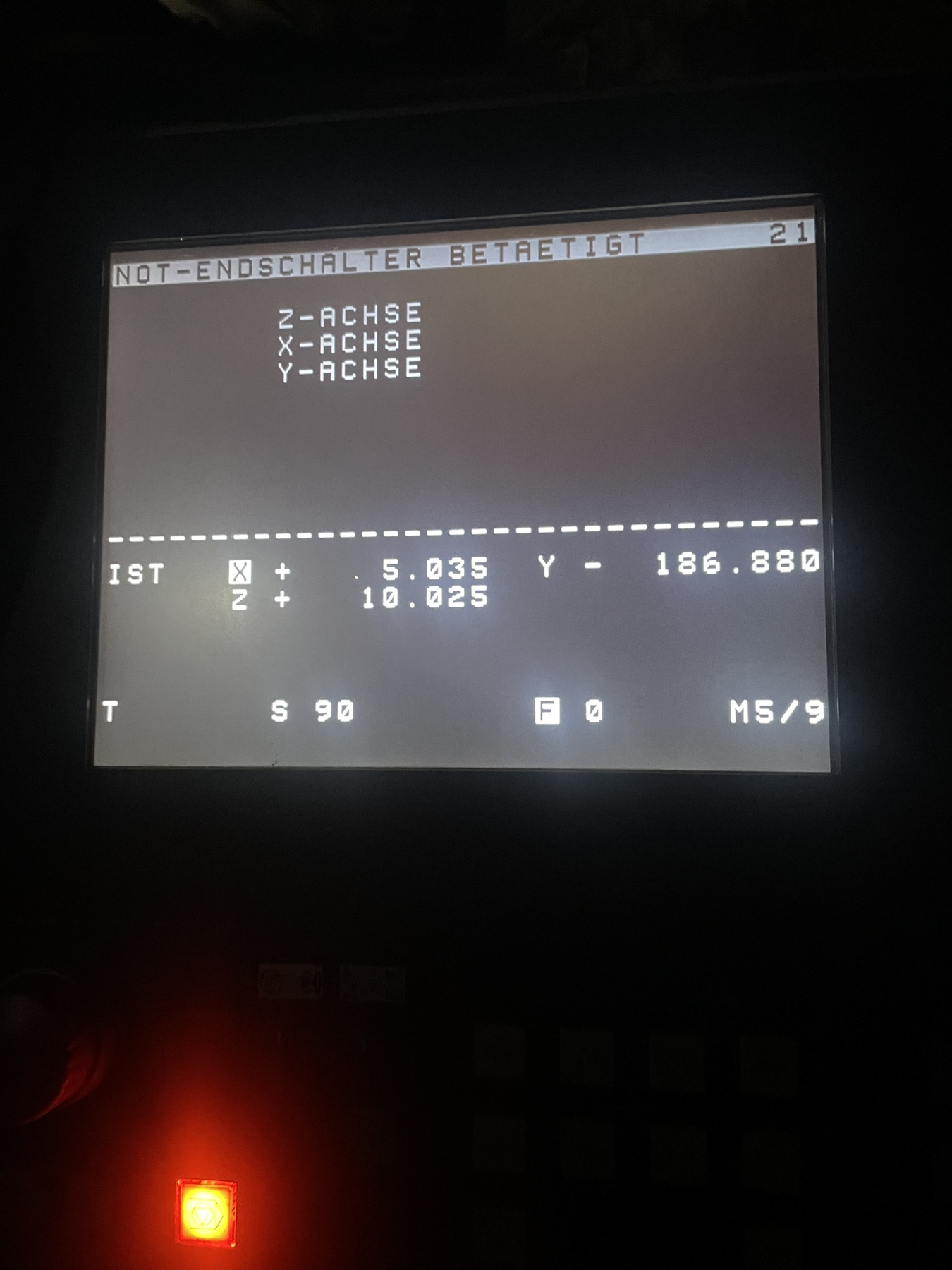
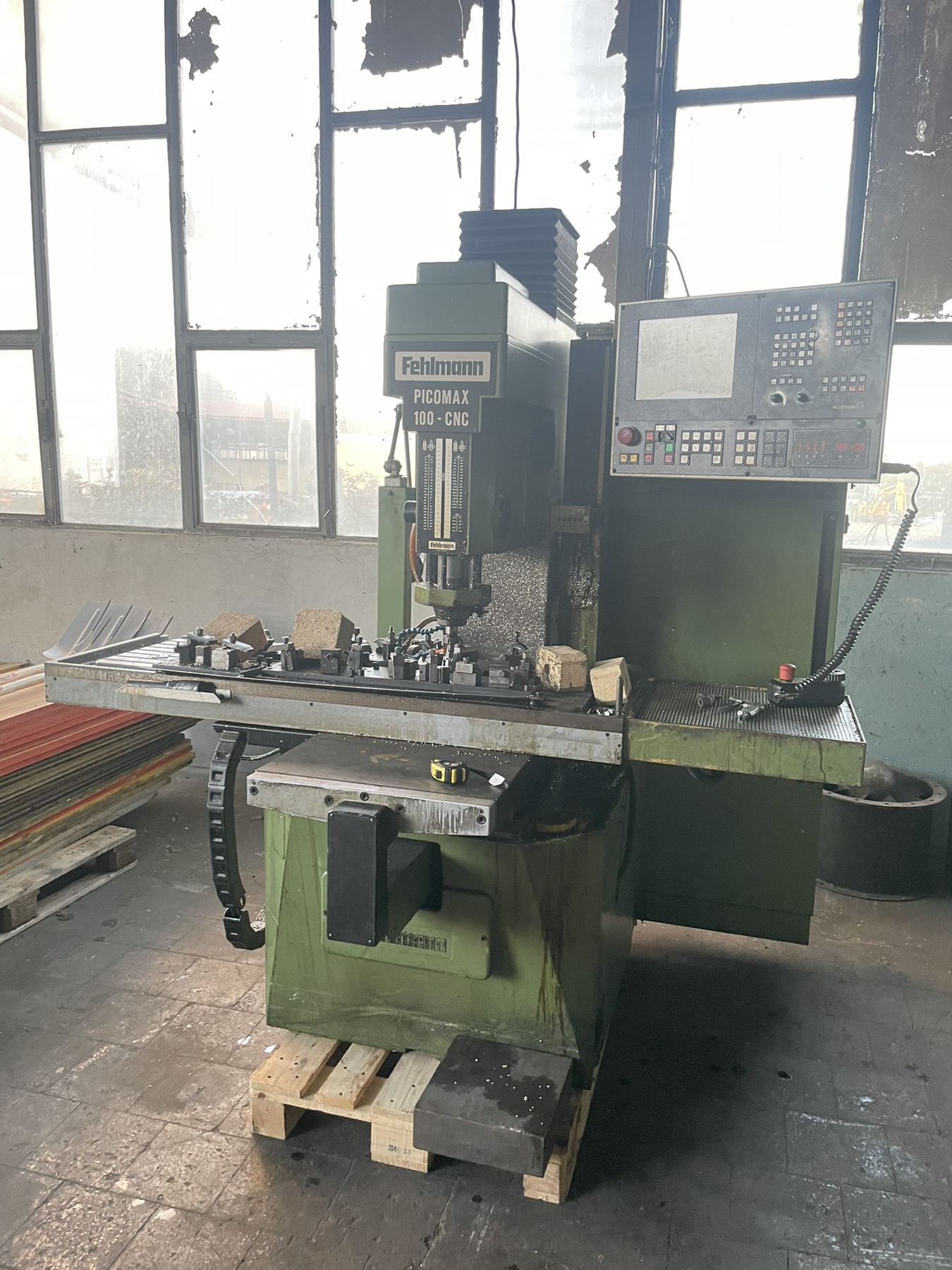
Hello, can you tell me if limit switches are NO or NC 24vdc...I have a similar machine and I am trying first of all to bring it to the factory control.. it throws out errors that one of the limit switch is on , control allows me to reference    to the z axis, xy will not reach the switches. linear scale on x is also filled with dirt and have to figure out how to clean it. thank you very much
  • blazini36
  • blazini36
06 Jan 2025 20:30
Replied by blazini36 on topic Flexible GUI

Flexible GUI

Category: Flex GUI

Wow that was quick. I'll check that out soon

Thanks
  • Aciera
  • Aciera's Avatar
06 Jan 2025 20:24
Replied by Aciera on topic 2.9.3 INI_VARS issue

2.9.3 INI_VARS issue

Category: General LinuxCNC Questions

So it seems to me that it does not like the lowercase entry in the ini file:
z_tool = -1

If I change this to
Z_TOOL = -1

I get the expected behavior.
  • shipmodeller
  • shipmodeller's Avatar
06 Jan 2025 20:01
Replied by shipmodeller on topic 2.9.3 INI_VARS issue

2.9.3 INI_VARS issue

Category: General LinuxCNC Questions

Ok, thanks for verifying the issues I was having...
  • shipmodeller
  • shipmodeller's Avatar
06 Jan 2025 20:00
Replied by shipmodeller on topic 2.9.3 INI_VARS issue

2.9.3 INI_VARS issue

Category: General LinuxCNC Questions

I followed your Debug patterns in attachment
  • Aciera
  • Aciera's Avatar
06 Jan 2025 19:55 - 06 Jan 2025 20:57
Replied by Aciera on topic 2.9.3 INI_VARS issue

2.9.3 INI_VARS issue

Category: General LinuxCNC Questions
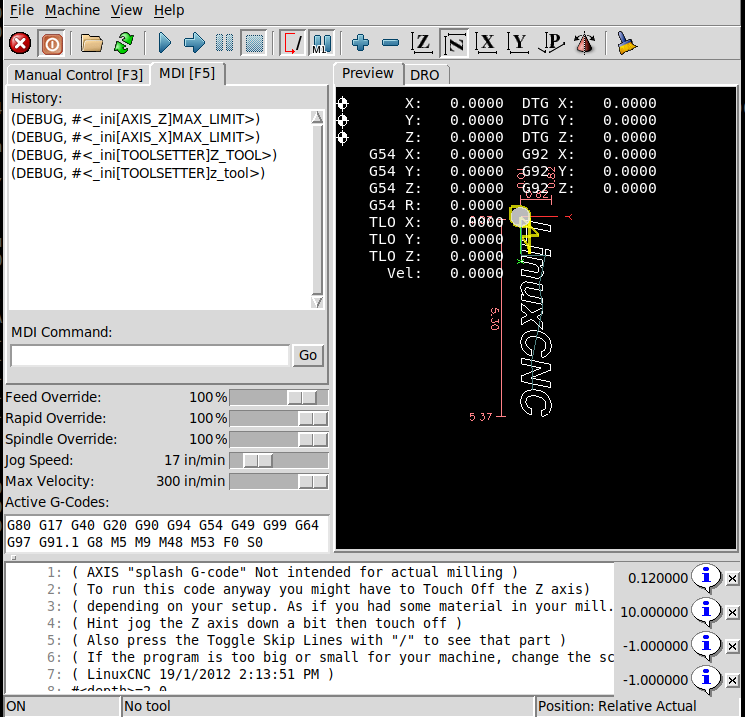
Appologies, I just realized that I was testing in current master so I changed to 2.9.3 and there does seem to be something strange going on.

1. If I test with [RS274NGC]INI_VARS = 1 then I can indeed reproduce these issues
2. If I test without [RS274NGC]INI_VARS = 1 (default value is 1) then I can read and write(!) #<_ini[TOOLSETTER]z_tool> (I don't get the error when trying to write)


[edit]
Note this is actually unrelated to the version but to the upper/lower case variable name in the ini file, see below
  • shipmodeller
  • shipmodeller's Avatar
06 Jan 2025 19:48
Replied by shipmodeller on topic 2.9.3 INI_VARS issue

2.9.3 INI_VARS issue

Category: General LinuxCNC Questions

Thanks... I'll try the same thing yet again, and post my results
  • Aciera
  • Aciera's Avatar
06 Jan 2025 19:32
Replied by Aciera on topic 2.9.3 INI_VARS issue

2.9.3 INI_VARS issue

Category: General LinuxCNC Questions

This
#<_ini[TOOLSETTER]z_tool> = -1.25

gives me:

 
  • shipmodeller
  • shipmodeller's Avatar
06 Jan 2025 19:28
Replied by shipmodeller on topic 2.9.3 INI_VARS issue

2.9.3 INI_VARS issue

Category: General LinuxCNC Questions

I repeated these issues with both the axis.ini setup for sim, and MY_MILL.ini. interesting. 2.9.3 LinuxCNC distribution, no mods. total install of ISO
  • Aciera
  • Aciera's Avatar
06 Jan 2025 19:20 - 06 Jan 2025 19:28
Replied by Aciera on topic 2.9.3 INI_VARS issue

2.9.3 INI_VARS issue

Category: General LinuxCNC Questions

I can't reproduce these issues.

Try if you can retrieve the MAX_LIMIT for the x-axis:
(DEBUG, #<_ini[AXIS_X]MAX_LIMIT>)
[code]
[/code]

 
  • slowpoke
  • slowpoke
06 Jan 2025 19:06 - 06 Jan 2025 19:17

Jog from external pushbutton only works after a move say G0 X1

Category: HAL

I have an annoying bug possibly in my HAL or ini.

I have external buttons for jogging. When I first start axis if I press a jog button, it won't jog. However if I go to the MDI tab and then say do a G0 X1, or F10 (probably any G-code?) and then go back to Manual Control tab, then the jog buttons work.

Note the jog buttons in the axis GUI do work without having to do the MDI thing described.
Also when I look using HAL Show (initially when it won't jog), I can see my jog button activating, and I can see it activating halui.axis.x.increment-plus.

I'm not sure what changes or gets updated when I issue a G-Code in the MDI tab, but whatever it is it's stopping my jog buttons from working initially when I start axis. Simply going to the MDI tab and back does not work, so it's something to do with actually executing a command in MDI.

E-Stop is reset, machine power is on and I have NO_FORCE_HOMING = 1, so not the super obvious stuff.

Another hint, if I home the axis before I try the jog button, that also works, so it's as if the NO_FORCE_HOMING = 1 is being ignored until I issue a command.

Any ideas?
 
Displaying 20581 - 20595 out of 21674 results.
Time to create page: 0.393 seconds
Powered by Kunena Forum