How to update plasmaC

More
7 years 3 weeks ago #147685 by phillc54
Replied by phillc54 on topic How to update plasmaC
The Buildbot is up to date...
The following user(s) said Thank You: tommylight

Please Log in or Create an account to join the conversation.

More
7 years 3 weeks ago #147696 by Clive S
Replied by Clive S on topic How to update plasmaC

phillc54 wrote: The Buildbot is up to date...


Thanks Phill Updated now and parameters stick with save. :)
The following user(s) said Thank You: phillc54

Please Log in or Create an account to join the conversation.
More
6 years 10 months ago #152258 by Clive S
Replied by Clive S on topic How to update plasmaC
Phill
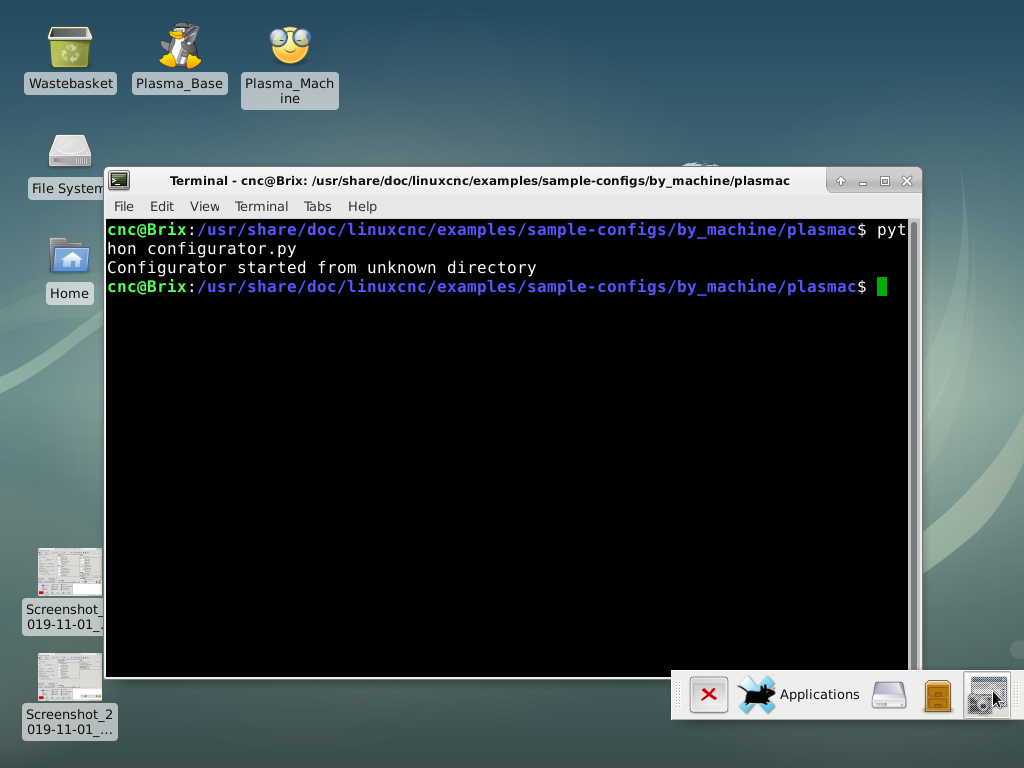
I am having trouble updating . I have done:-
$ sudo apt-get update
$ sudo apt-get dist-upgrade

This ran OK and appeared to update. But I did not see the extra's tab (shapes etc) i

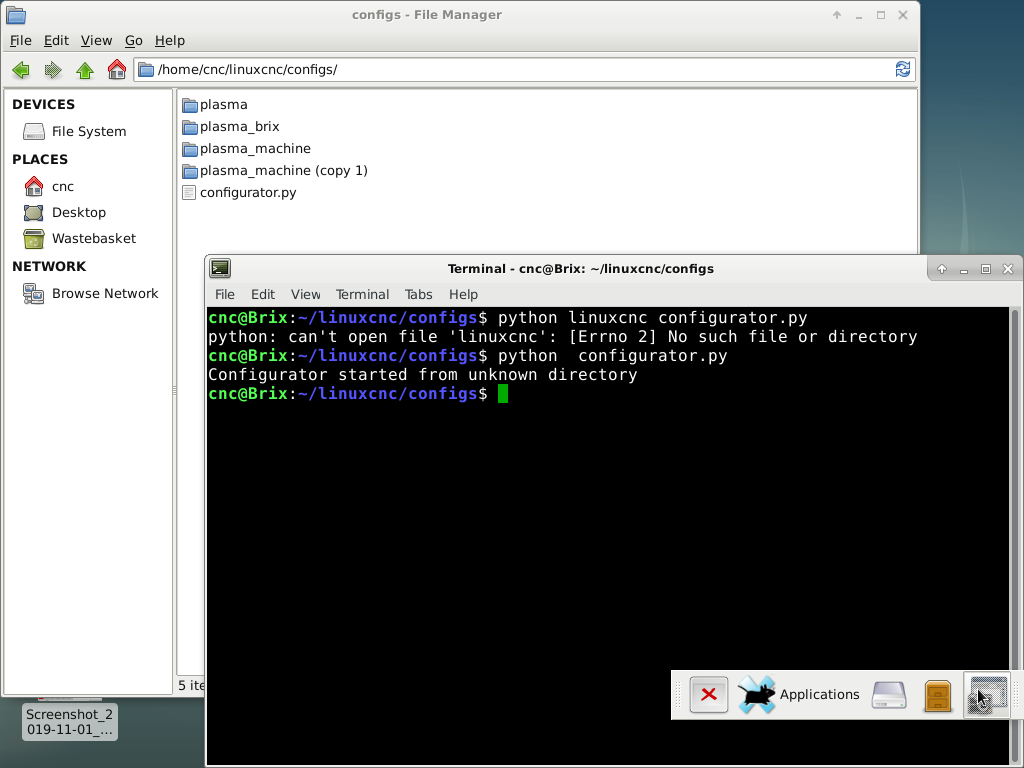
Then I tried;- $ python linuxcnc/<your_configuration_directory>/configurator.py
But I don't see the configurator.py in my linuxcnc config

Next I tried running the configurator.py from :- /usr/share
plasmac/confugurator.py ( see the configurator.py in plasmac ) but it errors


Should plasmac be running or stopped when upgrading? I also copied configurator.py to my config folder to no avail.

Please Log in or Create an account to join the conversation.
More
6 years 10 months ago #152286 by tommylight

Please Log in or Create an account to join the conversation.
More
6 years 10 months ago - 6 years 10 months ago #152300 by phillc54
Replied by phillc54 on topic How to update plasmaC
You need to be in your home directory then for an upgrade type:
Code:
$ python linuxcnc/configs/your_config_directory/configurator.py

Edit: I do have a fix so it can be run from anywhere, I'll probably push it sometime this week.
Last edit: 6 years 10 months ago by phillc54.
The following user(s) said Thank You: tommylight, Clive S

Please Log in or Create an account to join the conversation.

More
6 years 10 months ago #152322 by Clive S
Replied by Clive S on topic How to update plasmaC

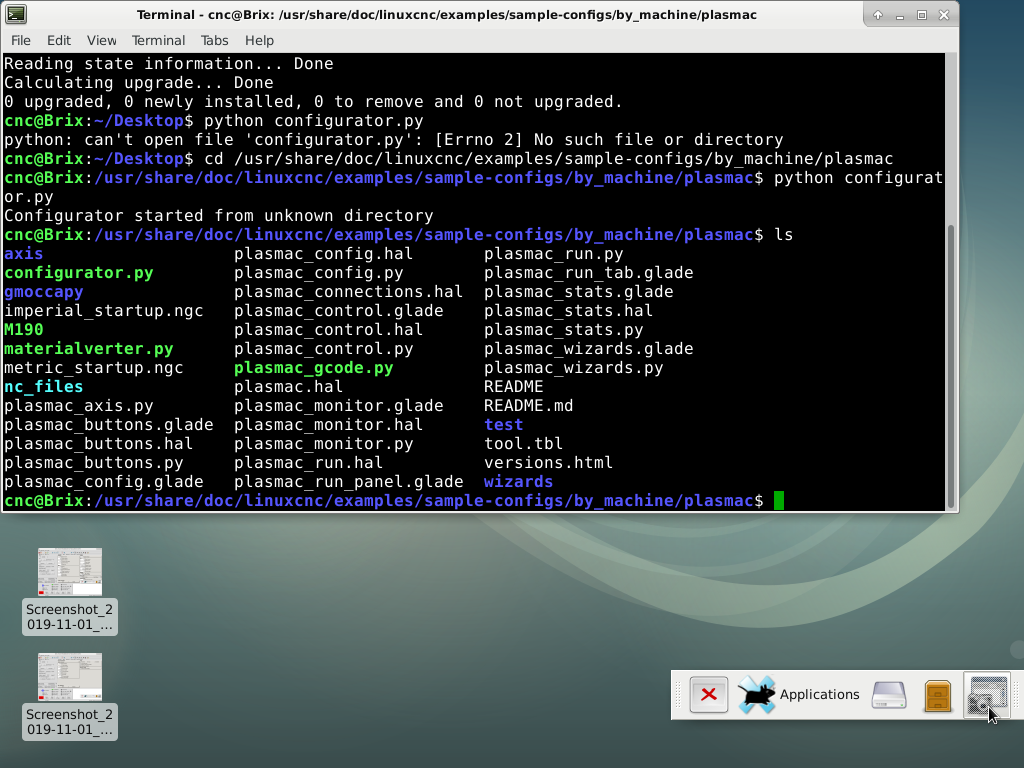
phillc54 wrote: You need to be in your home directory then for an upgrade type:

Code:
$ python linuxcnc/configs/your_config_directory/configurator.py

Edit: I do have a fix so it can be run from anywhere, I'll probably push it sometime this week.


I can't get this to work please see screen shots:-

Please Log in or Create an account to join the conversation.

Moderators: snowgoer540
Time to create page: 0.126 seconds
Powered by Kunena Forum
