Camera configuration

More
2 years 9 months ago #290992 by cmorley
Replied by cmorley on topic Camera configuration
I was think again about what you said about the image being stretched.
Here is another modified handler file that sets the width of the image in qtdragon_hd's tab.
I bet this is actually what you wanted and has better image quality.

Of course you must rename the file.

Please Log in or Create an account to join the conversation.

More
2 years 9 months ago #291447 by wusel0464
Replied by wusel0464 on topic Camera configuration
Hello,

Thanks a lot for your efforts.

I'll test it soon, unfortunately I was busy with the virus for a few days but I won.
I've been trying to get used to Python for the last few days, but I have no connection to it, so I'm staring at it like a pig in a clock.
I still have a dream that the camera could be used to recreate some of the functions of the probe screen.

Many greetings, Frank

Please Log in or Create an account to join the conversation.

More
2 years 9 months ago #291489 by cmorley
Replied by cmorley on topic Camera configuration
in the 2.9.3 release the camera image will always be square. which should help with aspect problem.

Please Log in or Create an account to join the conversation.

More
2 years 9 months ago - 2 years 9 months ago #291529 by wusel0464
Replied by wusel0464 on topic Camera configuration
Hello,

I don't think that simply restricting it to square will improve the situation.
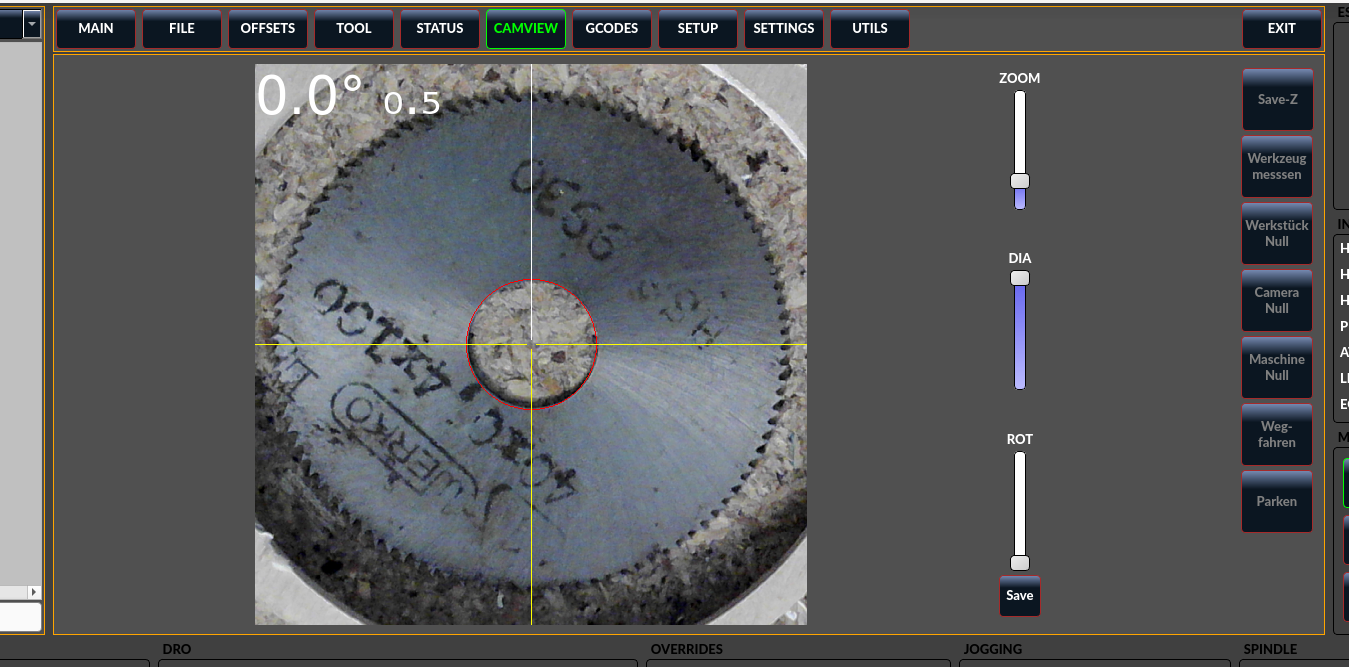
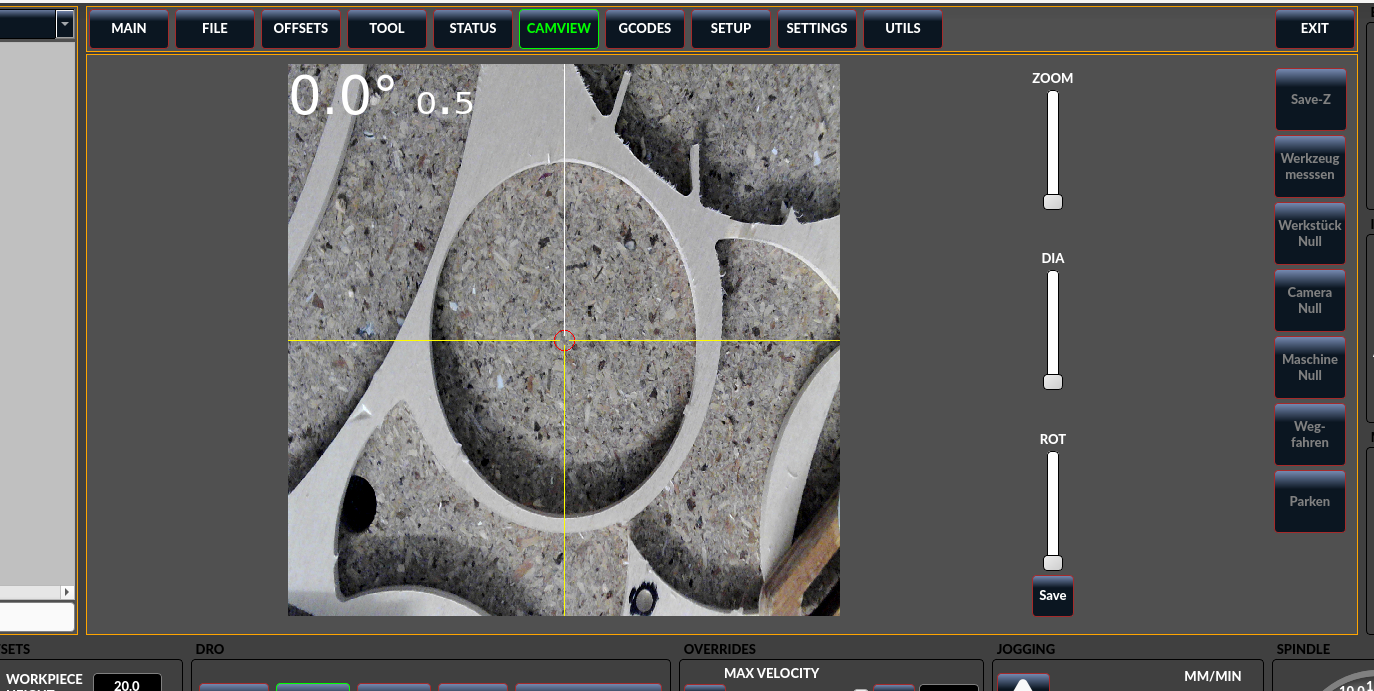
In normal QTDragon you can change the size of the window and when you make it smaller the image is compressed until, for example in my case, the circle is round. I think it's easier to adjust a variable that is perhaps stored in the INI, where you can determine the value once. You only touch it again when you change the camera. The current version only returns round circles when I use the camview_widget.py they sent and now scale x instead of y.
As it is now, I would row back because I think it could cause problems for more users.
Attached are pictures with directly after today's update without any customization and the one with round circles is with the modified camview_widget.py from them.

I just found a Python script to find out the resolution of my camera. If everything is recognized correctly it is 1600x1200 pixels.

Thank you and best regards, Frank.
Last edit: 2 years 9 months ago by wusel0464.

Please Log in or Create an account to join the conversation.

More
2 years 9 months ago #291577 by cmorley
Replied by cmorley on topic Camera configuration
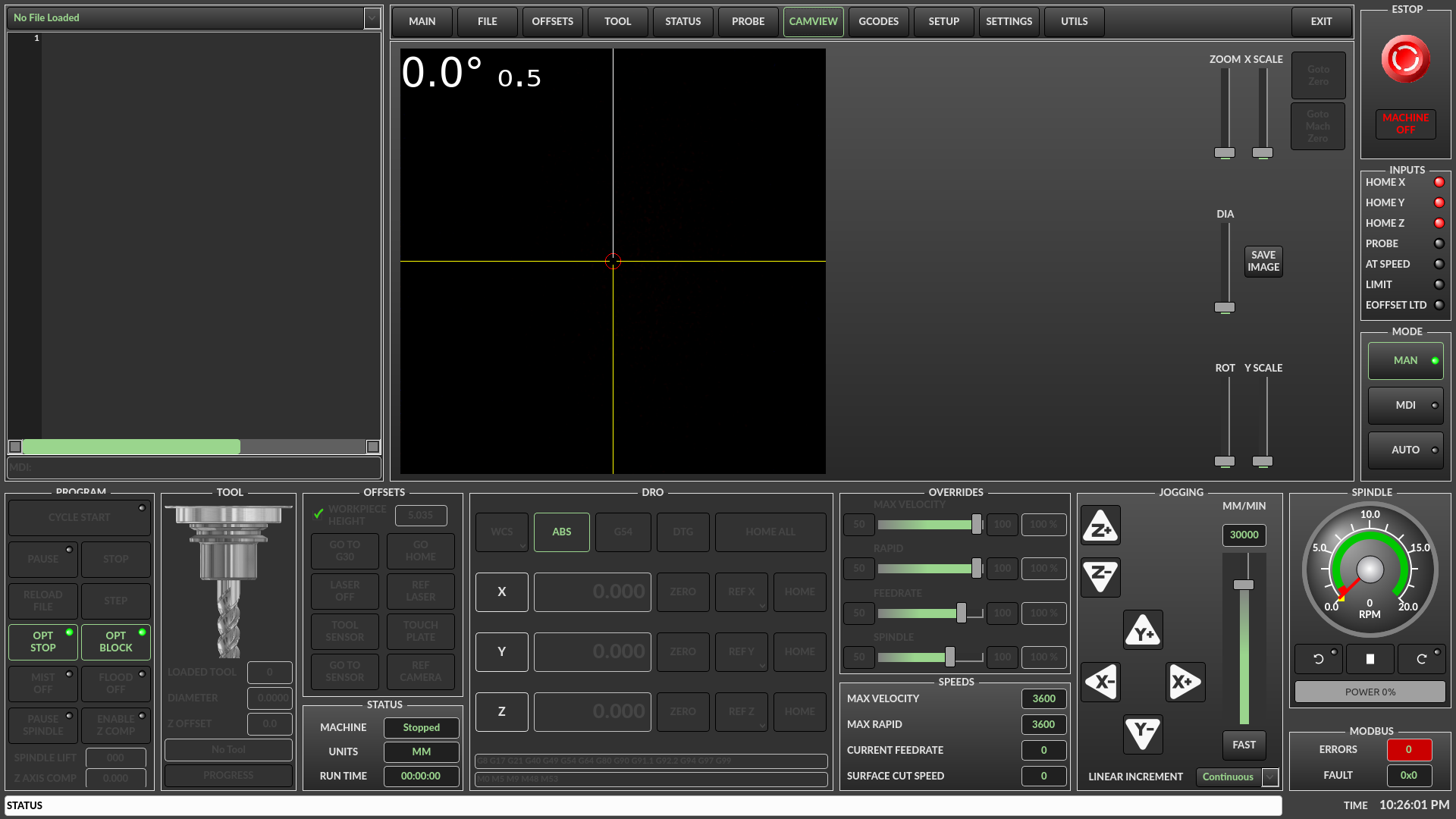
How about controls on the page:
 

Please Log in or Create an account to join the conversation.

More
2 years 9 months ago - 2 years 9 months ago #291610 by wusel0464
Replied by wusel0464 on topic Camera configuration
Hello,

that looks very appealing.
Thank you very much for the effort you put in for me.

If the question were, does it make sense to actually install the controllers? That makes it easier to find the right values, but the whole process is only rarely needed once. Once you've found the value, it's actually done.

In this regard, it would be good to know what other users think about it.

I'm actually of the opinion that user interfaces should be kept slim if possible, as long as it doesn't impair usability.
For my part, I wouldn't have a problem if I had a section in the INI that contains these values, as long as it survives the updates.

I just looked at the aspect ratio again.
My camera has 1600x1200 pixels, which corresponds to a ratio of 4:3. This means that the image is slightly wider than it is tall (exactly a factor of 1.3333).
As I understand it, that's what it would mean for a square display. The image is either compressed (oval) when using all pixels in X or so that the circle remains round, pixels on the right and left have to be cut off.

Kind regards, Frank.
Last edit: 2 years 9 months ago by wusel0464.

Please Log in or Create an account to join the conversation.

Moderators: cmorley
Time to create page: 0.232 seconds
Powered by Kunena Forum