7i96S card arrived what setup is recomended

More
6 months 5 days ago - 6 months 5 days ago #345986 by PCW
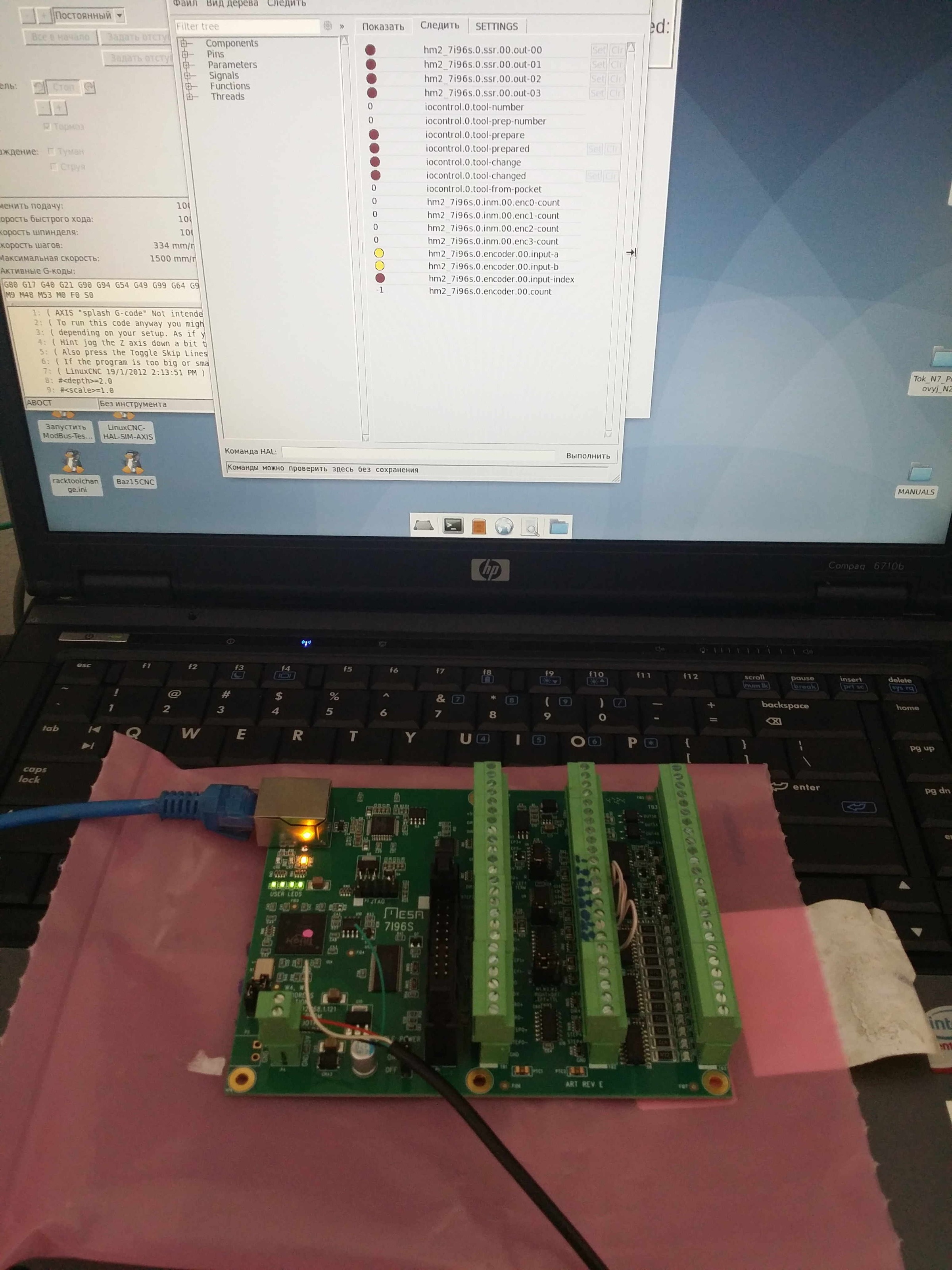
I would  first, disconnect  the encoder, jumper the encoder inputs for TTL mode
and then test the A,B and Index inputs by grounding the A+, B+ and INDEX+ pins
and watching the hal pins for these in halshow. They should change polarity when
grounded vs open.

The 7I96/7I96S encoder inputs are normally fairly rugged but can be damaged by EMI spikes
of greater than 25V. This can happen in a test setup where VFDs or spindle motors couple
the 400V or so square wave drive power into the encoder signals because of insufficient
grounding/shielding.

The Encoder input chip on a 7I96S is a 26LS32 (U12)
Last edit: 6 months 5 days ago by PCW. Reason: clarify
The following user(s) said Thank You: tommylight, xenon-alien

Please Log in or Create an account to join the conversation.

More
6 months 4 days ago - 6 months 4 days ago #345997 by xenon-alien
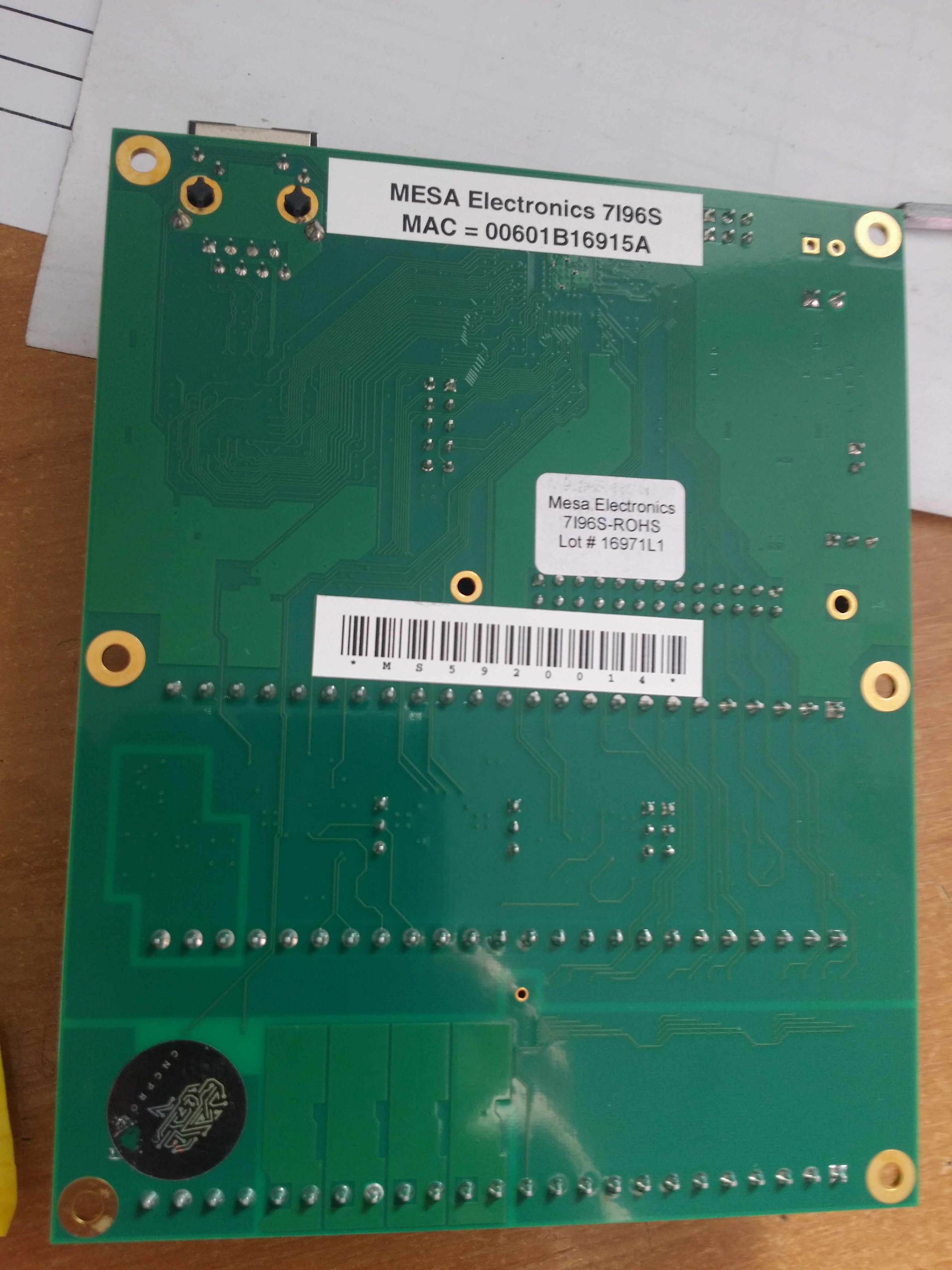
5 years using mesa cards and this is the first time i had issues.  The cards i'm ordering via cnc.prom.ua (the same price ±, like on the official site but not need to pay customs and tax) Usually they came already opened (the sticker is damaged), maybe they testing it, or just puts their logo.
I found only DS26LS32CM,  AM26LS32AC  , AM26LS32ACDR,  26LS32AC  (which can be used?)

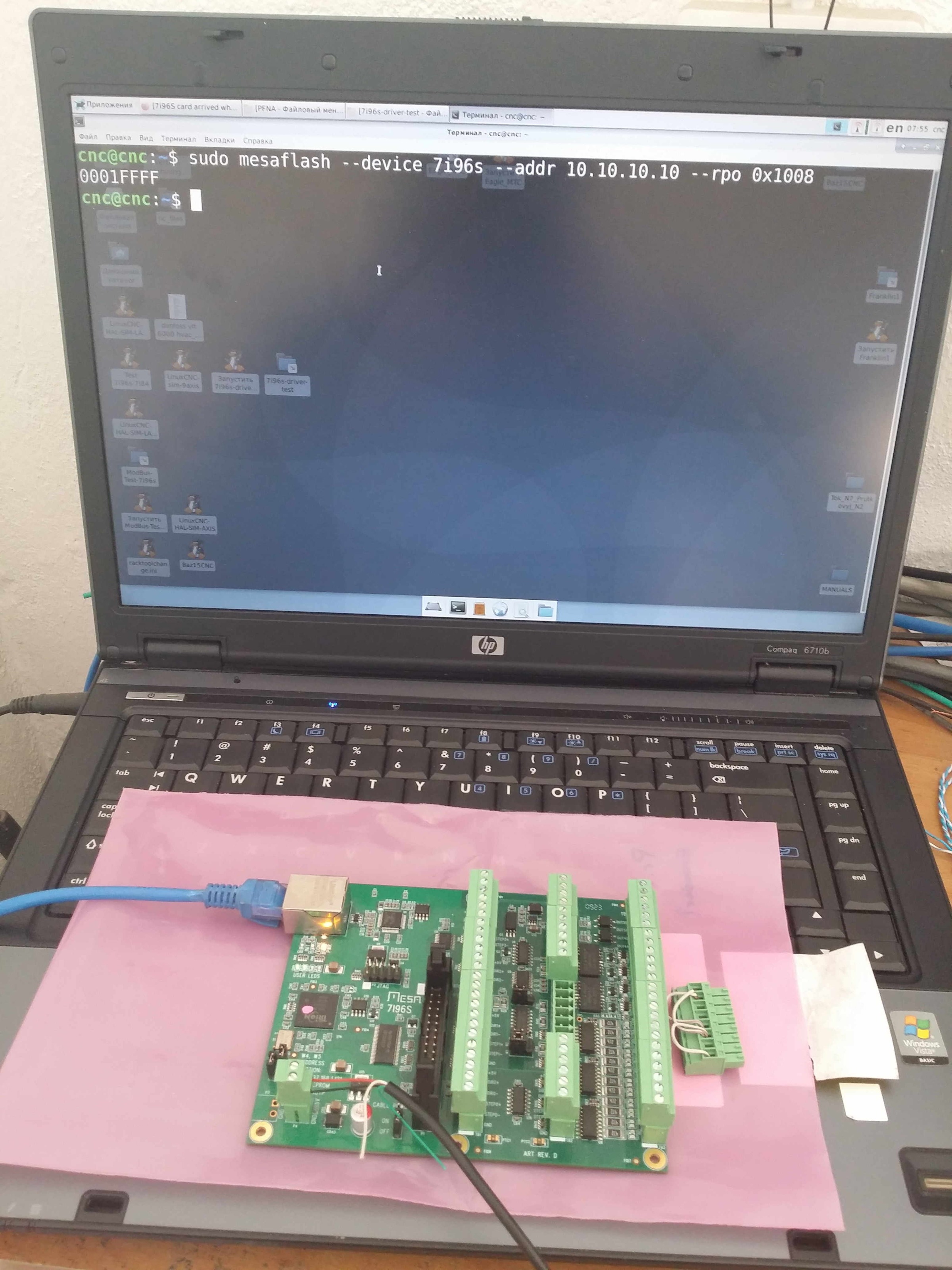
So, the used 7i96s card, which was on a lathe. Signal wires on one side of the El.box, power wires on the other side of the El.box - nearly one year worked well:
ch-a - working
ch-b - not working
ch-i - not working
   

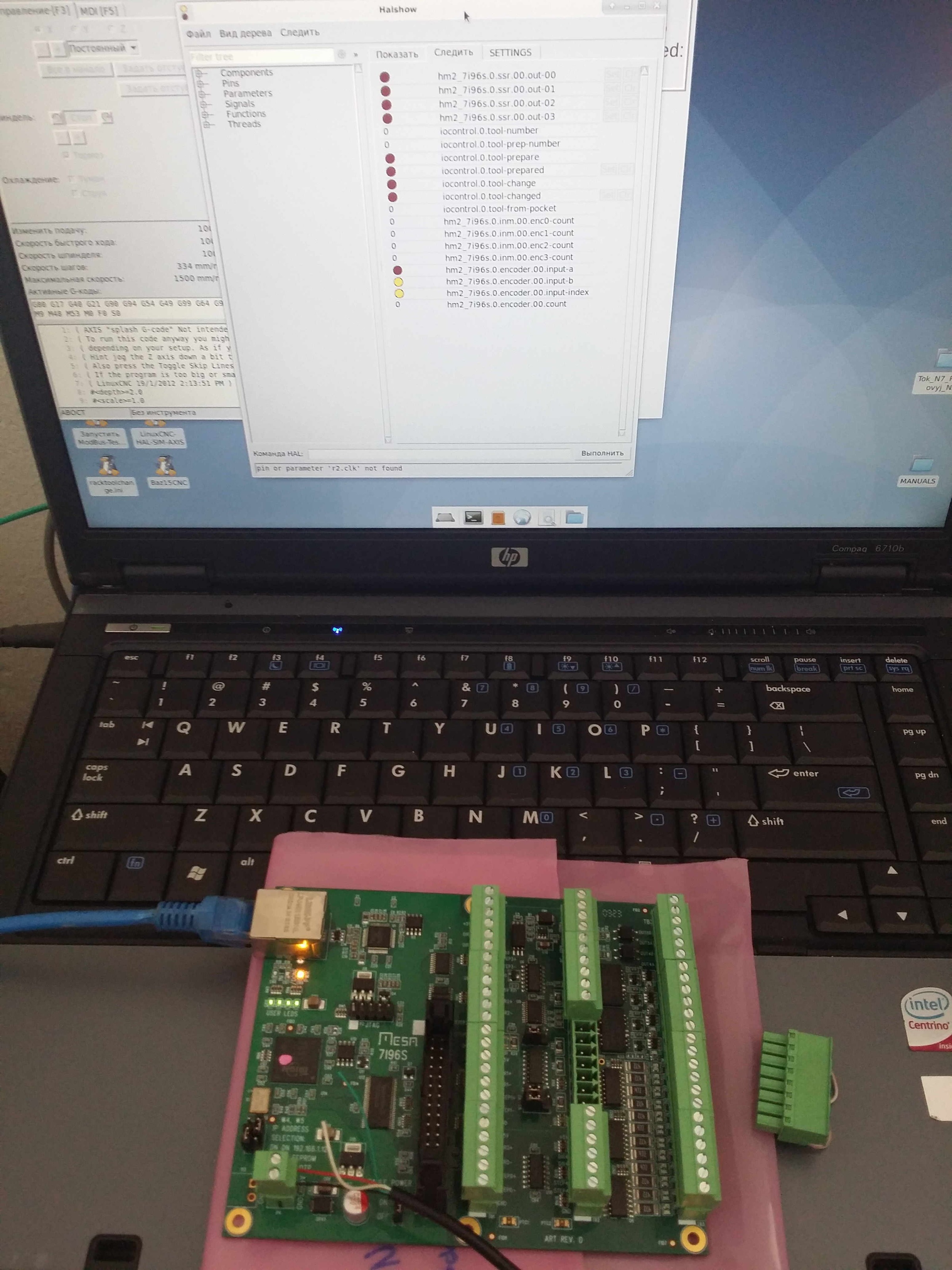
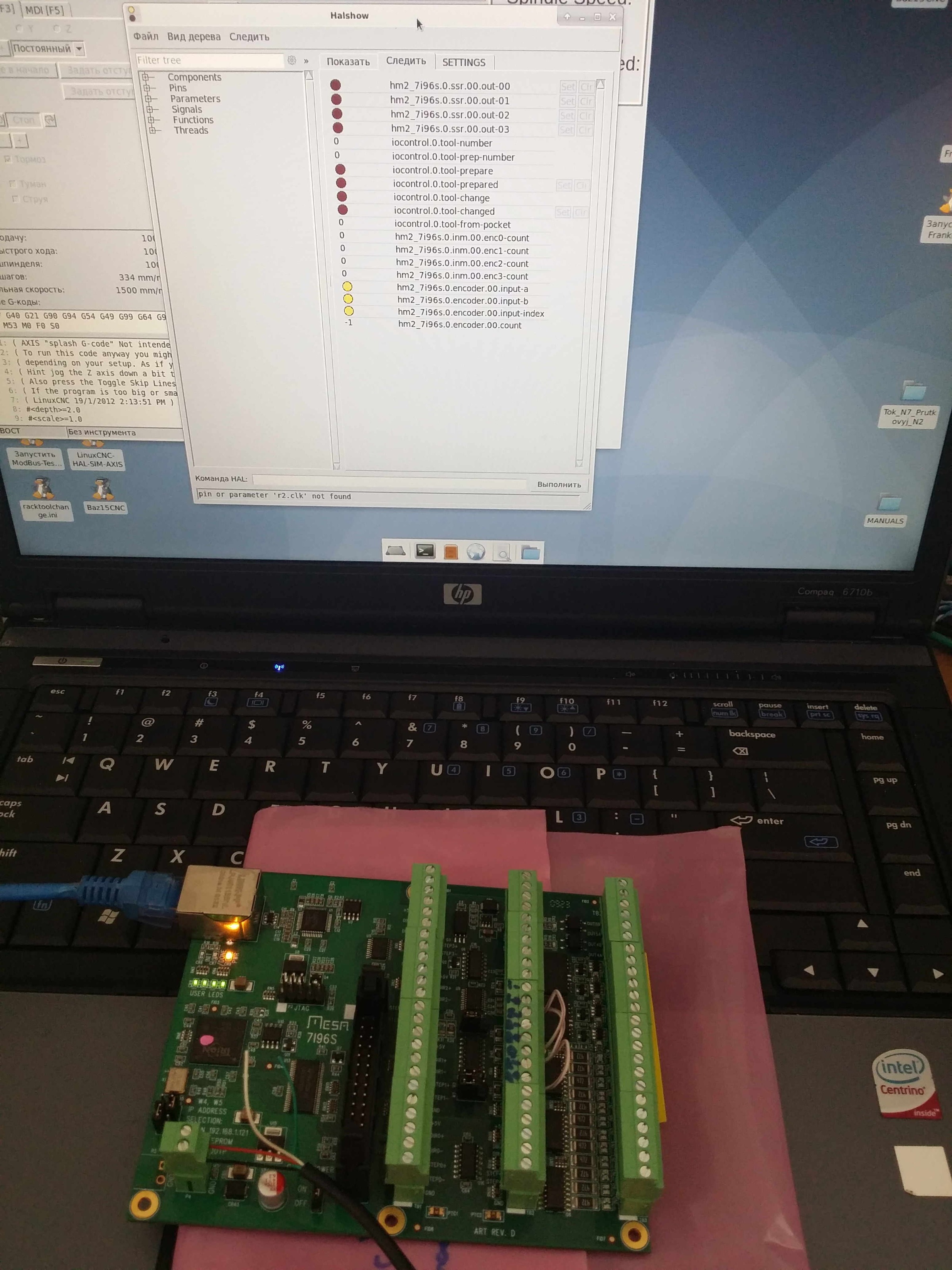
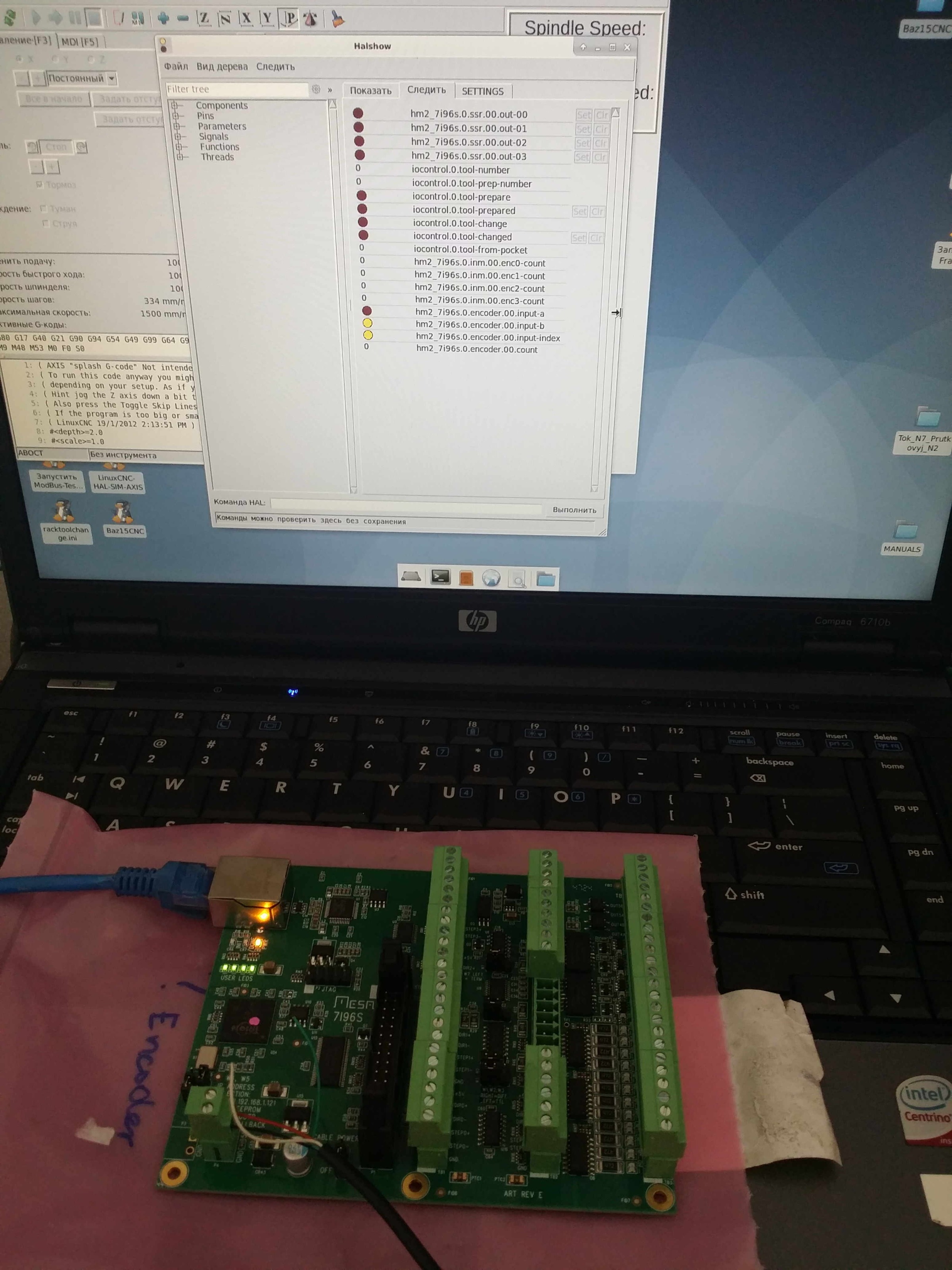
The new 7i96s (rev E was not used and not tested after arrival) :
ch-a - working
ch-b - not working
ch-i - working
     
Last edit: 6 months 4 days ago by xenon-alien.

Please Log in or Create an account to join the conversation.
More
6 months 4 days ago #346009 by PCW
In one picture you have the encoder inputs connected, this may affect test results.

Here is the encoder input circuit, you can check if the 26LS32 is faulty by seeing of the
outputs follow the input state. (the outputs are inverted from the TTL input levels)


Your browser does not support embedded PDFs. Please download the file here: Download PDF.


Please Log in or Create an account to join the conversation.
More
6 months 4 days ago #346019 by xenon-alien

In one picture you have the encoder inputs connected, this may affect test results.

Here is the encoder input circuit, you can check if the 26LS32 is faulty by seeing of the
outputs follow the input state. (the outputs are inverted from the TTL input levels)

 
Not really understand, but the result is the same, as it was with the TTL encoder.

Thanks for the hint how to check the 26LS32. Tomorrow I will try.
You think, maybe it can be the inputs to the main microchip if the 26LS32 works correctly?

Please Log in or Create an account to join the conversation.
More
6 months 4 days ago #346020 by PCW
You think, maybe it can be the inputs to the main microchip if the 26LS32 works correctly?

It's quite unlikely that the FPGA has been damaged, much more likely that the 26LS32 has been.

Also the 26LS32 does not connect to the FPGA directly but rather through U13 (74CBT16211
level shifter) If U13 was damaged (by say a mistake in P1  connections) this could cause an
encoder issue as U13 is shared by the encoder interface and the P1 parallel expansion port.

You can do a quick check of U13 with mesaflash (assuming P1 is unconnected):

mesaflash --device ethernet --address [card-address] --rpo 0x1008

This should respond with: 0001FFFF (the all high open circuit port data for the parallel
expansion port = P1). Damaged U13 I/O pins that connect to P1 will typically be stuck low.


Please Log in or Create an account to join the conversation.
More
6 months 3 days ago #346030 by xenon-alien

Also the 26LS32 does not connect to the FPGA directly but rather through U13 (74CBT16211
level shifter) If U13 was damaged (by say a mistake in P1  connections) this could cause an
encoder issue as U13 is shared by the encoder interface and the P1 parallel expansion port.

You can do a quick check of U13 with mesaflash (assuming P1 is unconnected):

mesaflash --device ethernet --address [card-address] --rpo 0x1008

This should respond with: 0001FFFF (the all high open circuit port data for the parallel
expansion port = P1). Damaged U13 I/O pins that connect to P1 will typically be stuck low.


To the P1 just connected the axis indexes (1-5 pins - you did the firmware to me) 50-100Om through resistor as you wrote me (5v supply GND to the driver and from the driver back to the P1  through a  100Om resistor)
On the table there wont be a phisical connection to P1, just 5v supply.
Here it is (both has the same respond):
 

Please Log in or Create an account to join the conversation.
Moderators: PCW, jmelson
Time to create page: 0.081 seconds
Powered by Kunena Forum