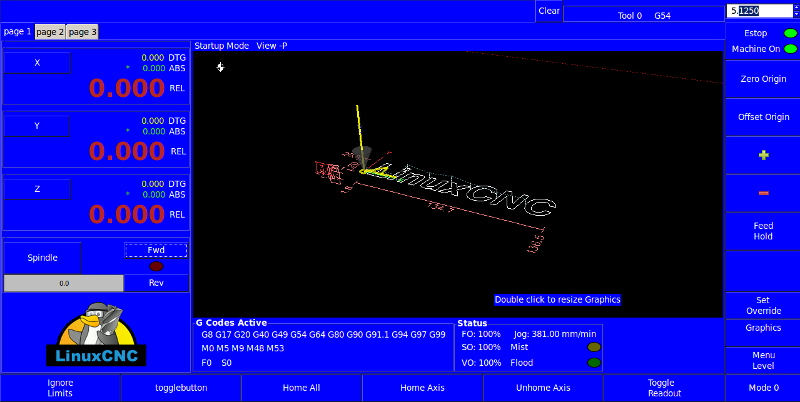
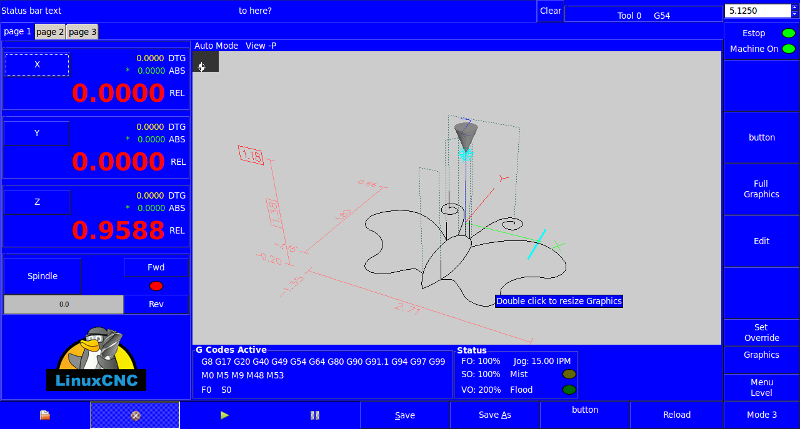
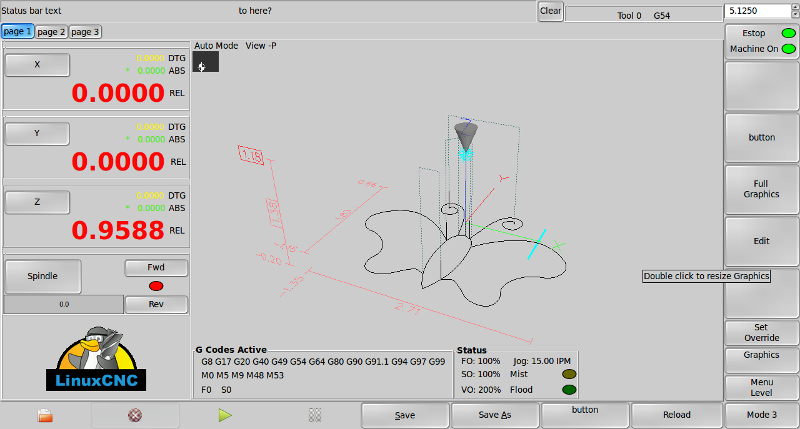
Nice work! Trying to get it going now.
( This was a post asking for a tutorial, but then I found the Linux CNC git wiki and the fog lifted...)
Edit... And I am back.
Please help me with a detailed guide to setup Gscreen from a fresh live cd ISO image install of LinuxCNC 2.5
(i am listing every step so that it may help other complete noobs too...) please correct where wrong.
$ su
$ sudo apt-get install git-core gitk git-gui
$ git clone git://git.linuxcnc.org/git/linuxcnc.git linuxcnc-dev
cd to linuxcnc-dev directory
$ git reset --hard remotes/origin/master
$ git pull origin master
$ git pull git://git.mah.priv.at/emc2-dev.git gscreen_master
$ apt-get install libboost-python-dev
$ cd src
$ ./autogen.sh
$ ./configure
$ make
$ make install-menus
$ make setuid
$ . ./scripts/rip-environment
$ linuxcnc
wonderfull, I now have 2.6pre running from the Linuxcnc-dev folders. but if I go to the Applications,CNC LinuxCNC it still launches Linuxcnc2.5
I cannot edit any of the sample configs for 2.6
I ran stepconf from usr/bin, which created a desktop icon(which .ini i changed from AXIS to gscreen for my machine but this does not load 2.6
How do i get this new version to replace and function exactly as the old 2.5 did?
or am I missing a whole lot about how to actually install gscreen...
Thanks