- Posts: 247
- Thank you received: 30



Please Log in or Create an account to join the conversation.
Please Log in or Create an account to join the conversation.
Please Log in or Create an account to join the conversation.
Please Log in or Create an account to join the conversation.
eFalegname wrote: After updating LinuxCNC the problem with the screen is gone, but I still have a doubt I see that you must have the symbol "skip block" / active to run the gcode or I'm wrong?
Please Log in or Create an account to join the conversation.
newbynobi wrote: Now I need to find out, where to set some default values, as I want to use on every tool change the compensation from the tool file and all my tools should be used with flood cooling.
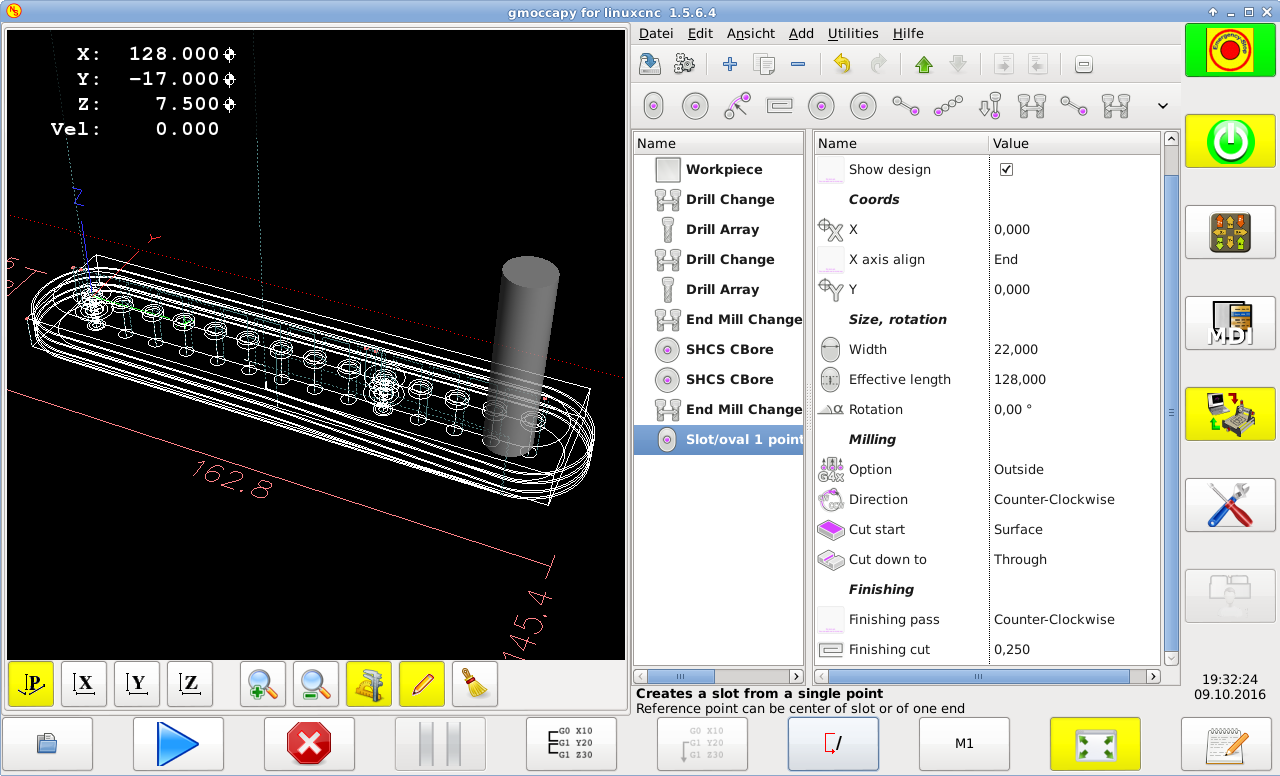
Also If I enter a feed of 750 on a slot/ovel 1 point outside milling, the machine does only 600 and speed is also lower.
I think this are those optimization factors.

Please Log in or Create an account to join the conversation.
