
- Posts: 1871
- Thank you received: 358

Please Log in or Create an account to join the conversation.

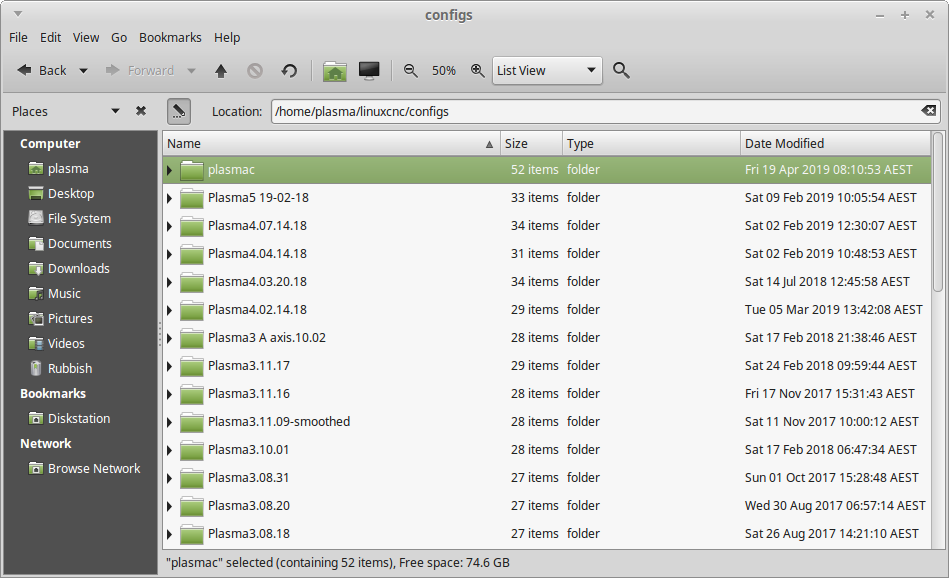
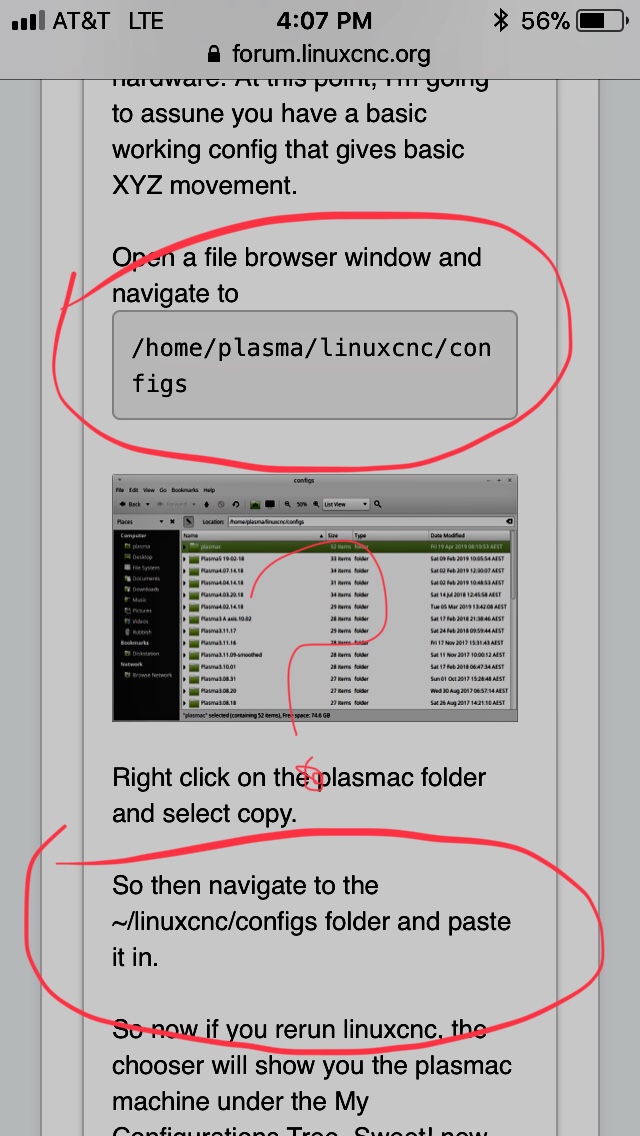
Minor correction:rodw wrote: Open a terminal window and navigate to
Code:/home/plasma/linuxcnc/configs
Please Log in or Create an account to join the conversation.
tommylight wrote: Minor correction:
Open a file browser window, not terminal.
Please Log in or Create an account to join the conversation.
islander261 wrote: Here is my typical work flow as it may help clear things up. Using Gmoccapy in the Plasmac branch.
1.Start terminal session.
2.Set Plasmac RIP environment
3. Start LinuxCNC
4. Pick configuration I want to run
5. Take program out of estop
6. Switch machine on with GUI button
7. Press the Homing button in bottom left corner of GUI
8. Press Home All button in bottom left corner of GUI and wait for homing to finish
9. Press Load Material button on buttons panel and wait for gantry to clear table
10. Place work piece on table and square to table motion using laser crosshairs
11. Jog to work piece origin
12. Press Touch Off button on bottom of GUI (second from left)
13. Press X Set button
14. In popup window set X offset to 0 (should be default choice)
15. Repeat 13 & 14 for Y axis
16. Press return button on bottom right of GUI to clear Touch Off Tab, you should see G54 offset label displayed in DRO
17. Check settings
18. Load program
19. Enable Torch
20. Start program
Please Log in or Create an account to join the conversation.
Please Log in or Create an account to join the conversation.
Please Log in or Create an account to join the conversation.
