#<holes> = 3 - Unexpected behaviour

More
2 years 2 months ago #308639 by CFE
Hi all,

We are seeing some unexpected behaviour on our plasma cutter. I have attached the config settings file and a G-code program which behaves strangely. (We do see similar behaviour with other programs as well, but it a bit unpredictable.)

Let me try to explain what happens : When the first 2 slots are cut the torch moves to the first outside contour. During cutting that contour the velocity doesn't exceed 1700mm/min, which is 60% of the material feedrate (2815mm/min). But when it rounds the 4th (last corner) and enters the straight line all the sudden the velocity is at 100%, 2815mm/min. It does this on all 4 outside contours.

My best guess is that it has something to do with the M67 commands which QtPlasmaC adds, but why it is not consistent is beyond my expertise or comprehension. Anybody with thoughts ?

Cheers, Peter


Please Log in or Create an account to join the conversation.
More
2 years 2 months ago #308640 by phillc54
The file seems to run fine on a sim.
My first thought was that it may have been due to the seemingly slow MAX_ACCELERATION values in your ini file so I changed the values in the sim to reflect yours and it still seems to work fine.
 
The following user(s) said Thank You: CFE

Please Log in or Create an account to join the conversation.

More
2 years 2 months ago #308641 by CFE
Just to add to the previous : when I use conversational to generate the same contour the sudden feedrate change at the last straight line doesn't occur. But when I add "#<holes> = 3" to the conversational program the velocity is simply 60% of the feedrate all around the contour. Got me stumped.

Please Log in or Create an account to join the conversation.
More
2 years 2 months ago #308645 by CFE
Hi Phil,

I increased the MAX_ACCELERATION values but no difference, same behaviour.

Cheers, Peter

Please Log in or Create an account to join the conversation.

More
2 years 2 months ago #308648 by phillc54
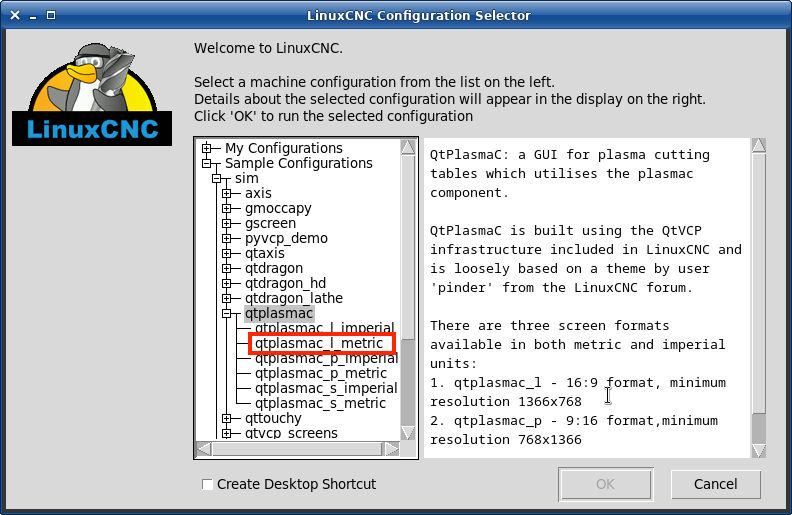
Could you try it in the below sim, you will need to add a material #16 with the correct feed rate.
Warning: Spoiler!


Please Log in or Create an account to join the conversation.

More
2 years 2 months ago #308651 by CFE
Hi Phil,

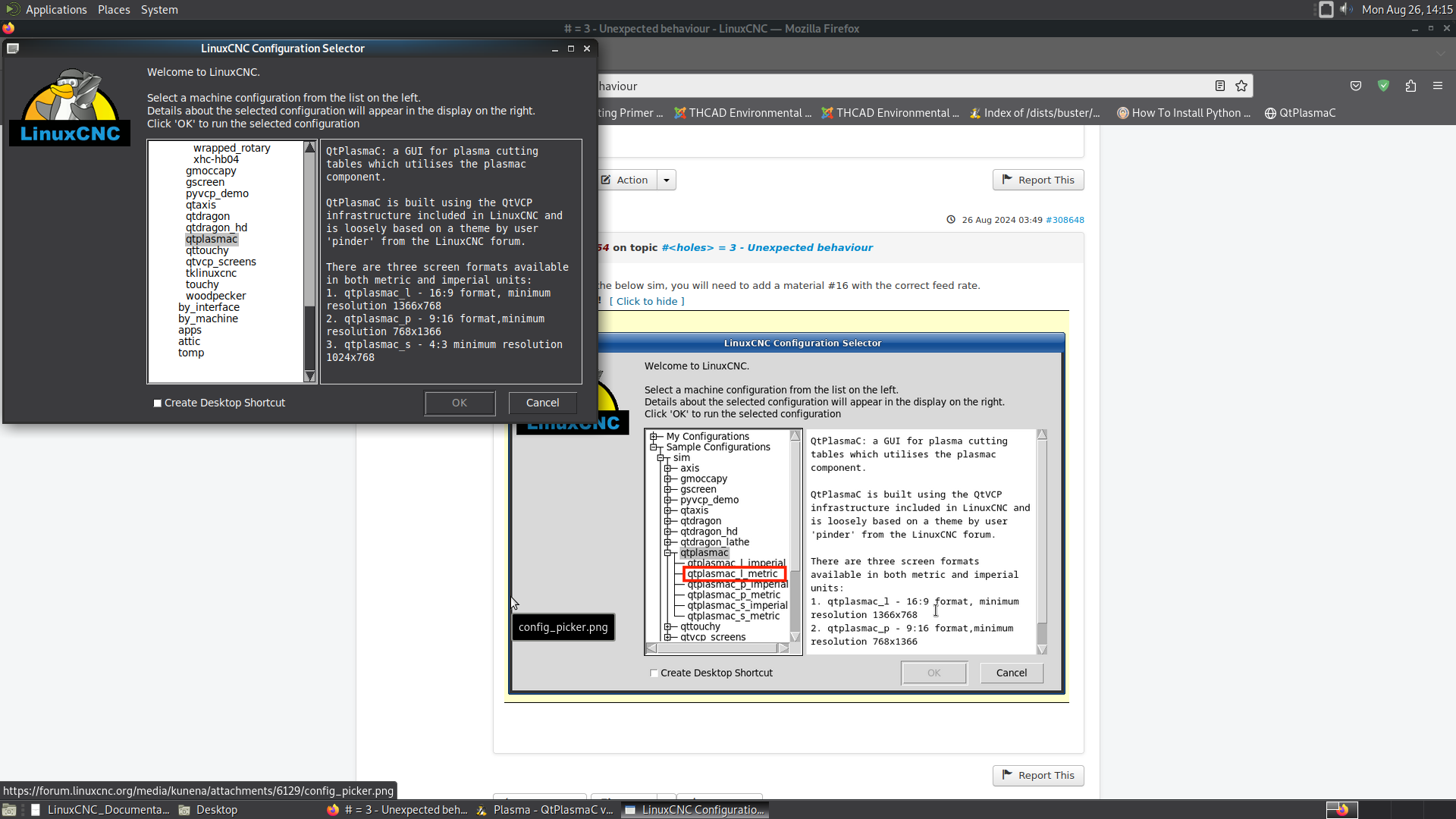
I can only get this far, see screenshot attached. No menu opening up to pick a sim configuration ?

Please Log in or Create an account to join the conversation.

Moderators: snowgoer540
Time to create page: 0.064 seconds
Powered by Kunena Forum
