As reported here
github.com/pyvista/pyvista-support/issue...suecomment-848598723
I compiled (in about 9 hours ...) the latest version of the vtk
on a raspberry pi 4 with preempt_rt
Linux raspberrypi 5.15.32-rt39-v8 + # 1 SMP PREEMPT_RT Sat Apr 2 07:28:17 BST 2022 aarch64 GNU / Linux
I then installed the wheel file, downloadable at this link
drive.google.com/file/d/1H4EwSQ5fpor1YZi...fwy/view?usp=sharing
with the command
python3 -m pip install ./vtk-9.1.20220512.dev0-cp39-cp39-linux_aarch64.whl
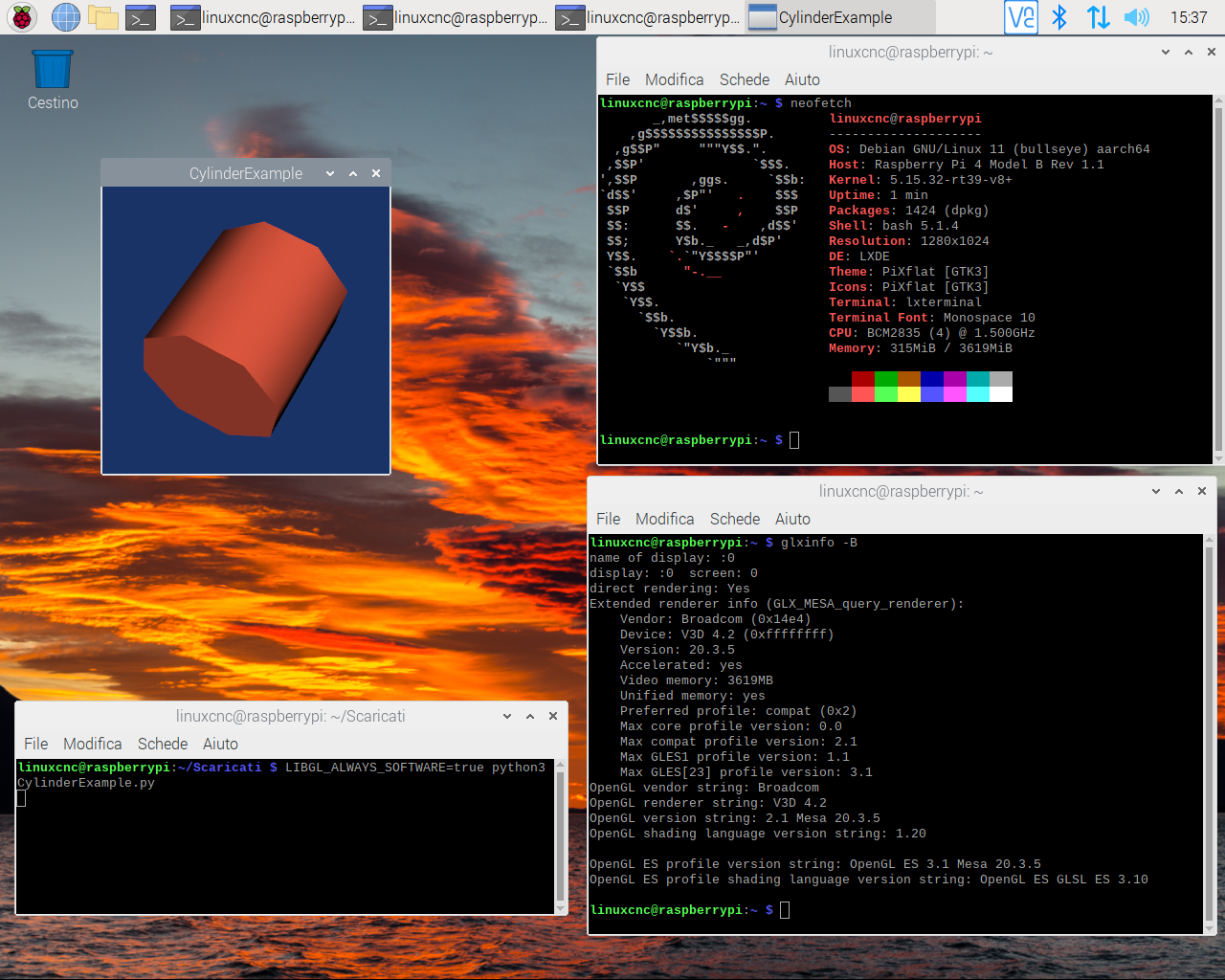
However, the VTK works, as shown in the figure, only as environmental variable
LIBGL_ALWAYS_SOFTWARE = true
The screen also shows the results of the commands 'neofetch' and 'glxinfo -B'
Without the environmental variable, the error message is this:
vtkShaderProgram.cxx: 438 ERR | vtkShaderProgram (0x15e63020): 0: 1 (10): error: GLSL 1.50 is not supported. Supported versions are: 1.10, 1.20, 1.00 ES, and 3.00 ES
Using, as some suggest, the environmental variable
MESA_GL_VERSION_OVERRIDE = 3.2 MESA_GLSL_VERSION_OVERRIDE = 150
the example shown works for a few seconds but then goes into error
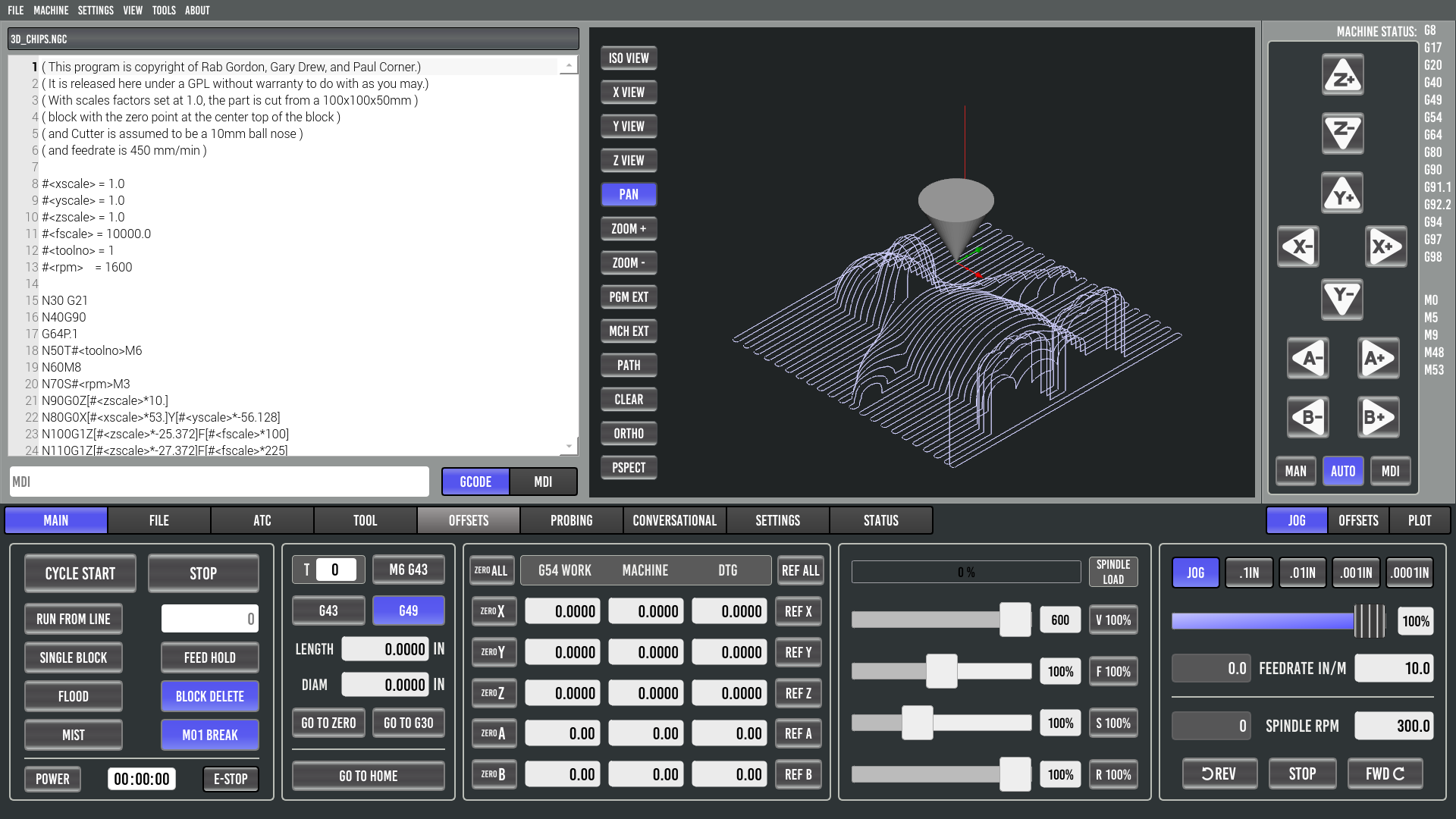
in any case it is then possible to install QtVCP, QTpyVCP and Probe_basic
Anyone know how to use the V3D 4.2 driver with VTK?