
- Posts: 399
- Thank you received: 133
qtvcp issues
- persei8
- Offline
- Platinum Member
-

Less
More
6 years 3 months ago #173633
by persei8
And who is Gene?
I have a pi4 with linuxcnc, pyqt5 and qtvcp all installed. It just doesn't work with qt screens - I think because of incompatibility with the pi4 opengl driver.
Replied by persei8 on topic qtvcp issues
rodw wrote: I think Gene has a version for the Pi4.
Mesa has a board for them so it can be done
I have to say I was really surprised how nice the 4 is! (but not using for linuxcnc)
And who is Gene?
I have a pi4 with linuxcnc, pyqt5 and qtvcp all installed. It just doesn't work with qt screens - I think because of incompatibility with the pi4 opengl driver.
Please Log in or Create an account to join the conversation.
- phillc54
- Offline
- Platinum Member
-
Less
More
- Posts: 5711
- Thank you received: 2100
6 years 3 months ago #173638
by phillc54
I found the same issue, I think it only supports OpenGL ES. I tried to build a new python-pyqt5.qtopengl but after several failed attempts I gave up.
Replied by phillc54 on topic qtvcp issues
persei8 wrote: I have a pi4 with linuxcnc, pyqt5 and qtvcp all installed. It just doesn't work with qt screens - I think because of incompatibility with the pi4 opengl driver.
I found the same issue, I think it only supports OpenGL ES. I tried to build a new python-pyqt5.qtopengl but after several failed attempts I gave up.
Please Log in or Create an account to join the conversation.
- persei8
- Offline
- Platinum Member
-
Less
More
- Posts: 399
- Thank you received: 133
6 years 3 months ago #173682
by persei8
Replied by persei8 on topic qtvcp issues
So it appears that until pyqt5 supports OpenGL ES 3.2, there won't be any linuxcnc controllers with QT screens on a RPi4. Very disappointing.
Please Log in or Create an account to join the conversation.
- cmorley
- Offline
- Moderator
-

Less
More
- Posts: 7368
- Thank you received: 2181
6 years 3 months ago #173684
by cmorley
Replied by cmorley on topic qtvcp issues
Does qtpyvcp's back plotter work?
it uses the vtk toolkit for the display.
In the future we could port the code to qtvcp.
(It requires a distribution newer then I currently use)
Chris
it uses the vtk toolkit for the display.
In the future we could port the code to qtvcp.
(It requires a distribution newer then I currently use)
Chris
Please Log in or Create an account to join the conversation.
- cakeslob
- Offline
- Platinum Member
-
Less
More
- Posts: 927
- Thank you received: 280
6 years 3 months ago #173685
by cakeslob
Replied by cakeslob on topic qtvcp issues
not necessarily, i use your gui all the time on my pi4. , there are 2 options to make it useable that I have been playing with. first option is I remove preview in qt and then reload it, that way i can run without the errors popping up. second option, is I run gremlin_view from halshow menu.I cant get it to load on qtdragon right now but it seems like a minor issue.
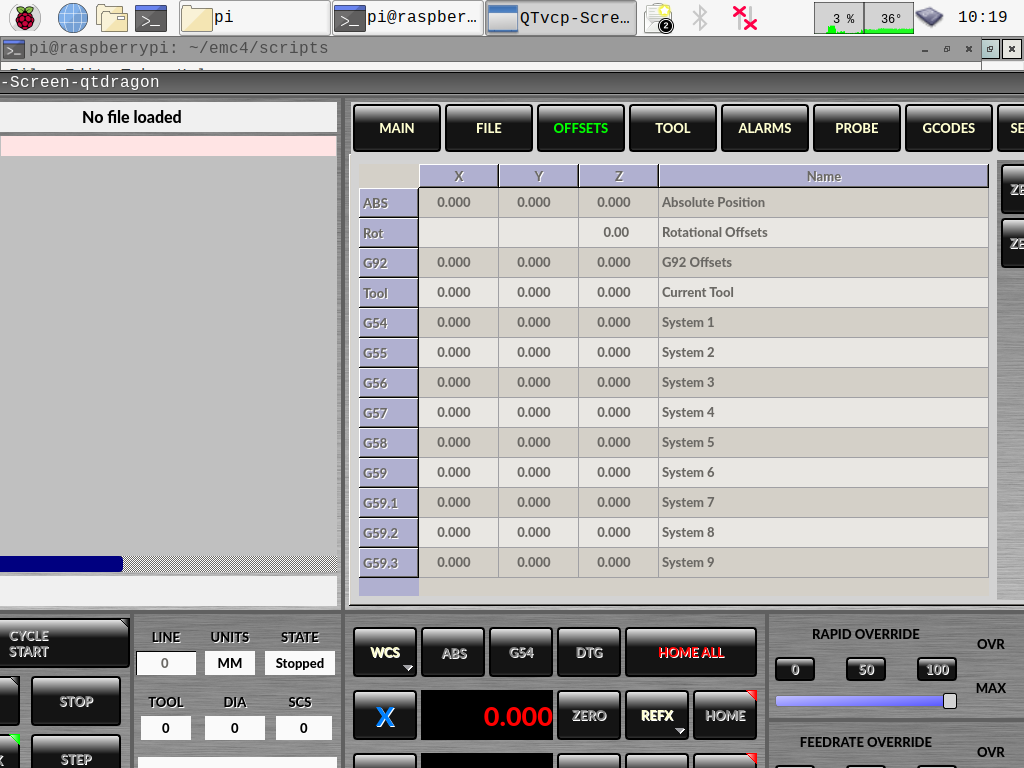
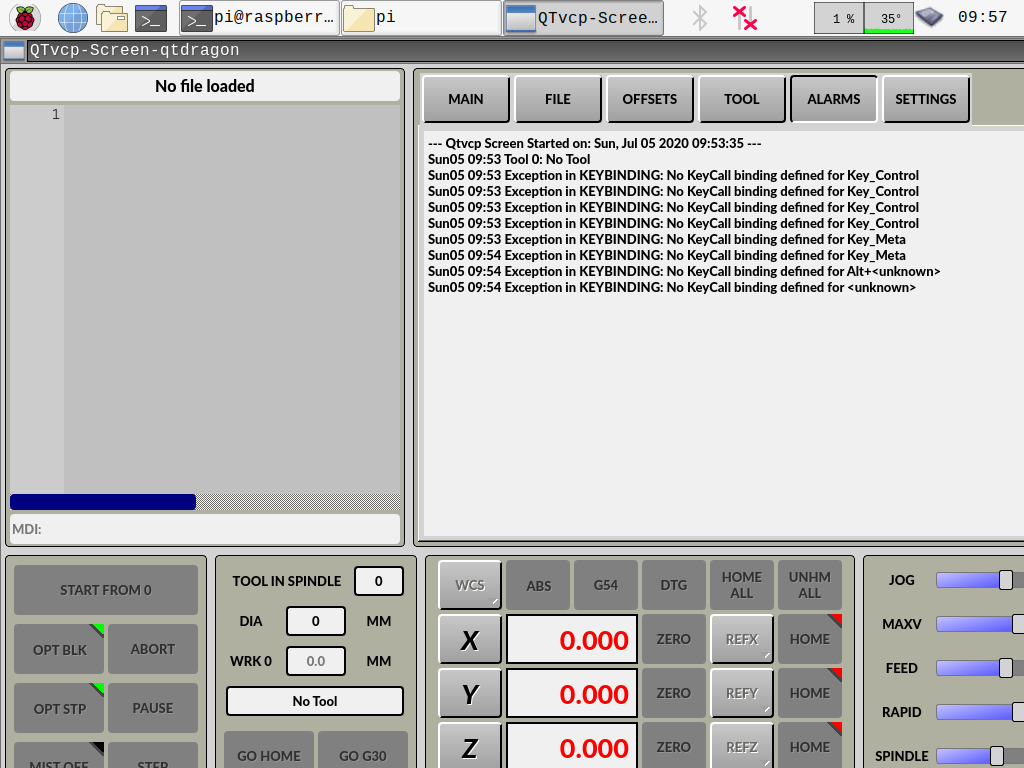
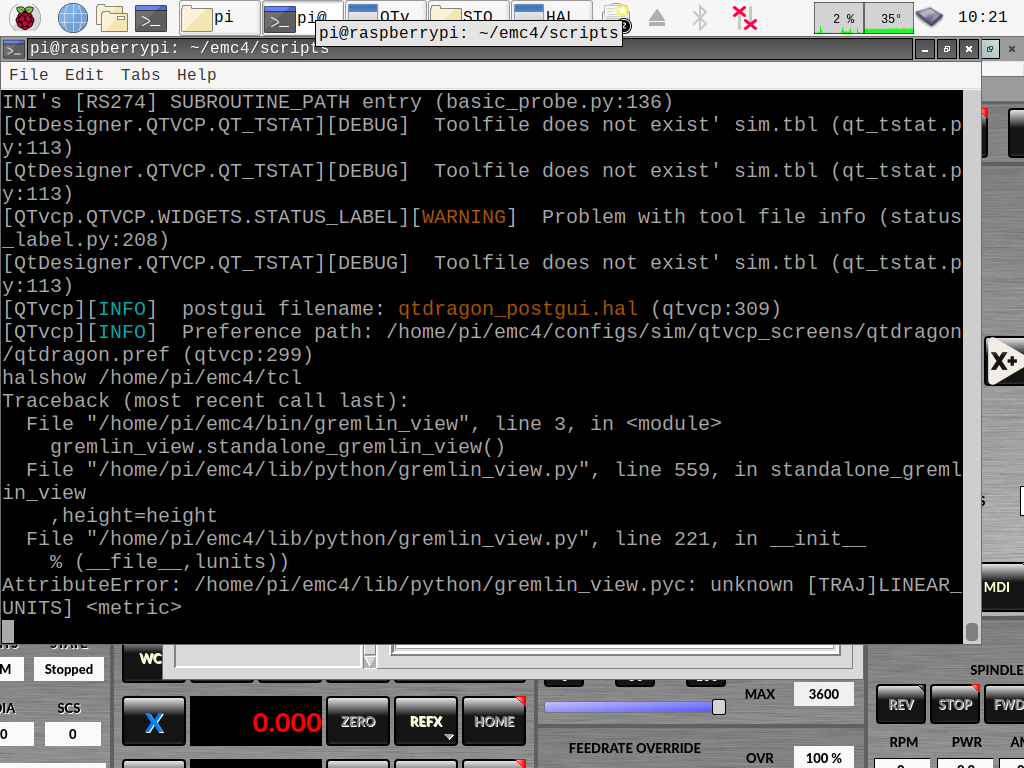
I dont exactly know how to implement this completely yet, but if the preview screen tab were replaced with the xembed widget, and loaded the gremlin_view widget in tab, this could be an easy fix until the rpi specific stuff is fixed. Honestly though, I dont know how to use the xembed widget, would it be something like "halcmd loadusr gremlin_view" in the ini file? does gremlin_view use the xwindows thing to allow it to be embedded? if not, could a similar idea be done with a gladevcp panel of preview? I know it sounds convoluted, but it seems like a reasonable fix until the pi4 drivers are released. cmo, if you could chime in one this one/help me out, since you seem to understand the xwindow requirements and the qtvcp as a whole, I didnt want to be a bother and make a thread, but since more people are coming into this issue, it seems like an easy work around.
qtpyvcp? I cant get anything qtpyvcp to load. they kept saying something about 64bit os, which wasnt avaiable to the pi until recently so I couldnt get anything to load with vtk4
I dont exactly know how to implement this completely yet, but if the preview screen tab were replaced with the xembed widget, and loaded the gremlin_view widget in tab, this could be an easy fix until the rpi specific stuff is fixed. Honestly though, I dont know how to use the xembed widget, would it be something like "halcmd loadusr gremlin_view" in the ini file? does gremlin_view use the xwindows thing to allow it to be embedded? if not, could a similar idea be done with a gladevcp panel of preview? I know it sounds convoluted, but it seems like a reasonable fix until the pi4 drivers are released. cmo, if you could chime in one this one/help me out, since you seem to understand the xwindow requirements and the qtvcp as a whole, I didnt want to be a bother and make a thread, but since more people are coming into this issue, it seems like an easy work around.
qtpyvcp? I cant get anything qtpyvcp to load. they kept saying something about 64bit os, which wasnt avaiable to the pi until recently so I couldnt get anything to load with vtk4
Please Log in or Create an account to join the conversation.
- cmorley
- Offline
- Moderator
-
Less
More
- Posts: 7368
- Thank you received: 2181
6 years 3 months ago #173691
by cmorley
Replied by cmorley on topic qtvcp issues
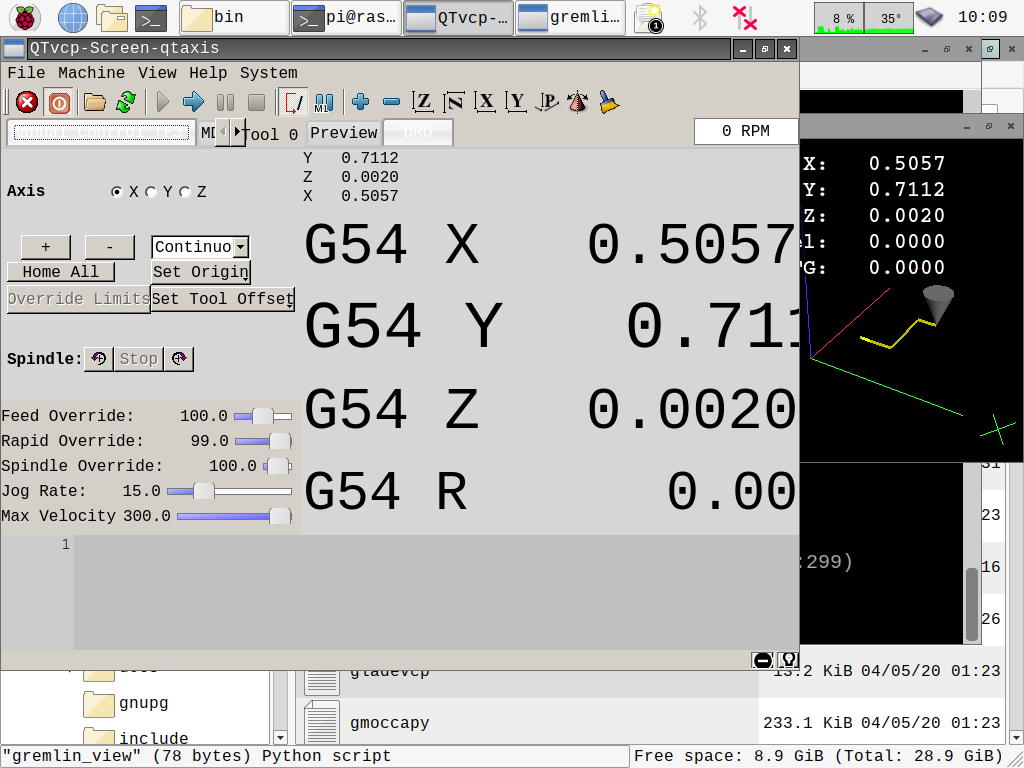
you you are using qtaxis:
make gladevcp panel with a gremlin in it and save it in your config.
use this in the INI:
This is some usability problems - like it doesn't automatically reload when you set the origin - but that could be worked around.
The Gremlin_plus widget would be better but I can never seem to get it to work...
QtDragon doesn't support embedding by default - it would require a bit of fooling with...
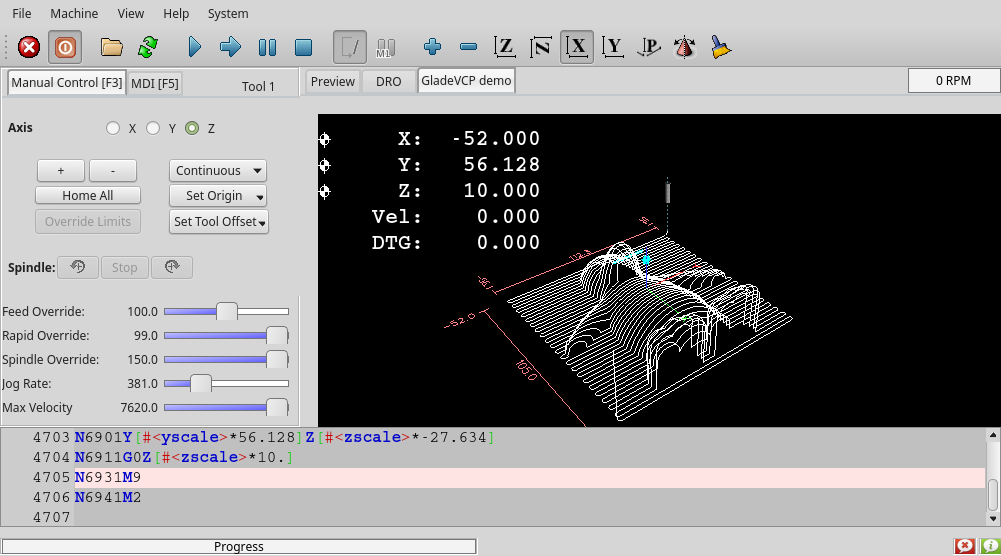
make gladevcp panel with a gremlin in it and save it in your config.
use this in the INI:
Code:
EMBED_TAB_NAME= Gremlin
EMBED_TAB_LOCATION = rightTab
EMBED_TAB_COMMAND= halcmd loadusr gladevcp --xid gremlin.glade
This is some usability problems - like it doesn't automatically reload when you set the origin - but that could be worked around.
The Gremlin_plus widget would be better but I can never seem to get it to work...
QtDragon doesn't support embedding by default - it would require a bit of fooling with...
Please Log in or Create an account to join the conversation.
Moderators: cmorley
Time to create page: 0.482 seconds