Can Asus Tinker Board run LINUXCNC

More
8 years 2 weeks ago #119014 by Oliver Sedlacek
I'm pleased someone else has discovered the Tinker board as it looks promising. For those of you haven't seen it, it's a rival to the Raspberry Pi but tuned for performance rather than low power. It's got a quad core ARM A17 processor running at 1.8 GHz coupled to fast DDR memory, so it really should be quicker than the Raspberry Pi. We're using it for a machine vision project, so I'm interested to see how it performs.

Please Log in or Create an account to join the conversation.

More
7 years 7 months ago #128823 by berin
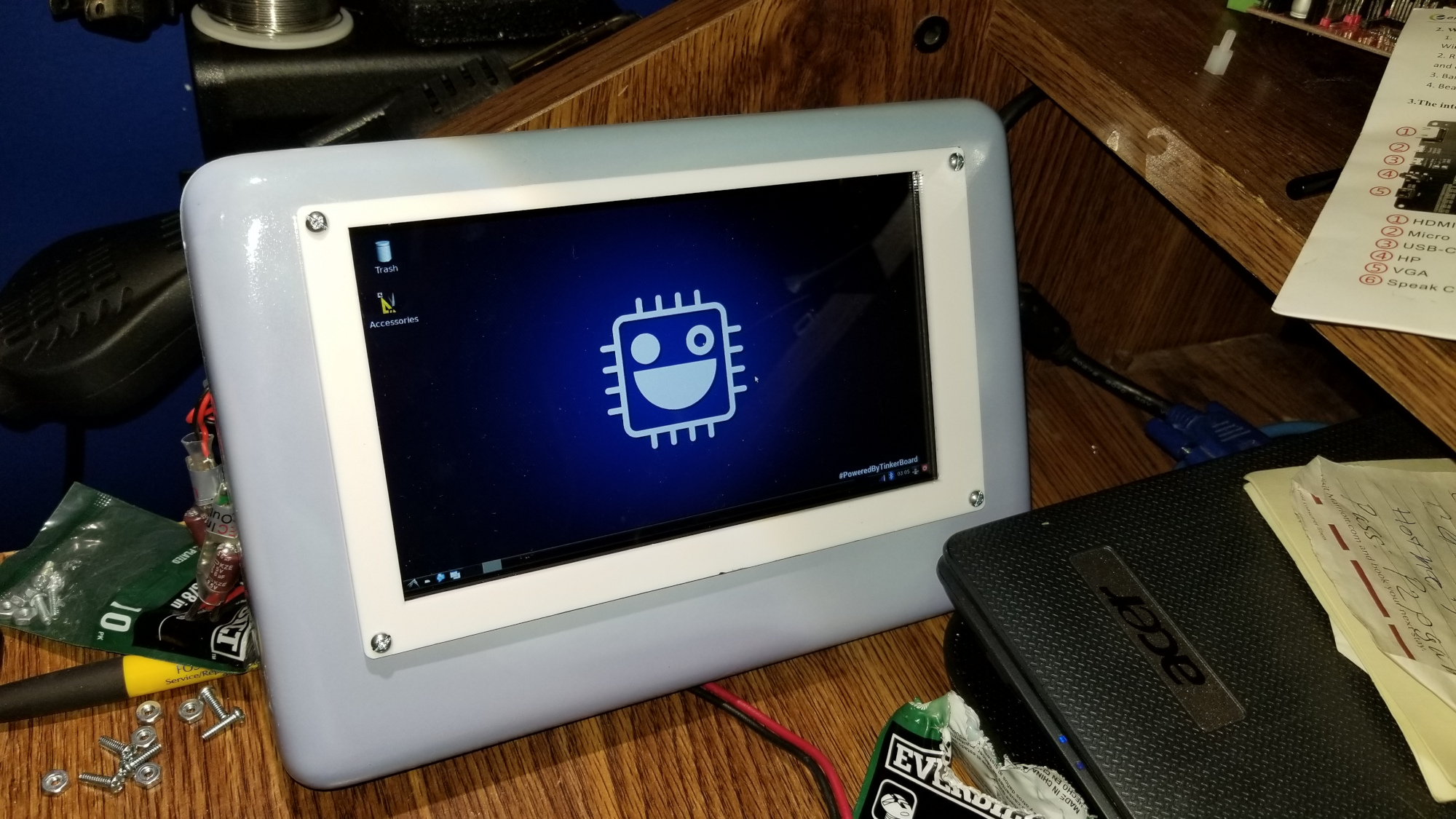
Something to think about.. I'm running armbian on the tinker board... trying to get a real time kernel built though I do not currently have a computer I can use to do so... I have been solving a lot of other issues with the asus tinker board system. I have started a git hub to be a major AID.. My goal is to turn the system into a cnc control ideally a linuxcnc controller. When I get a working realtime/pre-empt kernel i'll upload the image here. currently I'm starting to post howto's on the tinker board. github.com/berinc/Asus-Tinker-Board

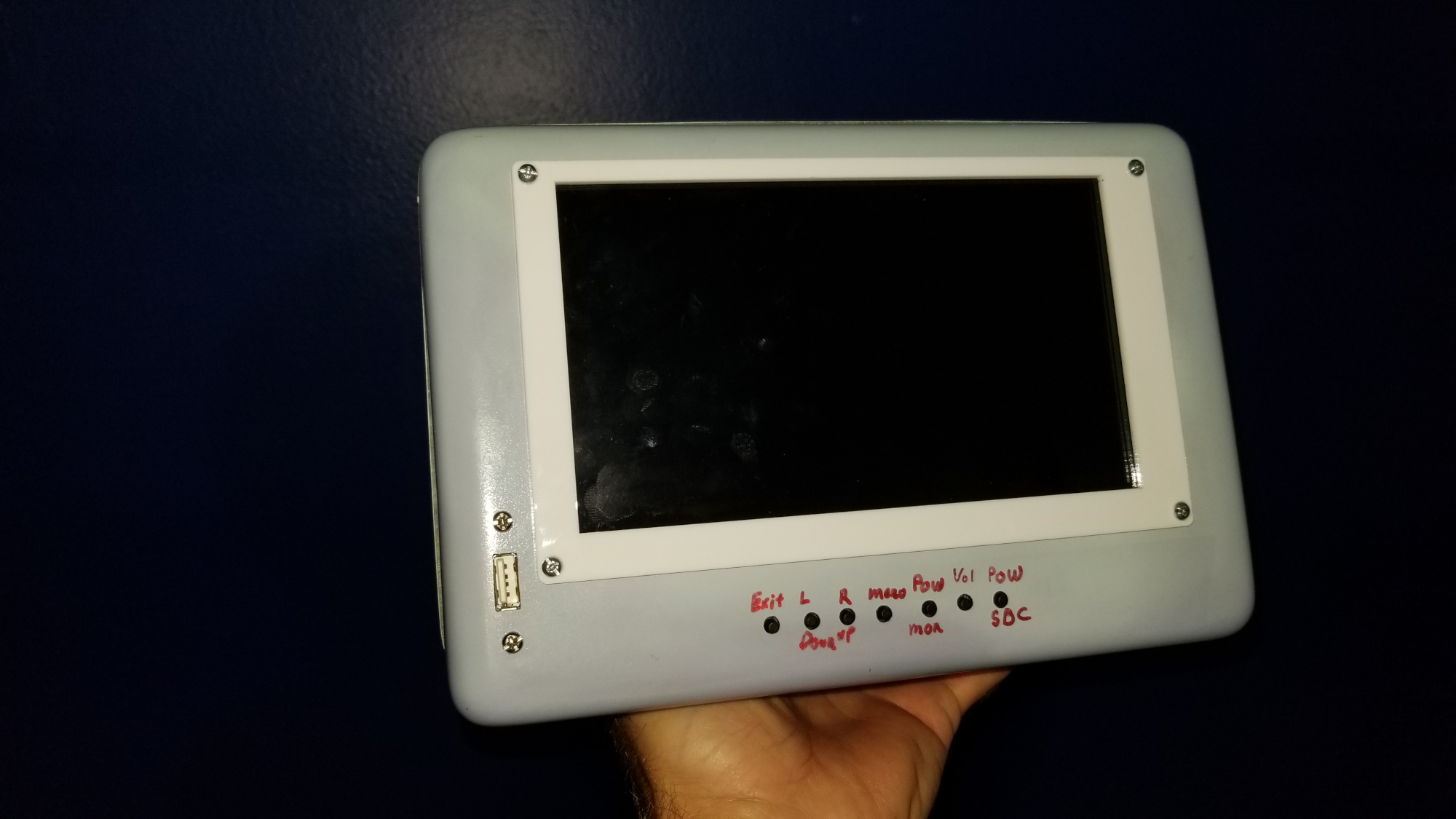
I also built a mold to build a shell for SBC's like the PI and tinker board etc....

Please Log in or Create an account to join the conversation.

More
7 years 7 months ago #128928 by tommylight
Nice !
Laser etched writing on the buttons is perfect ! :)

Please Log in or Create an account to join the conversation.

More
7 years 6 months ago - 7 years 6 months ago #130625 by berin
I now have built both the RT kernel and the current linuxcnc build and it works on the tinkerboard. The link below has my patches that I used and built. I included the .patch file for those who want to compile. I offered the DEB paches for those who want to just install. They are compiled for 4.19.34. armbian. As to bilding linuxcnc, you will need to clone the GIT of linuxcnc, then follow one of the guides for how tobuild it, DO NOT build the SIMULATOR if you plan to spin motors and i'm not sure about the difference bewteen normal and DEV versions.

linuxcnc.org/docs/devel/html/code/building-linuxcnc.html one of many sites on how to build
github.com/LinuxCNC/linuxcnc the git source that will work for tinkerboard using armbian and many others
forum.armbian.com/topic/10007-tinker-boa...-working-free-offer/ My patches, when I get around to it I'll offer an SD card image that has the FULL preempt RT kernel ready to go. when I get the GPIO working with linuxcnc I'll post a working image of everything. So all someone has to do is pop the SDCARD image into the tinkerboard and adjjust settings as needed and have a working cnc controller.
Attached file is the RT patch that works with armbian NEXT or 3.19 for those who want to roll there own.

File Attachment:

File Name: patch-4.19...patch.gz
File Size:186.92 KB
Last edit: 7 years 6 months ago by berin.
The following user(s) said Thank You: tommylight

Please Log in or Create an account to join the conversation.

More
7 years 6 months ago - 7 years 6 months ago #130785 by berin
My current project is getting the cnc interface figured out, any help would be great. For now my direction is to use the GPIO headers as a direct step/dir end stops, spindle control etc... setup. I'm trying to put together information on what the best plan for the board would be. Any advice is more then welcome. I'm currently amassing different HAL_GPIO.c file versions with different design logic idea. SPI HAL and others. My ideal goal is to get the GPIO port to work like a parallel port in function. If I have to go external hardware like mesa or some other system I will, But I consider it last resort. The next task is tuning the system for performance. It has been suggested that one of the cores be isolated for RT functions only.
Last edit: 7 years 6 months ago by berin.

Please Log in or Create an account to join the conversation.

More
7 years 6 months ago #130835 by pl7i92
on the Grup you can just do a ISOCPU
"isolcpus=2,3" as many you like you can also check if not the first is the fastest and use that one with the lowest latency

Please Log in or Create an account to join the conversation.

Time to create page: 0.403 seconds
Powered by Kunena Forum