Can't install camview in buster

More
3 years 11 months ago #256287 by cmorley
<!DOCTYPE html>

shouldn't be in cam_align.py

also can you post the output of:
qtvcp --help

Please Log in or Create an account to join the conversation.

More
3 years 11 months ago #256288 by seuchato
Forget above post, I saved the files using save link to and that ended up as html files not ui and py. My bad.

So: Hurray! It works!
I am on 2.8.4 and it works using - o option:
"EMBED_TAB_COMMAND= halcmd loadusr -Wn qtvcp_embed qtvcp -d -c qtvcp_embed -x {XID} -o size=1200,900 cam_align"
Attached screenshot shows the resized window.
As you can see, the camera canvas has been resized using the mouse. You can decrease the camera picture using the lower right hand handle. You can also increase the camera picture, but then it is cropped to the size of the set canvas size (1200x900). once you release the mouse handle upon increasing the camera picture above the canvas size, you cannot grab it again to resize it.
Knowing this, I will not touch it once it is set to the correct size.
Chris: Thanks a ton!
Greez
chris

 
The following user(s) said Thank You: cmorley

Please Log in or Create an account to join the conversation.

More
3 years 11 months ago #256374 by seuchato
Would it be possible to set angular resolution in ini as well? If not, where in source?

Please Log in or Create an account to join the conversation.

More
3 years 11 months ago #256381 by cmorley
Currently you can not from the ini.
I could add that.
What are you looking to set it to by the way?

Please Log in or Create an account to join the conversation.

More
3 years 11 months ago #256427 by seuchato
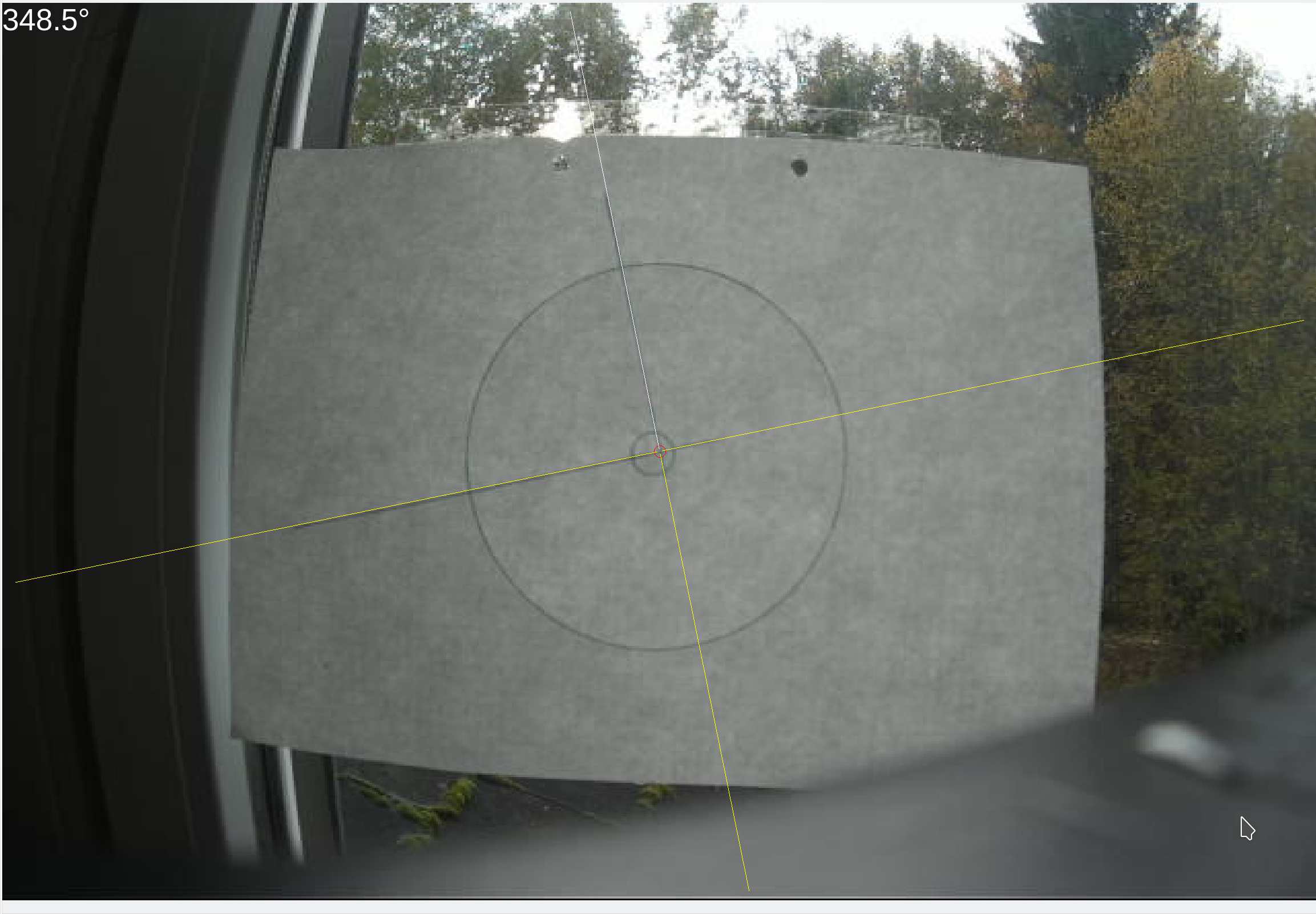
I thought of setting it to 0.1°. If you check the attached two screenshots of my test setup, you might recognise, the angle is close to 348.5 and a bit further away of 348.0.
An arbitrary value in ini would just about be perfect :-)
Tia
chris

Please Log in or Create an account to join the conversation.
More
3 years 11 months ago #256464 by cmorley
I forgot that you can cycle through rotation increments or 5, 1, 0.5 and 0.1 degrees by clicking the middle mouse (or left and right together) button.

I did commit changes to 2.9 to allow setting the rotation increment with the INI with -o rotincr=.2

Also now displays the current rotation increment
The following user(s) said Thank You: seuchato

Please Log in or Create an account to join the conversation.

Time to create page: 0.380 seconds
Powered by Kunena Forum
