
Gmoccapy - A new screen for linuxcnc
- mariusl
- Offline
- Platinum Member
-

jlviloria wrote: Marius'm using gmoccapy and is pretty good, though Norbert is improving it much more ... look had your same problem ...
The solution I found was gmoccapy.glade open the file, choose 'windows1, and look in "Commons", and there you will appear "height request" and choose 650,
and ready you will see only good in fullscreen
Jorge Viloria
Jorge,
I am waiting for my touch screen to arrive and then I will set it to that screen size. Thanks for the info though.
Regards
Marius
www.bluearccnc.com
Please Log in or Create an account to join the conversation.
- newbynobi
- Offline
- Moderator
-

- Posts: 1931
- Thank you received: 394
The solution I found was gmoccapy.glade open the file, choose 'windows1, and look in "Commons", and there you will appear "height request" and choose 650,
Hallo Jorge,
I do think, you must change some lines in gmoccapy_handler too, because strating the screen will set the screen size to default.
Do you use realy the latest version?
I will change the default size on this weekend, I do hope to get time!
Norbert
Please Log in or Create an account to join the conversation.
- jlviloria
- Offline
- Elite Member
-

- Posts: 161
- Thank you received: 9
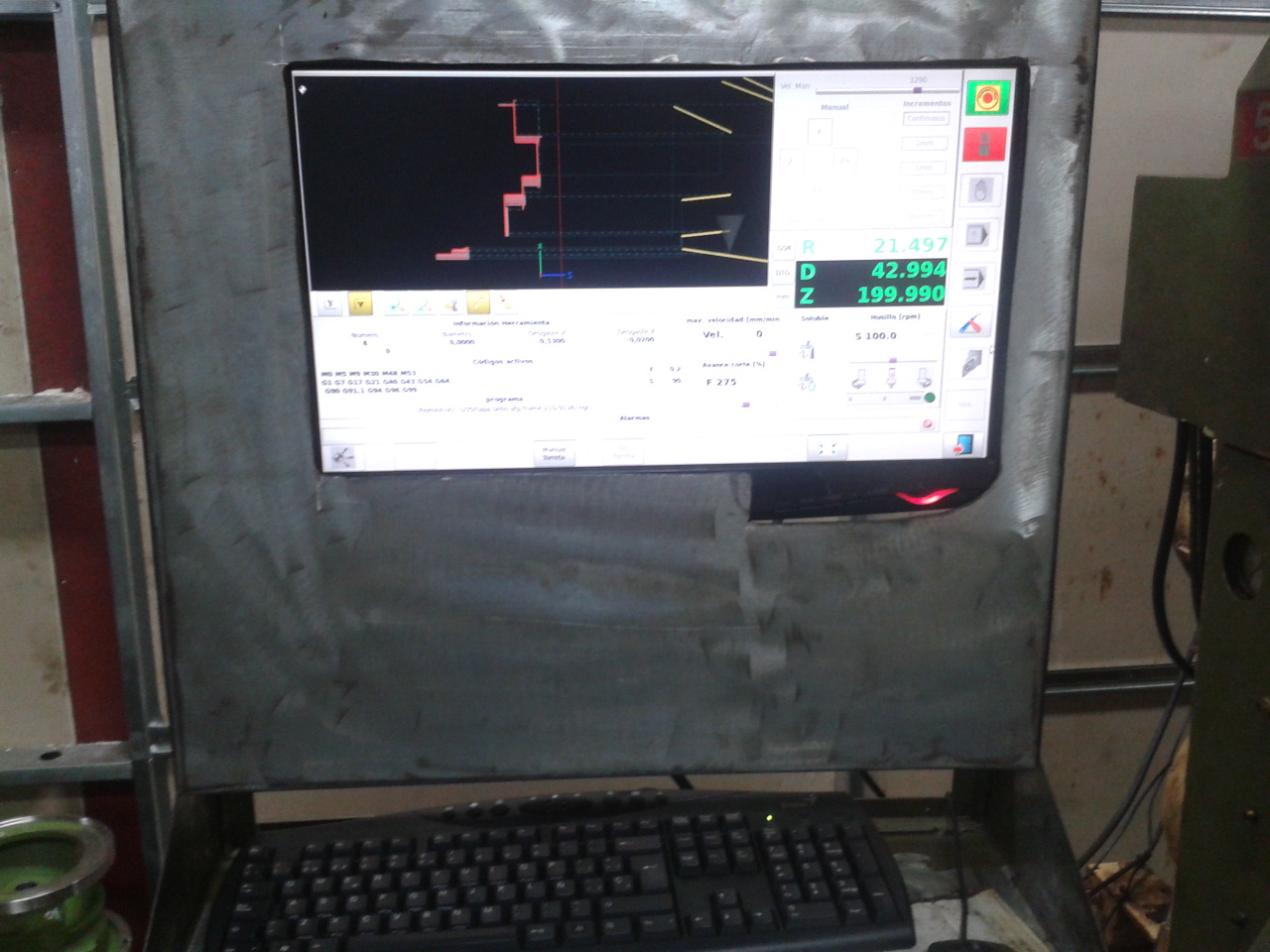
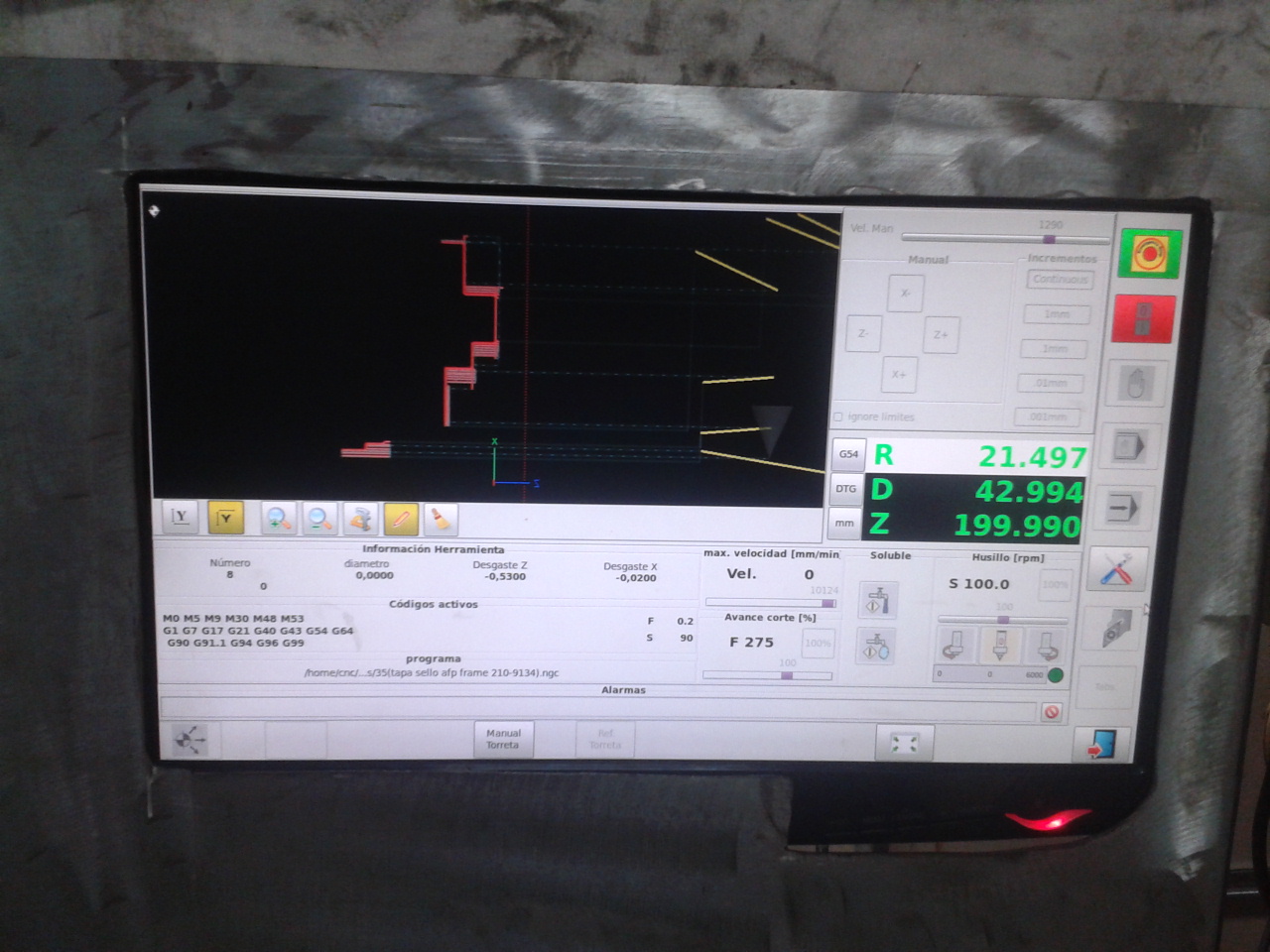
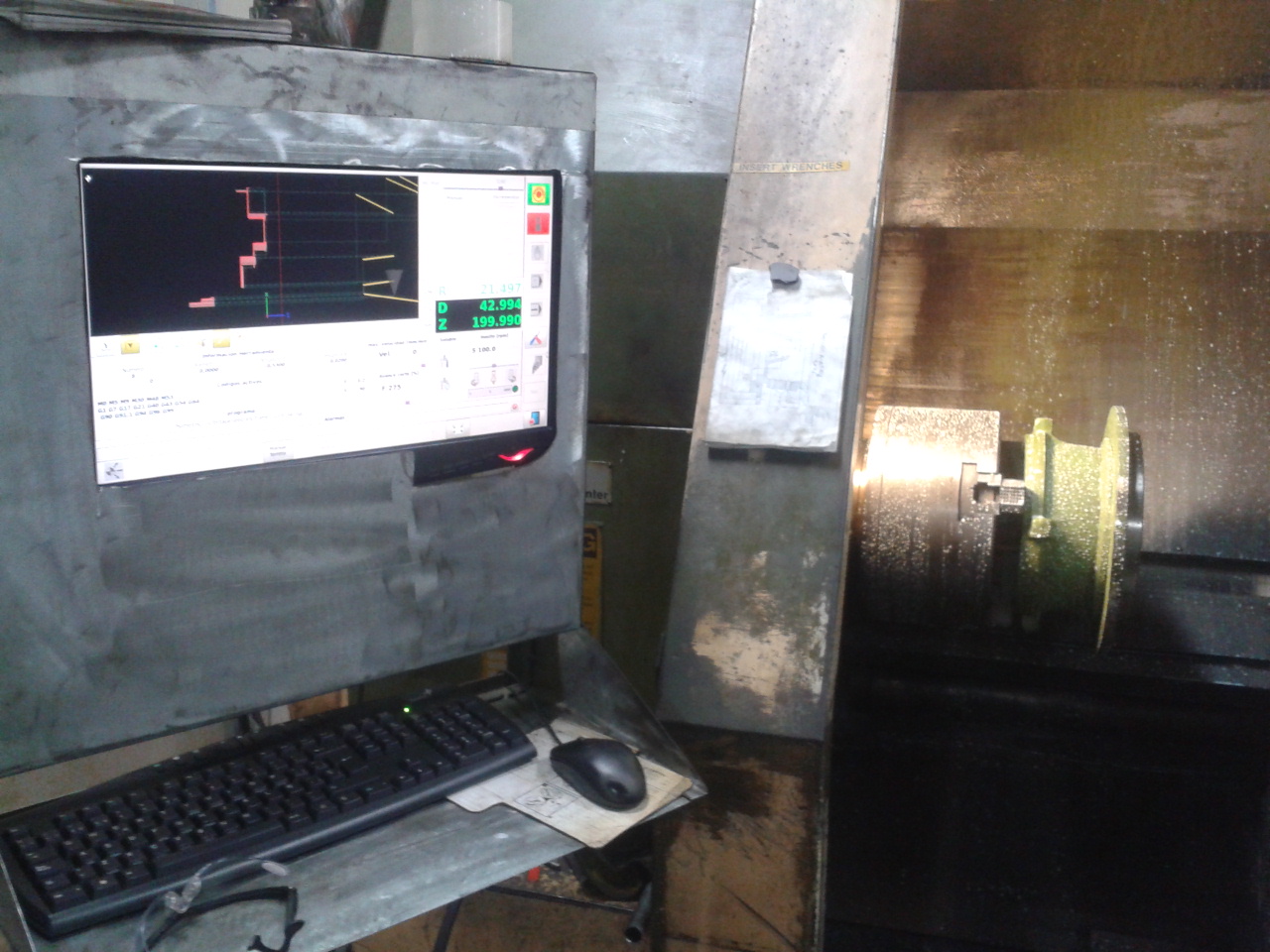
I had the same problem of Marius, when he felt fullscreen, did not open completely.
I did that and it worked perfect. i'm using Gmoccapy 0.9.3, I is working perfect, with some changes as you noticed.
1) change the position of the tool table.
2) remove the macros
3) change the starting position of the button home_all
4) add keyboard functions with the Control key. (F3 home) (F9 = manual) (F10 = mdi) (F11 = auto) (F12 = tooltable) (Ctrl_R = run) ("Escape" = stop program) etc.
5) Change the run-from-line (the copy of GScreen of Cmorley) for my need.
6) Add some buttons for my machine, jog turret, turret home, cycle time and local time.
Hi marius,
Not as fancy, but functional.
Please, How do you add NGCGUI?
Thanks for all your help.
Jorge Viloria
Please Log in or Create an account to join the conversation.
- mariusl
- Offline
- Platinum Member
-
I dont see your picture. Did you attach it correctly? I would like to see what you did.
Regards
Marius
www.bluearccnc.com
Please Log in or Create an account to join the conversation.
- cmorley
- Offline
- Moderator
-
- Posts: 7368
- Thank you received: 2181
Please, How do you add NGCGUI?
Thanks for all your help.
Jorge Viloria[/quote]
NGCGUI is not embeddable nor does it use GTK widgets, which means it can not be 'embedded' into Gmoccapy or Gscreen.
There was some work done on a GTK styled NGCGUI but I'm not sure what is going on with it.
I emailed the author about some issues but never got anything back.
Chris M
Please Log in or Create an account to join the conversation.
- mariusl
- Offline
- Platinum Member
-
Will we have a way to do NGCGUI type stuff with Gscreen or gmoccapy? Thinks like wizards or code to do repetitive tasks like circular bolt patterns and the like. You know, all the nice things for a mill or lathe.
Regards
Marius
www.bluearccnc.com
Please Log in or Create an account to join the conversation.