
- Posts: 61
- Thank you received: 3
gmoccapy 2.1.0 has been released
- tarasko
- Offline
- Senior Member
-

Less
More
10 years 2 months ago - 10 years 2 months ago #79799
by tarasko
Replied by tarasko on topic gmoccapy 2.1.0 has been released
Strange. I used the same manual to compile linuxcnc from source and I got a newest version of Gmocappy.
How do you launch compiled linuxcnc?
Also you must ensure that you compile sources from the master branch
type next command in linuxcnc-dev directory:
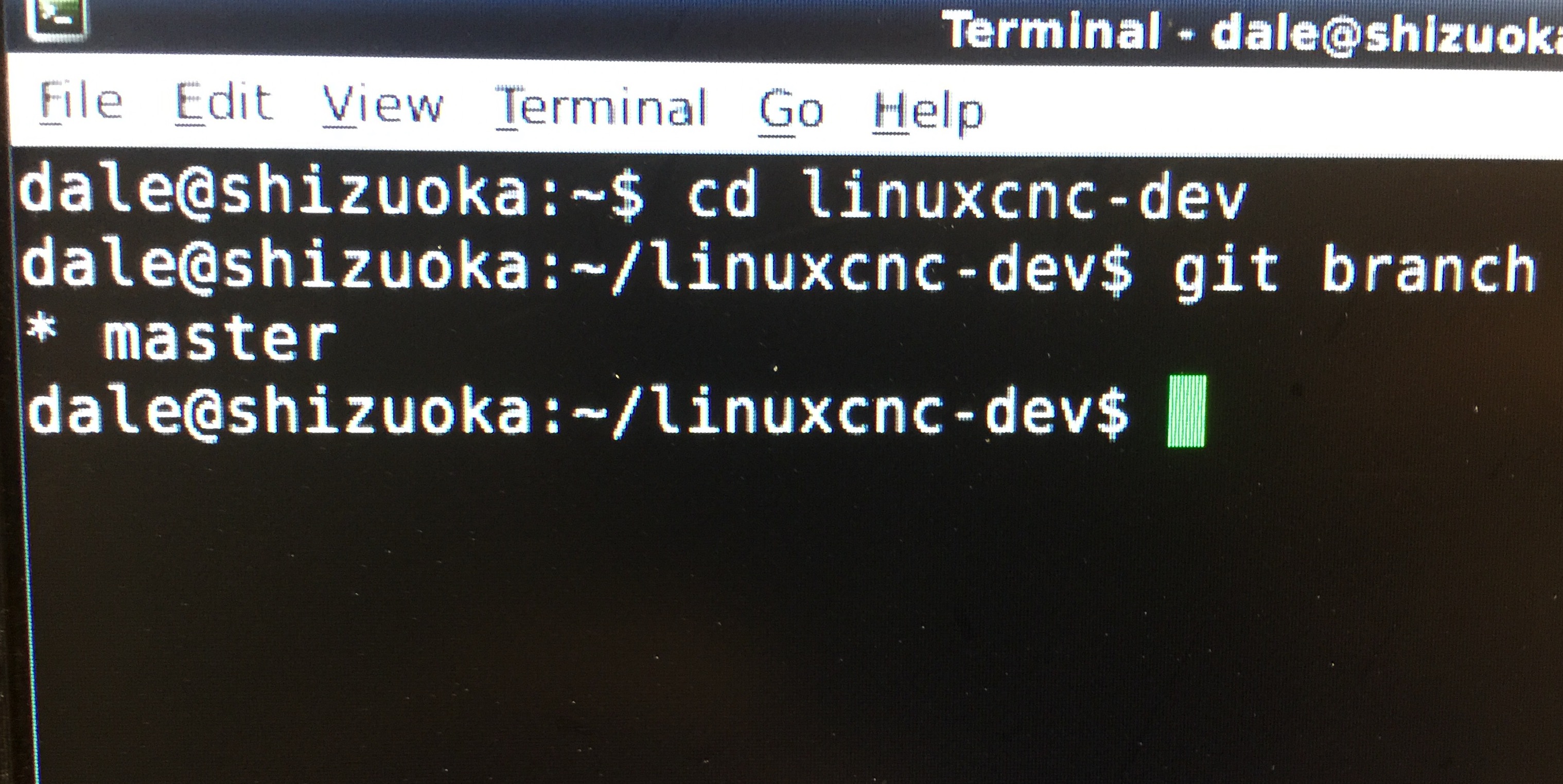
$ git branch
You must see output:
* master
How do you launch compiled linuxcnc?
Also you must ensure that you compile sources from the master branch
type next command in linuxcnc-dev directory:
$ git branch
You must see output:
* master
Last edit: 10 years 2 months ago by tarasko.
Please Log in or Create an account to join the conversation.
- Dale Lusby
- Offline
- Senior Member
-
Less
More
- Posts: 50
- Thank you received: 2
10 years 2 months ago #79800
by Dale Lusby
Replied by Dale Lusby on topic gmoccapy 2.1.0 has been released
Perhaps that's my issue. The wiki said type "LinuxCNC" and when i did from the directory Linxucnc-dev it launched the config picker. Otherwise I was looking in the Linxucnc-dev folder and don't see 2.1.0 version.
Please Log in or Create an account to join the conversation.
- Dale Lusby
- Offline
- Senior Member
-
Less
More
- Posts: 50
- Thank you received: 2
10 years 2 months ago #79801
by Dale Lusby
Replied by Dale Lusby on topic gmoccapy 2.1.0 has been released
Here's showing the master
Please Log in or Create an account to join the conversation.
- Dale Lusby
- Offline
- Senior Member
-
Less
More
- Posts: 50
- Thank you received: 2
10 years 2 months ago - 10 years 2 months ago #79802
by Dale Lusby
Replied by Dale Lusby on topic gmoccapy 2.1.0 has been released
Here is what may be issue I'm thinking. Would I just type the enable non distributable command that is in parentheses into the Linxucnc-dev directory?

Last edit: 10 years 2 months ago by Dale Lusby.
Please Log in or Create an account to join the conversation.
- dinkata
- Offline
- Premium Member
-

Less
More
- Posts: 101
- Thank you received: 1
10 years 2 months ago - 10 years 2 months ago #79809
by dinkata
www.linuxcnc.org/linuxcnc-2.7-wheezy.iso
with update 2.7.6 . I use DISPLAY= gmoccapy
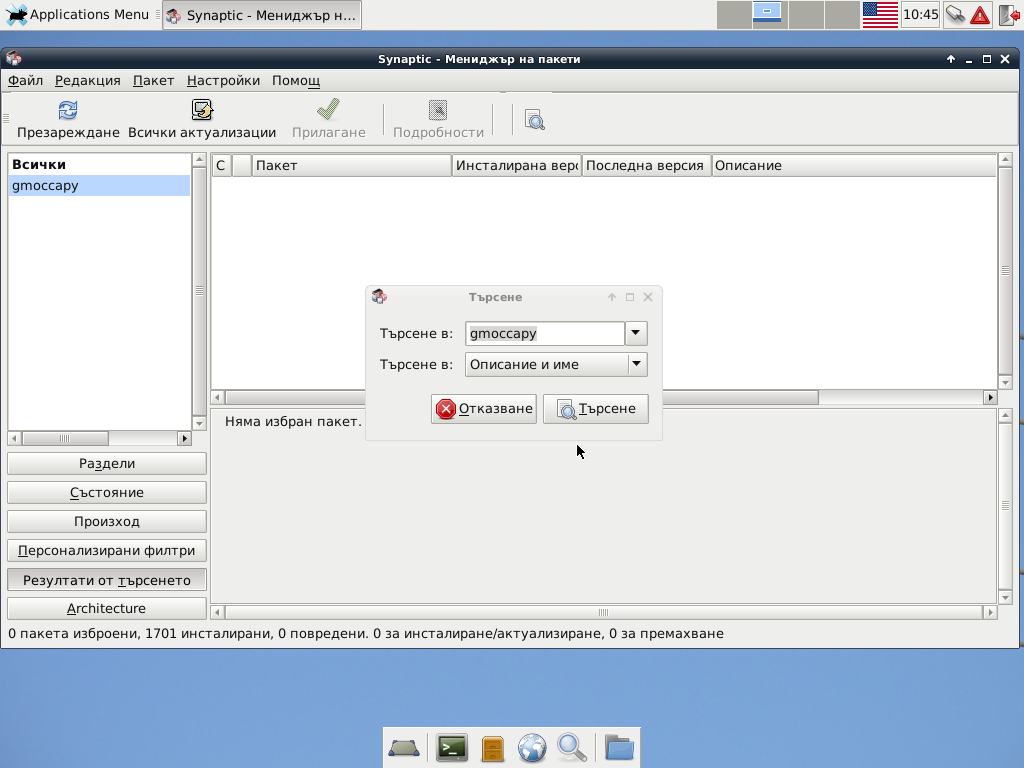
Please give instructions step by step how to update gmoccapy !
This does not work
wiki.linuxcnc.org/cgi-bin/wiki.pl?Gmocca...w_to_update_gmoccapy
Replied by dinkata on topic gmoccapy 2.1.0 has been released
I need help .I have installed :newbynobi wrote: If you need help, we are here!
Norbert
www.linuxcnc.org/linuxcnc-2.7-wheezy.iso
with update 2.7.6 . I use DISPLAY= gmoccapy
Please give instructions step by step how to update gmoccapy !
This does not work
wiki.linuxcnc.org/cgi-bin/wiki.pl?Gmocca...w_to_update_gmoccapy
Last edit: 10 years 2 months ago by dinkata.
Please Log in or Create an account to join the conversation.
- tarasko
- Offline
- Senior Member
-
Less
More
- Posts: 61
- Thank you received: 3
10 years 2 months ago #79818
by tarasko
Replied by tarasko on topic gmoccapy 2.1.0 has been released
Well ok. You even didn't compile it correctly.
First you need to launch configure script with additional parameter as been sain in error message:
./configure --enable-non-distributable=yes
Then continue with compilation as instruction says.
After successful compilation you need to launch linuxcnc script:
~/linuxcnc-dev/scripts/linuxcnc ~/<some_location>/<your_configuration_ini_file>
First you need to launch configure script with additional parameter as been sain in error message:
./configure --enable-non-distributable=yes
Then continue with compilation as instruction says.
After successful compilation you need to launch linuxcnc script:
~/linuxcnc-dev/scripts/linuxcnc ~/<some_location>/<your_configuration_ini_file>
Please Log in or Create an account to join the conversation.
Moderators: newbynobi, HansU
Time to create page: 1.759 seconds