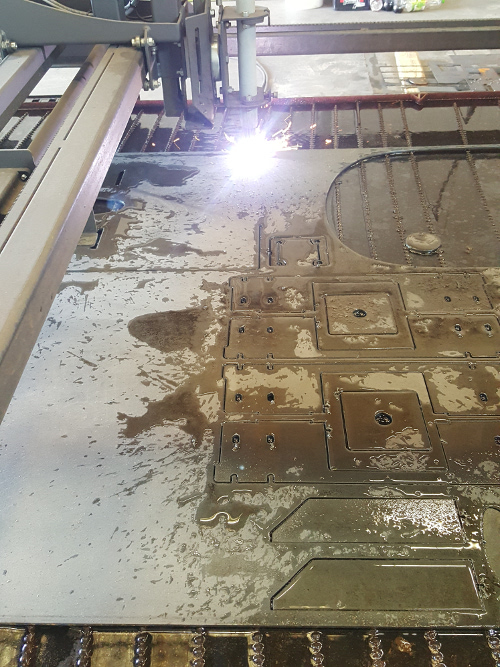
Hi,
Sweet, any way to easily implement this yet?
how to install
In the readme file i added 2 comment's on the end of readme file. One for turning on adaptive feed and one for fixing rounded
corners. In the next update this is implemented in the source code.
Today i have started with python code for saving the plasma screen parameters to files that can be saved and load in the program.
It works !
A sample to write a text file in simple way :
Code:
def on_save_settings_as_pressed(self, widget, data=None):
value = self.widgets.Travel_height.get_value()
print(value)
f= open("45amp_4mm_inox.txt","w+")
f.write("Travelheight\r\n")
f.write("%d\r\n" % (value))
f.close()
w+ means write, a+ means append / or adding lines, but w+ is good, we write everything at once. We don't want to be too
late for starbuc's coffee.
The first line it writes the text : Travelheight.
The second line it writes the text : value, this is the actual screen value of Travelheight.
So the text file, where the plasma tool is defined, in this example 45amp_4mm_inox.txt looks like this :
Code:
Travelheight
10
Cutheight
0
and so on.
A sample of reading the value's back by selecting a file name, typed in a text entry box :
Code:
def on_load_settings_pressed(self, widget, data=None):
x = self.widgets.entry.get_text()
f=open(x, "r")
if f.mode == 'r':
content =f.readlines()
print content[0] # actual line 1 in file.
y = float(content[0])
self.widgets.Travel_height.set_value(y)
Now this reading and writing is working i will make the python code complete for all the parameters used for the component driven plasma program. The advantage is, that we now can make tool lists for different plasma machines, load them, save then and share them etc.
I will make standart tool list's, just like the Trump laser company is providing them.
After this is done, i will do the keyboard buttons to move the machine with keyboard. This example is giving a time ago by
Mr Morley, thanks to this example.
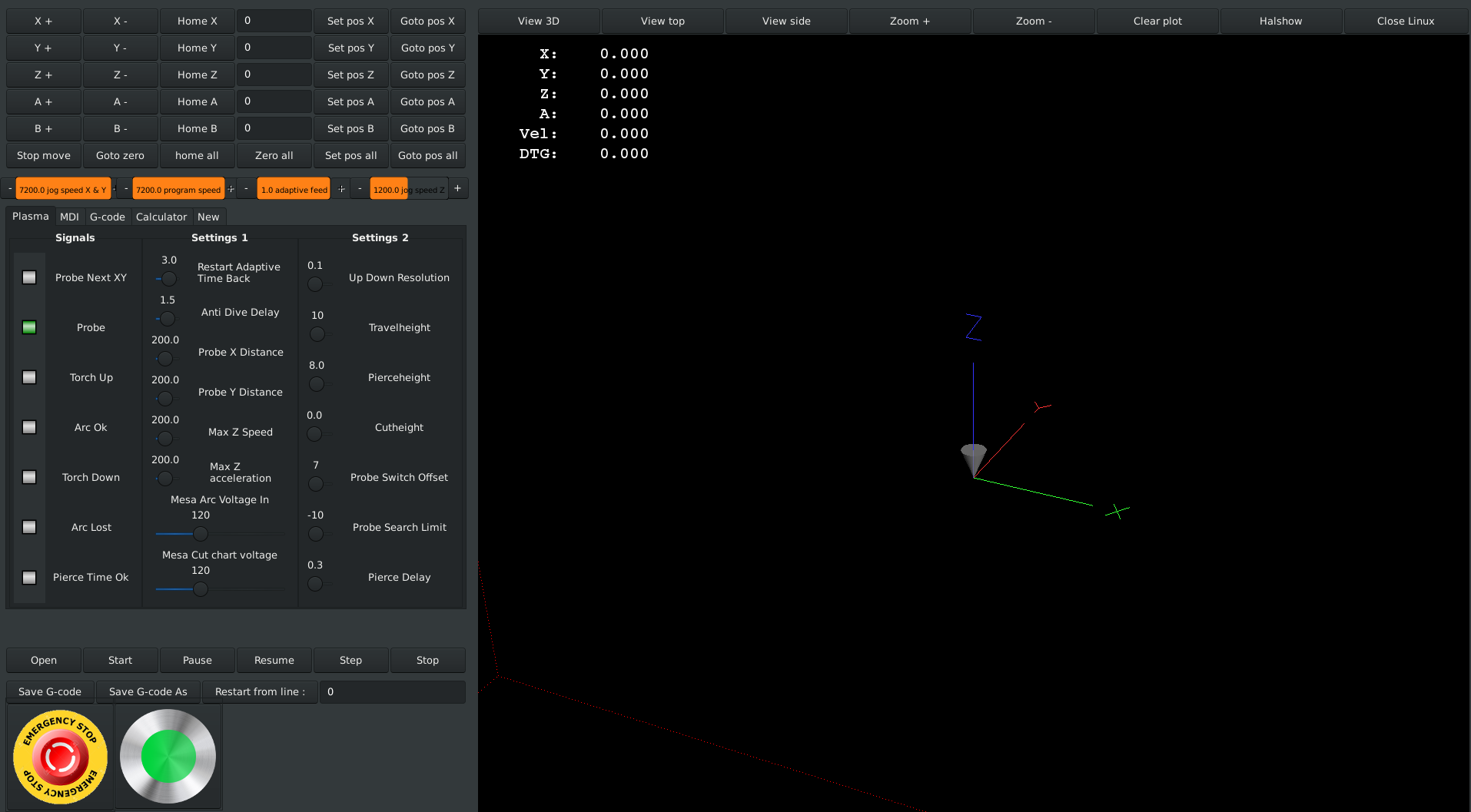
I have added a machine on button with 3 colors next to the emergency brake. Then it is better to see in what senario the machine is.
I have used it, and when it's orange i know it's only the internal emergency stop. So this is nice.
Color external emergency brake : red
Color internal emergency brake : orange
Color machine on : green
Maybe i add a blue color too, incicator for running program in auto mode.
I will work to simplyfy the plasma screen again. Now almost every plasma parameter is implemented in the component.
Using tool list's, it will not longer be a must too see every parameter on the main screen.
So the screen will be simplyfied. This is the current layout.
@Perry,
Thank you for your post.
and will be a testimony to LinuxCNC and your work.
That would be nice !
BTW mine will be on Mesa.
If you have your machine working with a standard and clean config, we can modify the hal and ini section.
But maybe we have already a mesa config for you at that time from someone else.
If you want to try the grotius config, still in development, you can install it. Rodw can do it for you with teamviewer.
Maybe Rodw can sent pre installed static (new type) hard drives around the world. That would be nice.