QTvcp copy Error

More
3 years 4 months ago #273357 by Samas322
Replied by Samas322 on topic QTvcp copy Error
Hi snowgoer540 i made a video to explaine you what i did and why. I think you will understand. Sorry if im hard to understand i dont speak english well..

The following user(s) said Thank You: snowgoer540

Please Log in or Create an account to join the conversation.

More
3 years 4 months ago #273359 by snowgoer540
Replied by snowgoer540 on topic QTvcp copy Error
Hey Sam, thanks for the video, I wasn’t previously aware of qtvcp copy. So it’s definitely creating an edge case we didn’t know to plan for.

I’ll work with Phill on the side and come up with a solution here.

Ctrl+r will do cycle start by the way. For things that cause motion we chose a two key combo intentionally so you don’t accidentally start motion if you drop something on the keyboard, etc. It’s always interesting to see people’s use cases for things, but wanted to toss the thought process out there for choosing two keys instead of just one to start motion.

On a similar note, space bar was chosen to pause motion once it’s already started because it’s easy to “dive” for and hit when you see something going wrong.

Please Log in or Create an account to join the conversation.

More
3 years 4 months ago #273360 by Samas322
Replied by Samas322 on topic QTvcp copy Error
Yes i already know for the ctrl+r but like to use the space bar and for safety i added a 2 second delay when you press for cycle start and 1 second for cycle resume. For my self i like it that way! In the future it would be nice to implement an easy way to change keyboard shorcuts! Have a nice day!

Please Log in or Create an account to join the conversation.
More
3 years 4 months ago - 3 years 4 months ago #273361 by Samas322
Replied by Samas322 on topic QTvcp copy Error
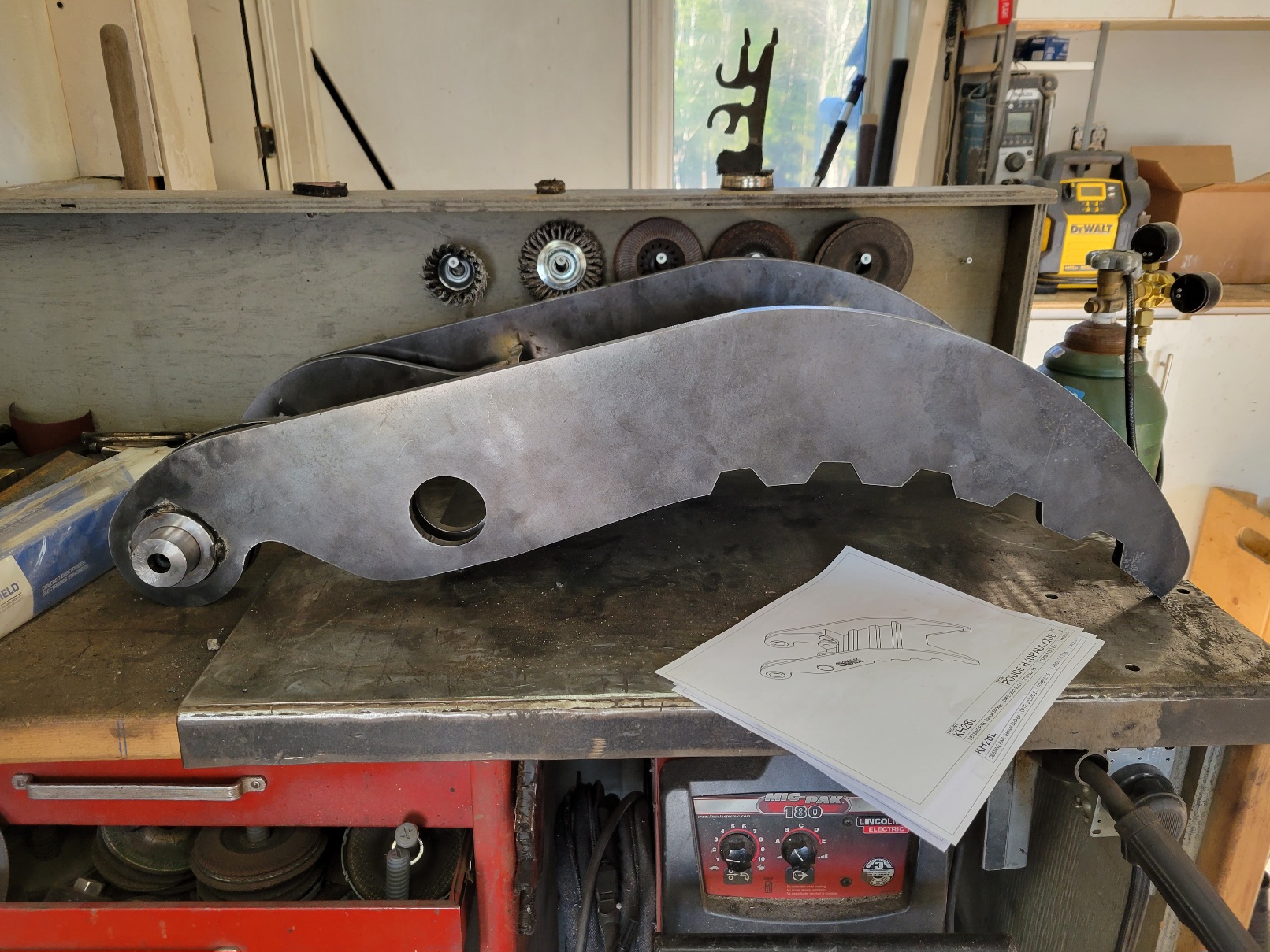
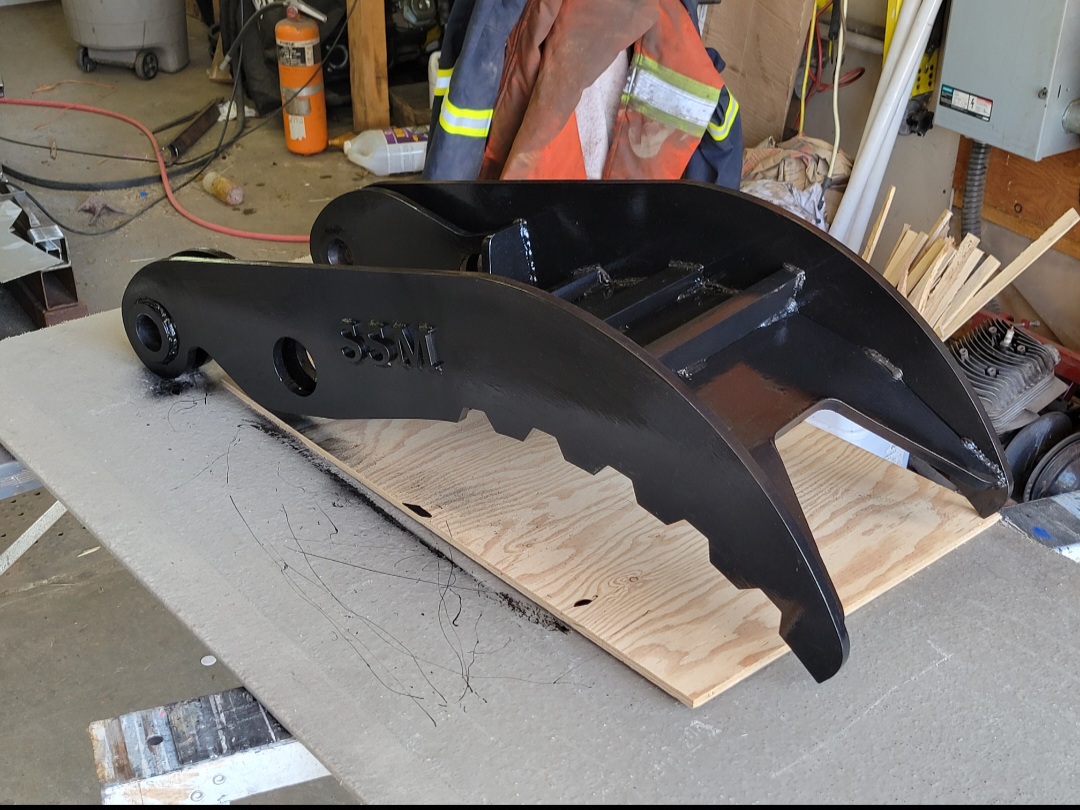
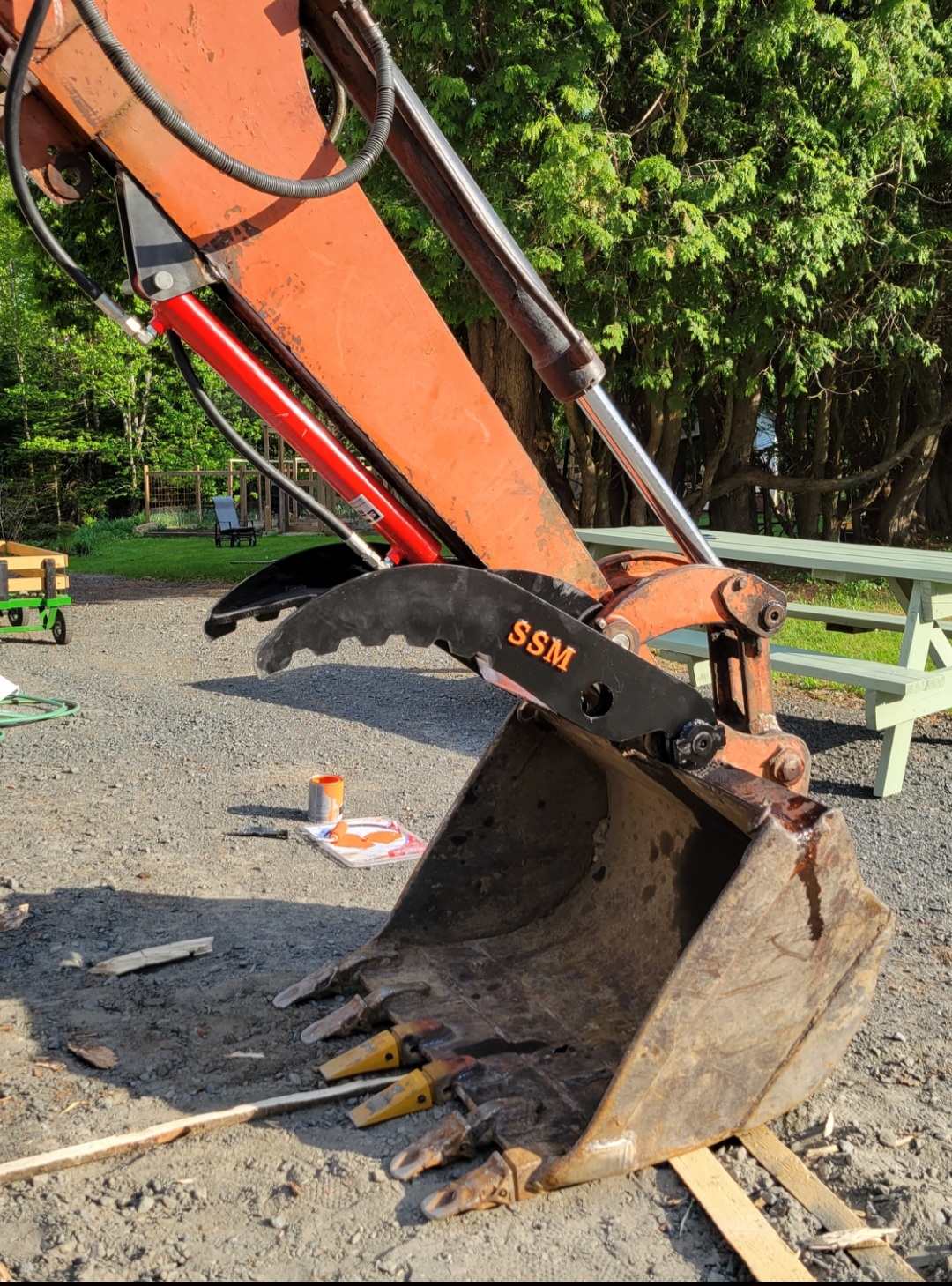
By the way thanks alot for your great work on the program! It is awesome and every time i see theres a new update with new features im really excited to try them! Heres a project i made recently using my plasma cutter and your program!image missing /media/kunena/emoticons/tongue.png       
Last edit: 3 years 4 months ago by Samas322.
The following user(s) said Thank You: phillc54

Please Log in or Create an account to join the conversation.
More
3 years 4 months ago #273371 by phillc54
Replied by phillc54 on topic QTvcp copy Error
There is an update on the way to allow keybind changes via a user command file as described here:
linuxcnc.org/docs/devel/html/gui/qtvcp.h...cp:modifying-screens

Please Log in or Create an account to join the conversation.
More
3 years 4 months ago #273372 by phillc54
Replied by phillc54 on topic QTvcp copy Error
A bit more hacking has revealed that the update isn't required, you should be able to do it from a user command file and not need to copy the handler file.

Sample:
Code:
import types from qtplasmac_handler import KEYBIND as KB def on_keycall_Any(self, event, state, shift, cntrl):     s = 'pressed' if state else 'released'     print(f'space is {s}:\nstate: {state}\nshift: {shift}\ncntrl: {cntrl}\n') KB.add_call('Key_Any', 'on_keycall_Any') self.on_keycall_Any = types.MethodType(on_keycall_Any, self) KB.del_call('Key_R')

Please Log in or Create an account to join the conversation.

Moderators: snowgoer540
Time to create page: 0.219 seconds
Powered by Kunena Forum
