
- Posts: 2204
- Thank you received: 486
QT C++ code samples
- Clive S
- Offline
- Platinum Member
-

Less
More
6 years 9 months ago #154899
by Clive S
Yes I rushed it last night as I was off to bed. I have now seen and done a lot more with it. It is quite fast looking forward to seeing the full program in time.
Great work.
Replied by Clive S on topic QT C++ code samples
@Clive,
I drew a few shapes but the snap to end of line etc did not work for me.
In the left lower corner of the screen, you see shapes with red dot's.
If you activate them, you got from top to bottom :
Yes I rushed it last night as I was off to bed. I have now seen and done a lot more with it. It is quite fast looking forward to seeing the full program in time.
Great work.
The following user(s) said Thank You: Grotius
Please Log in or Create an account to join the conversation.
- tommylight
- Offline
- Moderator
-

Less
More
- Posts: 22011
- Thank you received: 7491
6 years 9 months ago #154933
by tommylight
Replied by tommylight on topic QT C++ code samples
Another issue for me is that the preview is set as 0.0 in the middle, i always use the lower left 0.0.
Any chance of changing that and how ?
Thank you, that is impressive as it is.
Any chance of changing that and how ?
Thank you, that is impressive as it is.
The following user(s) said Thank You: Grotius
Please Log in or Create an account to join the conversation.
- Grotius
- Offline
- Platinum Member
-
Less
More
- Posts: 2419
- Thank you received: 2349
6 years 9 months ago #154949
by Grotius
Replied by Grotius on topic QT C++ code samples
@Tommy,
I dont exactly understand your question.
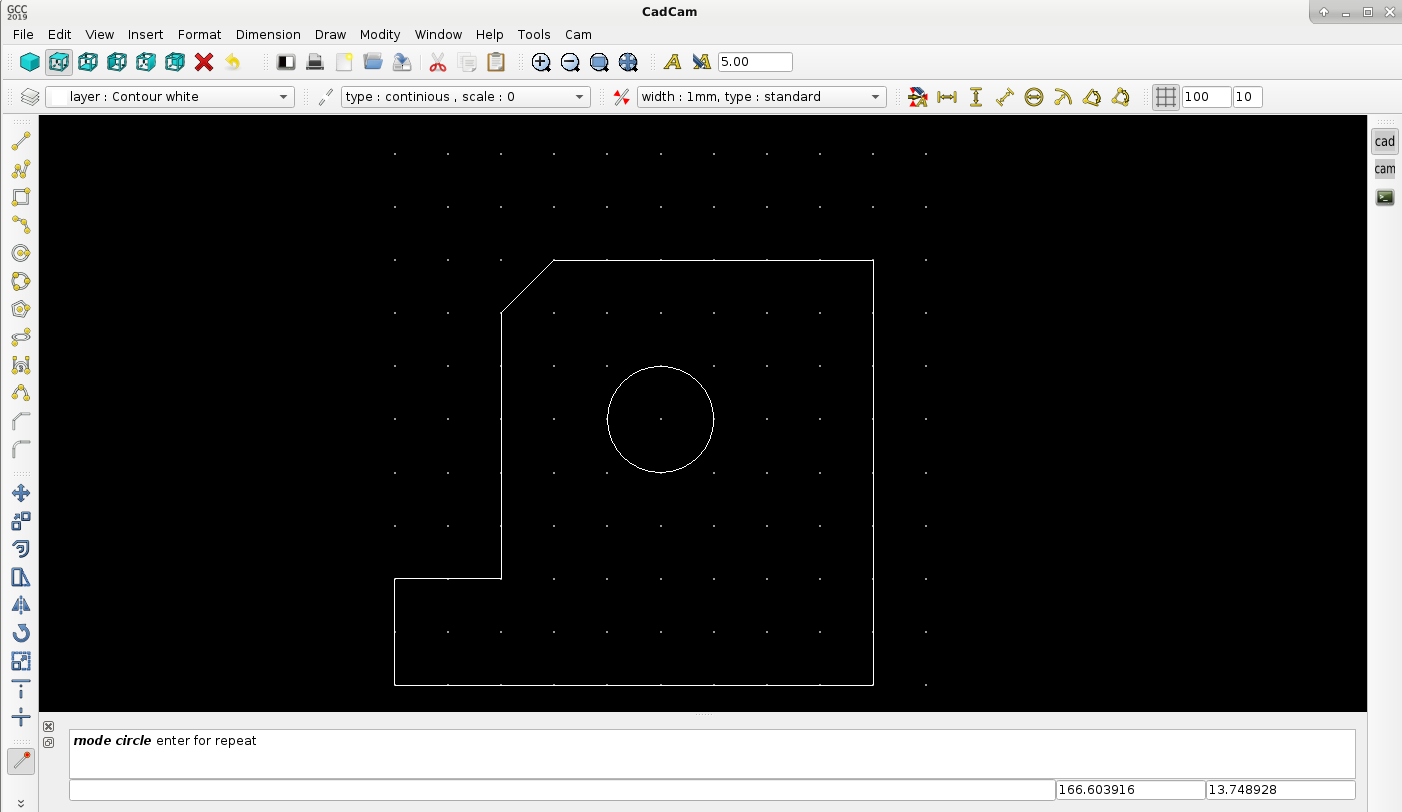
But with the version below you can follow the grid that starts at xy : 0,0
Here is a new CadCam for today : Cad
updates:
1.grid, this was a request.
2.line, linestrip, reqtangular are improved with coordinates, and clicking procedure
I dont exactly understand your question.
But with the version below you can follow the grid that starts at xy : 0,0
Here is a new CadCam for today : Cad
updates:
1.grid, this was a request.
2.line, linestrip, reqtangular are improved with coordinates, and clicking procedure
The following user(s) said Thank You: phillc54, tommylight, Clive S
Please Log in or Create an account to join the conversation.
- Grotius
- Offline
- Platinum Member
-
Less
More
- Posts: 2419
- Thank you received: 2349
6 years 9 months ago - 6 years 9 months ago #155347
by Grotius
Replied by Grotius on topic QT C++ code samples
Hi,
New release for today : CadCam
Included updates :
1.text fonts processed to gcode
2.draw points, also available in cam (this is handy for future drilling operations)
3.match properties in cad section. (matches color, linetype, linetype scale, textheight etc).
4.drawing purge function. Clean's up the array (delete's empty items) result's in reduced drawing file size.
Text to cam preview :
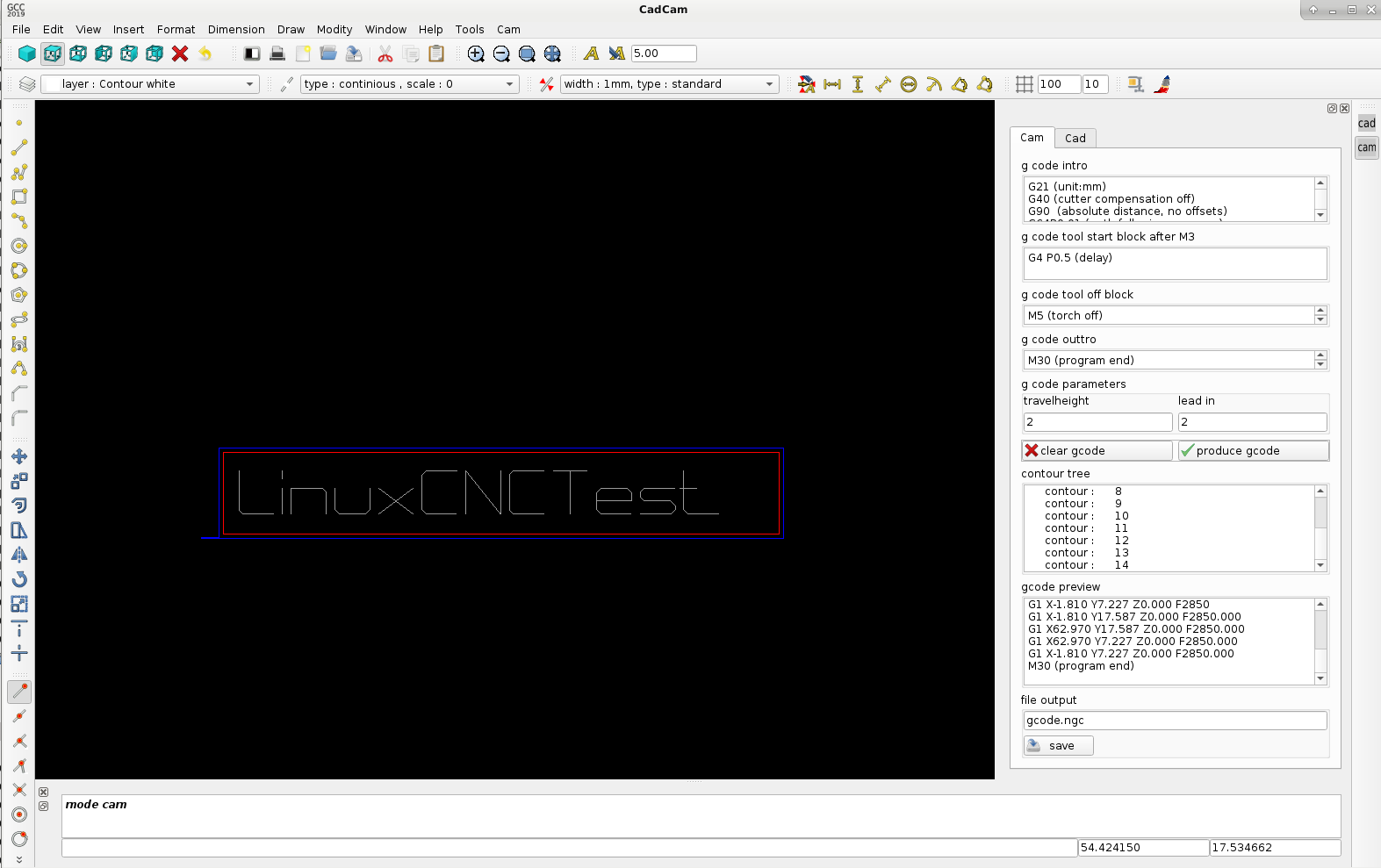
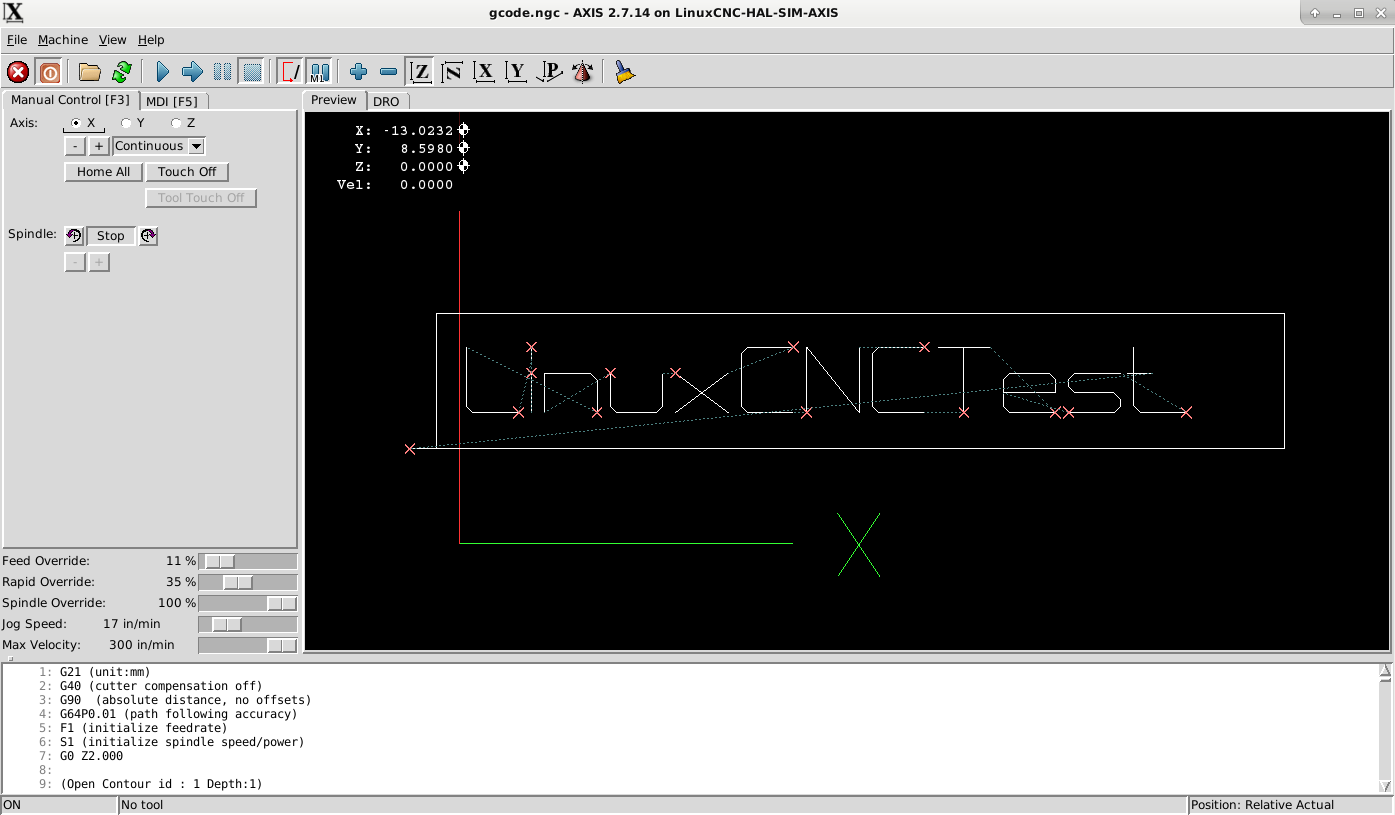
Look how the letter 'X' is done by the cnc machine.. This is a fast engrave letter fonts designed with minimal start's.
The gcode of this file is included with the release of today
Linuxcnc preview :
New release for today : CadCam
Included updates :
1.text fonts processed to gcode
2.draw points, also available in cam (this is handy for future drilling operations)
3.match properties in cad section. (matches color, linetype, linetype scale, textheight etc).
4.drawing purge function. Clean's up the array (delete's empty items) result's in reduced drawing file size.
Text to cam preview :
Look how the letter 'X' is done by the cnc machine.. This is a fast engrave letter fonts designed with minimal start's.
The gcode of this file is included with the release of today
Linuxcnc preview :
Last edit: 6 years 9 months ago by Grotius.
The following user(s) said Thank You: phillc54, tommylight, Clive S
Please Log in or Create an account to join the conversation.
- Grotius
- Offline
- Platinum Member
-
Less
More
- Posts: 2419
- Thank you received: 2349
6 years 9 months ago - 6 years 9 months ago #155451
by Grotius
Replied by Grotius on topic QT C++ code samples
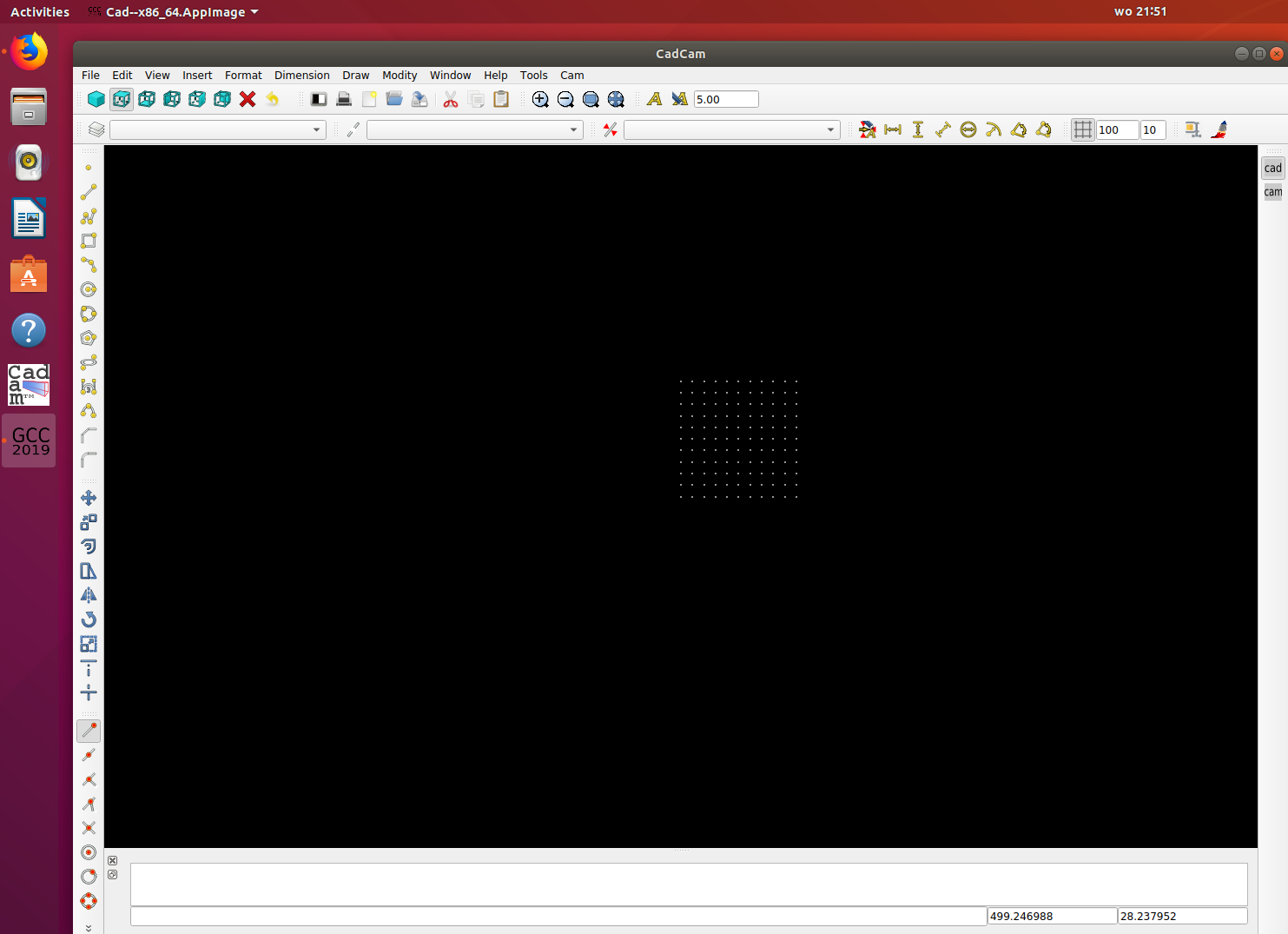
Hi Today i have a .deb package to try out.
It's installed like Freecad or Draftsight... Have fun !
Download link : CadCam
It's tested on a fresh ubuntu install without anything of qt installed.
Copy the entire 'cadcam' folder to your /home directory.
It's installed like Freecad or Draftsight... Have fun !
Download link : CadCam
It's tested on a fresh ubuntu install without anything of qt installed.
Copy the entire 'cadcam' folder to your /home directory.
Last edit: 6 years 9 months ago by Grotius.
The following user(s) said Thank You: phillc54, tommylight
Please Log in or Create an account to join the conversation.
- phillc54
- Offline
- Platinum Member
-
Less
More
- Posts: 5711
- Thank you received: 2100
6 years 9 months ago #155460
by phillc54
Replied by phillc54 on topic QT C++ code samples
I am stuck for time over the next few days so I'll give it a try when I am free.
Are you intending to make this available later for OS other than Linux?
Are you intending to make this available later for OS other than Linux?
The following user(s) said Thank You: Grotius
Please Log in or Create an account to join the conversation.
Time to create page: 0.717 seconds