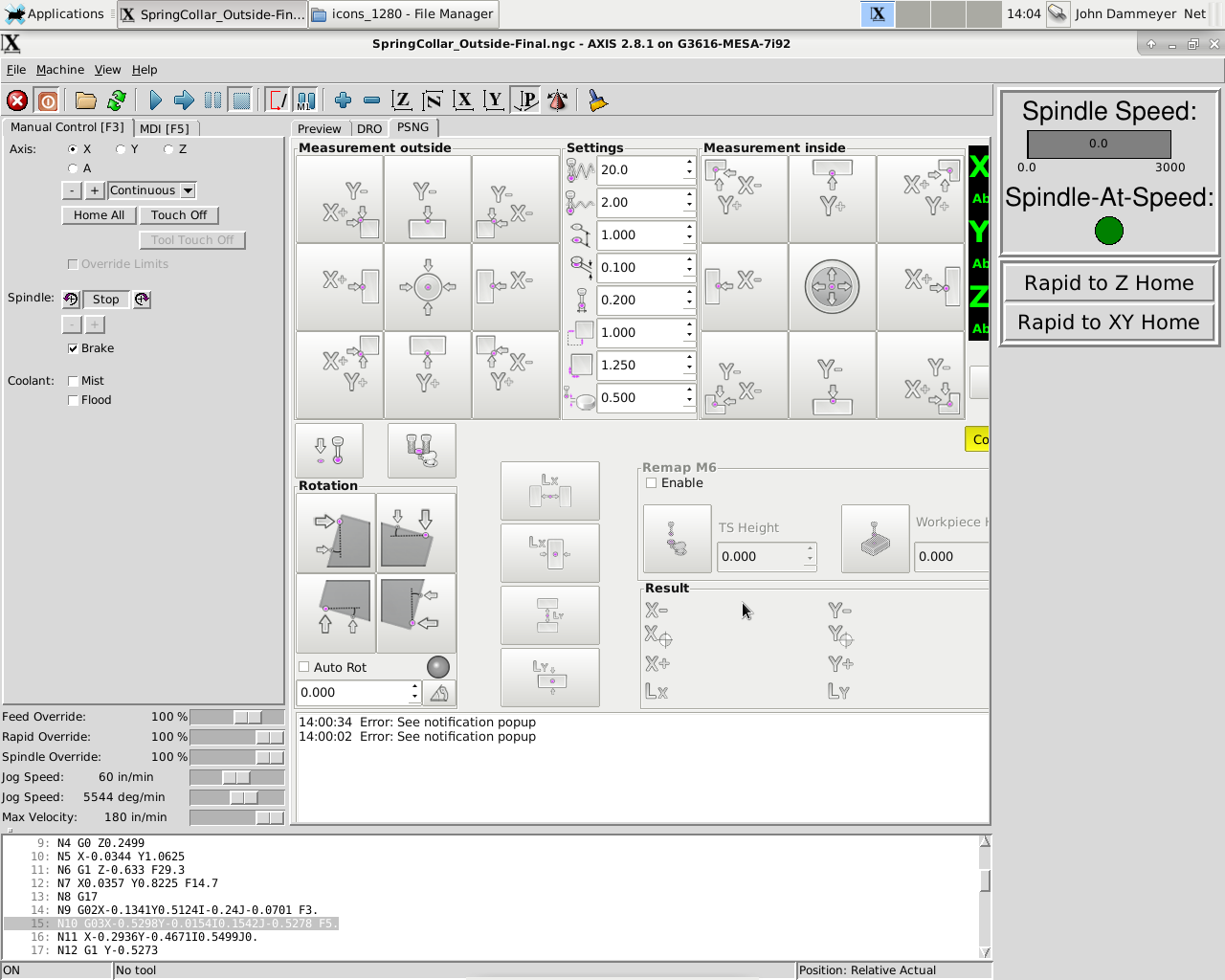
Gave it a try to put it on the actual machine. Step one after installing as per instructions for the AXIS interface is to comment out all lines in the psng.hal file and do not comment out the manual too change stuff.
Code:
# ---manual tool change signals---
# begin Touch Probe
loadusr -W hal_manualtoolchange
net tool-change-request iocontrol.0.tool-change => hal_manualtoolchange.change
net tool-change-confirmed iocontrol.0.tool-changed <= hal_manualtoolchange.changed
net tool-number iocontrol.0.tool-prep-number => hal_manualtoolchange.number
net tool-prepare-loopback iocontrol.0.tool-prepare => iocontrol.0.tool-prepared
#net tool-prep-loop iocontrol.0.tool-prepare <= iocontrol.0.tool-prepared
# end Touch Probe
That restores manual tool change with only one annoying feature that as yet I have not solved. We move to the tool change position. Then it moves move up and then down again before putting up the original dialog rather than the one from the PSNG code.
The second issue and way more annoying is there doesn't seem to be a way to load the smaller icons etc. renaming the icons folder to icons_1280 and the icons_1024x768 to icons doesn't seem to make a difference in icon sizes. And I can't find anything that directly references the size of the screen.
What is needed is one of two things: either a smaller PSNG screen or the ability to slide the panel on the right out of the way whenever the PSNG screen has focus. I can't be the only one who has stuff sitting beside the main screen.
Other than that, as expected it reaches the -Z distance before the contact occurs (because nothing is connected) so that part appears to work.
John