Work with probe

More
5 years 5 months ago - 5 years 5 months ago #208541 by kotlikm
Replied by kotlikm on topic Work with probe

newbynobi wrote: Sound for me like you haven't closed the tool prepare loop.

Are you using Hal-manual tool chage or the tool change dialog from gmoccapy?

If you post your config, it might be possible to give better recommendations.

Norbert


I guess this is where I am struggling. All of the installation instructions for probe screen tell you to comment out the "Hal-manual tool change" in the HAL file. Any further insight you can provide would be really appreciated.

thanks

File Attachment:

File Name: Mitchell_P...5-11.hal
File Size:13.64 KB

File Attachment:

File Name: Mitchell_PNC.ini
File Size:6.35 KB

File Attachment:

File Name: psng.hal
File Size:681 B
Last edit: 5 years 5 months ago by kotlikm.

Please Log in or Create an account to join the conversation.

More
5 years 5 months ago #208595 by andypugh
Replied by andypugh on topic Work with probe

kotlikm wrote: Interesting, all the instructions for setting up probe screen tell you to comment that line set out of the .hal


Yes, but they also add the semi-equivalent:

github.com/linuxcnc-probe-screen/probe-s...master/psng/psng.hal

Did you add a reference to psng.hal in your INI file?

Please Log in or Create an account to join the conversation.
More
5 years 5 months ago - 5 years 5 months ago #208596 by kotlikm
Replied by kotlikm on topic Work with probe

andypugh wrote:

kotlikm wrote: Interesting, all the instructions for setting up probe screen tell you to comment that line set out of the .hal


Yes, but they also add the semi-equivalent:

github.com/linuxcnc-probe-screen/probe-s...master/psng/psng.hal

Did you add a reference to psng.hal in your INI file?


It's called out in the EMBED_TAB_COMMAND in the display section of the .ini as the instructions reference.

Plus I can see on the hal Meter that atleast my change and changed pins turn true when running the macros.
Last edit: 5 years 5 months ago by kotlikm.

Please Log in or Create an account to join the conversation.

More
5 years 5 months ago #208652 by andypugh
Replied by andypugh on topic Work with probe
If tool-changed follows tool-change then it all should work.

Is there an M1 (pause) command in the G-code around the tool change? Some post-processors like to do that.

Please Log in or Create an account to join the conversation.

More
5 years 5 months ago #208672 by kotlikm
Replied by kotlikm on topic Work with probe
Nope, not an M1, I've decided to drop trying to get probe screen to work for the tool change at this point, needs more work than I am capable of. Found an older thread using just a remapped M6 and M600 macro that is already working much better, just need to get travels all dialed in.

Thanks for all the help trying to get it working though.

Please Log in or Create an account to join the conversation.

More
5 years 4 months ago - 5 years 4 months ago #212007 by MLc
Replied by MLc on topic Work with probe
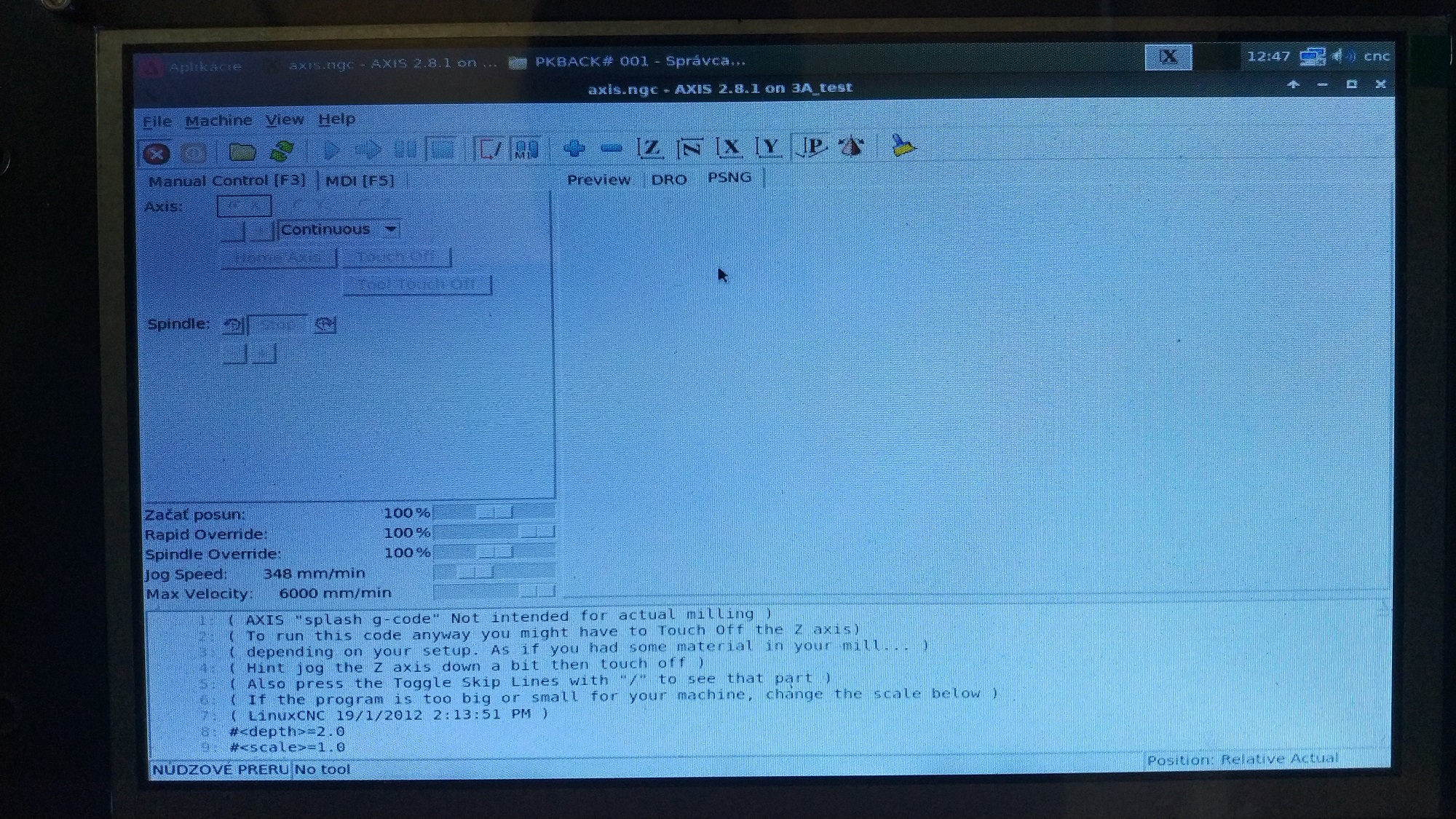
Hello guys, I want to ask if it possible run this probe screen on OrangePi linuxcnc from MXmaster. I try it but I have problems. I did it according to the manual. Here is my config files for check. (This is my test config where I tested the probe screen. If it will work I add it to my config which I use)
I use this probe screen: github.com/linuxcnc-probe-screen/probe-s...-ng/tree/master/psng

Thank you for answer :)
Martin

EDIT:
I fix the problem, linuxcnc run but the window ''PSNG'' didn't show any icons.
Last edit: 5 years 4 months ago by MLc.

Please Log in or Create an account to join the conversation.

Time to create page: 0.676 seconds
Powered by Kunena Forum
