Linux Mint with RTAI

More
10 years 11 months ago #66171 by tjmarch
Replied by tjmarch on topic Linux Mint with RTAI
JTC
You maybe interested in this thread for 64bit install with Rt-preempt kernel and linuxcnc
Or anyone else for that matter

forum.linuxcnc.org/forum/9-installing-li...-help?start=50#66166

Tim March
The following user(s) said Thank You: jtc

Please Log in or Create an account to join the conversation.

More
10 years 10 months ago #66704 by hickory43
Replied by hickory43 on topic Linux Mint with RTAI
Hello,
Just began to install Lcnc on Lmint and after running the script successfully and using "Grub Customizer" to select the RTAI kernal, after a reboot, the system comes up to a logon screen and goes into a loop. Nice wallpaper but will except my password that I used all through the installation. Any suggestions on getting out of this loop?

Thanks in advance.

Please Log in or Create an account to join the conversation.

More
10 years 10 months ago #66706 by andypugh
Replied by andypugh on topic Linux Mint with RTAI

hickory43 wrote: Hello,
Just began to install Lcnc on Lmint and after running the script successfully and using "Grub Customizer" to select the RTAI kernal, after a reboot, the system comes up to a logon screen and goes into a loop.


Is it actually asking for username in the first dialog box?

(Debian does this: "Login" means username, "Password", well, you can work that out)

Please Log in or Create an account to join the conversation.

More
10 years 10 months ago #66708 by hickory43
Replied by hickory43 on topic Linux Mint with RTAI
Thanks for the quick response Andy!

Yes the first login box asks for your user name the the second asks for the pass word.

Please Log in or Create an account to join the conversation.

More
10 years 10 months ago #66897 by BigJohnT
Replied by BigJohnT on topic Linux Mint with RTAI
When you install LinuxMint if you check auto log in or something to that effect you don't need your password to log in.

JT

Please Log in or Create an account to join the conversation.

More
10 years 10 months ago - 10 years 10 months ago #67655 by cncnoob1979
Replied by cncnoob1979 on topic Linux Mint with RTAI
Hey Guys!

Its a new year and I'm trying to figure this out. I'm not sure if it is critical or not. Being a newbie sucks! :)

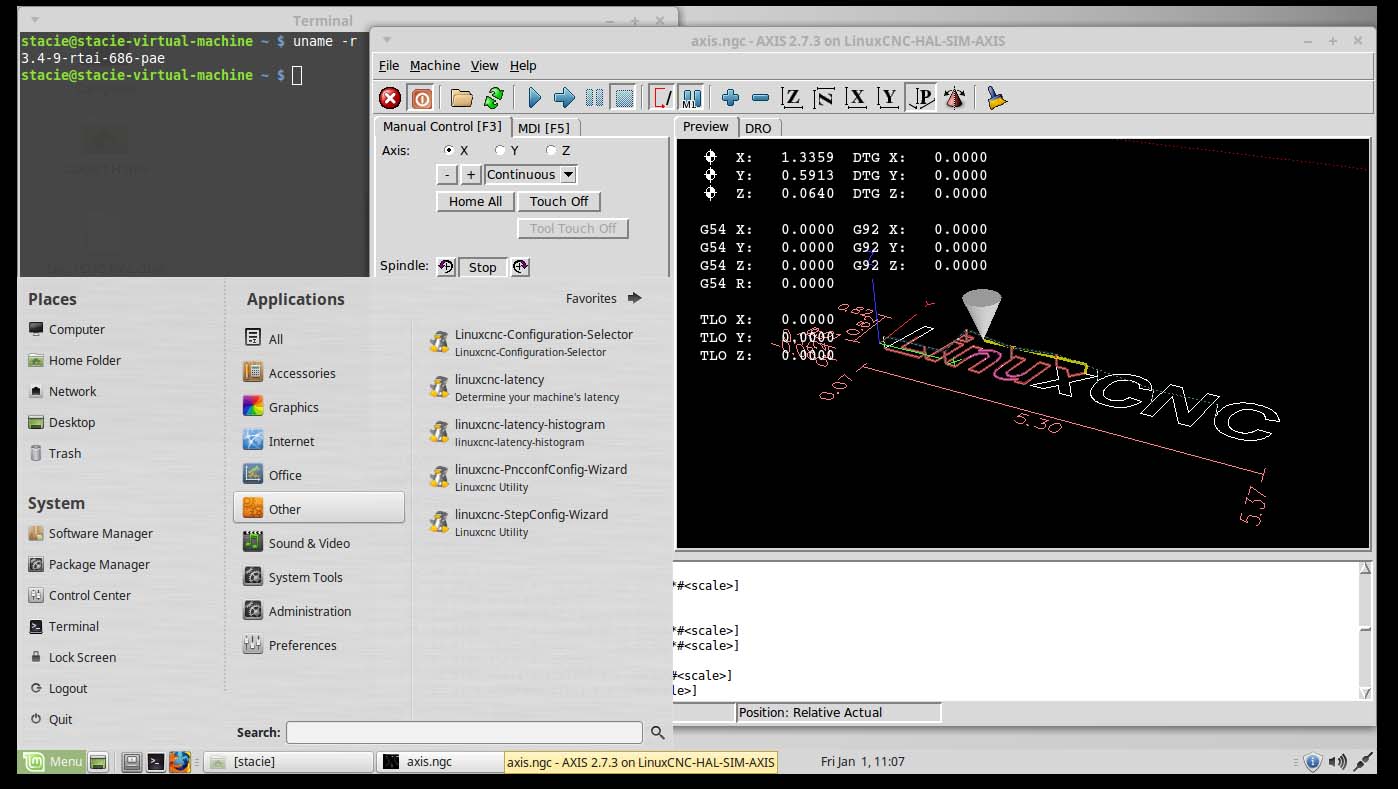
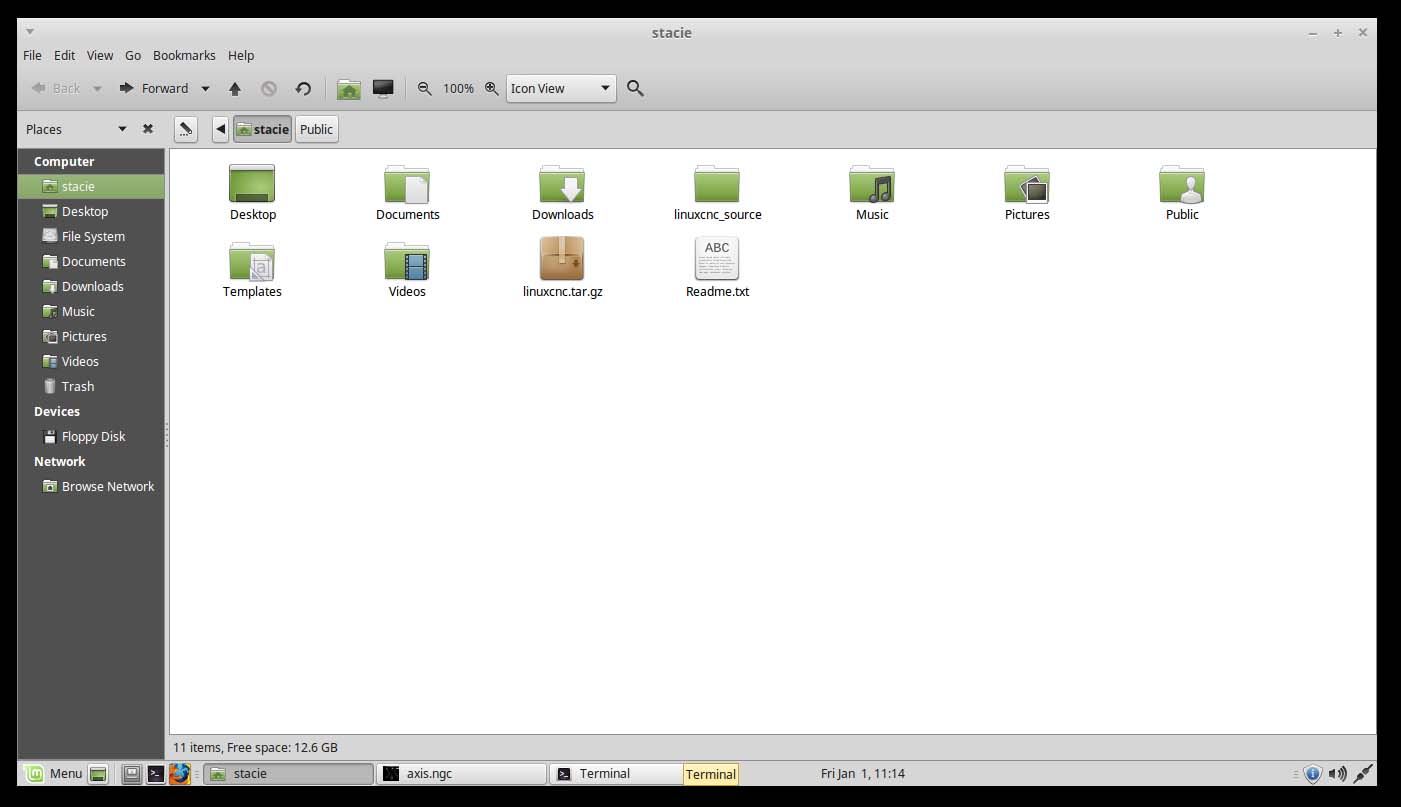
I followed the readme posted by tjmarch to the letter multiple times, however I still haven't been able to get the menu to populate as demonstrated in other post-installs, posted to this thread. I have done about 10 clean installs without upgrading anything and this is still my outcome. I did not notice any errors or anything out of the ordinary.

Any help would be most appreciated! Let me know what I need to post to help with troubleshooting. I haven't been on Linux since 2006 and have forgotten most of what I knew.

Linux Mint 17.2 [MATE (32-bit) using 3.4-9-rtai-686-pae kernel

I have axis working in sim mode using RTAI for testing, but I'm sure I'm doing something wrong :( It seems that I have a permissions issue. I had to run as administrator for the first run.
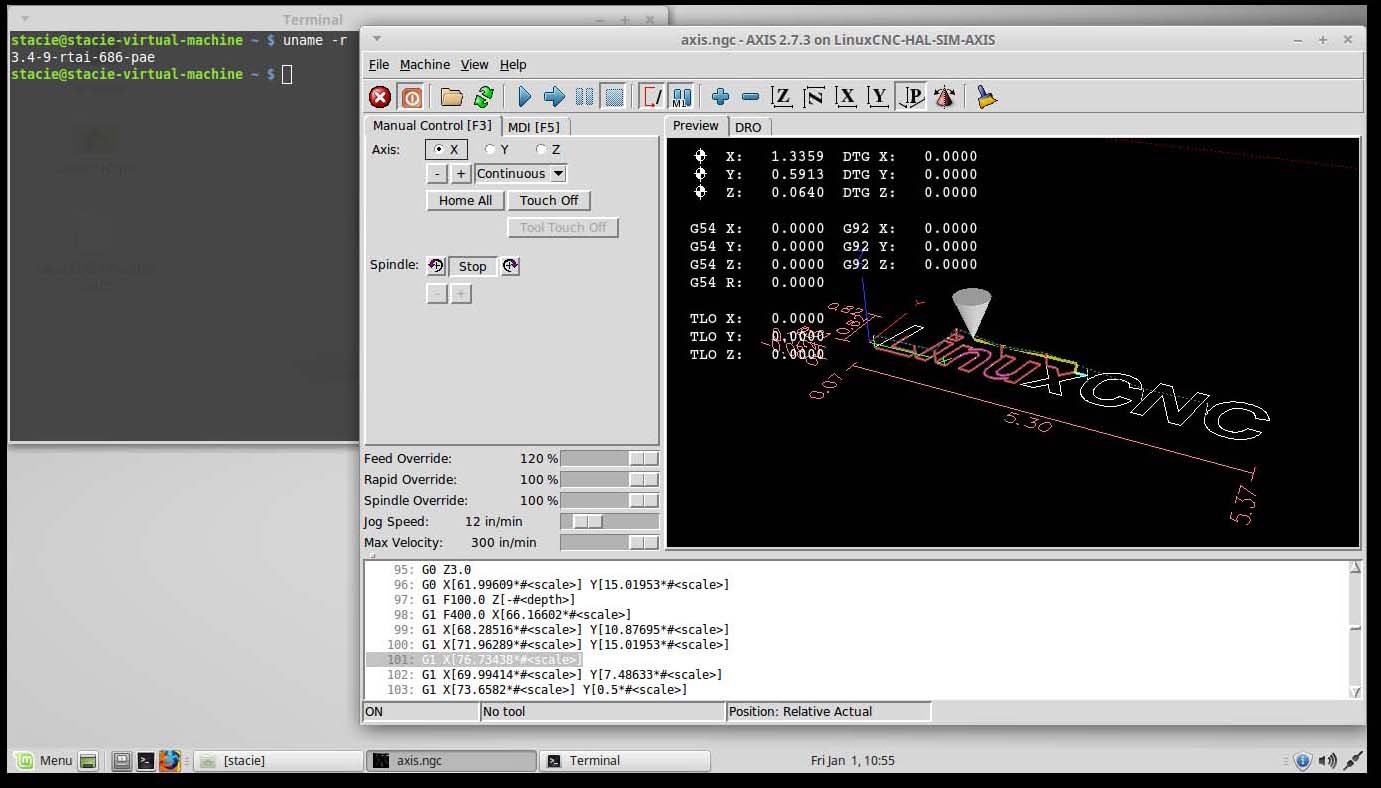
Also I am aware that real time kernel in VMware will time out, just wanting to do what I plan on using on my build.


Last edit: 10 years 10 months ago by cncnoob1979.

Please Log in or Create an account to join the conversation.

Time to create page: 0.330 seconds
Powered by Kunena Forum