
- Posts: 4819
- Thank you received: 2177
Beckhoff ethercat 64 with bit linuxcnc, How to install.
- Aciera
- Offline
- Administrator
-

Less
More
6 years 4 months ago #172475
by Aciera
Replied by Aciera on topic Beckhoff ethercat 64 with bit linuxcnc, How to install.
@TheRoslyak
Have you tried deleting the "coordinates=XYZ" in the KINEMATICS declaration in the INI?
Have you tried deleting the "coordinates=XYZ" in the KINEMATICS declaration in the INI?
The following user(s) said Thank You: TheRoslyak
Please Log in or Create an account to join the conversation.
- TheRoslyak
- Offline
- Elite Member
-

Less
More
- Posts: 238
- Thank you received: 37
6 years 4 months ago #172477
by TheRoslyak
Replied by TheRoslyak on topic Beckhoff ethercat 64 with bit linuxcnc, How to install.
Brilliantly!!! It's work.
Please Log in or Create an account to join the conversation.
- TheRoslyak
- Offline
- Elite Member
-
Less
More
- Posts: 238
- Thank you received: 37
6 years 4 months ago - 6 years 4 months ago #173099
by TheRoslyak
Replied by TheRoslyak on topic Beckhoff ethercat 64 with bit linuxcnc, How to install.
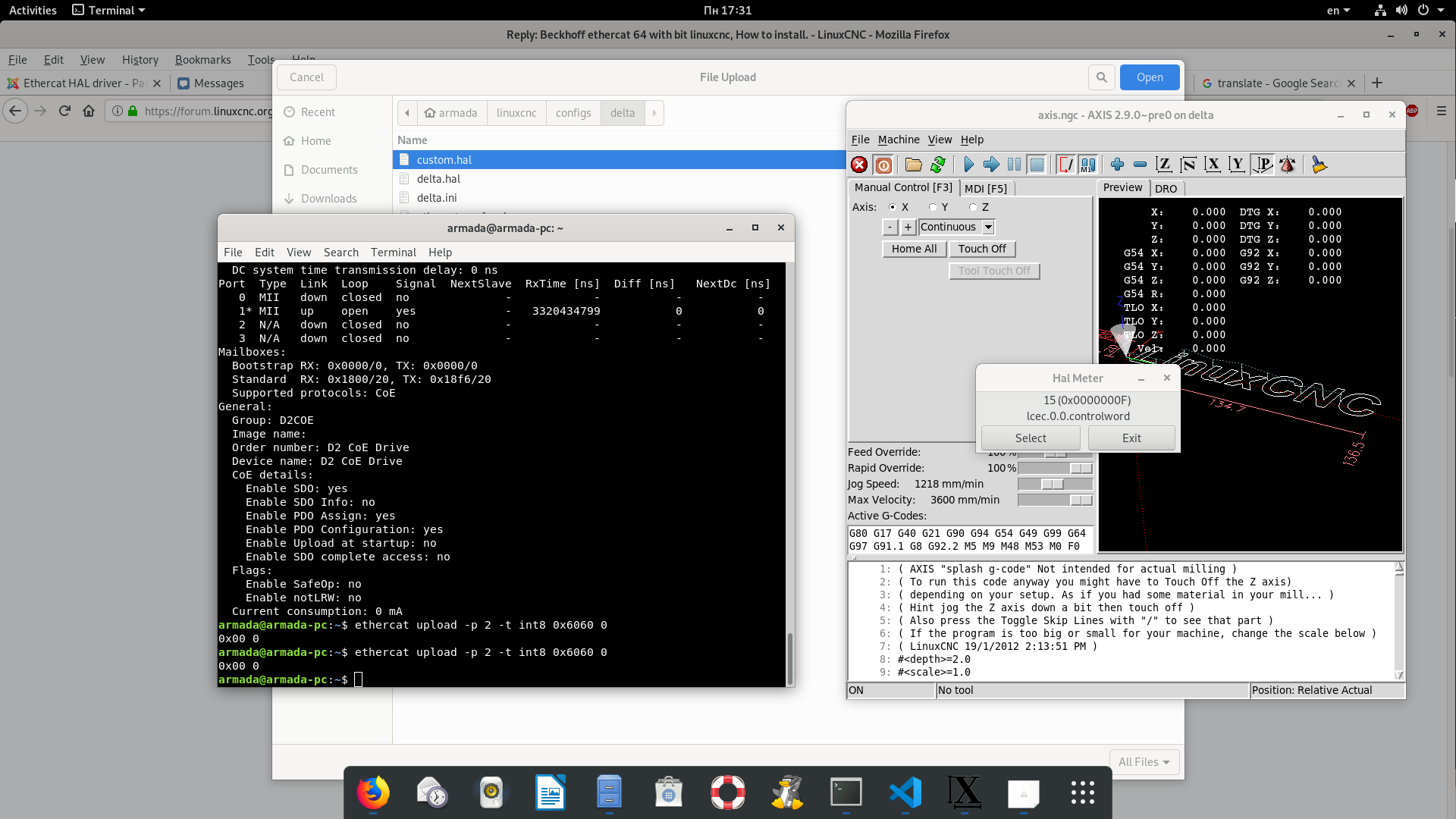
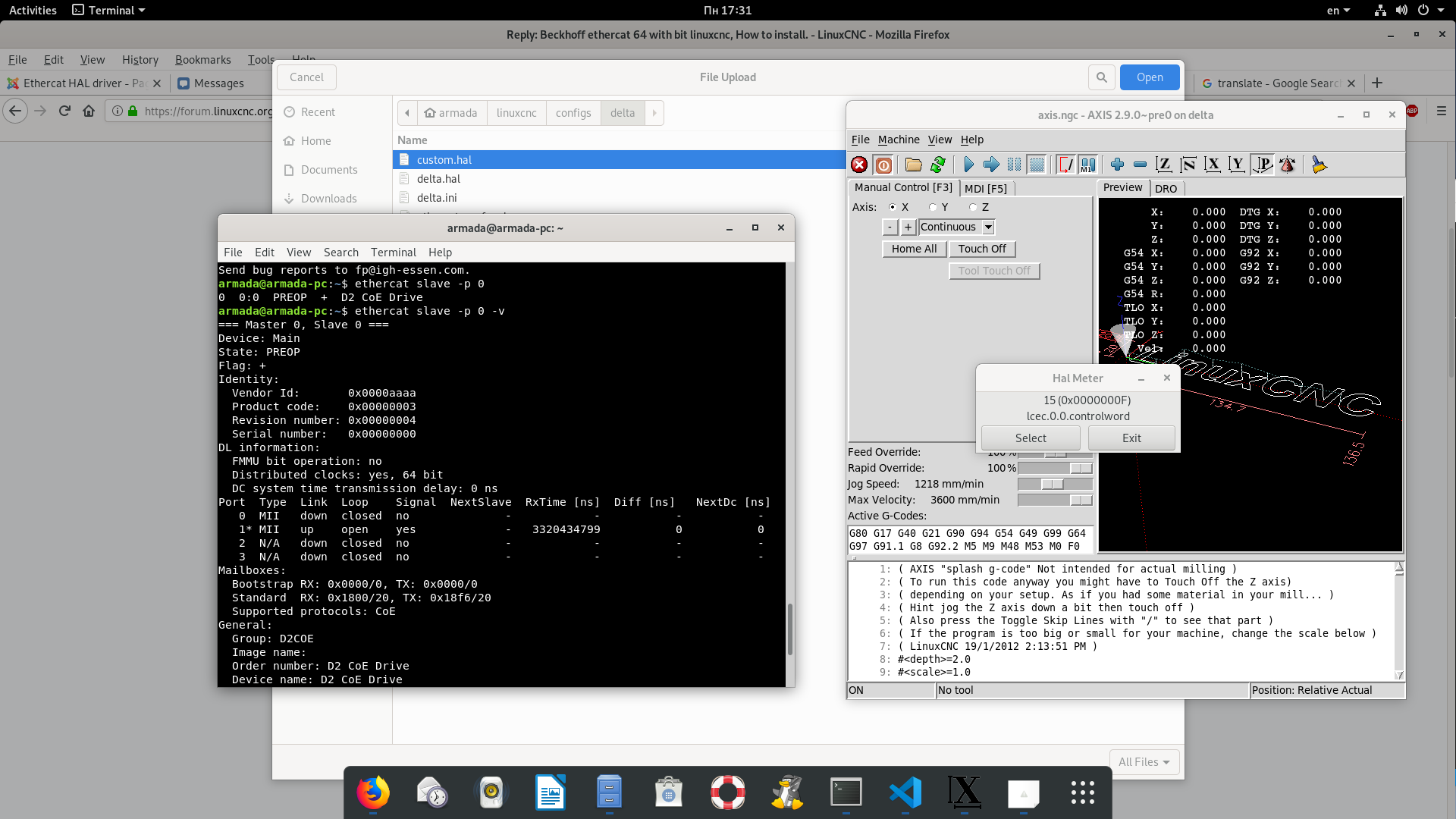
Сan you explain what I'm doing wrong. I create xml and hal files And linuxcnc work without error and gives correct values. But drivers do not load them. Can you help me please
Last edit: 6 years 4 months ago by TheRoslyak. Reason: Everything is working
Please Log in or Create an account to join the conversation.
- Grotius
- Offline
- Platinum Member
-

Less
More
- Posts: 2419
- Thank you received: 2349
6 years 4 months ago #173136
by Grotius
Replied by Grotius on topic Beckhoff ethercat 64 with bit linuxcnc, How to install.
Hi,
Maybe try one single motor driver config first. Then your problem is easyer to find.
Your xml is quite big at the moment.
Maybe try one single motor driver config first. Then your problem is easyer to find.
Your xml is quite big at the moment.
Please Log in or Create an account to join the conversation.
- bkt
- Offline
- Platinum Member
-
Less
More
- Posts: 1111
- Thank you received: 114
6 years 3 months ago - 6 years 3 months ago #174811
by bkt
Replied by bkt on topic Beckhoff ethercat 64 with bit linuxcnc, How to install.
sorry guys .... I read the how to ... and all seems to install good .... but is not possible for me install linuxcnc-ethercat-master .... I have these messages:
Some ideas about? (i use ubuntu 18.04 and Lcnc 2.9 rt-preemt).
Other things .... sittner have add patch for 2.8 Lcnc .... it works on 2.9 too?
regards
bkt
Code:
demo@demo:~/linuxcnc-ethercat-master/src$ sudo make /***** sudo or not is the same messages*****/
make[1]: Entering directory '/home/demo/linuxcnc-ethercat-master/src'
user.mk:1: ../config.mk: No such file or directory
make[1]: *** No rule to make target '../config.mk'. Stop.
make[1]: Leaving directory '/home/demo/linuxcnc-ethercat-master/src'
Makefile:6: recipe for target 'all' failed
make: *** [all] Error 2
Some ideas about? (i use ubuntu 18.04 and Lcnc 2.9 rt-preemt).
Other things .... sittner have add patch for 2.8 Lcnc .... it works on 2.9 too?
regards
bkt
Last edit: 6 years 3 months ago by bkt.
Please Log in or Create an account to join the conversation.
- Grotius
- Offline
- Platinum Member
-
Less
More
- Posts: 2419
- Thank you received: 2349
6 years 3 months ago - 6 years 3 months ago #174882
by Grotius
Replied by Grotius on topic Beckhoff ethercat 64 with bit linuxcnc, How to install.
@blt.
At page nr.1 you can see the same question:
forum.linuxcnc.org/27-driver-boards/3559...stall?start=0#122736
I can not install the linuxcnc-ethercat,
when I 'make', print "halcompile/comp ececutable not found or set"
Could you tell me why?
It looks like linuxcnc is not installed as run in place, did you installed the linuxcnc-dev version with all dependencies?
For me it's a long time ago i did the install, so that makes it harder to give the solution right away..
Good luck !
At page nr.1 you can see the same question:
forum.linuxcnc.org/27-driver-boards/3559...stall?start=0#122736
I can not install the linuxcnc-ethercat,
when I 'make', print "halcompile/comp ececutable not found or set"
Could you tell me why?
It looks like linuxcnc is not installed as run in place, did you installed the linuxcnc-dev version with all dependencies?
For me it's a long time ago i did the install, so that makes it harder to give the solution right away..
Good luck !
Last edit: 6 years 3 months ago by Grotius.
Please Log in or Create an account to join the conversation.
Time to create page: 0.158 seconds