
- Posts: 574
- Thank you received: 96
Сustomization QTvcp
- hottabich
- Offline
- Platinum Member
-

Less
More
5 years 10 months ago - 5 years 10 months ago #191563
by hottabich
Replied by hottabich on topic Сustomization QTvcp
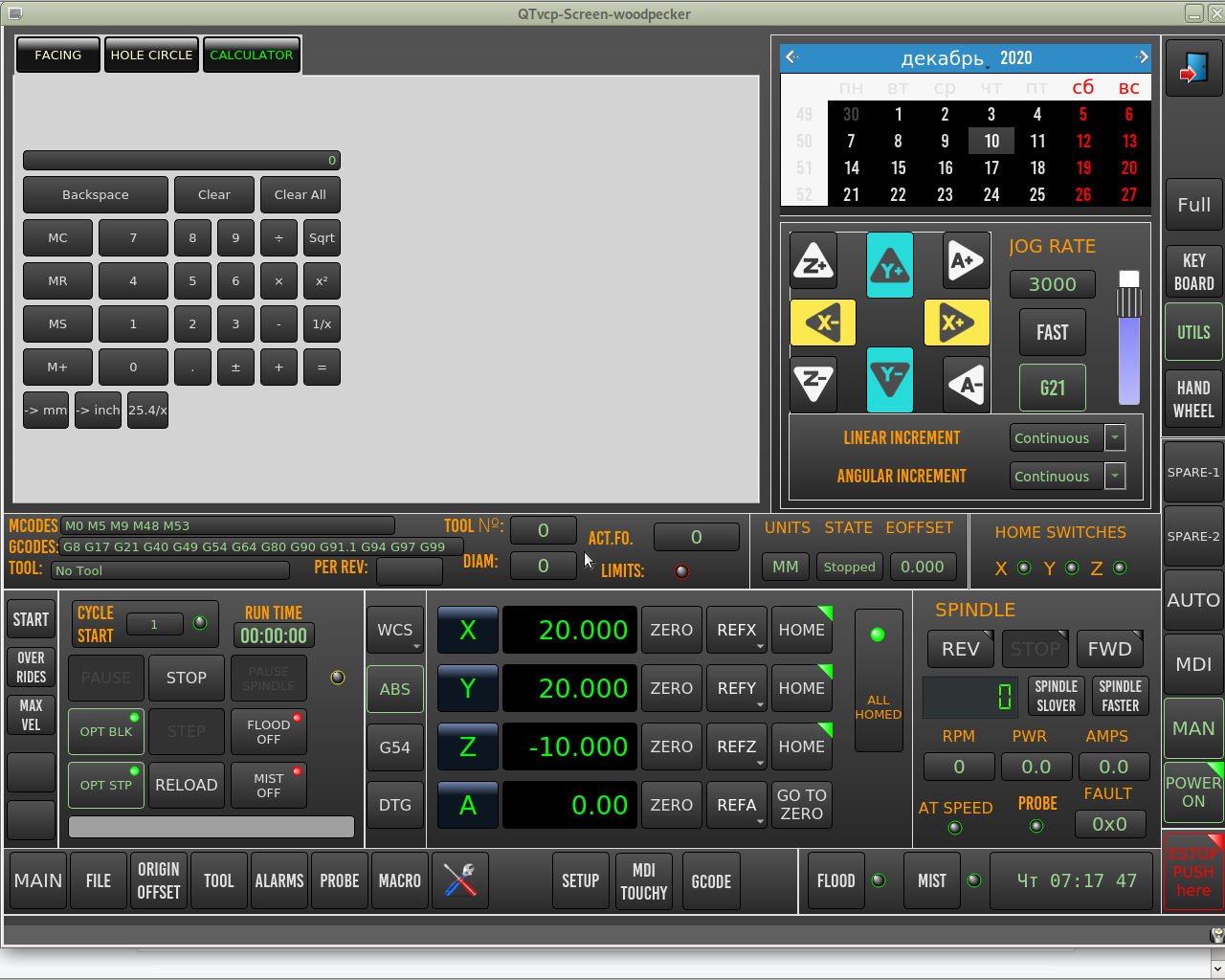
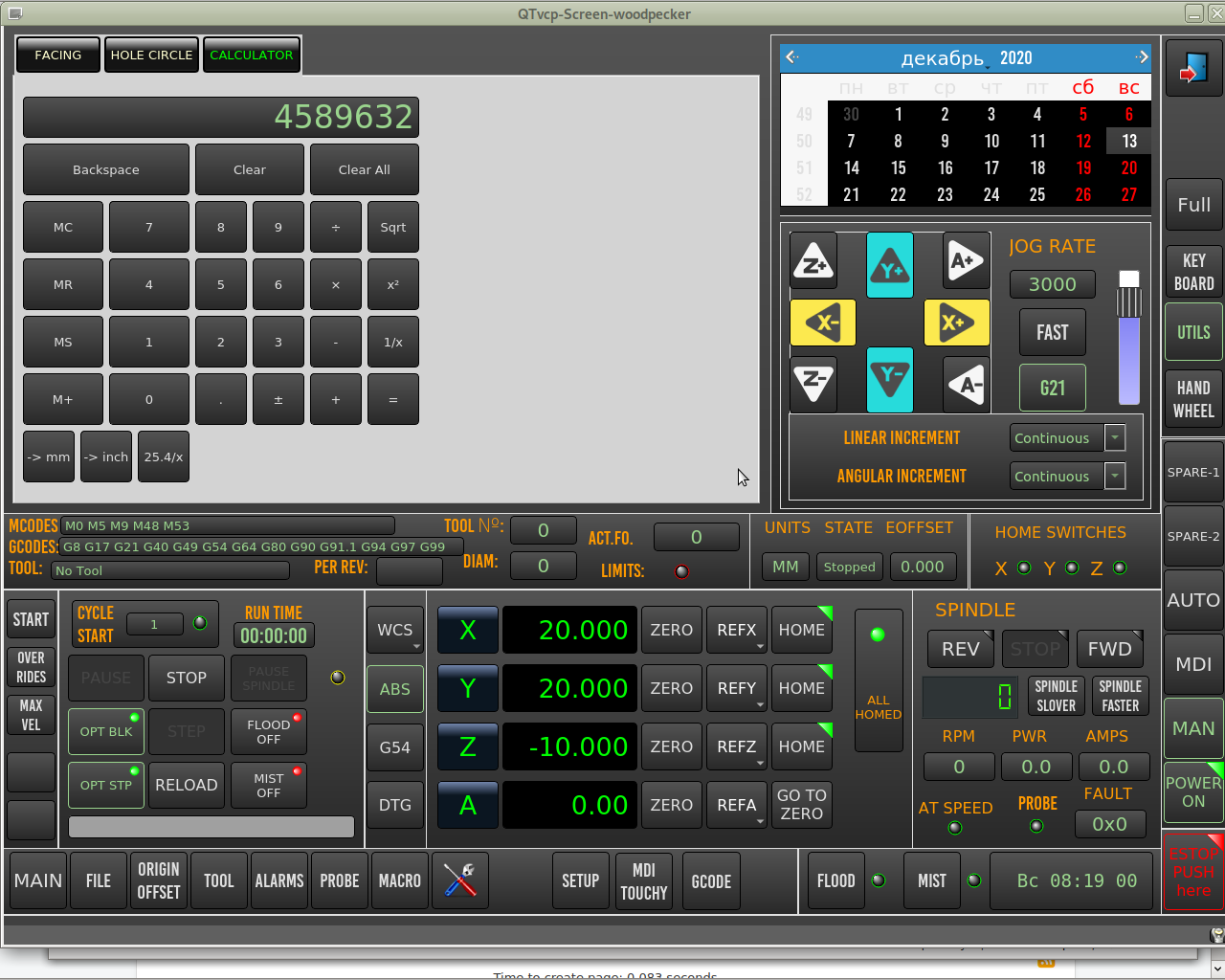
An ordinary calculator, but I made your revision with qtvp converter.
Last edit: 5 years 10 months ago by hottabich.
Please Log in or Create an account to join the conversation.
- hottabich
- Offline
- Platinum Member
-
Less
More
- Posts: 574
- Thank you received: 96
5 years 10 months ago #191726
by hottabich
Replied by hottabich on topic Сustomization QTvcp
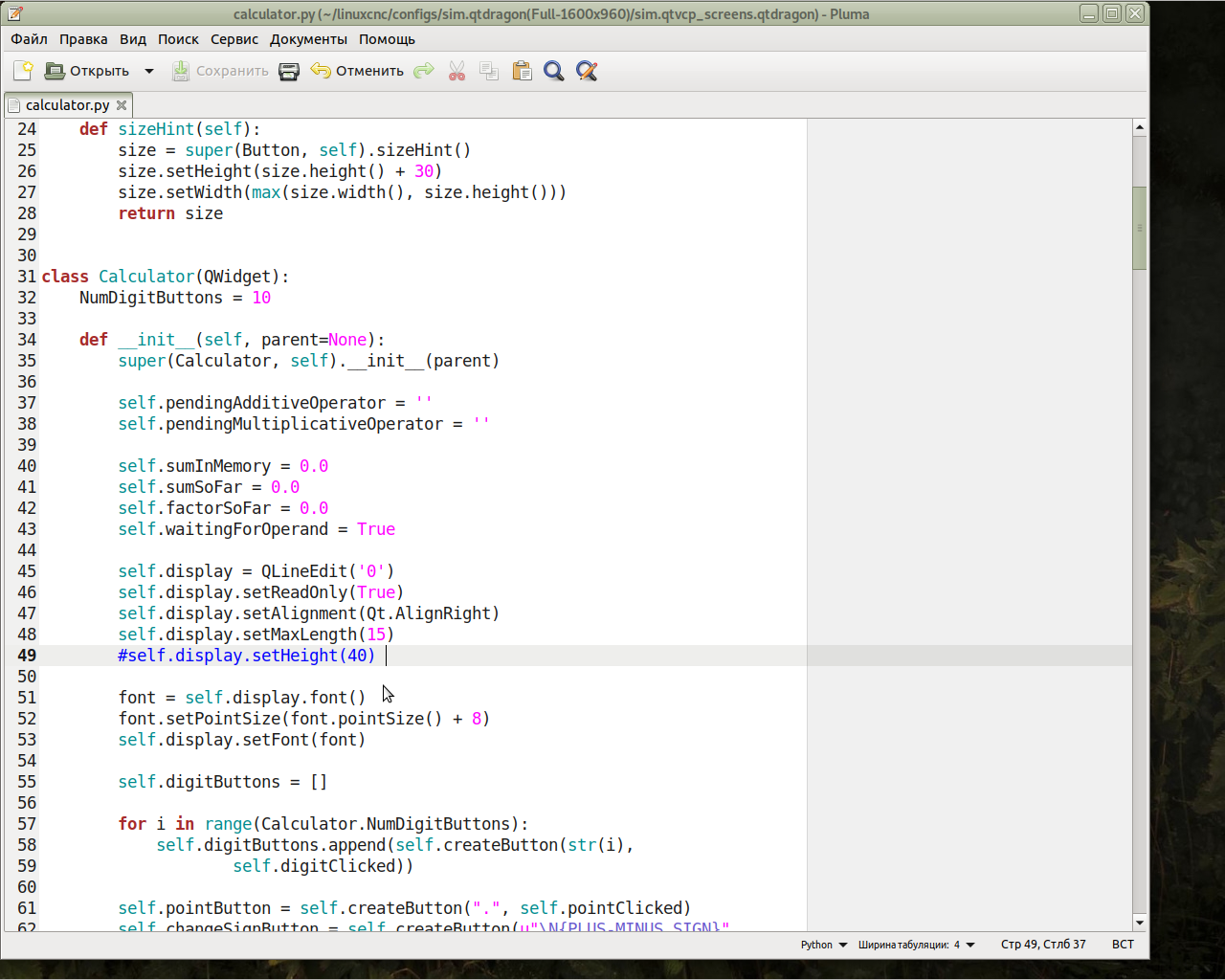
Please tell me how to change the display height , py-code in the previous post.
Please Log in or Create an account to join the conversation.
- cmorley
- Offline
- Moderator
-

Less
More
- Posts: 7368
- Thank you received: 2181
5 years 10 months ago #191769
by cmorley
Replied by cmorley on topic Сustomization QTvcp
Slightly bigger display font:
Code:
font.setPointSize(font.pointSize() + 12)
Please Log in or Create an account to join the conversation.
- hottabich
- Offline
- Platinum Member
-
Less
More
- Posts: 574
- Thank you received: 96
5 years 10 months ago #191782
by hottabich
Replied by hottabich on topic Сustomization QTvcp
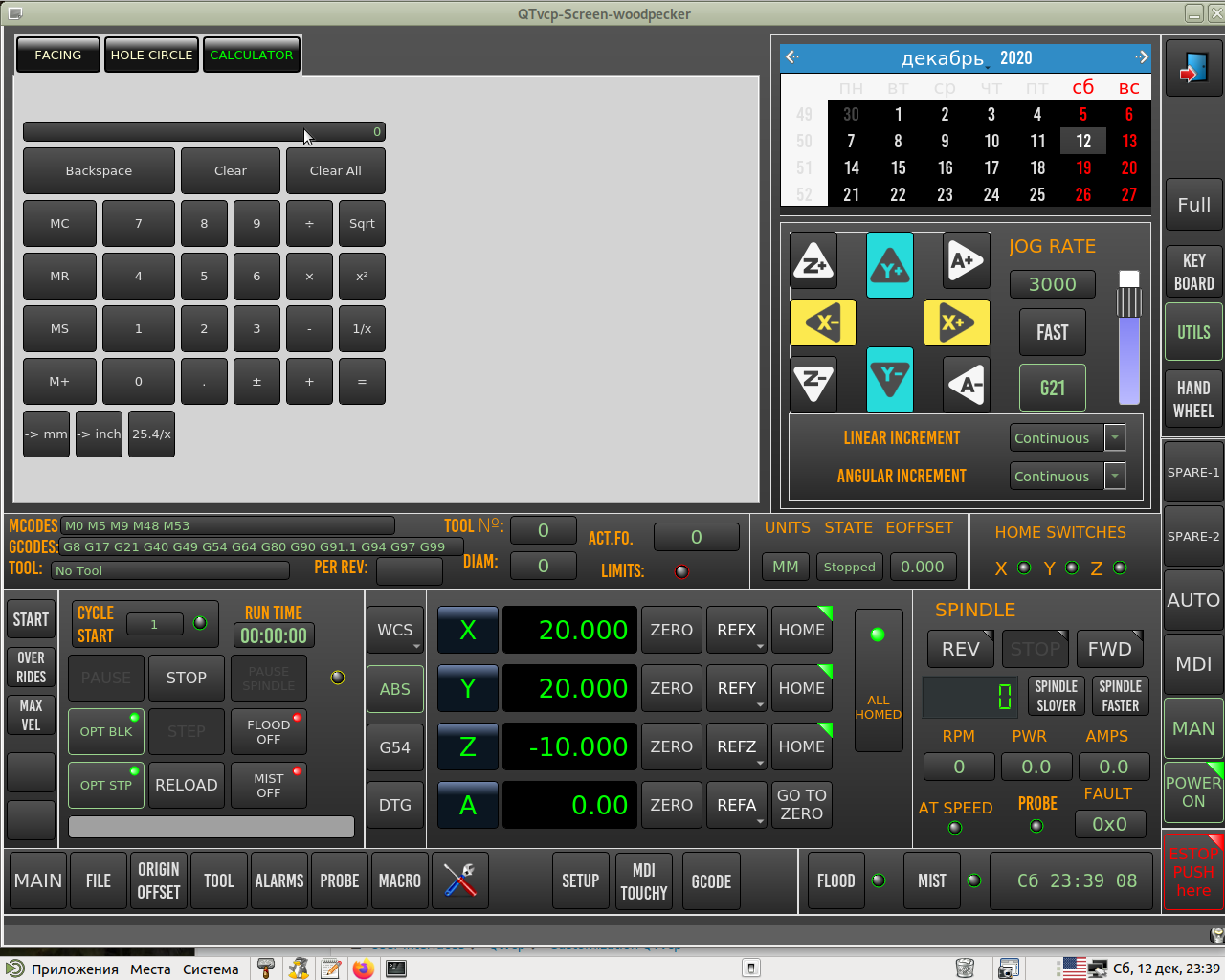
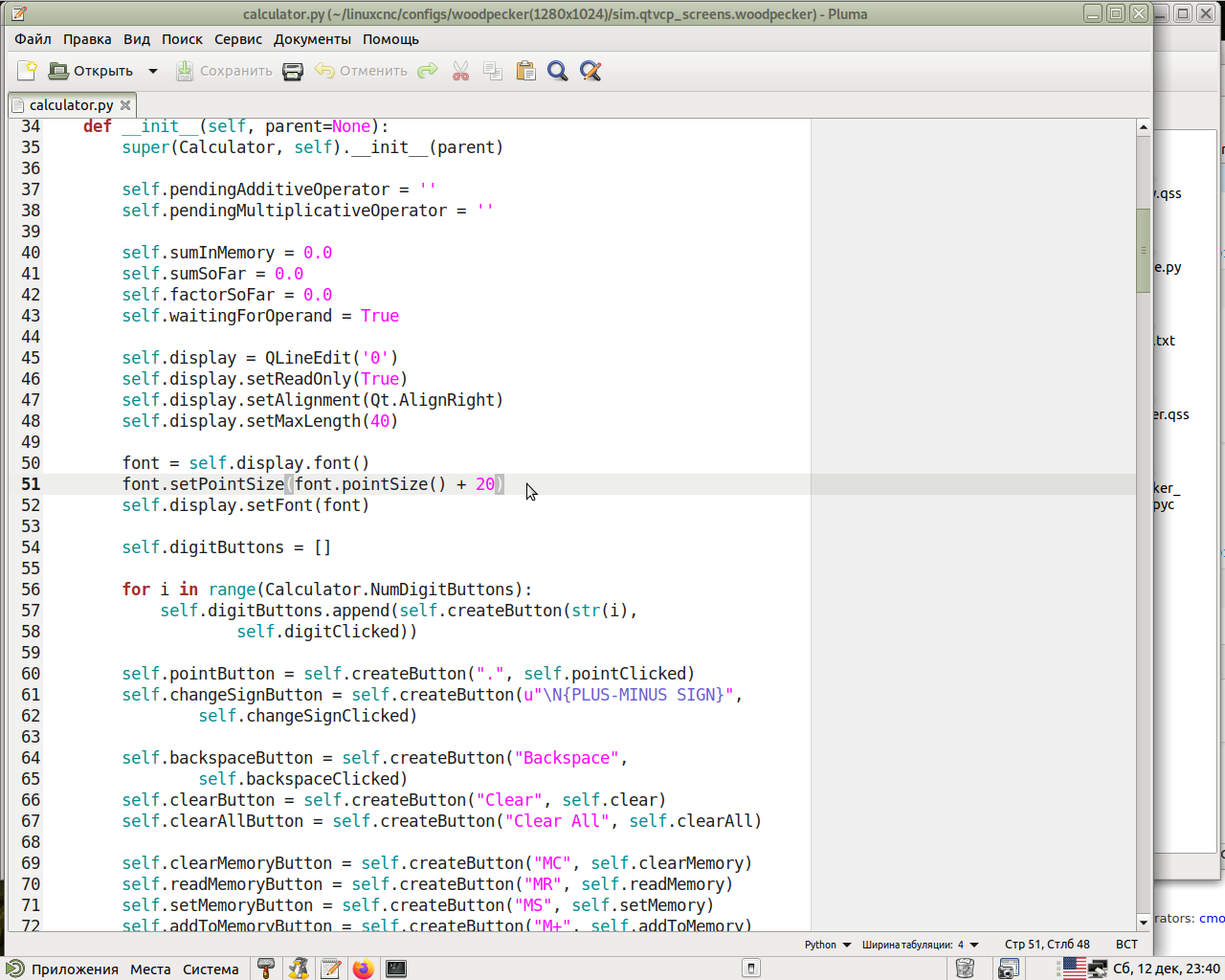
Thanks, but the display = QLineEdit height hasn't changed.cmorley wrote: Slightly bigger display font:
Code:font.setPointSize(font.pointSize() + 12)
Please Log in or Create an account to join the conversation.
- cmorley
- Offline
- Moderator
-
Less
More
- Posts: 7368
- Thank you received: 2181
5 years 10 months ago #191783
by cmorley
Replied by cmorley on topic Сustomization QTvcp
it does if you test the calculator directly.
I would guess that the font size gets overwritten from a stylesheet setting.
try something like:
I would guess that the font size gets overwritten from a stylesheet setting.
try something like:
Code:
Calculator QLineEdit{
font: 25pt "Lato Heavy";
}
Please Log in or Create an account to join the conversation.
- hottabich
- Offline
- Platinum Member
-
Less
More
- Posts: 574
- Thank you received: 96
5 years 10 months ago - 5 years 10 months ago #191813
by hottabich
Replied by hottabich on topic Сustomization QTvcp
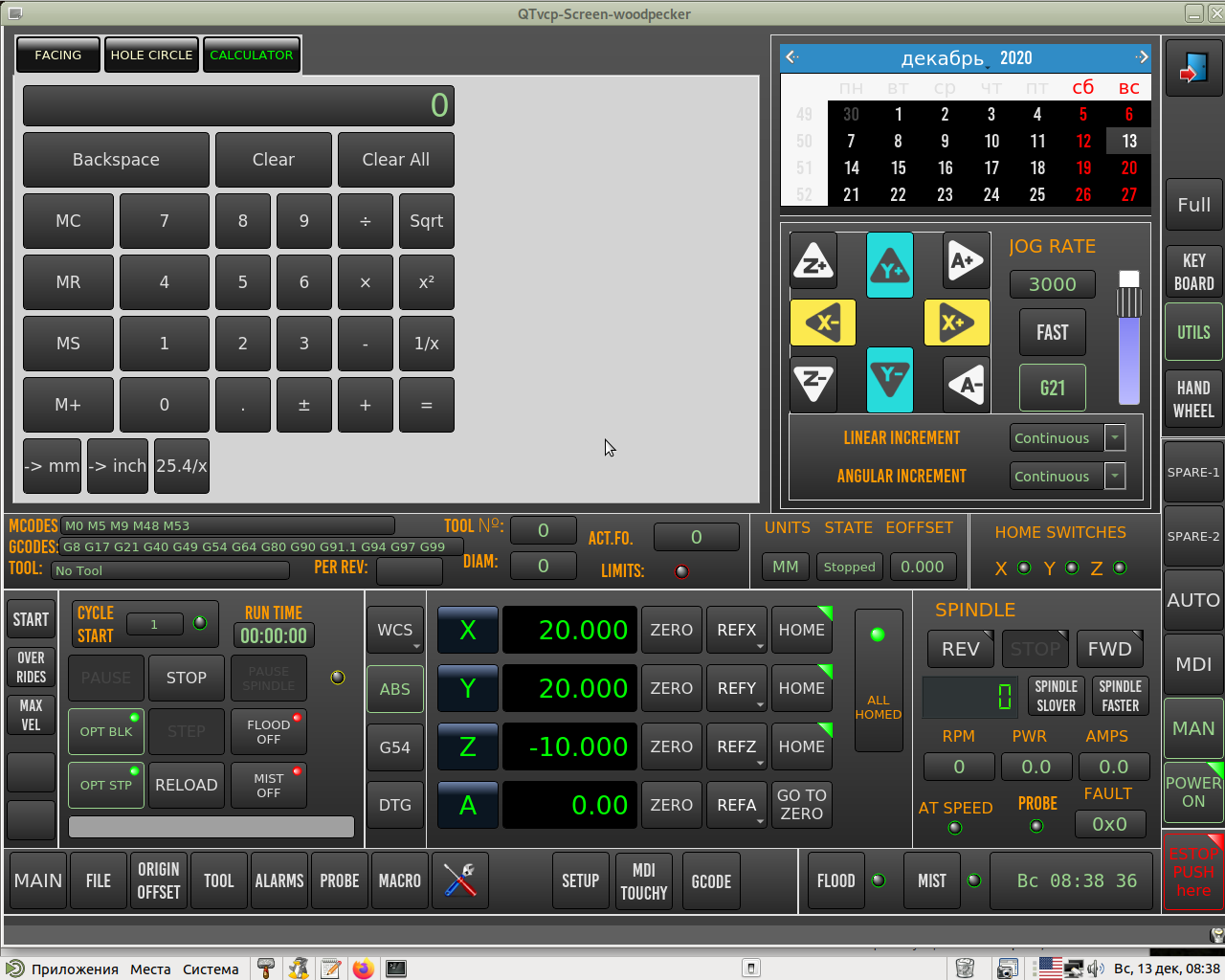
Super!!! Works great! Now the calculator can be edited to your liking. I also added
Respect and respect for you.
Thank you!
Code:
Calculator QPushButton{
font: 13pt "Lato Heavy";
}
Thank you!
Last edit: 5 years 10 months ago by hottabich.
The following user(s) said Thank You: cmorley, tommylight
Please Log in or Create an account to join the conversation.
Moderators: cmorley
Time to create page: 1.029 seconds