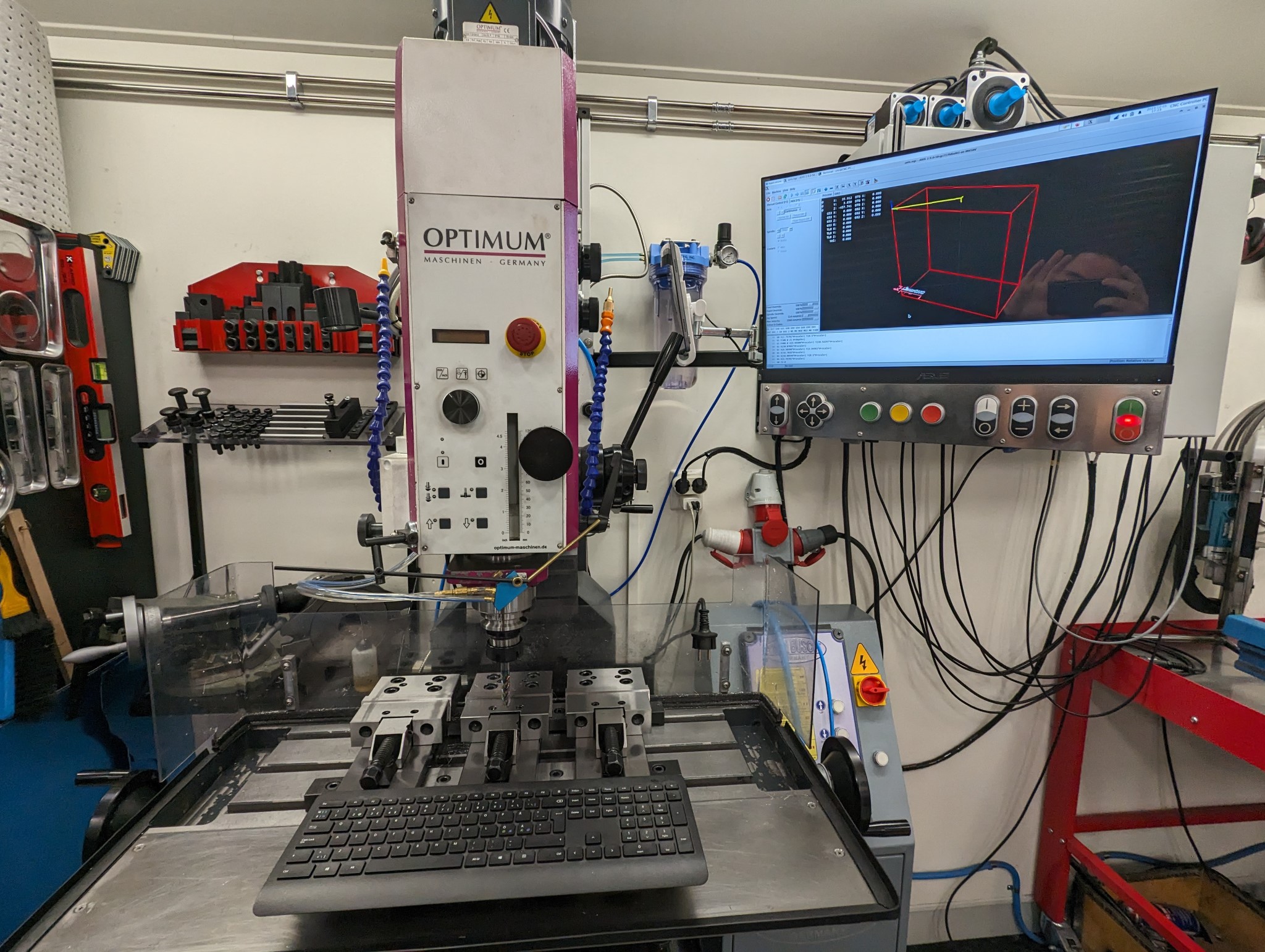
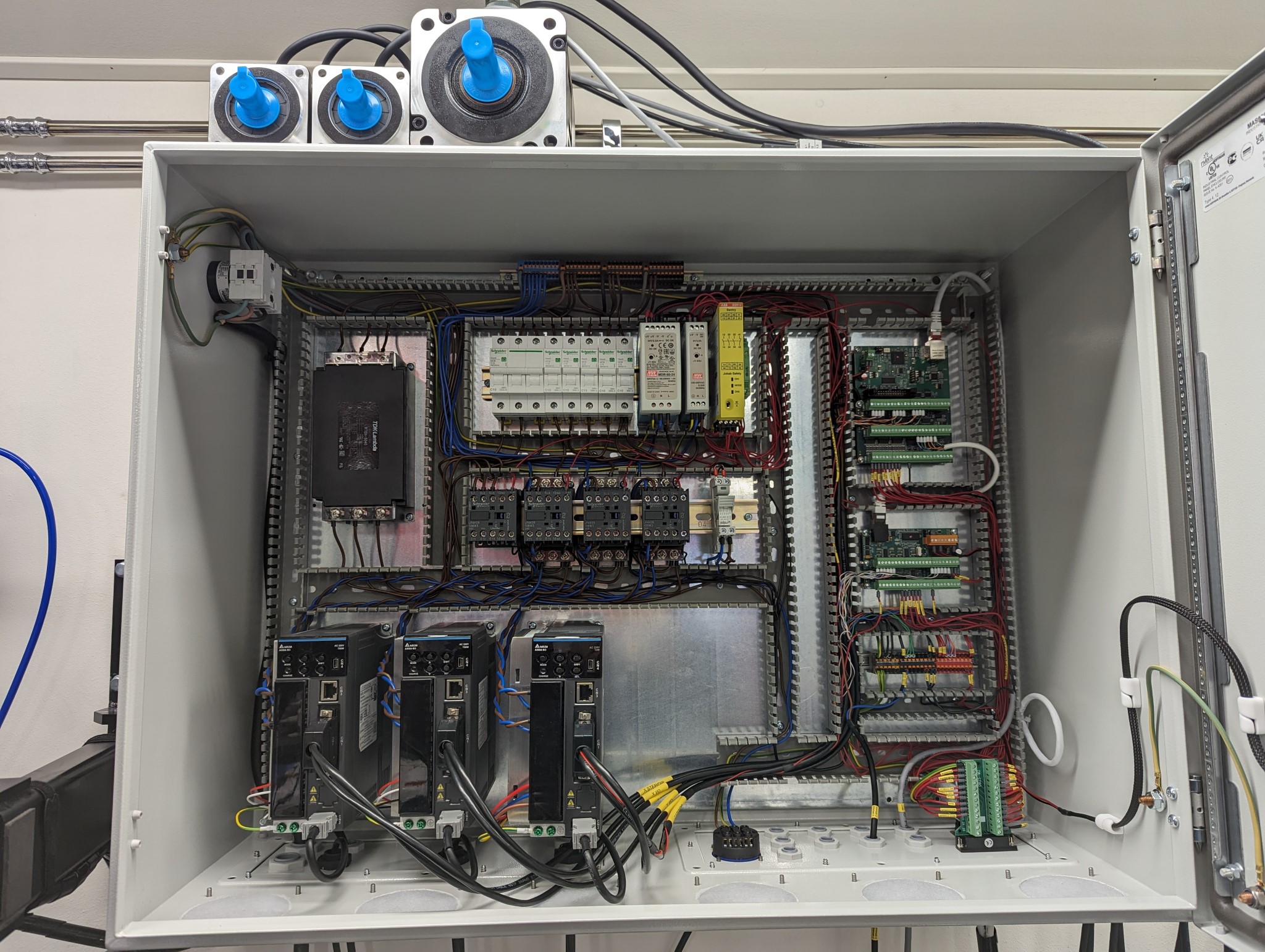
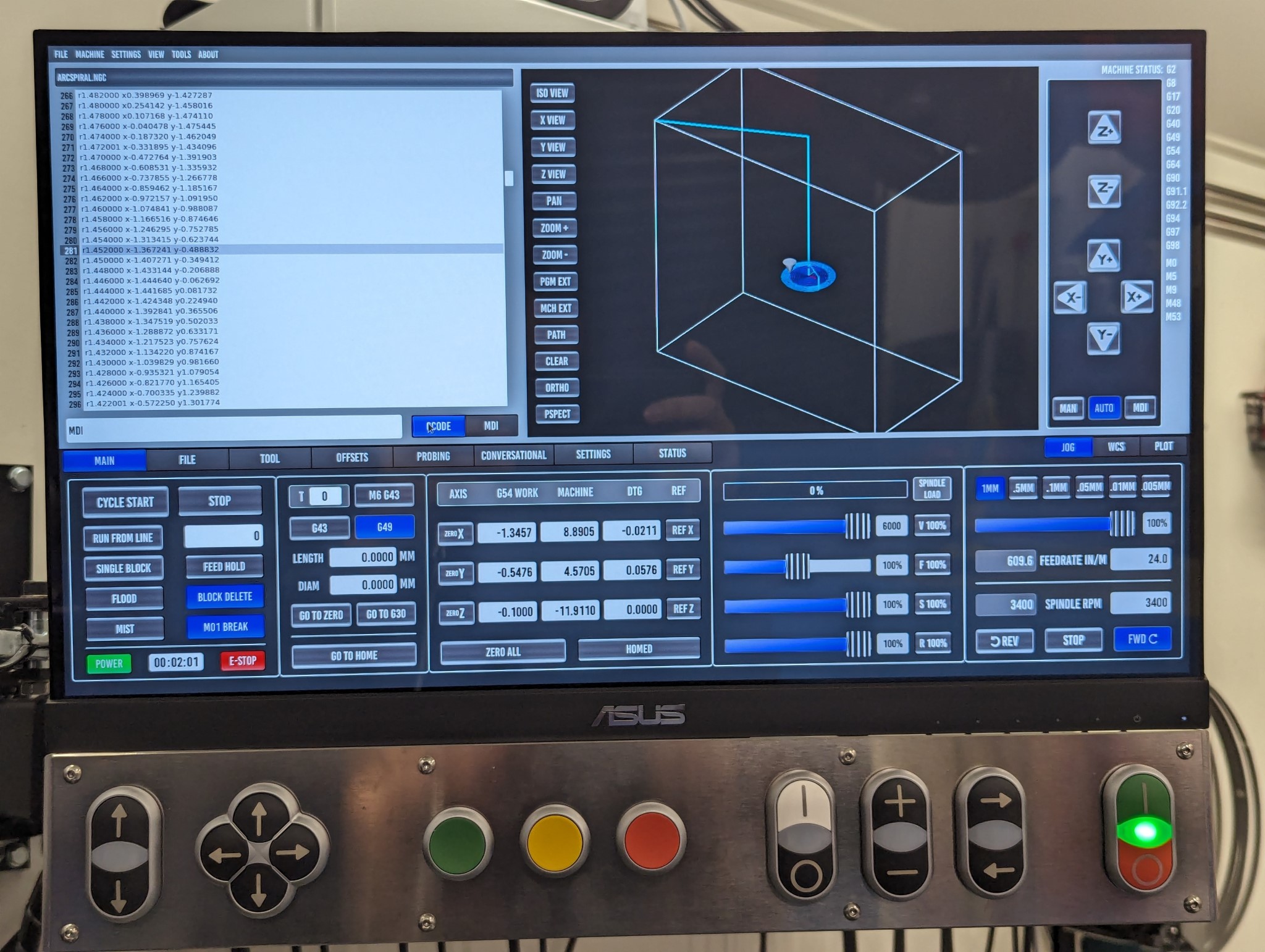
I have Probe Basic up and running now with all the HAL customizations I had previously added in my Axis configuration.
It wasn't smooth sailing however as I hit a few snags along the way which I had not foreseen in my preparations.
Those who have followed this thread know that I had initially planned to use a HP Elitedesk G2 Mini computer for this build but I abandoned it for an older Core 2 Quad setup instead as the Elitedesk had horrible delay and network problems.
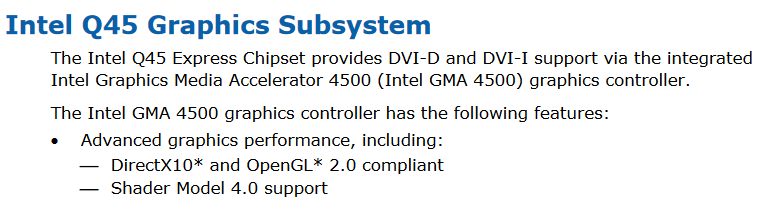
I knew that Probe Basic required OpenGL 1.50 or later and the Intel specs for the Core 2 Duo motherboard (Intel DQ45EK) I was using as specified the following in the manual for the motherboard.
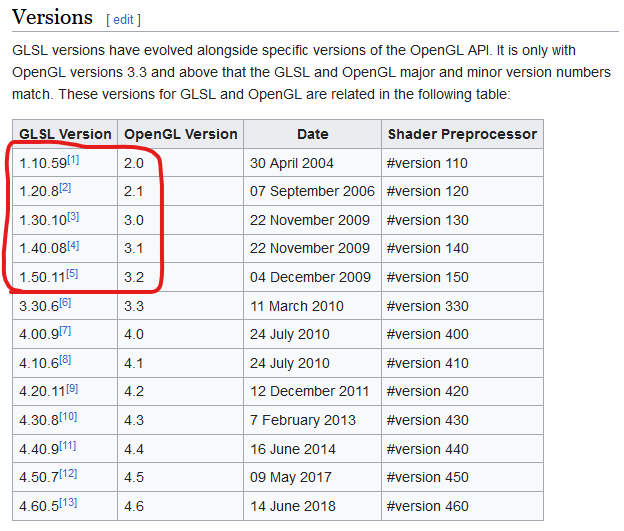
But in fact Probe Basic doesn't need OpenGL 1.5 it actually needs
OpenGL Shading Language (GLSL) which is something different. Now days the OpenGL shader version number always matches the OpenGL version number but this wasn't always the case as OpenGL 3.2 and below used a separate version number for the shader for some reason...
This meant that the 3D preview window in Probe Basic wouldn't work on the Core 2 Quad based computer work even though it worked fine in Axis... image missing /media/kunena/emoticons/sad.png
At the same time as this played out I realized thanks to
Rodw's post in the thread linked below that there are actually multiple versions of the HP Elitedesk G2 Mini computer.
forum.linuxcnc.org/27-driver-boards/4691...ead?start=300#287022
That explains why my experience installing Debian in legacy mode on that computer differed so much from what RotarySMP described in his thread linked below:
forum.linuxcnc.org/26-turning/41498-scha...fit?start=260#227063
The Elitedesk G2 Mini version I have seems to use a laptop CPU that explains why legacy mode was so broken. Laptops haven't focused on legacy mode for a long time since Windows requires secure boot, TPM etc these days.
Based on this information and together with the need for newer pixel shader version support I decided to give the Elitedesk another try but this time in UEFI mode. The computer fought me every step of the way in legacy mode as I've described previously but in UEFI mode it was the opposite and everything installed without a hitch and it booted just fine from the NVMe drive.
It would also launch Probe Basic just fine as it support a much higher OpenGL and OpenGL Shading Language version. The latency in UEFI mode is 2-3 times that of the Core 2 Duo at around 35000-45000 but still usable with the Mesa cards. But most importantly the wired network now worked properly which surprised me as it was pretty much unusable in legacy mode.
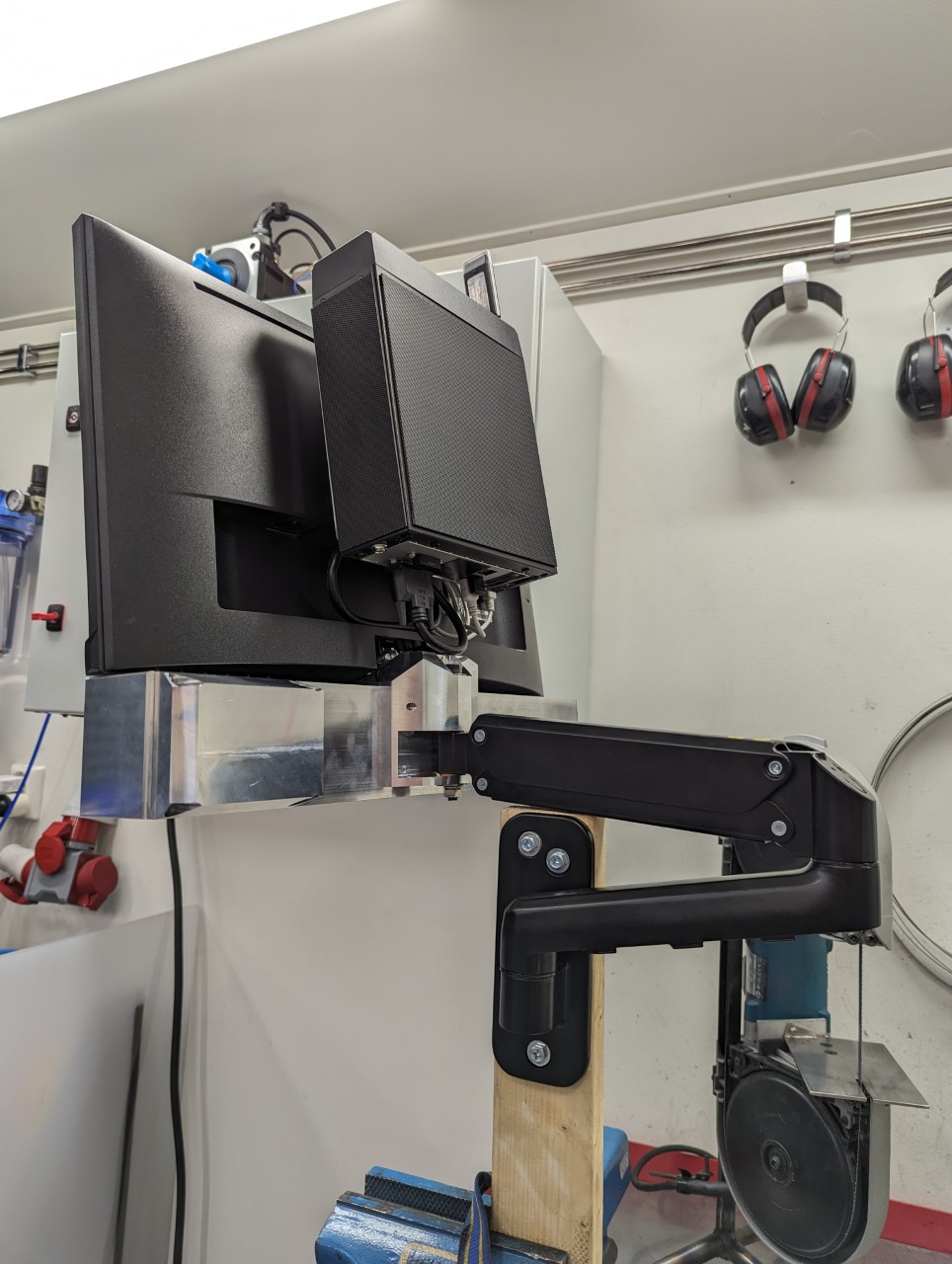
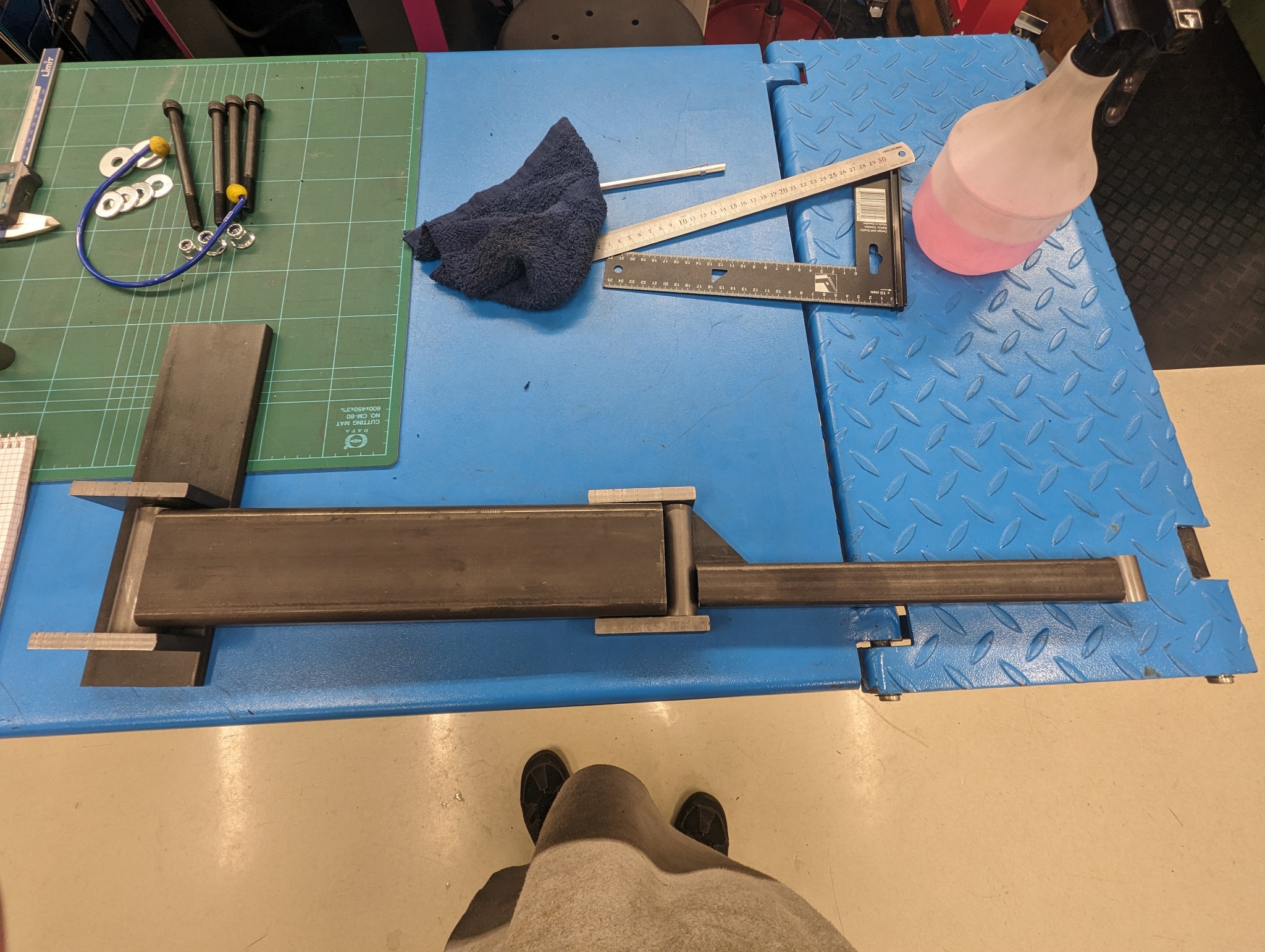
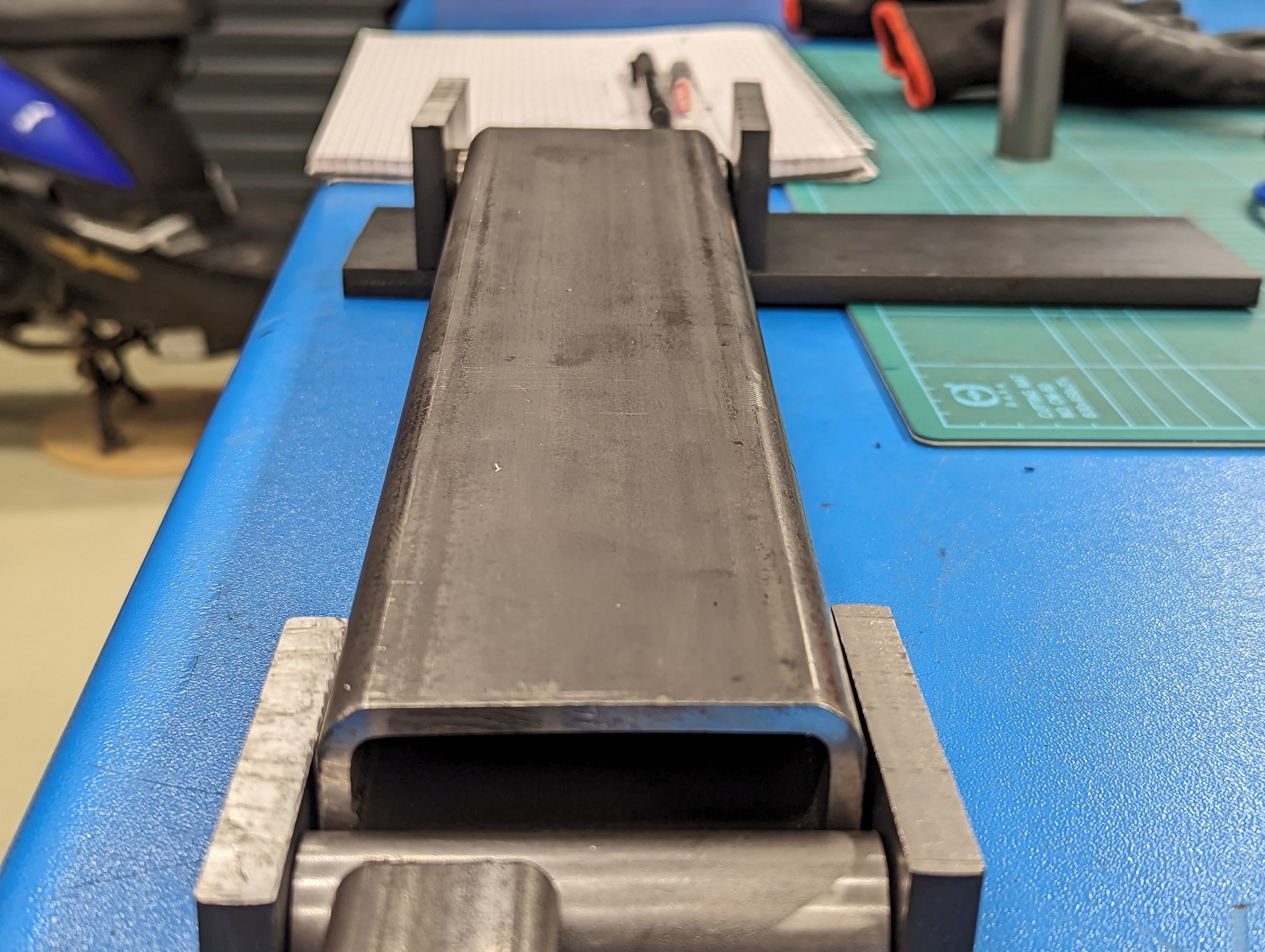
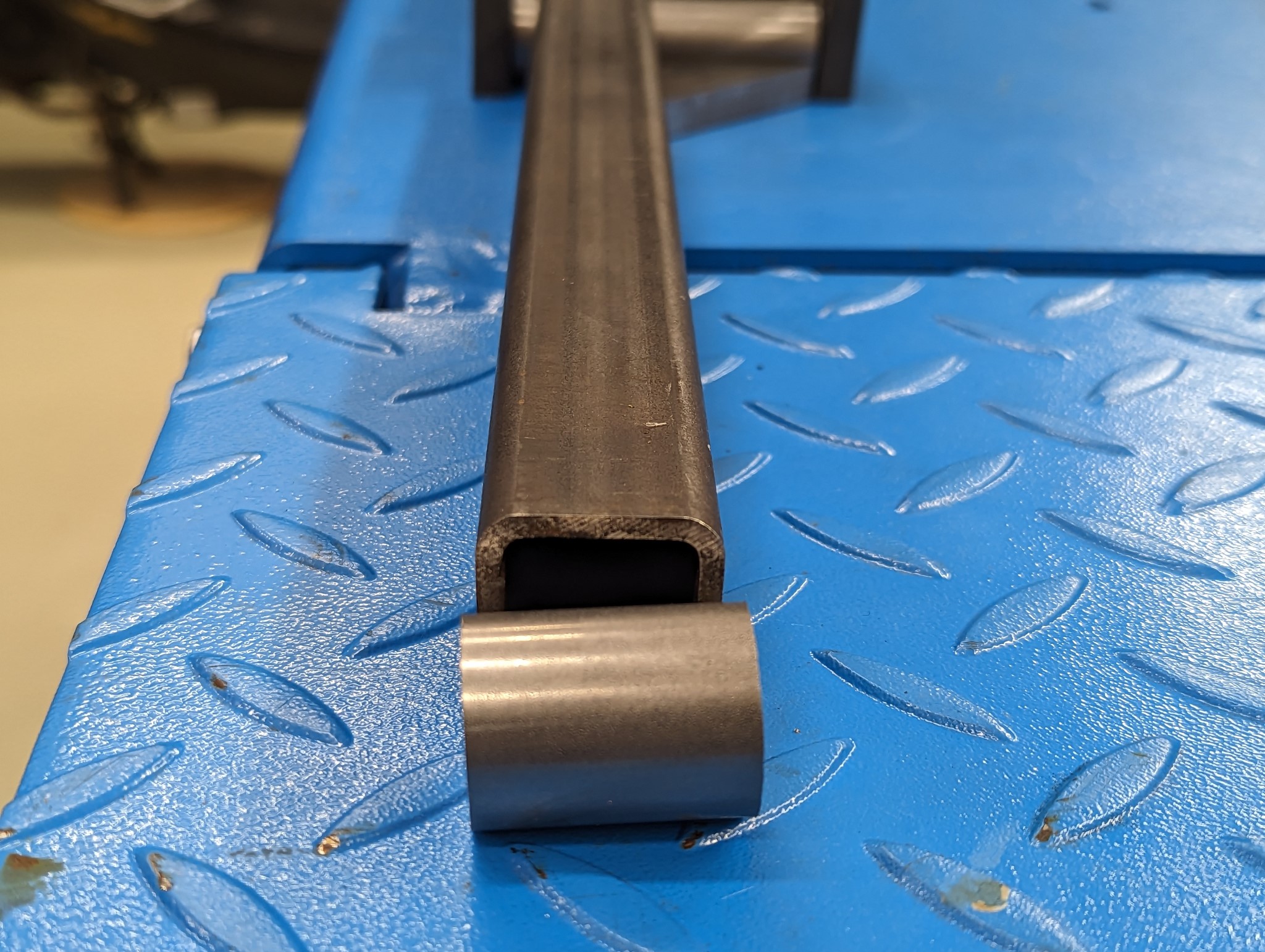
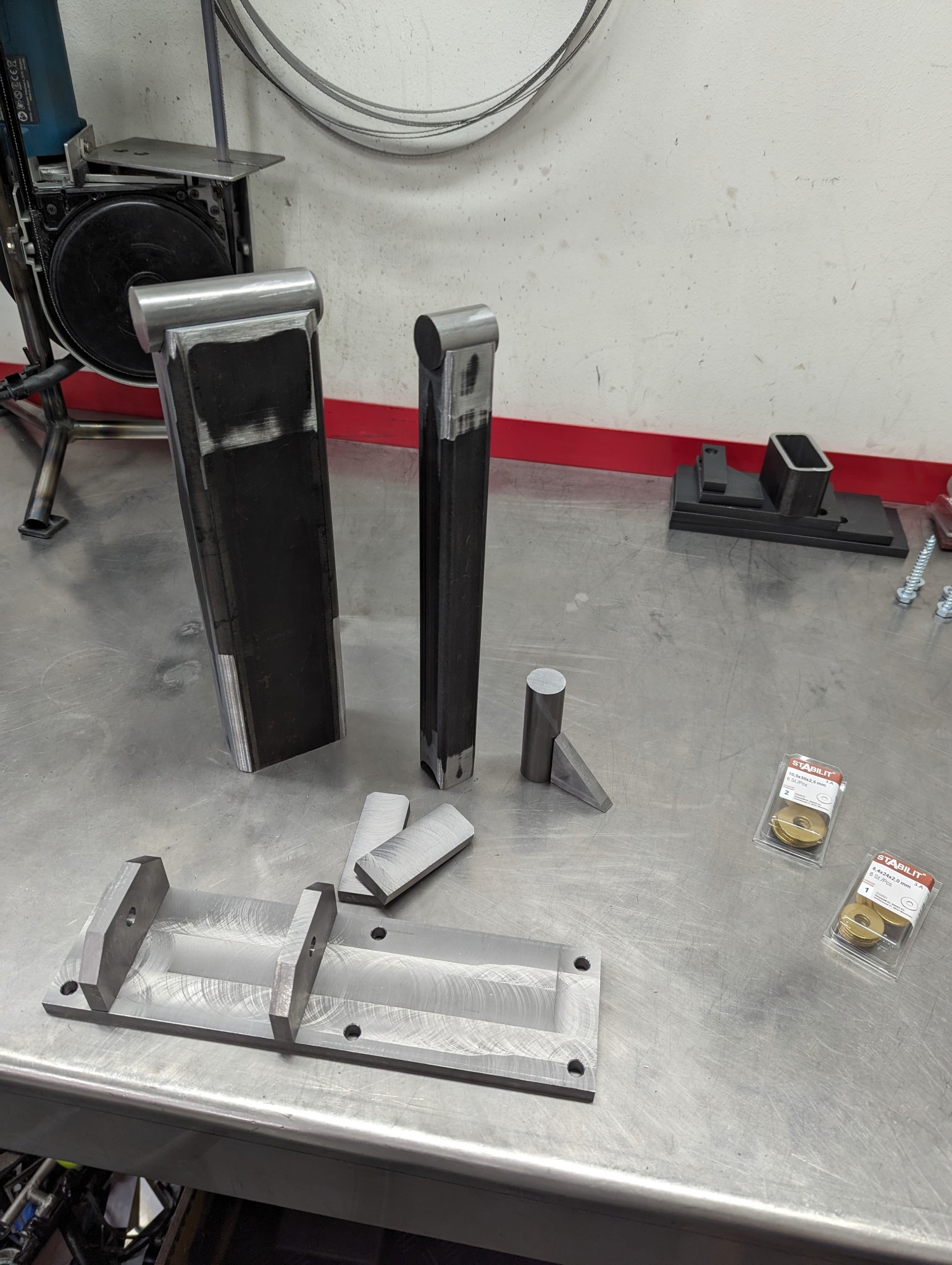
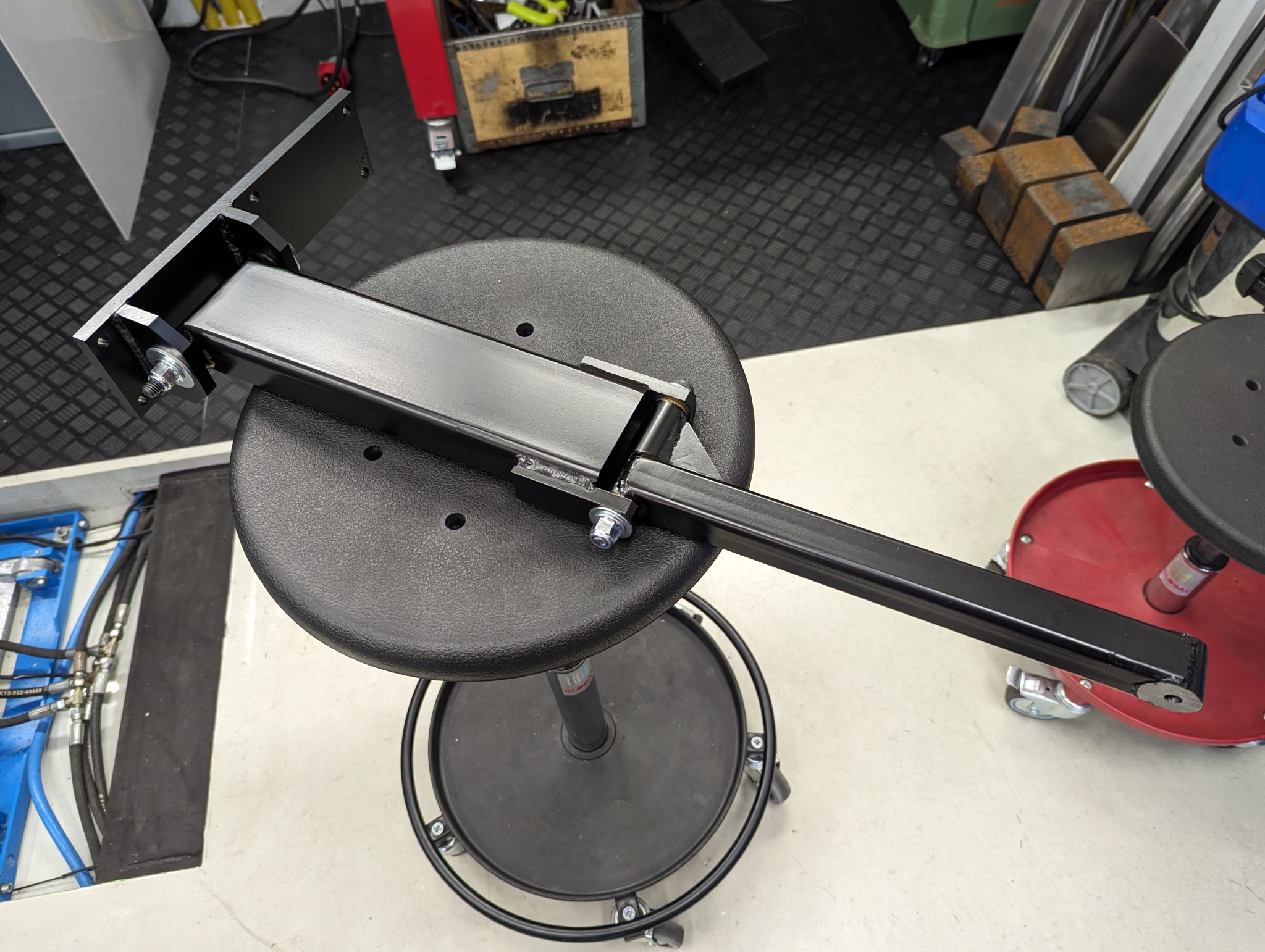
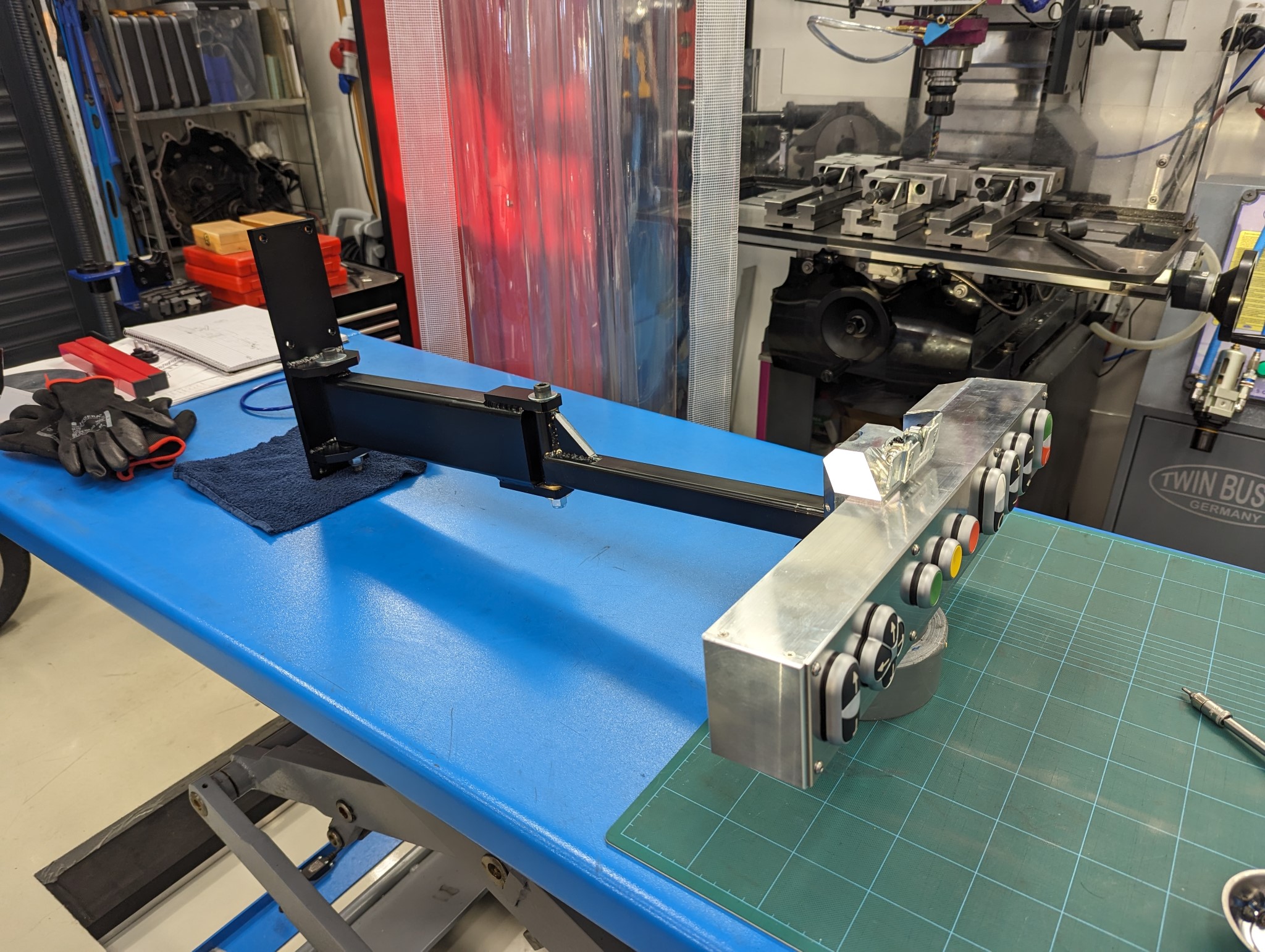
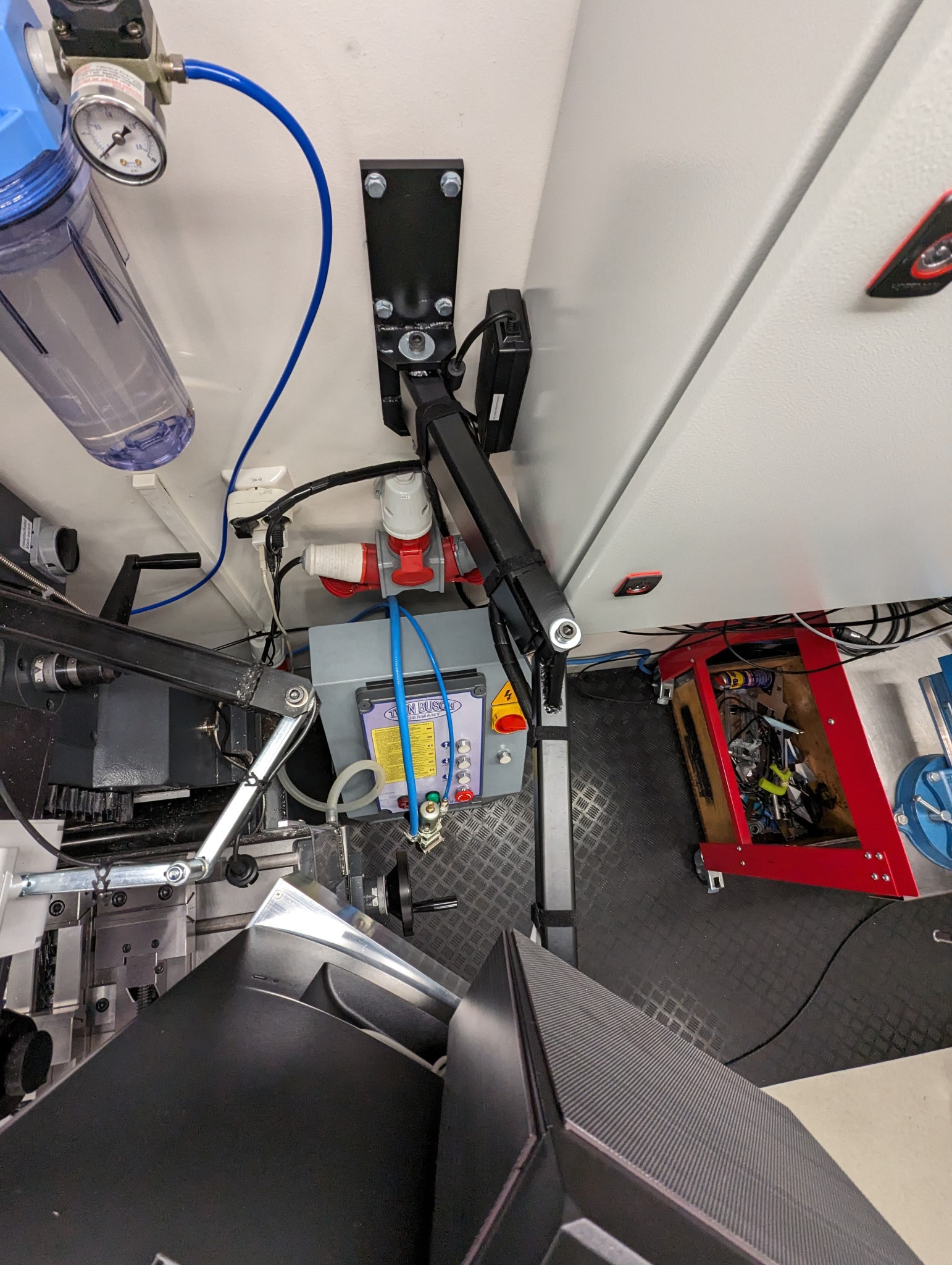
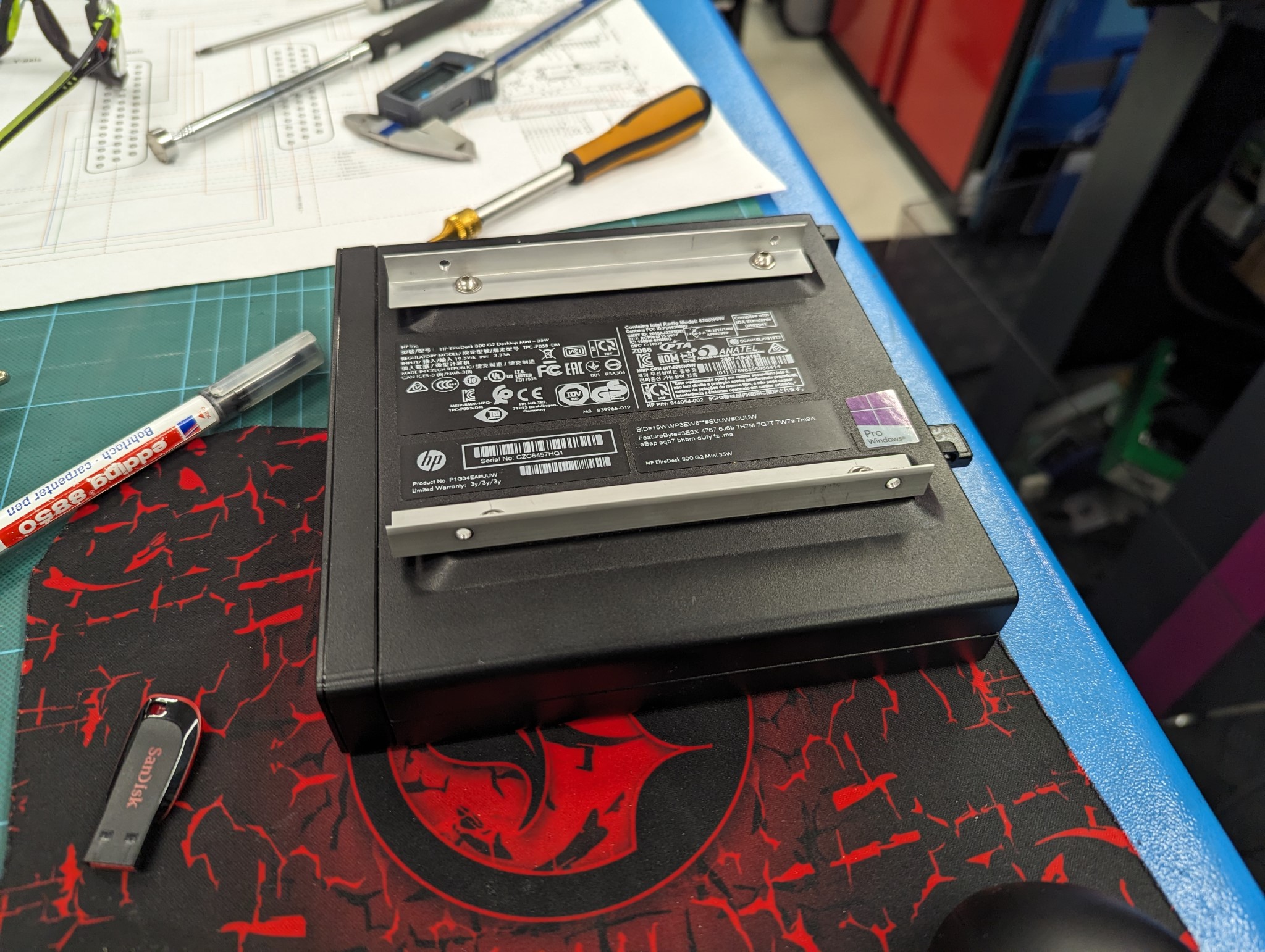
This meant I had to revise my recently built control panel slightly. As I had built a rail based mounting system on the back of the monitor I had to build two new rails for the Elitedesk.
Once Probe Basic was up and running I came across some very strange work offset coordinate errors that I couldn't find anything about online.
Turned out that my e-stop related HAL changes somehow interfered with the initialization of the current offset in Probe Basic.
I didn't fully manage to find the root cause of this but I was able to find a workaround by changing the initialization as described in this thread:
forum.linuxcnc.org/qtpyvcp/50922-configu...ied-properly?start=0
The only thing I have left software wise for now is to modify Probe Basic in some way so that I can control the jog speed of my physical buttons but I'll tackle that a bit later.
The next step is to modify the mill so that I can add central lubrication and ball screws for X and Y. I'll start with the central lubrication as I'm currently waiting for HTD 5M pulleys and polyamide belts from Norelem for the ball screws.