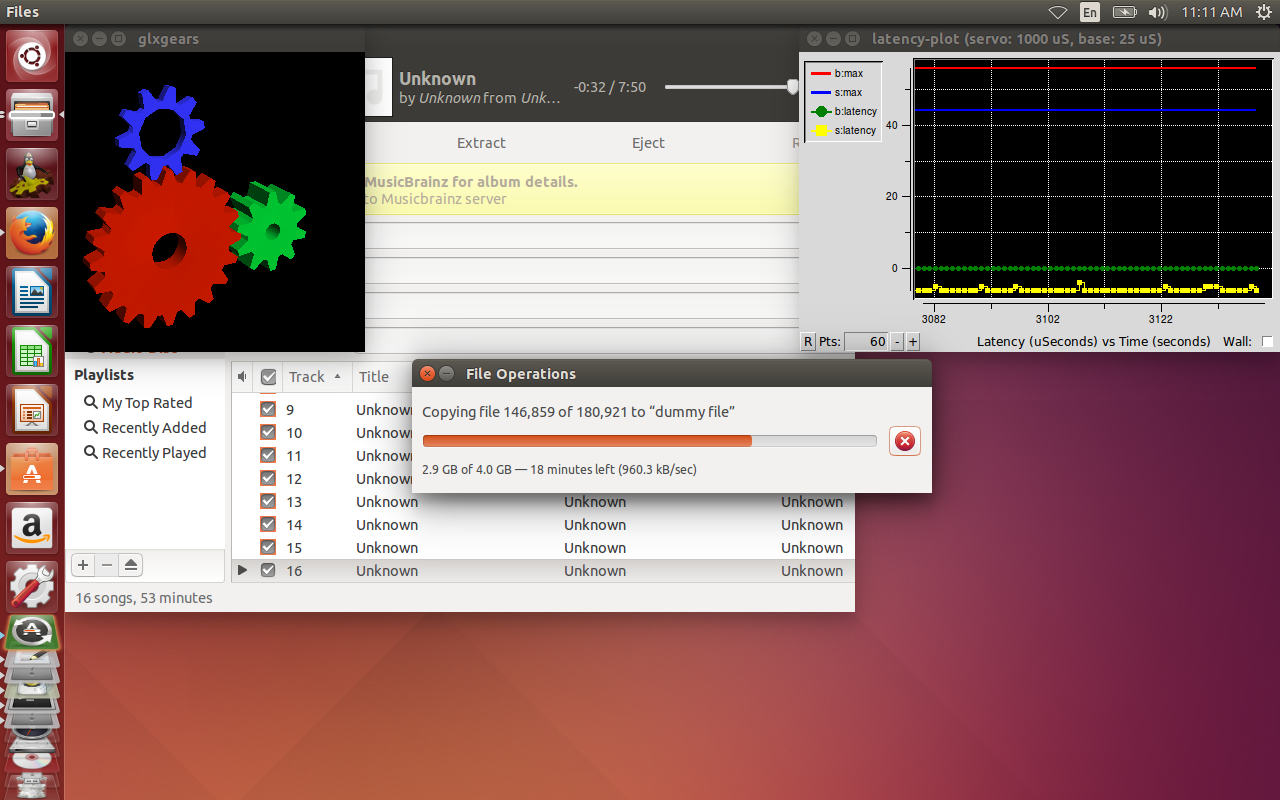
long story short the rtai kernel seems to start of really well, but during the test there are several spikes i cant attribute to anything. there random, far between, and while watching active processes i can see no trigger i can control. this is unlike the rt kernel which has initially poorer results, but is more consistent, and i can attribute the spikes to certain processes, in which modifying there priorities usually fixes them.
Pls remember that i am running these tests with onboard audio and video, due to the nature of a laptop, and i believe that using a docking station and an external vga monitor will alleviate some of the spikes in the rt, and possibly the rtai. Its hard to tell about the rtai kernel so it may be the only problem. i do see the xorg process, (responsible for the video), show up quite often claiming a 100% of cpu usage, but it doesn’t correspond with the worst spikes. Although it seems to be very short of an interrupt, say if it happens at the same time as another common interupt (compiz, responsible for gui windows operating properly), it could explain the spikes. Due to the frequency that the program checks process usage, it is entirely possible they happen quickly between checks.
Additionally this would mean that the rtai kernels may need some slight modifications to operate well on a laptop.
ill try to build a kernel locally to change a few things but i believe that the rtai kernel is best suited to a desktop environment at this time.
For laptop users i would ask that you consider using the rt kernel for now and run several tests before trusting your computer running with the smi turned off as outlined in other posts in this topic. The other option is to build a cooling table, in which you focus airflow through the vents on the bottom... Also if possible using a docking station and external monitor would remove some of the spikes as i mentioned before, and if you already have good results, you can only expect better.
Using a custom cooling pad and docking station makes sense. if you are using your laptop as an all in one, you can draw your designs watching tv in bed, and simply plug it into your docking station with custom cooling pad when your ready to bring your designs to life.